
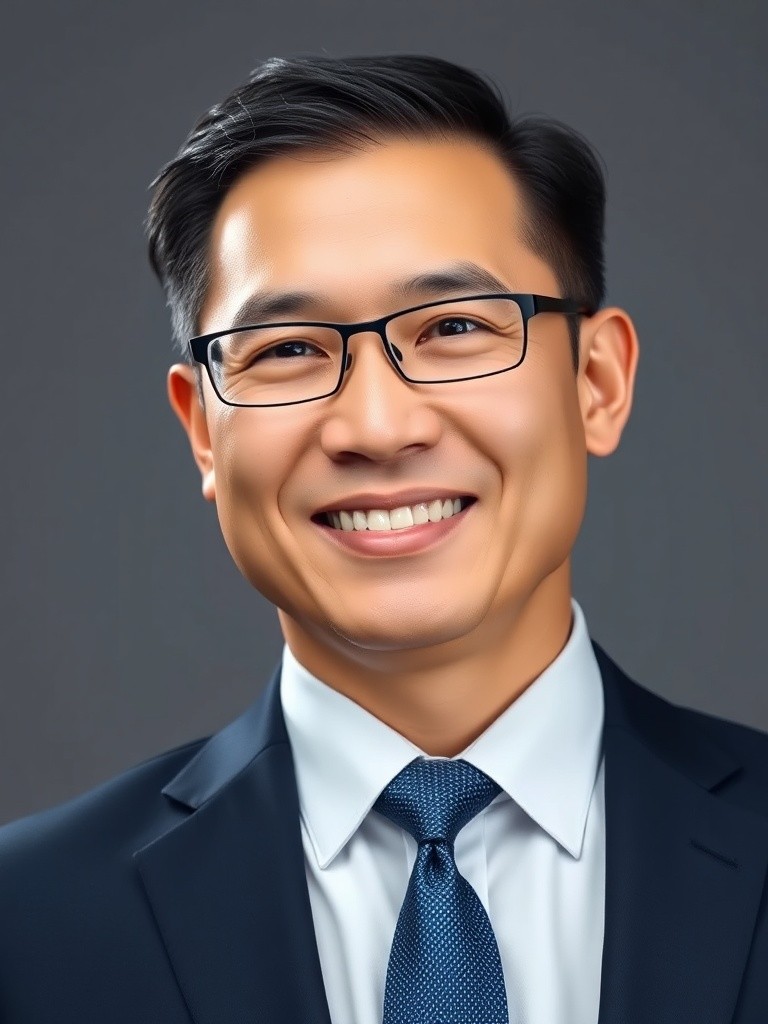
Image-to-Image
Natural Headshot Retouch
LinkedIn headshots, speaker bios, team pages, and profile photos
Best for: LinkedIn headshots, speaker bios, team pages, and profile photos
#photo-editing#portrait#retouch
AI Photo Editing Prompt Library
Copy prompt examples for editing uploaded photos: retouch portraits, clean product shots, replace backgrounds, enhance quality, and prepare social visuals.
Start with examples organized by the edits people actually need: face-safe retouching, background swaps, ecommerce product cleanup, quality enhancement, object removal, and social-ready crops.
Natural Headshot Retouch
LinkedIn headshots, speaker bios, team pages, and profile photos
Best for: LinkedIn headshots, speaker bios, team pages, and profile photos

Clean Background Swap
Profile photos, creator portraits, service pages, and clean studio-style edits
Best for: Profile photos, creator portraits, service pages, and clean studio-style edits
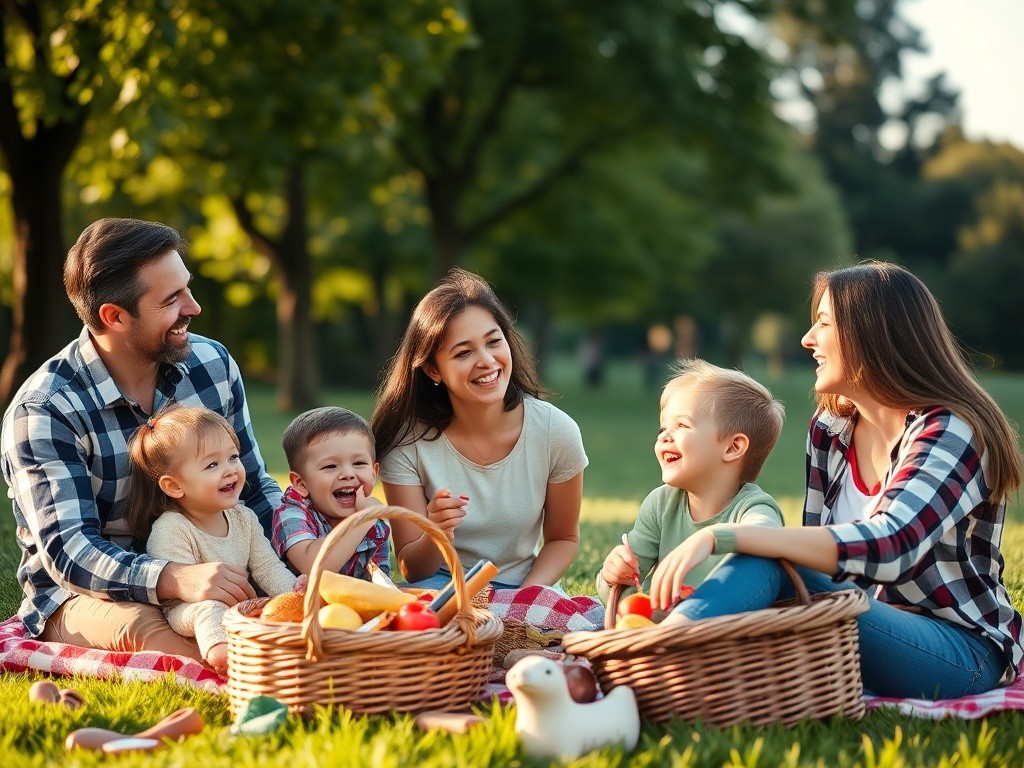
Object Removal Cleanup
Travel shots, personal photos, social posts, and small business images
Best for: Travel shots, personal photos, social posts, and small business images
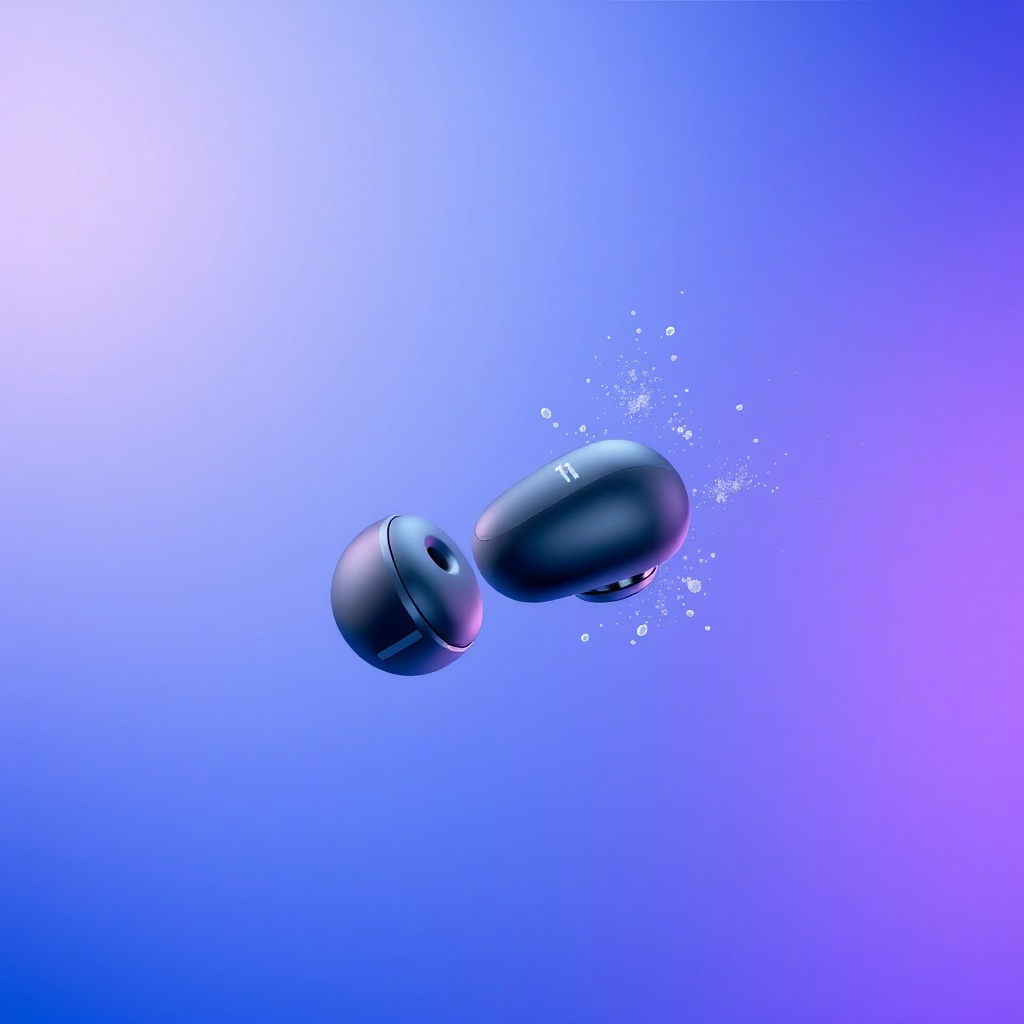
Ecommerce Product Cleanup
Shopify, Etsy, Amazon, marketplace listings, and product catalogs
Best for: Shopify, Etsy, Amazon, marketplace listings, and product catalogs

Lifestyle Product Scene
Landing pages, social commerce, ad creatives, and product launch visuals
Best for: Landing pages, social commerce, ad creatives, and product launch visuals
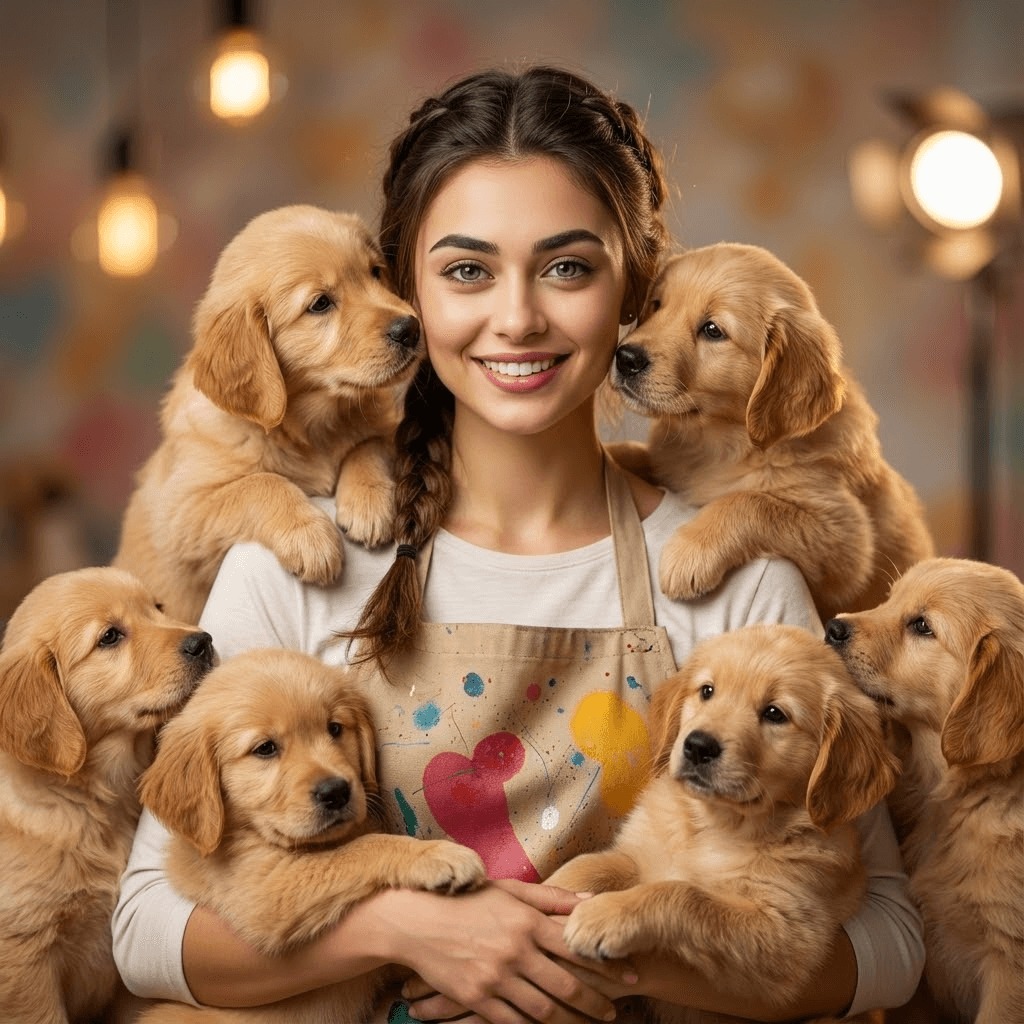
Quality Enhancer
Improving dark, blurry, noisy, or low-contrast photos before publishing
Best for: Improving dark, blurry, noisy, or low-contrast photos before publishing

Old Photo Restoration
Family archives, scanned photos, faded prints, and damaged portraits
Best for: Family archives, scanned photos, faded prints, and damaged portraits
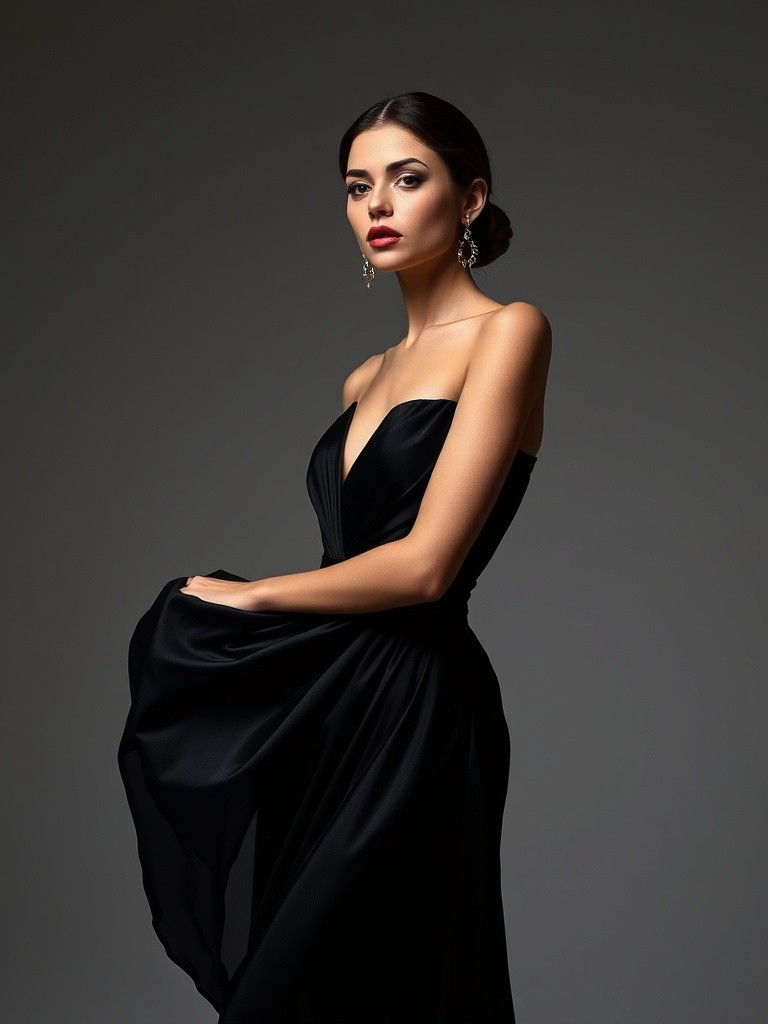
Outfit Recolor
Fashion tests, creator looks, ecommerce variants, and wardrobe previews
Best for: Fashion tests, creator looks, ecommerce variants, and wardrobe previews
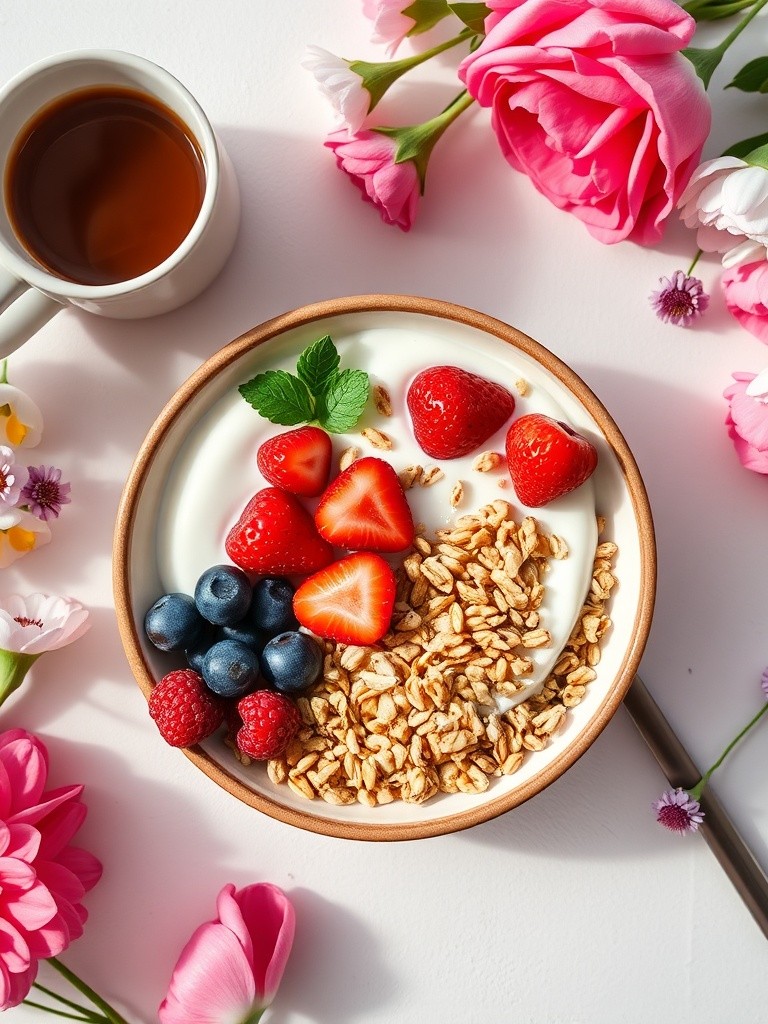
Social Cover Polish
Instagram posts, TikTok covers, Pinterest pins, and carousel covers
Best for: Instagram posts, TikTok covers, Pinterest pins, and carousel covers
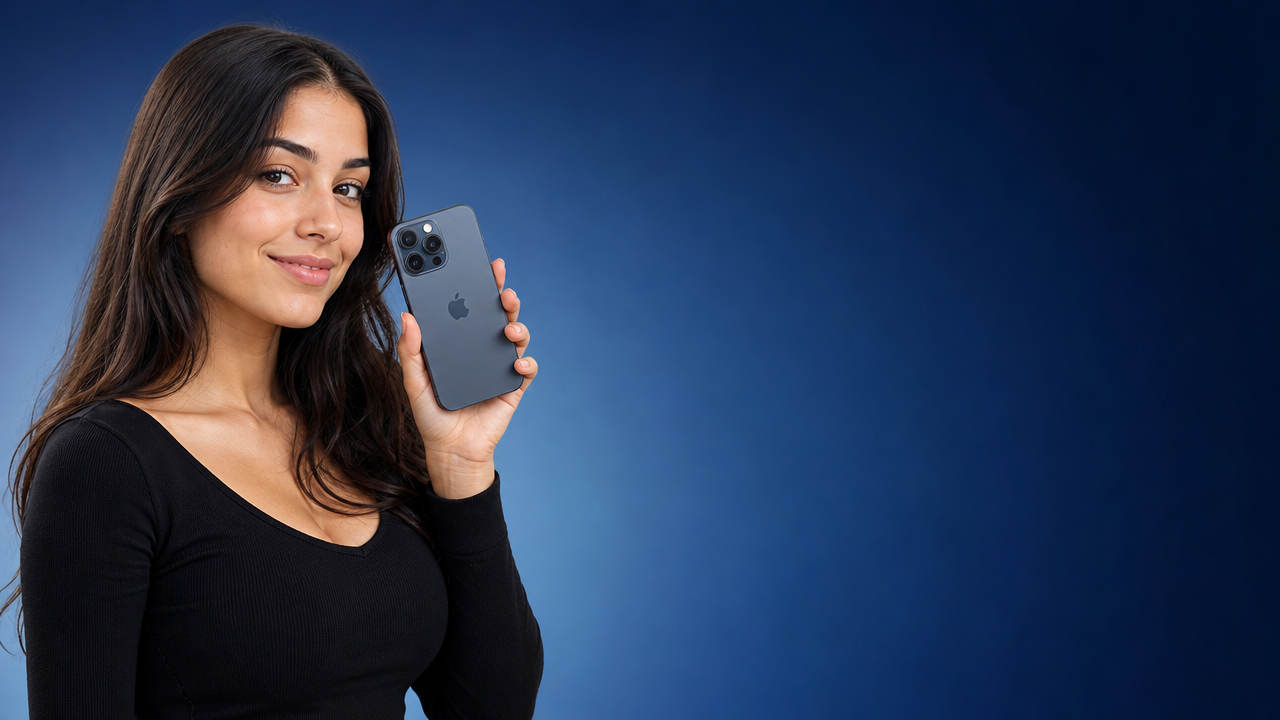
Thumbnail Base Edit
YouTube thumbnails, tutorial covers, launch previews, and paid social crops
Best for: YouTube thumbnails, tutorial covers, launch previews, and paid social crops
AI photo editing prompts are instructions for changing an existing image, not just generating a new one from scratch. A useful prompt says what to edit, where the change should happen, what style the result should follow, and which details must remain unchanged.
This matters because many photo edits need control: the same face, the same product, the same logo placement, the same pose, or the same camera angle. PhotoPrompt turns that control into reusable examples you can copy, customize, and open in a multi-model image workflow.
Practical Edit Formula
Action + Source Photo + Edit Area + Desired Result + Preserve List + Quality Guardrails
The strongest edits tell the model what to protect before asking for the transformation.
Use direct verbs such as replace, remove, retouch, relight, restore, enhance, recolor, extend, crop, or restyle.
Point to the background, shirt, sky, product surface, face, corner, text area, or object that should change.
Preserve identity, skin texture, product shape, labels, logos, clothing, camera angle, composition, and lighting direction when accuracy matters.
Ask for natural shadows, clean edges, realistic texture, accurate color, no fake text, no warped hands, and no over-processed finish.
The keyword cluster points to tasks with clear commercial or personal value, especially when the prompt protects what should not change.
Portrait Retouching
Improve lighting, skin tone, background, or wardrobe while keeping the same face, expression, hair, body proportions, and natural texture.
Product Cleanup
Create cleaner ecommerce images, preserve packaging and color, add natural shadows, and avoid distorted labels or misleading details.
Background Replacement
Swap a cluttered scene for a studio, office, outdoor, or brand setting while matching edges, perspective, and light direction.
Quality Enhancement
Sharpen, denoise, relight, restore, color-correct, or crop photos without inventing new details or changing the original subject.
Use these short patterns when you need a repeatable text structure before writing the final prompt.
Identity-Safe Portrait Template
Edit the uploaded portrait. Change only [specific target] to [desired result]. Preserve the same face, facial structure, expression, hairstyle, skin texture, clothing, pose, and camera angle. Keep lighting realistic and avoid plastic skin, face reshaping, or an artificial AI look.
Product Accuracy Template
Edit the uploaded product photo for [platform/use]. Preserve the exact product shape, color, material, label placement, logo area, scale, and camera angle. Change [background/lighting/surface] to [specific result]. Avoid fake text, distorted packaging, extra products, or misleading size changes.
Background Swap Template
Replace only the background with [new setting]. Keep the subject, pose, outfit, product details, foreground lighting, and camera perspective unchanged. Match the new scene's shadows and color temperature naturally. Avoid rough edges, halos, pasted-on lighting, or changed identity.
Use the page as a prompt starting point, then choose the PhotoPrompt model that matches the job.
4o Image
Best for realistic portraits, reference-guided edits, natural expressions, subtle lighting changes, and keeping people recognizable.
GPT Image 2
Best for product layouts, ad-ready compositions, posters, infographics, and edits that need clear visual structure.
Nano Banana
Best for fast drafts, social ideas, trend tests, moodboards, and quick variations before polishing the best direction.
Nano Banana Pro
Best for polished commercial visuals, product images, higher-resolution assets, clean textures, and brand-ready outputs.
A good editing prompt is written around the final use, not just the visual effect.
LinkedIn headshots, speaker bios, profile pictures, and team portraits
Shopify, Etsy, Amazon, and paid social product photos
Background cleanup, object removal, image restoration, and color correction
Restaurant menu photos, real estate listing visuals, and local business campaigns
Instagram posts, TikTok covers, Pinterest pins, YouTube thumbnails, and carousel covers
Photo enhancement workflows for sharper, cleaner, higher-quality image drafts
Use action, source photo, edit area, desired result, preserve list, and quality guardrails. This gives the model both the change request and the boundaries.
Write an identity lock. Mention the same face, facial structure, expression, hairstyle, age, skin texture, body proportions, pose, and any unique details that must not change.
Preserve the product shape, label placement, logo area, color, material, scale, and camera angle. Ask the model not to add fake text, extra props, altered packaging, or misleading size changes.
Yes. AI photo prompts can describe a new image from scratch. Photo editing prompts usually start from an uploaded image and need stronger instructions about what should stay unchanged.
Yes. The prompts use plain editing language that transfers across image tools, though results vary by model. In PhotoPrompt, copy a prompt, customize the details, choose an image model, and test a first version.
Pick an example, customize the preserve list and edit target, then open it in PhotoPrompt to test a model that fits your photo.