Photo Prompt AI Image Generator and Prompt Library
Create AI images from text prompts, reference photos, or ready-to-use examples. Choose the best model for portraits, products, social posts, posters, pets, and holiday visuals.
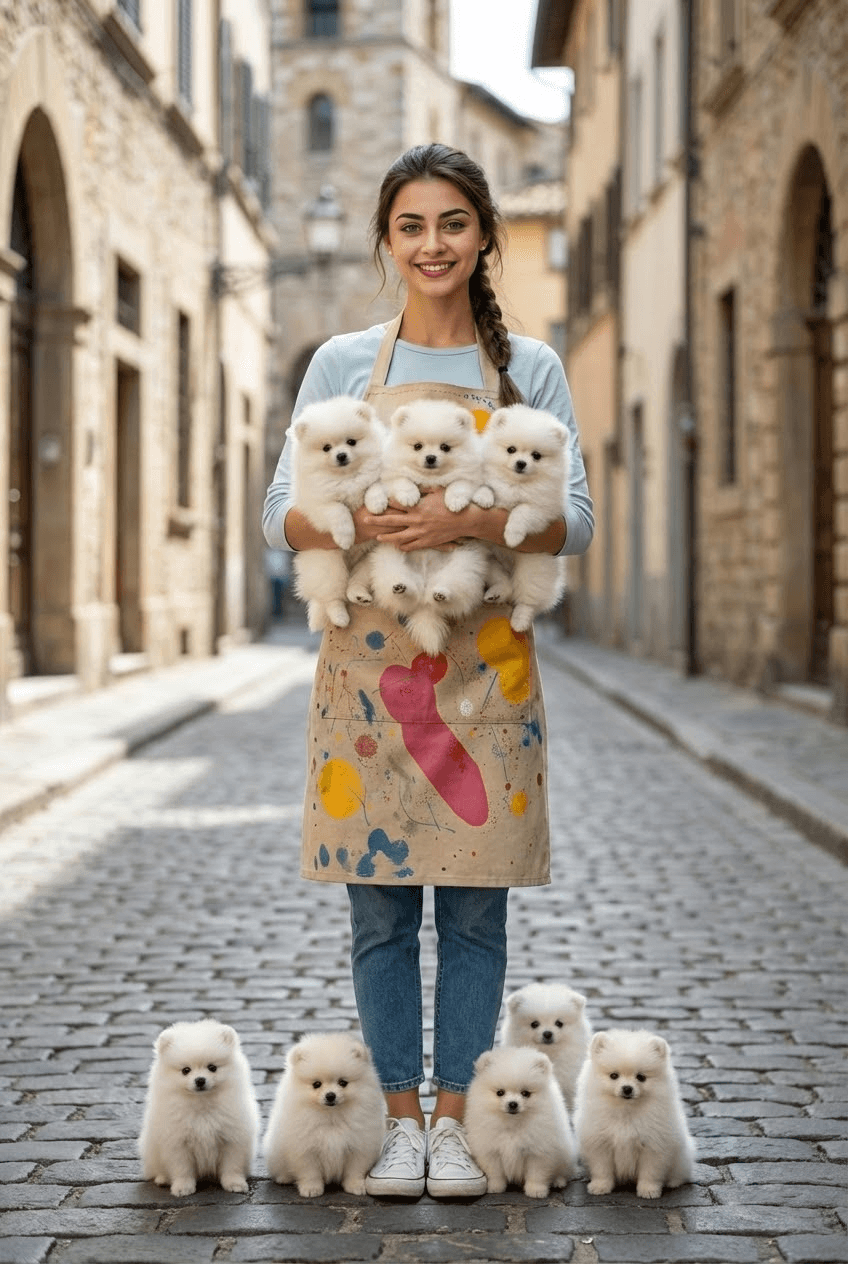
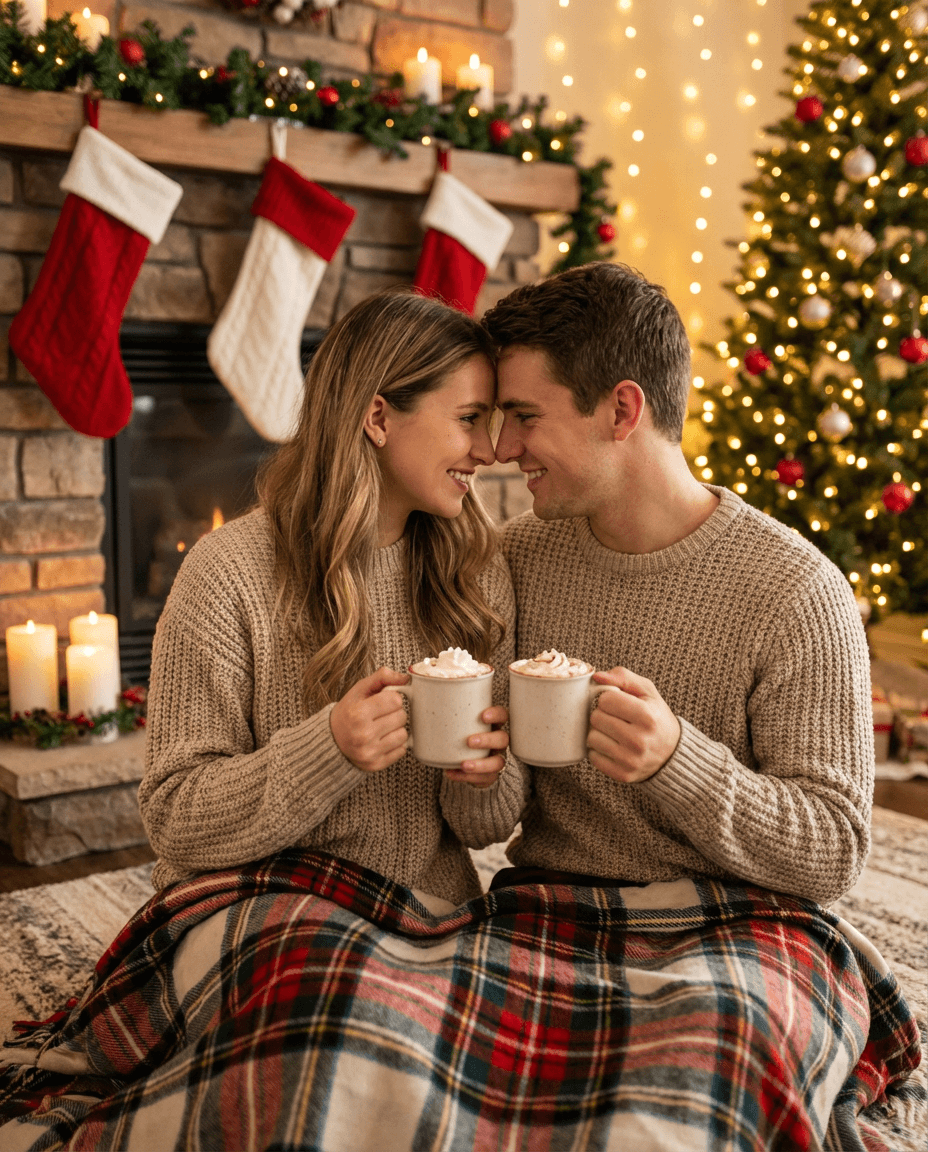
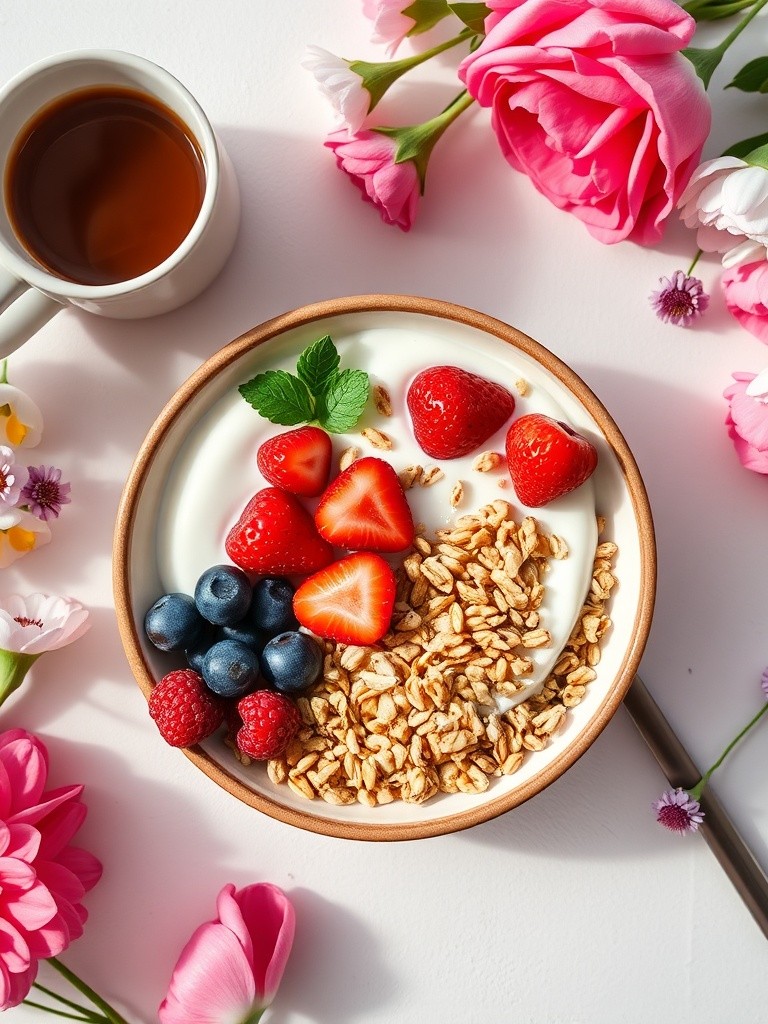
Explore Copy-Paste AI Photo Prompts
Click any example to open it in the generator with the prompt, model, and image settings ready to edit.
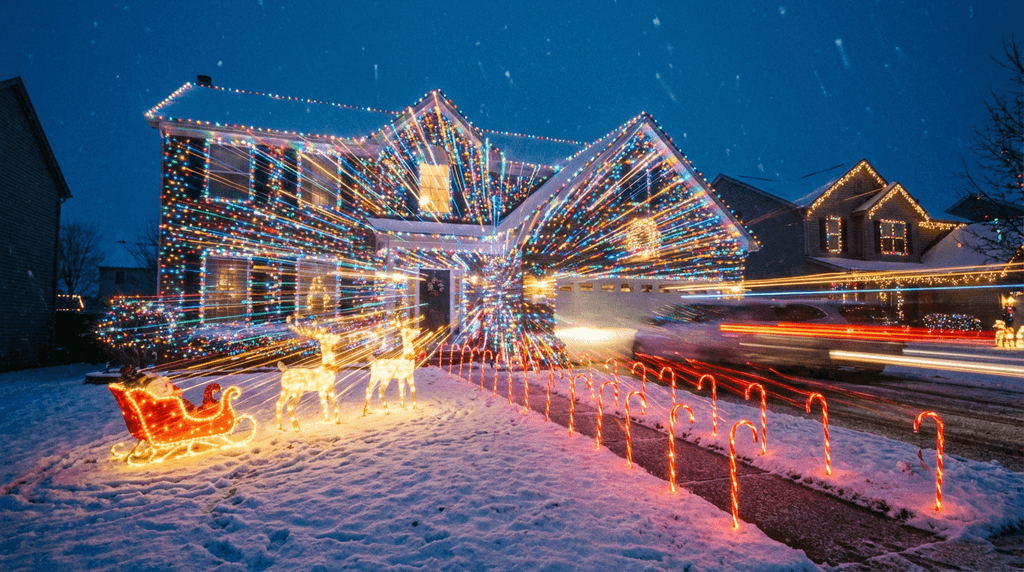
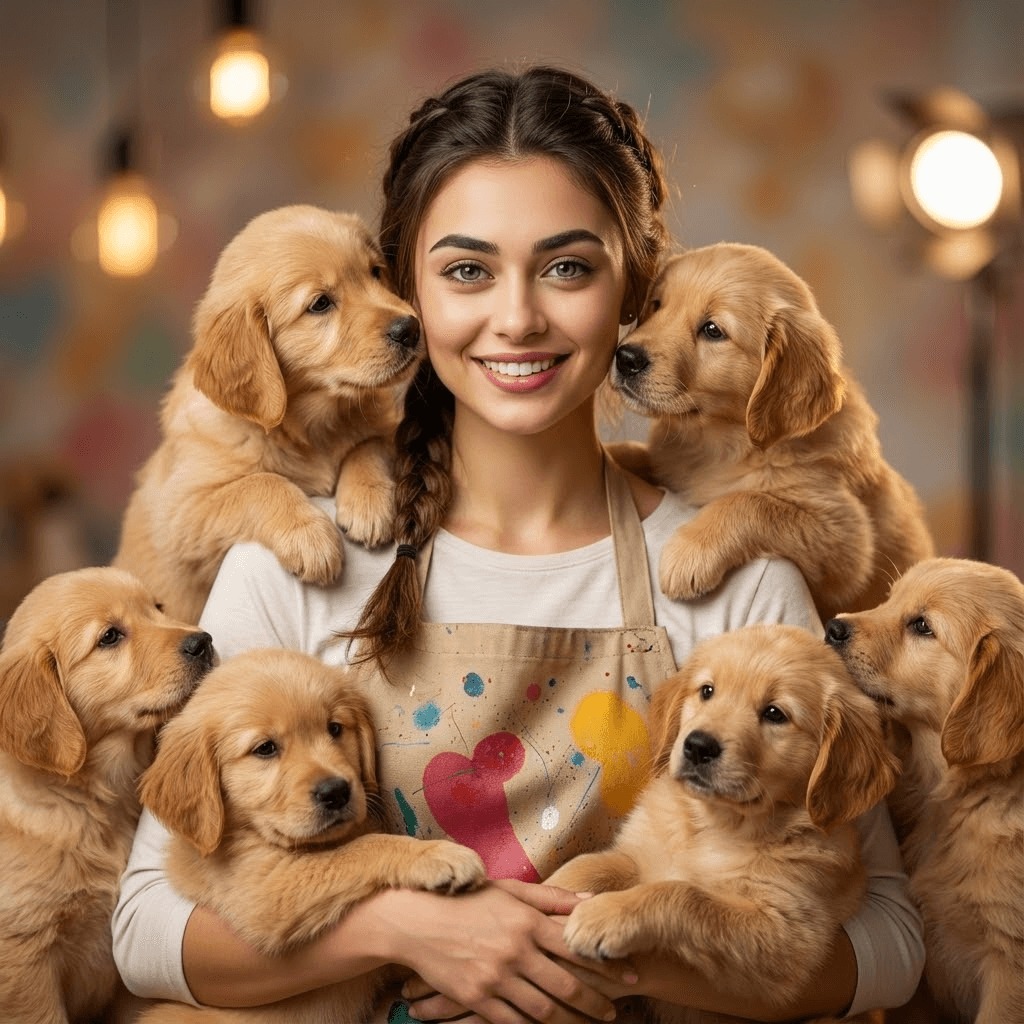
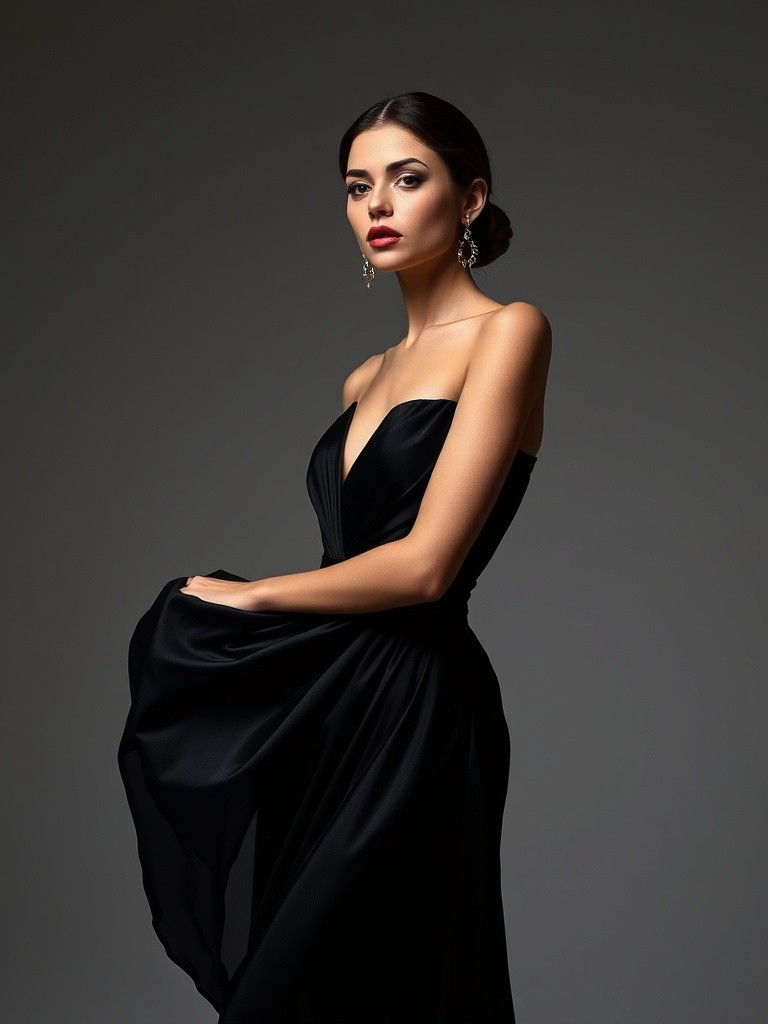
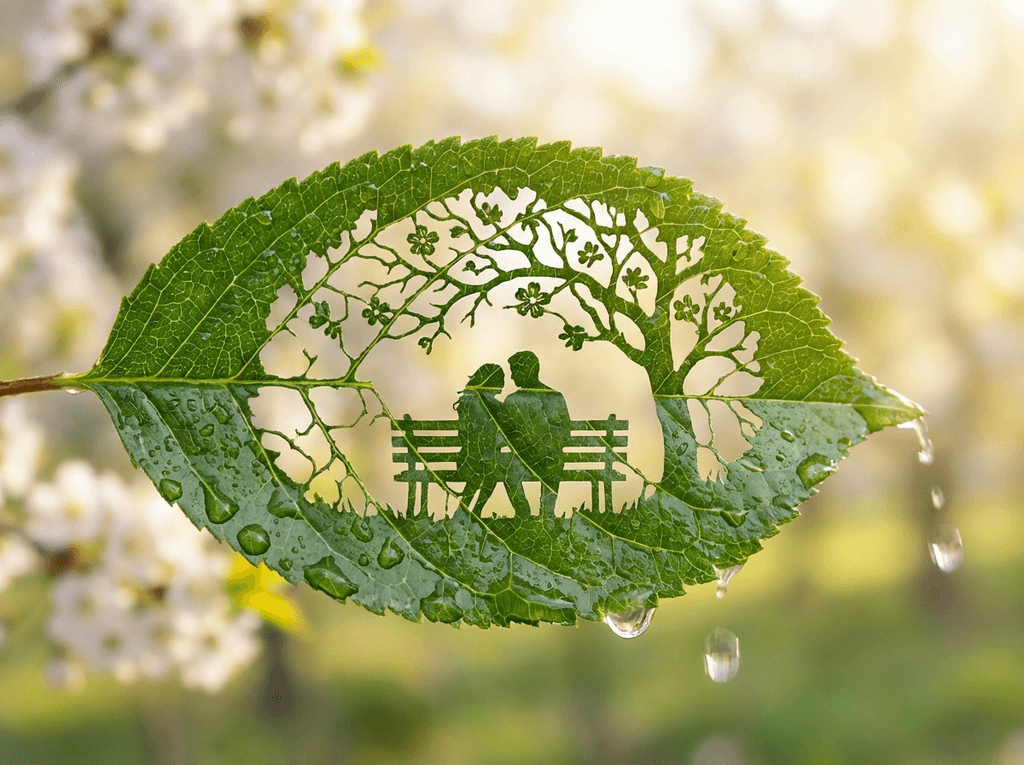
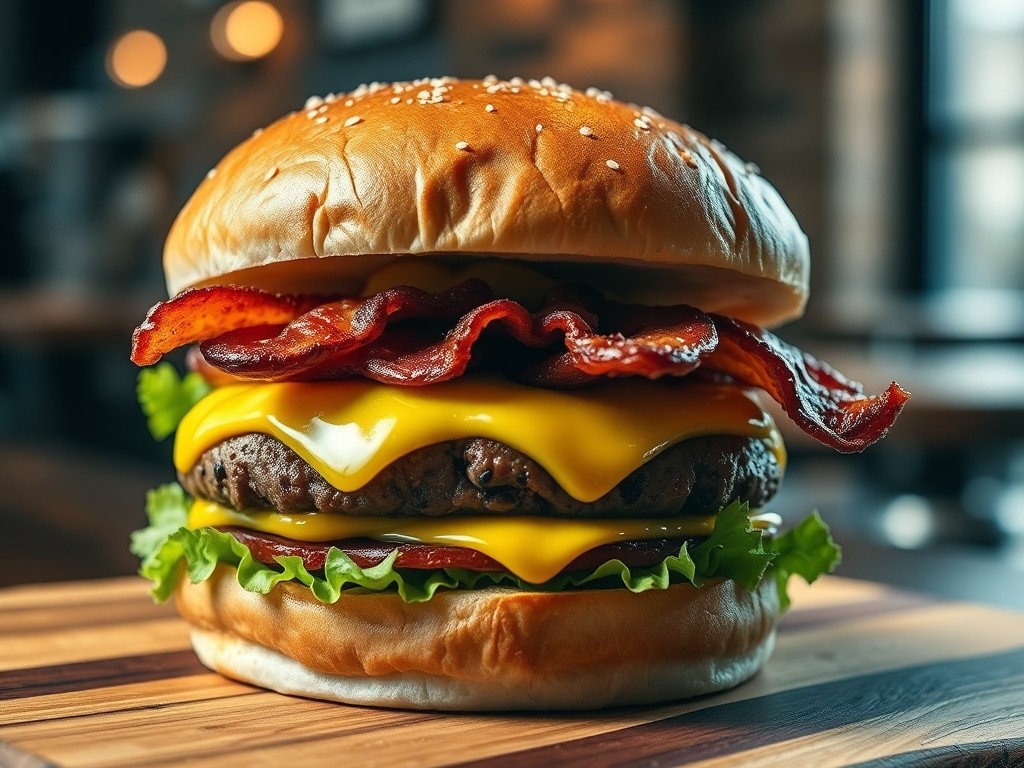
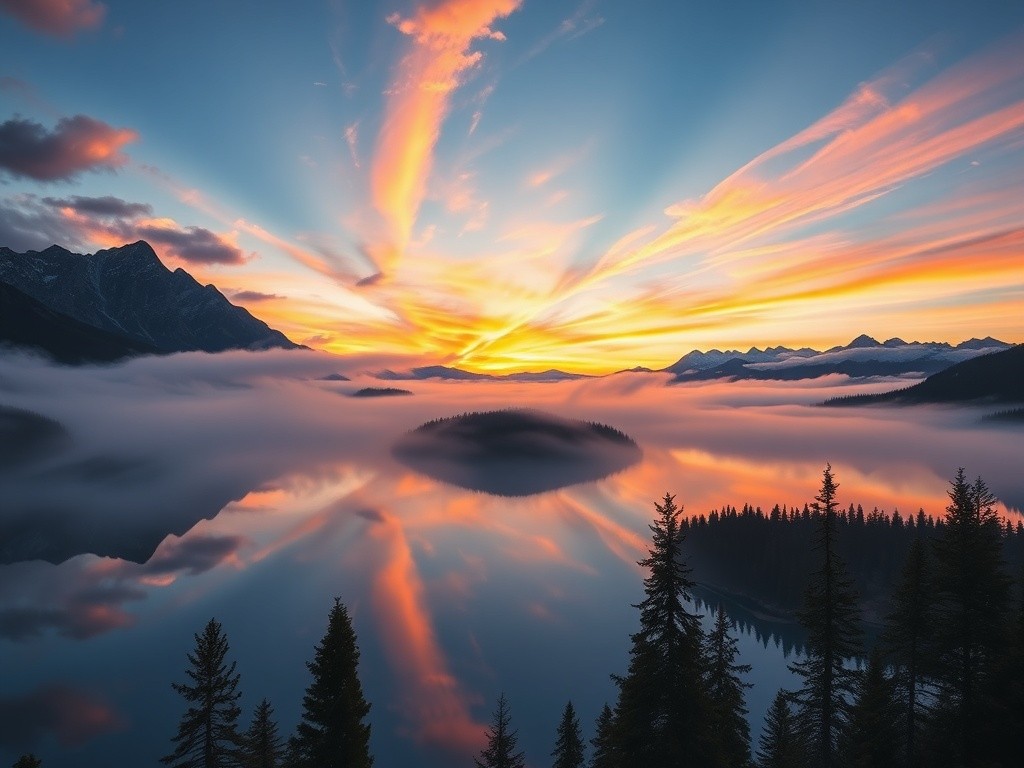
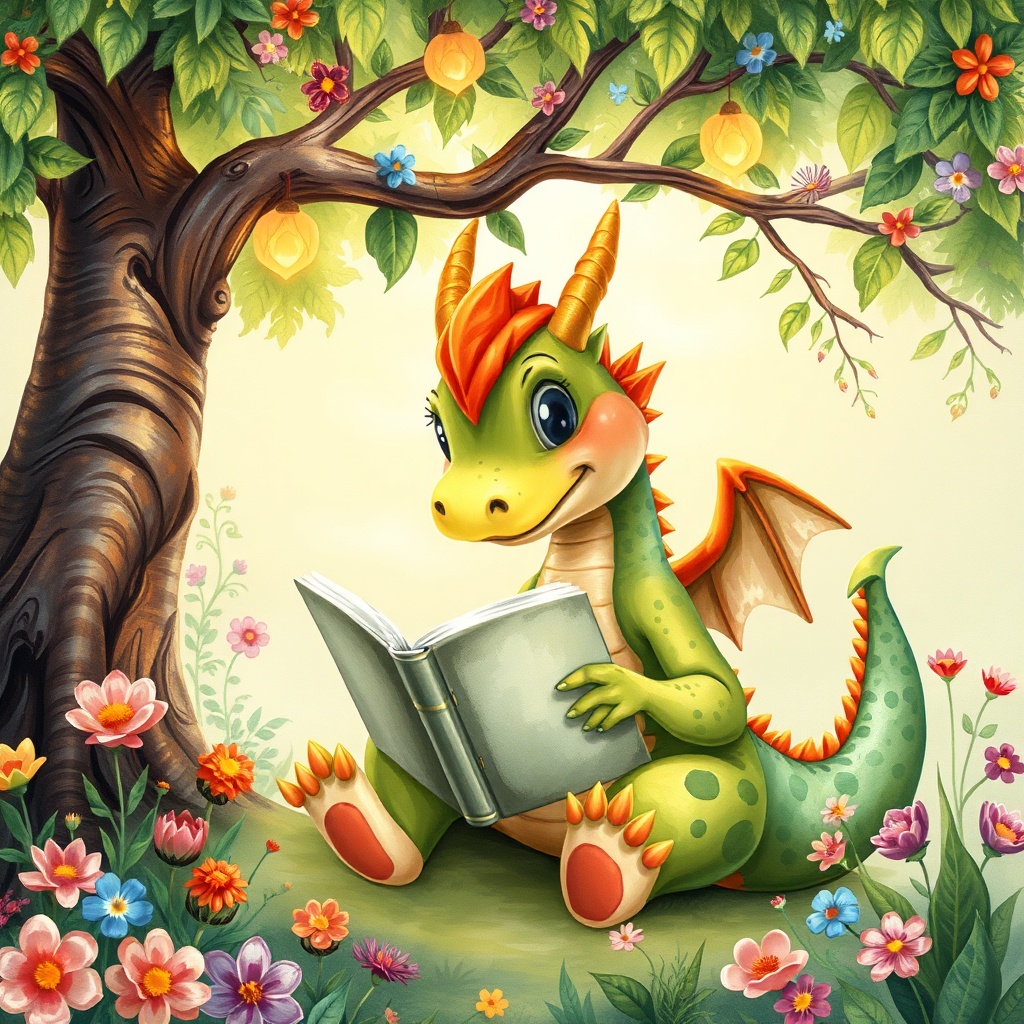
Start from a proven photo prompt for portraits, products, pets, holidays, or social posts.
Adjust the subject, lighting, background, style, model, and aspect ratio before generating.
Send the prompt to the generator, compare outputs, and refine the result for your project.
Featured AI Image Tools
Go beyond basic generation. Use specialized tools to improve prompts, reverse-engineer image styles, and move faster from visual idea to finished AI image.
Image to Prompt Converter
Upload an image and turn it into a detailed AI prompt. Use it to understand composition, lighting, style, subject matter, camera language, and visual structure before generating your own version.
Full-body outdoor portrait, soft daylight, realistic details, fashion styling, elegant background...
Prompt Enhancer
Turn a rough idea into a stronger AI image prompt with richer details for subject, lighting, camera angle, composition, mood, style, and model-friendly instructions.
Photo Prompt Generator
Generate structured photo prompts for portraits, product photos, pets, social media posts, holiday images, posters, and commercial creative assets.
GPT Image 2 Prompt Gallery
Explore GPT Image 2 prompt ideas for posters, typography, infographics, product images, profile avatars, social graphics, and detailed visual layouts.
Choose the Best AI Image Model for Your Prompt
Different prompts work better with different models. PhotoPrompt gives you a flexible multi-model workspace for fast drafts, realistic portraits, image edits, product visuals, typography-heavy posters, and high-resolution creative assets.
GPT Image 2
Advanced Prompt Understanding
Posters, infographics, typography, product concepts, social media graphics, and detailed scene prompts.
Nano Banana
Fast Creative Drafts
Rapid drafts, social media ideas, casual creative testing, and viral prompt experiments.
Nano Banana Pro
High-Resolution Creative Assets
Product visuals, 3D objects, stickers, textures, print-ready artwork, and brand assets.
4o Image
Photorealistic Detail & Flexible Editing
Realistic portraits, image-to-image editing, reference-based prompts, and complex visual direction.
Pro Tip: Not sure which model to use? Browse our AI Photo Prompt Library to see how creators turn copy-paste prompts into portraits, product shots, social graphics, and viral image styles.
What Can You Create with PhotoPrompt?
Use PhotoPrompt to create AI images for content, commerce, personal branding, seasonal campaigns, pet portraits, posters, and design workflows.
The best AI images start with a clear prompt and the right model.
Whether you are building your brand's visual identity, testing product photo concepts, creating social media posts, or reverse-engineering an image style, PhotoPrompt gives you the prompt library and multi-model generator to move from idea to finished visual faster.
Social Media & Viral Content
Create scroll-stopping visuals for Instagram, TikTok, Pinterest, YouTube thumbnails, profile pictures, memes, and viral AI photo trends.
Product Photos & Design Assets
Generate clean ecommerce images, lifestyle product shots, product posters, packaging concepts, stickers, textures, backgrounds, and brand campaign visuals.
Seasonal Campaigns & Pet Portraits
Build Christmas photos, Halloween visuals, Valentine couple portraits, New Year graphics, holiday cards, puppy portraits, cat portraits, and pet-themed social images.
Posters, Typography & Creative Concepts
Use GPT Image 2 prompts for posters, event graphics, educational visuals, infographics, banners, cinematic stills, storyboards, and text-forward compositions.
How to Turn a Photo Prompt into an AI Image
Start with a prompt, choose the right AI model, generate your image, and keep refining until the result matches your idea.
Choose a Prompt or Describe Your Idea
Start with a prompt from the PhotoPrompt library, type your own idea, or upload a reference image. A strong photo prompt usually includes the subject, setting, lighting, camera style, mood, composition, and output format.
Select the Best AI Model
Use GPT Image 2 for detailed layouts, 4o Image for realistic and reference-guided work, Nano Banana for fast drafts, or Nano Banana Pro for high-resolution creative assets. Adjust aspect ratio, file format, image count, and resolution before generating.
Generate, Refine, and Download
Review your AI-generated image, adjust the prompt, switch models, or try a new aspect ratio. Download the final image, copy a share link, or keep iterating until the visual is ready for your project.
"A golden retriever puppy in a vintage instant photo style, sunny backyard, warm afternoon light, realistic fur texture, retro film grain, 4K photography"
Pro Tip: Stuck on what to type? Browse the AI Photo Prompt Library to copy-paste proven prompt structures for portraits, products, pets, holidays, and social content.
A Faster Way to Create, Test, and Improve AI Image Prompts
Start with a proven photo prompt, choose the right AI image model, generate your image, and keep improving the result without rebuilding your workflow from scratch.
Start from a prompt, improve it, compare models, and move from draft to usable visual without rebuilding your workflow.
Multi-Model AI Technology
Switch between GPT Image 2, 4o Image, Nano Banana, Nano Banana Pro, and fast draft models without rewriting your prompt. Compare how each model handles the same idea and choose the best output for your project.
Text-to-Image and Image-to-Image Workflows
Start from a written prompt, upload reference images, or transform an existing photo with clear editing instructions. PhotoPrompt supports original image creation and reference-guided generation in one workspace.
Prompt Library Built for Real Results
Explore practical, copy-paste prompts organized by use case, style, subject, model, and trend. Start with proven prompt structures for portraits, products, pets, holidays, posters, and social content.
Prompt Enhancer and Image to Prompt Tools
Improve rough prompt ideas, add useful visual details, or extract prompt inspiration from an existing image. These tools help you learn how strong image prompts are structured.
Built for Creators, Marketers, and Small Teams
Create assets for social media, ecommerce listings, brand campaigns, thumbnails, blog graphics, presentations, and seasonal marketing without waiting on a full design cycle.
Latest Photo Prompt Guides & AI Image Workflows
Learn how to write better photo prompts, choose the right AI image model, and build practical creative workflows for design, marketing, social content, and visual storytelling.
Frequently Asked Questions
Everything you need to know about photo prompts, AI image generation, prompt libraries, and the models available on PhotoPrompt.
A photo prompt is a written instruction that tells an AI image model what kind of image to create. A strong photo prompt usually includes the subject, setting, lighting, camera angle, style, mood, composition, and output details. For example, instead of writing "a dog," you might write "a golden retriever puppy sitting in a sunlit garden, warm afternoon light, vintage 35mm photography, soft bokeh, realistic fur texture."
A photo prompt usually focuses on realistic or photography-style results, such as portraits, product shots, lifestyle images, pet photos, or holiday pictures. An image prompt is broader and can include illustrations, posters, infographics, 3D renders, typography, anime styles, product mockups, and other visual formats.
The best model depends on the task. GPT Image 2 is strong for detailed layouts, typography, posters, infographics, and product concepts. 4o Image is useful for realistic portraits, image editing, and reference-guided work. Nano Banana is fast for drafts and social media ideas, while Nano Banana Pro is better for polished high-resolution creative assets.
Yes. PhotoPrompt supports image-to-image workflows for models that accept reference images. Upload a photo, describe the change or style you want, and generate a new image based on your reference. This is useful for background changes, product concepts, portrait restyling, social media edits, and creative variations.
Yes. The prompt library is designed for fast creative use. You can copy a prompt, edit the details, or click an example to load it into the generator. Most prompts can be customized by changing the subject, location, lighting, camera style, color palette, aspect ratio, or model.
PhotoPrompt includes prompts for portraits, product photos, LinkedIn headshots, pet portraits, Christmas photos, social media posts, posters, typography, cinematic scenes, infographics, and viral AI styles. The goal is to help you start from a proven structure instead of a blank prompt box.
Yes. PhotoPrompt is a multi-model AI image generator with support for GPT Image 2, 4o Image, Nano Banana, Nano Banana Pro, and fast draft models. You can test the same prompt across different models to see which one works best for your image style and use case.
Yes. Many PhotoPrompt examples are written in a clear, model-friendly style that can also inspire prompts for other creative tools. Results may vary by model, so you may need to adjust details like aspect ratio, negative instructions, text rendering, or reference-image requirements.
PhotoPrompt is building Image to Prompt workflows that help you analyze an existing picture and turn it into a detailed text prompt. This is useful for learning how images are structured, recreating a visual style, or creating variations from a reference image.
PhotoPrompt is built for creators, marketers, founders, and small teams. You can use generated visuals for social content, product concepts, campaign drafts, presentations, and creative workflows, subject to the terms of the model, platform, and plan you use.
Generation time varies by model and resolution: • Basic Model: 15-30 seconds • Nano Banana: 15-30 seconds • 4o Image: 30-60 seconds • GPT Image 2: usually longer for more complex or higher-resolution outputs • Nano Banana Pro: 30-120 seconds depending on resolution and workload Complex prompts, reference images, and higher-resolution settings can take more time.