
Image-to-Image
Window-Light Professional Headshot
LinkedIn headshots, profile photos, professional portrait upgrades
Best for: LinkedIn headshots, profile photos, professional portrait upgrades
#gemini#photo-prompt#portrait
Gemini Photo Prompt Guide
Copy prompt examples for realistic portraits, same-face edits, couple photos, travel scenes, passport drafts, and social-ready image ideas.
Start with prompt ideas mapped to high-volume searches: copy-paste photo editing, couple portraits, professional headshots, passport-style drafts, photo enhancers, and realistic social edits.
Window-Light Professional Headshot
LinkedIn headshots, profile photos, professional portrait upgrades
Best for: LinkedIn headshots, profile photos, professional portrait upgrades
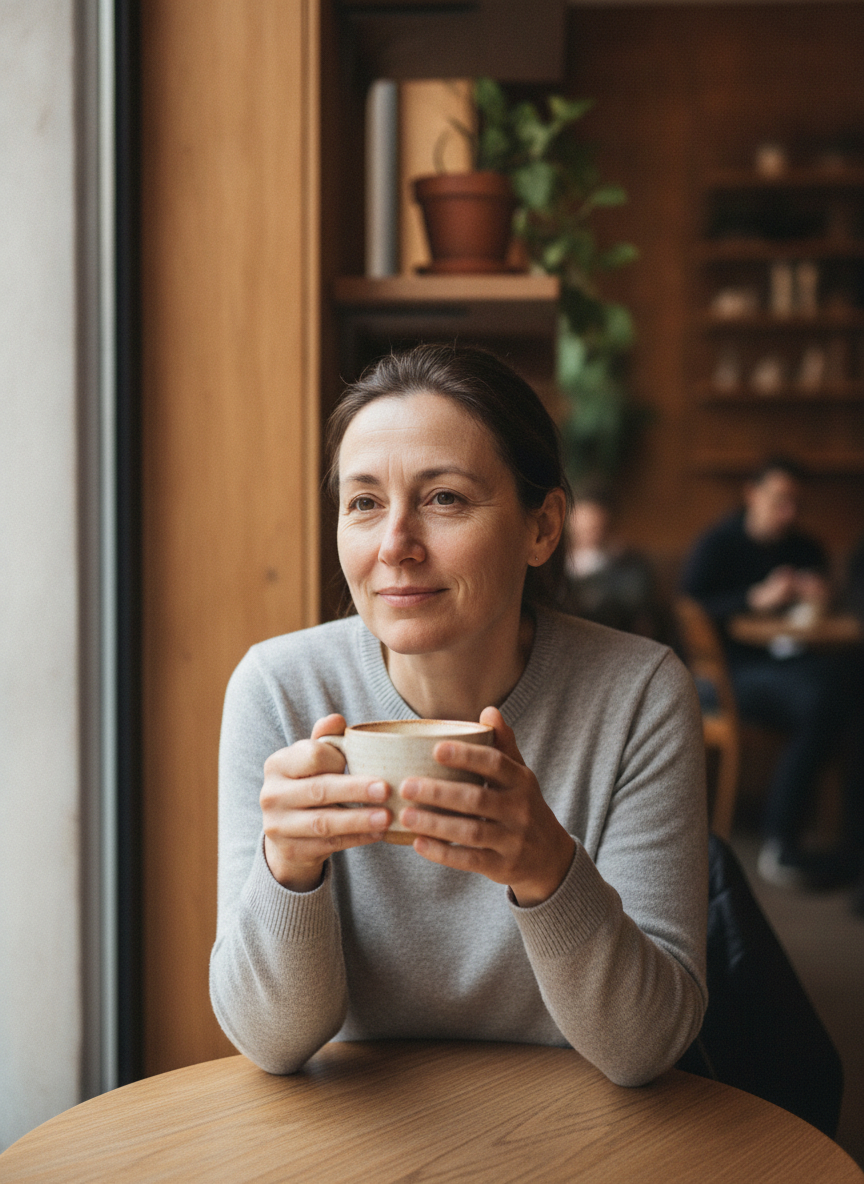
Candid Cafe Smartphone Portrait
Lifestyle profile photos, creator portraits, casual personal branding
Best for: Lifestyle profile photos, creator portraits, casual personal branding
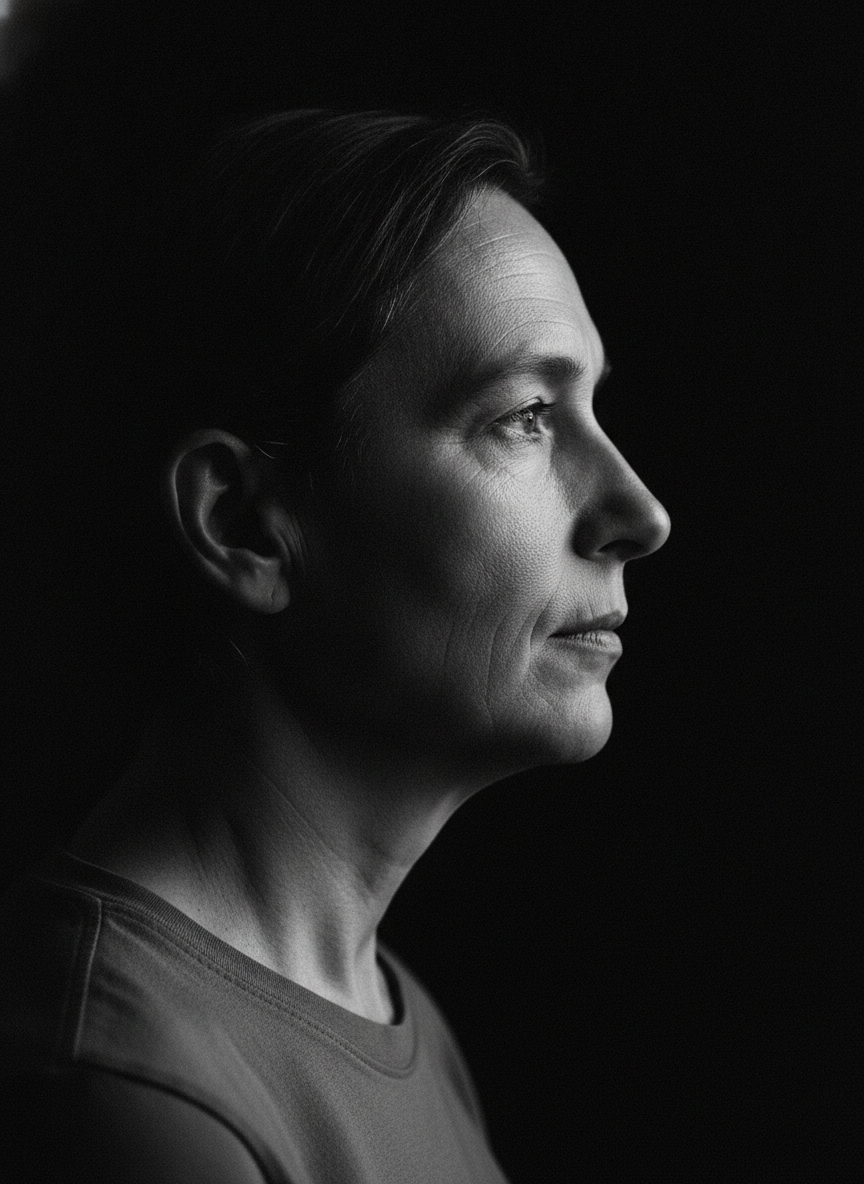
Black-and-White Profile Portrait
Editorial profile portraits and dramatic avatar updates
Best for: Editorial profile portraits and dramatic avatar updates
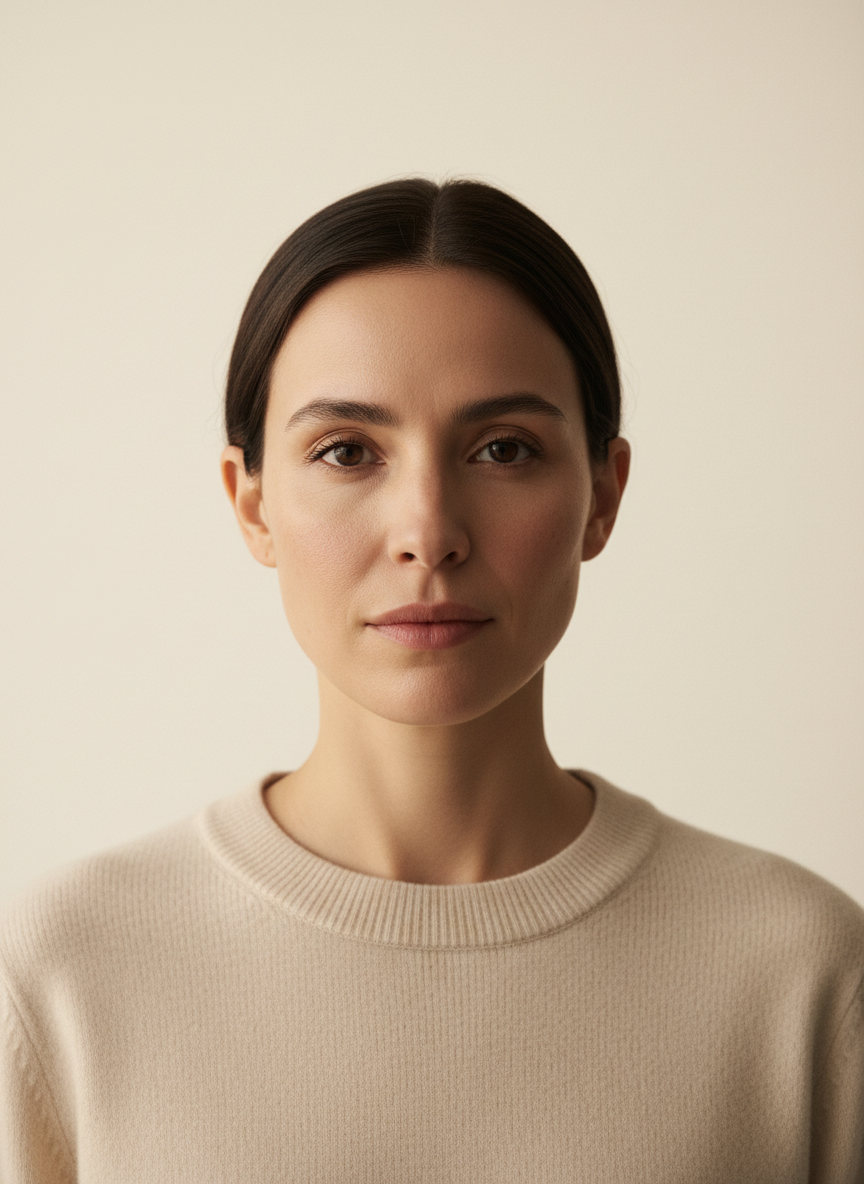
Minimalist Studio Portrait
Clean avatars, author photos, minimalist personal branding
Best for: Clean avatars, author photos, minimalist personal branding
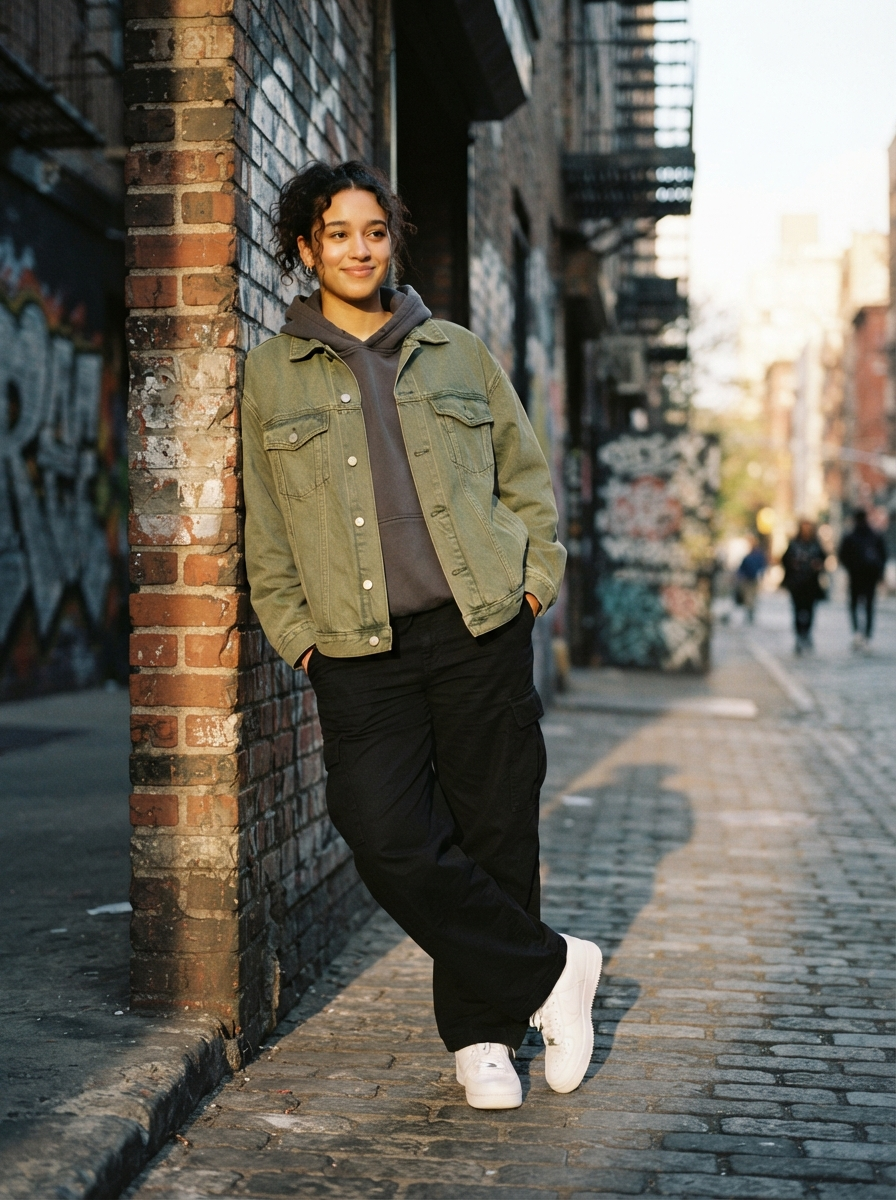
Streetwear Lifestyle Photo
Fashion avatars, lifestyle posts, outfit previews
Best for: Fashion avatars, lifestyle posts, outfit previews
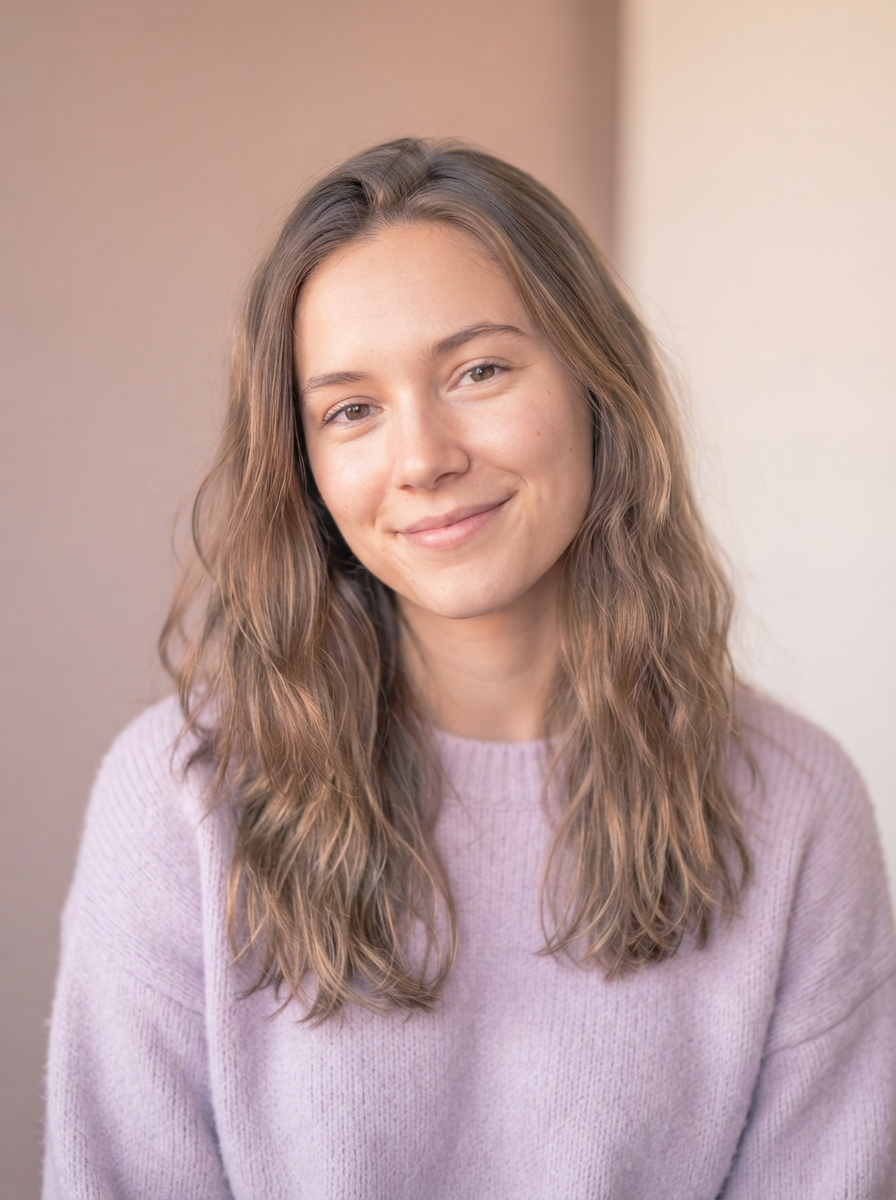
Soft Pastel Aesthetic Portrait
Soft profile photos, creator avatars, social portraits
Best for: Soft profile photos, creator avatars, social portraits

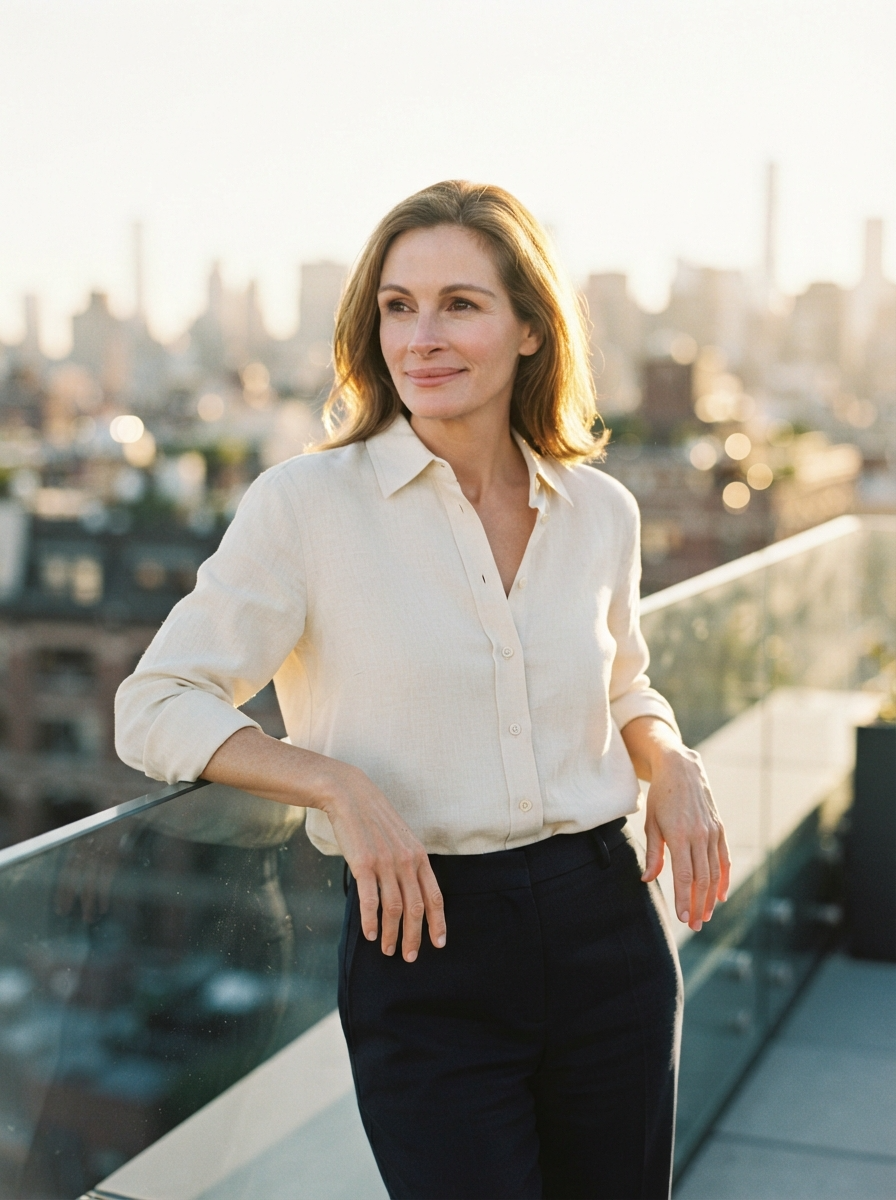
Golden Rooftop Lifestyle Portrait
Personal branding, social portraits, lifestyle profile images
Best for: Personal branding, social portraits, lifestyle profile images
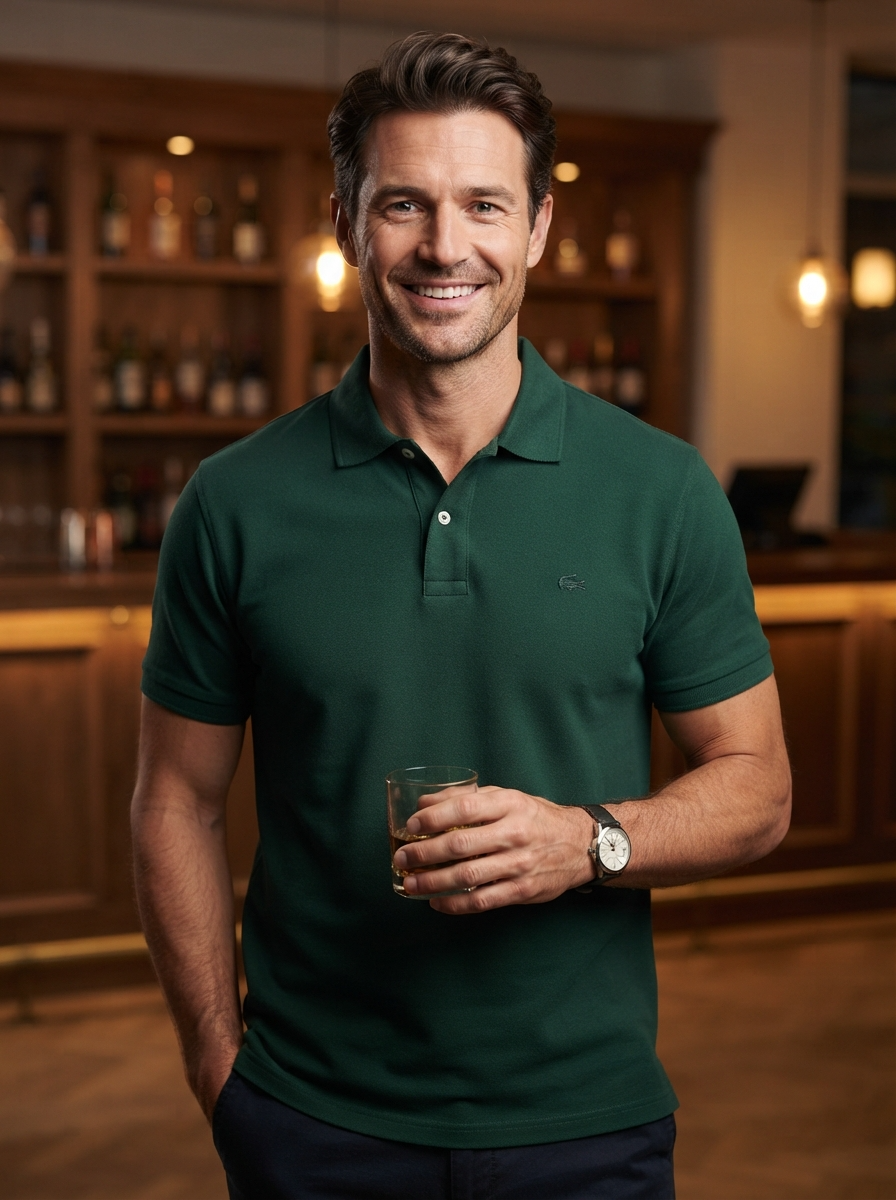
Formal Blazer Portrait Upgrade
Professional wardrobe edits and resume-style portraits
Best for: Professional wardrobe edits and resume-style portraits
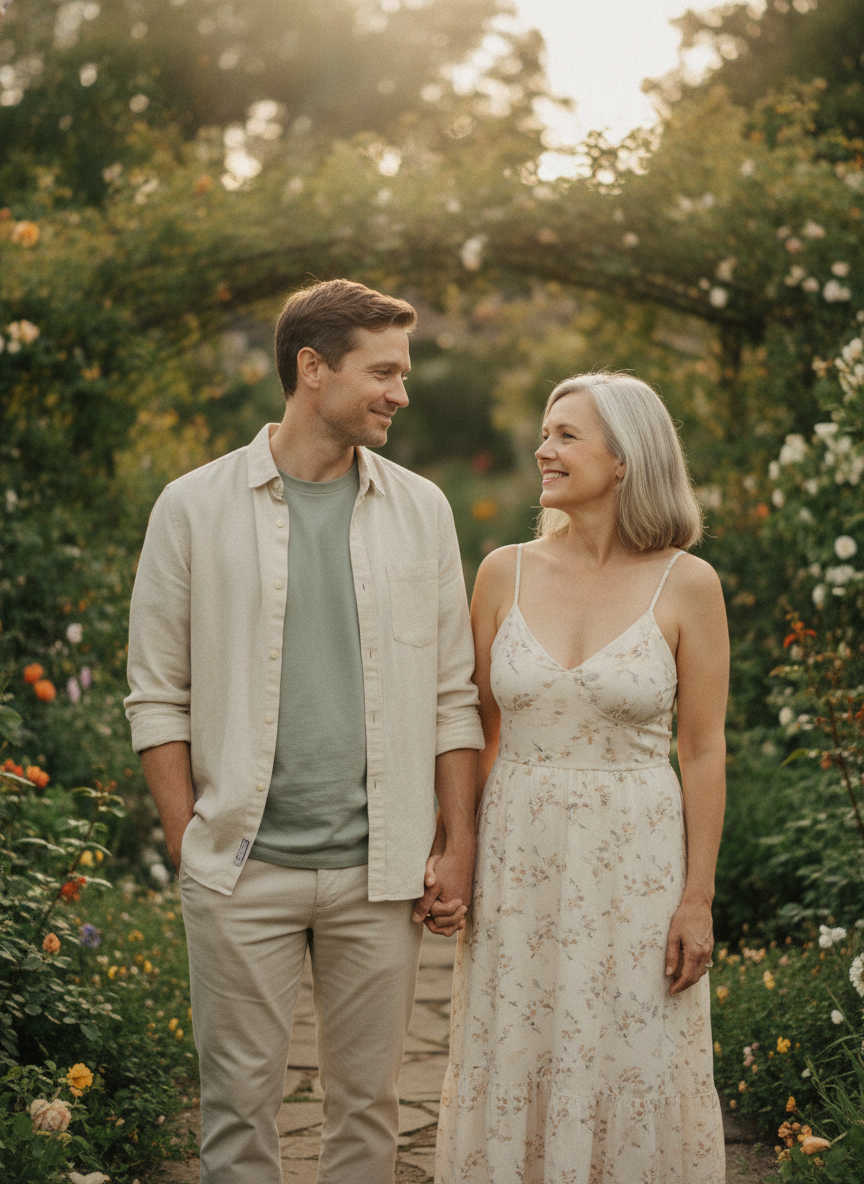
Garden Couple Photo Session
Couple portraits from two references and pre-wedding concepts
Best for: Couple portraits from two references and pre-wedding concepts
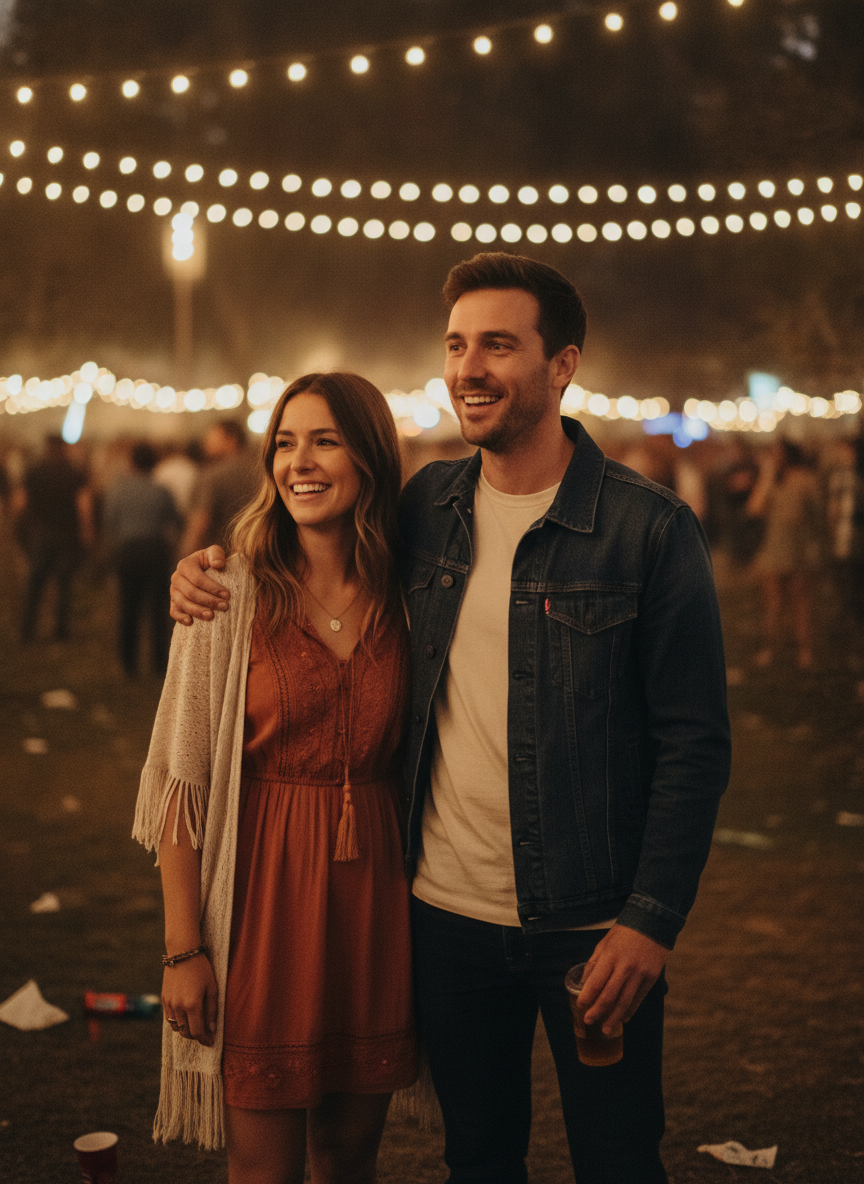
Festival Couple Portrait
Social couple edits and event-style portraits
Best for: Social couple edits and event-style portraits
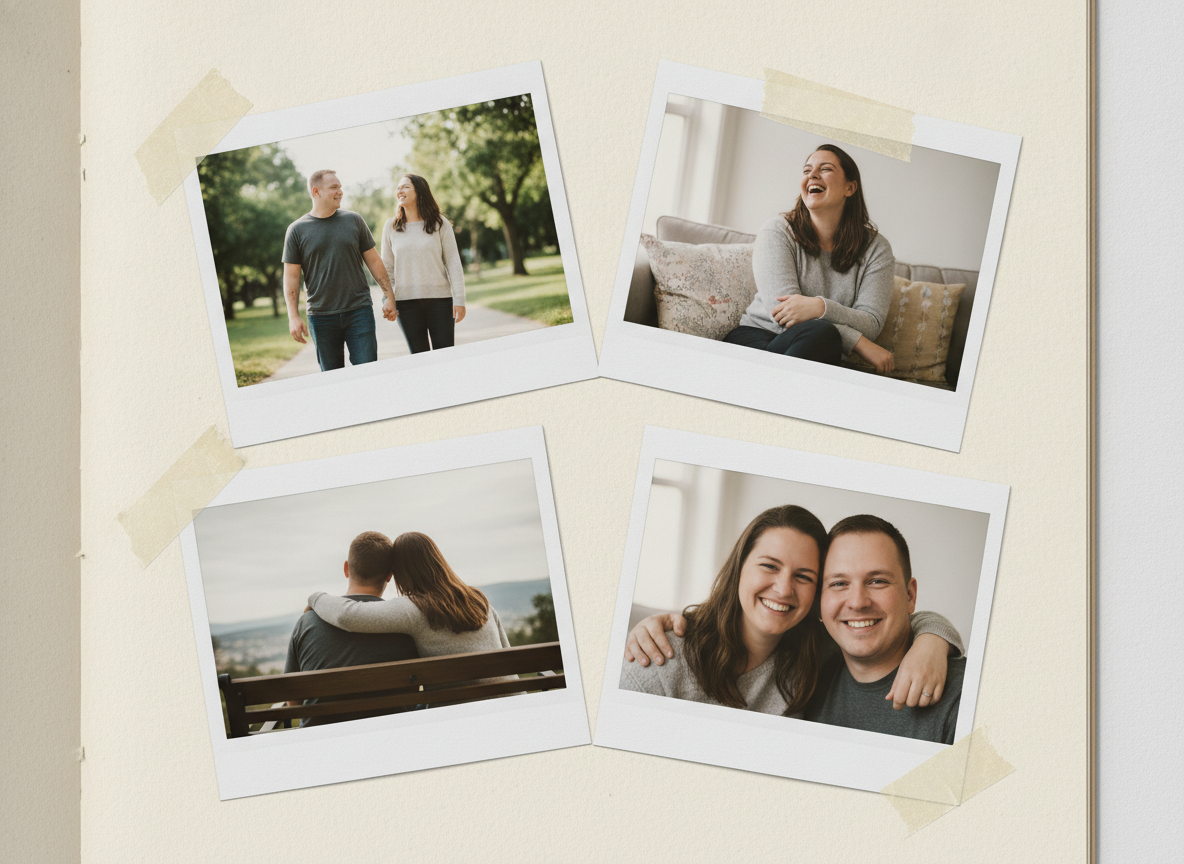
Polaroid Couple Memory Collage
Anniversary collages, memory posts, romantic edits
Best for: Anniversary collages, memory posts, romantic edits

Clean Background Swap
Profile cleanup, resume photos, professional background edits
Best for: Profile cleanup, resume photos, professional background edits
Skyscraper Background Edit
Dramatic profile edits and travel-style background swaps
Best for: Dramatic profile edits and travel-style background swaps

Outfit Color Change
Wardrobe color tests, ecommerce styling, profile refinements
Best for: Wardrobe color tests, ecommerce styling, profile refinements
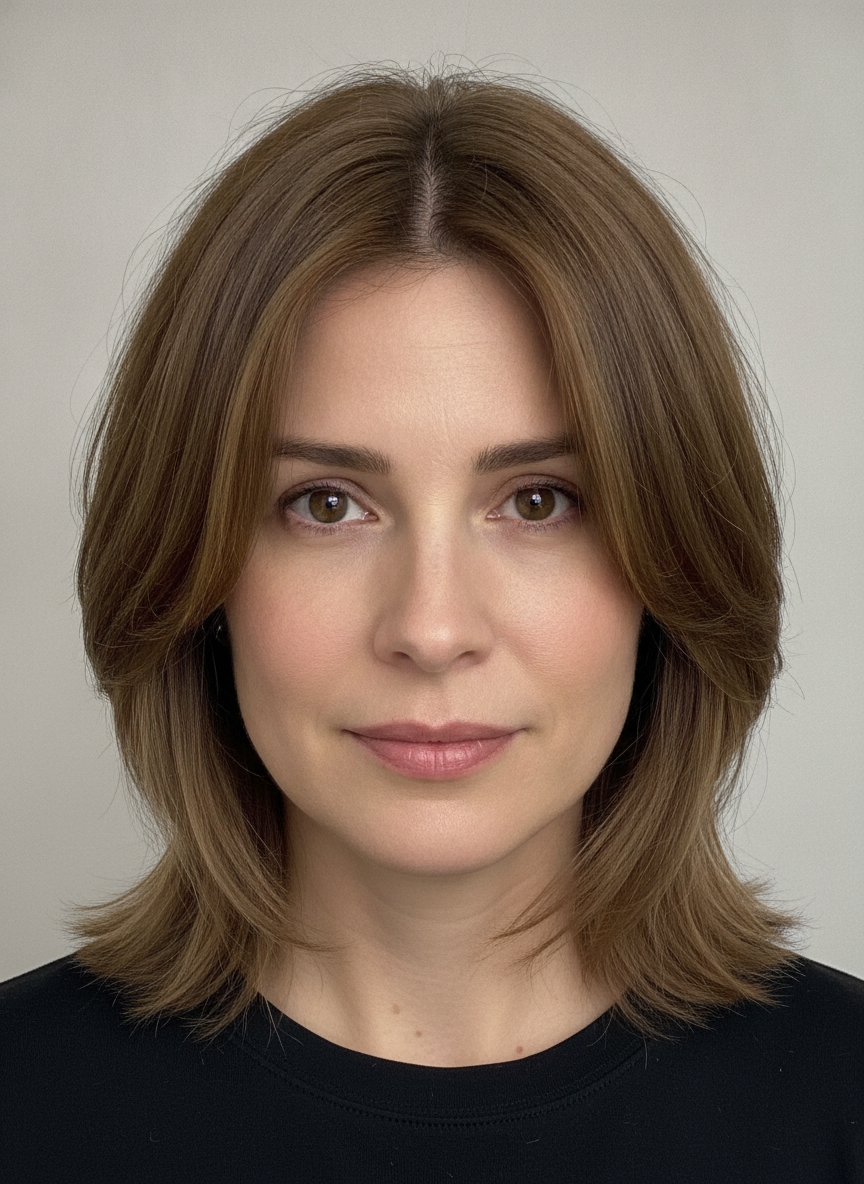
Natural Hairstyle Edit
Hairstyle previews and subtle personal photo edits
Best for: Hairstyle previews and subtle personal photo edits
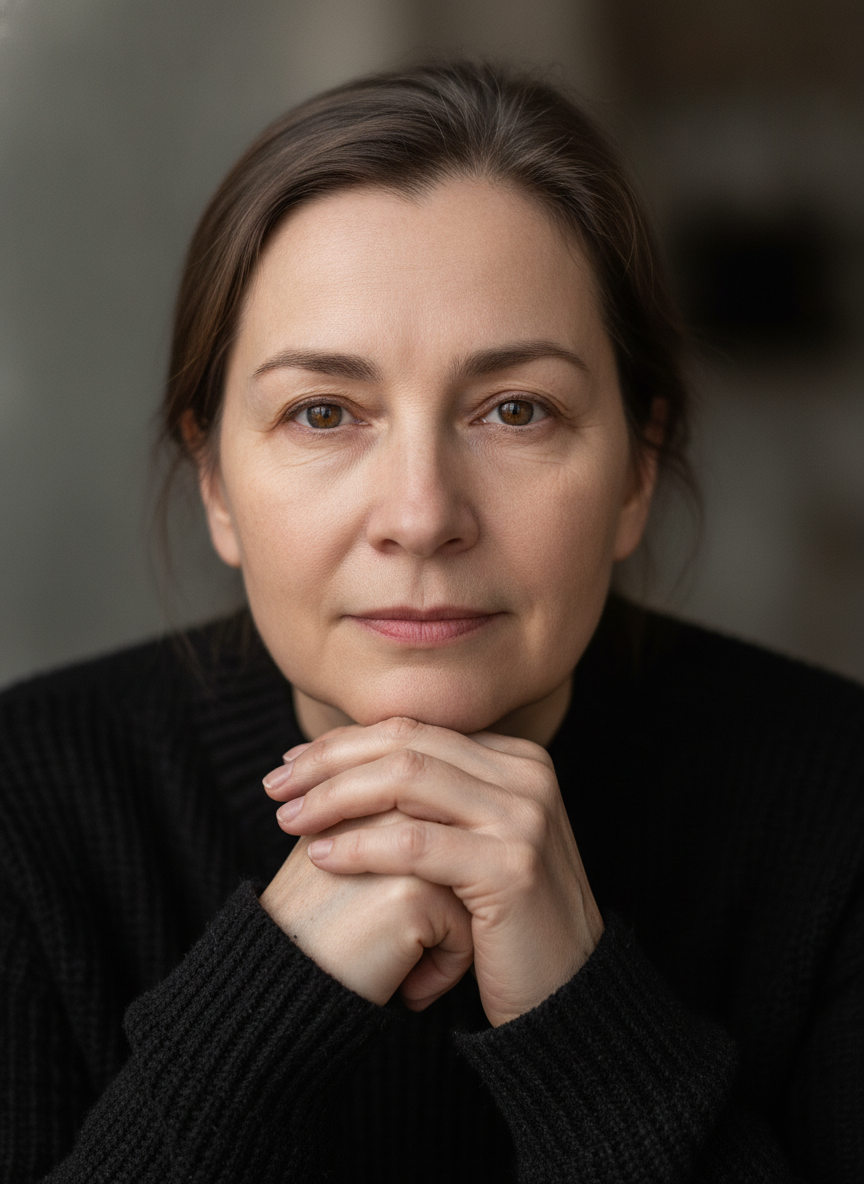
Natural Photo Retouch
Subtle portrait cleanup and quality enhancement
Best for: Subtle portrait cleanup and quality enhancement
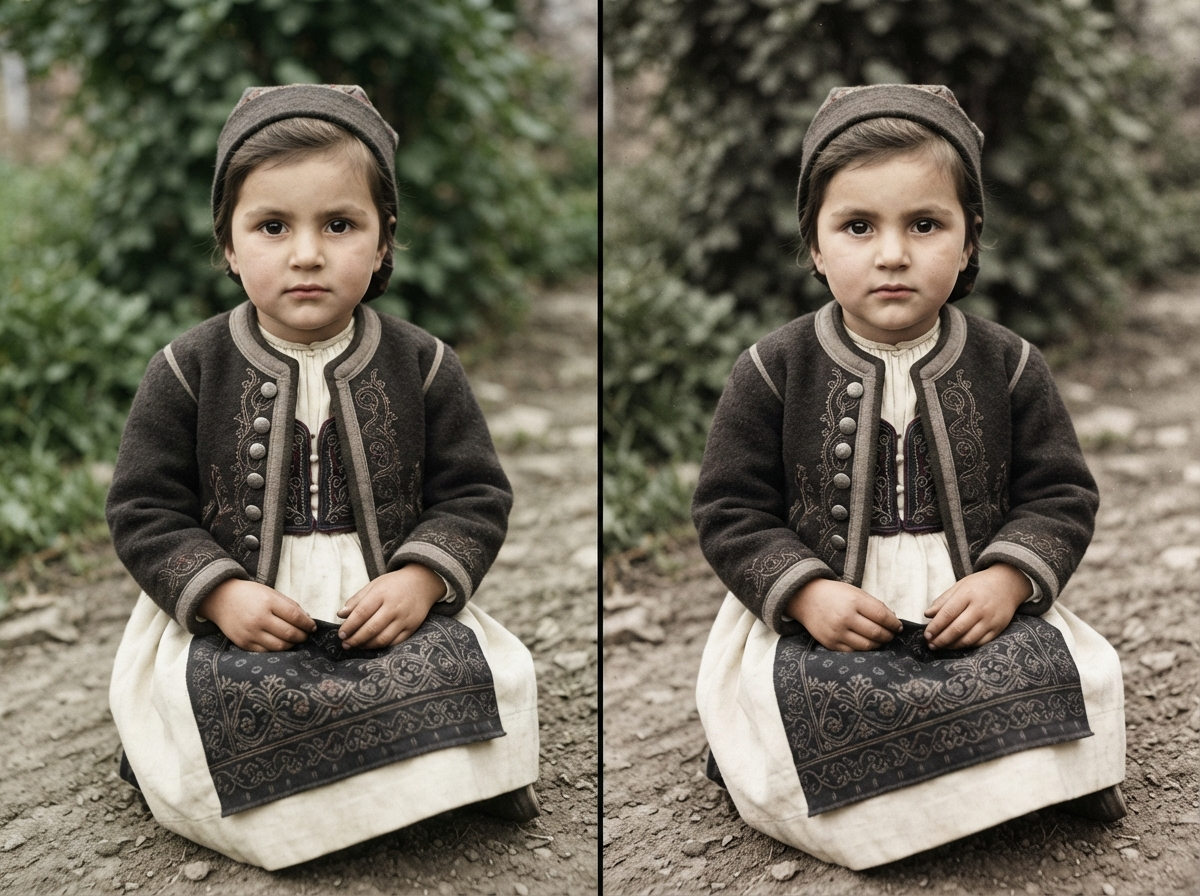
Old Photo Restoration
Family photo restoration and archive cleanup
Best for: Family photo restoration and archive cleanup
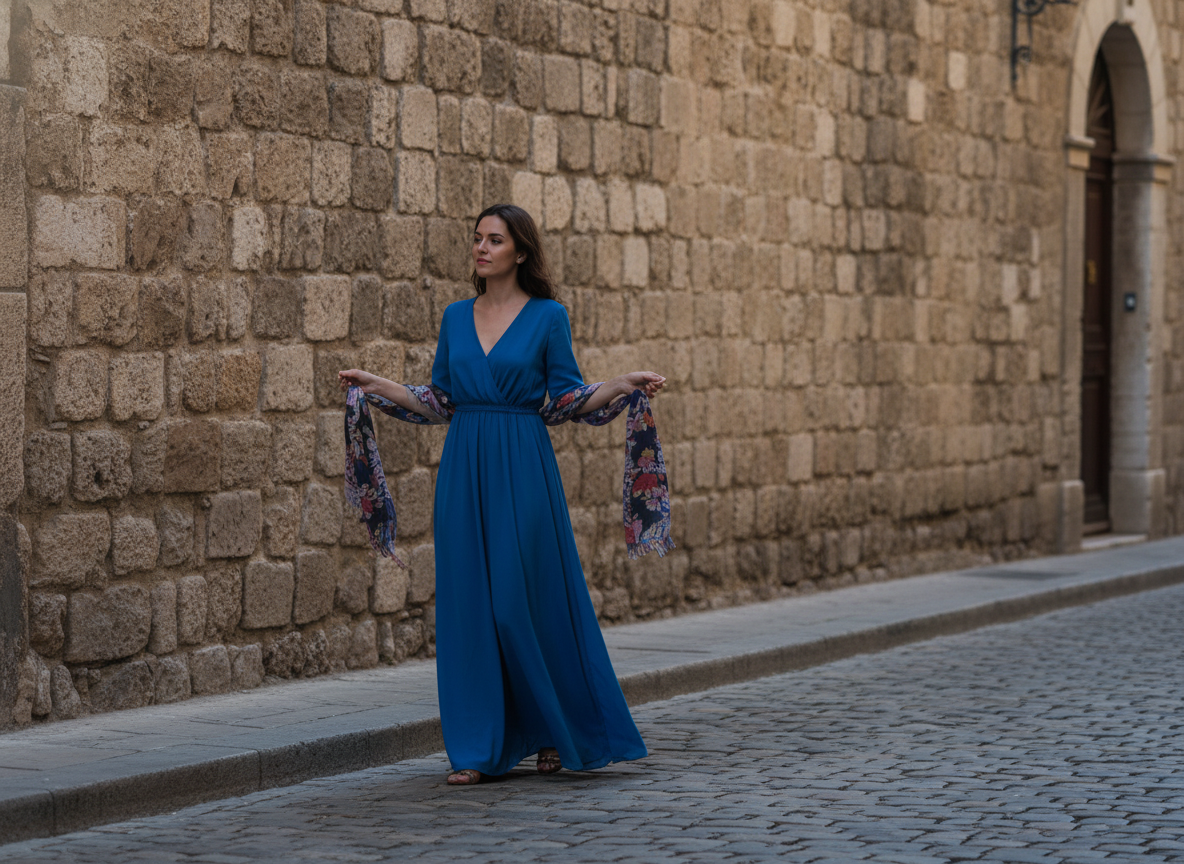
Remove Background Distraction
Cleaning travel photos, portraits, and product lifestyle shots
Best for: Cleaning travel photos, portraits, and product lifestyle shots
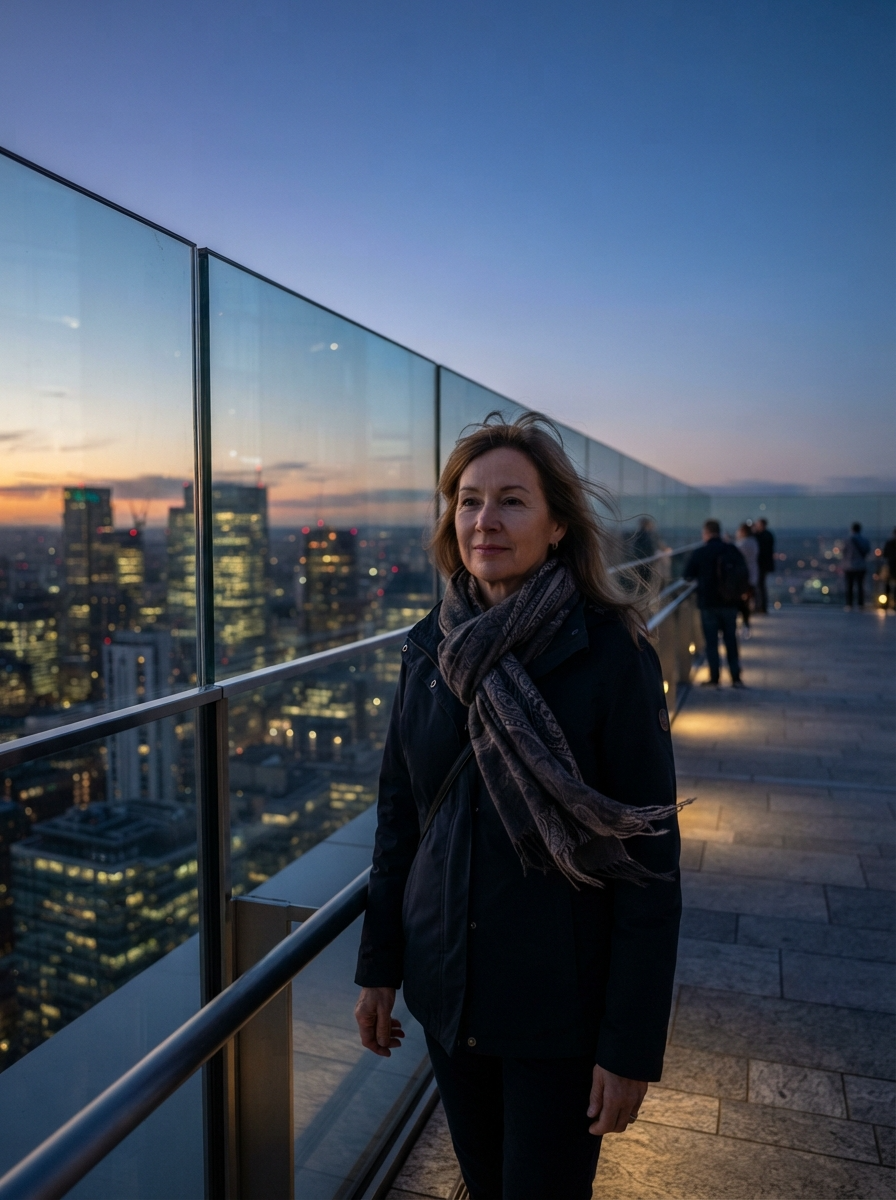
Product Background Cleanup
Ecommerce product cleanup and marketplace-ready photos
Best for: Ecommerce product cleanup and marketplace-ready photos
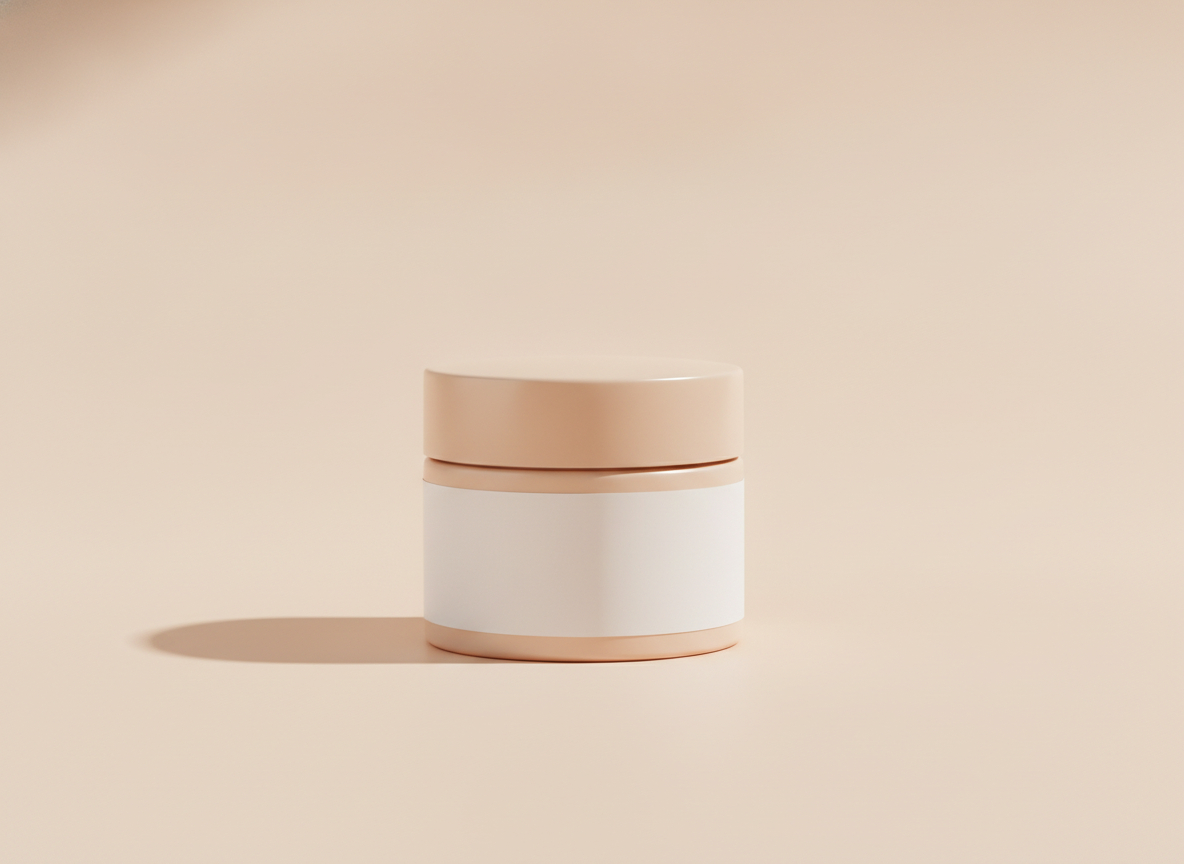
Lifestyle Product Scene
Product lifestyle ads and ecommerce secondary images
Best for: Product lifestyle ads and ecommerce secondary images
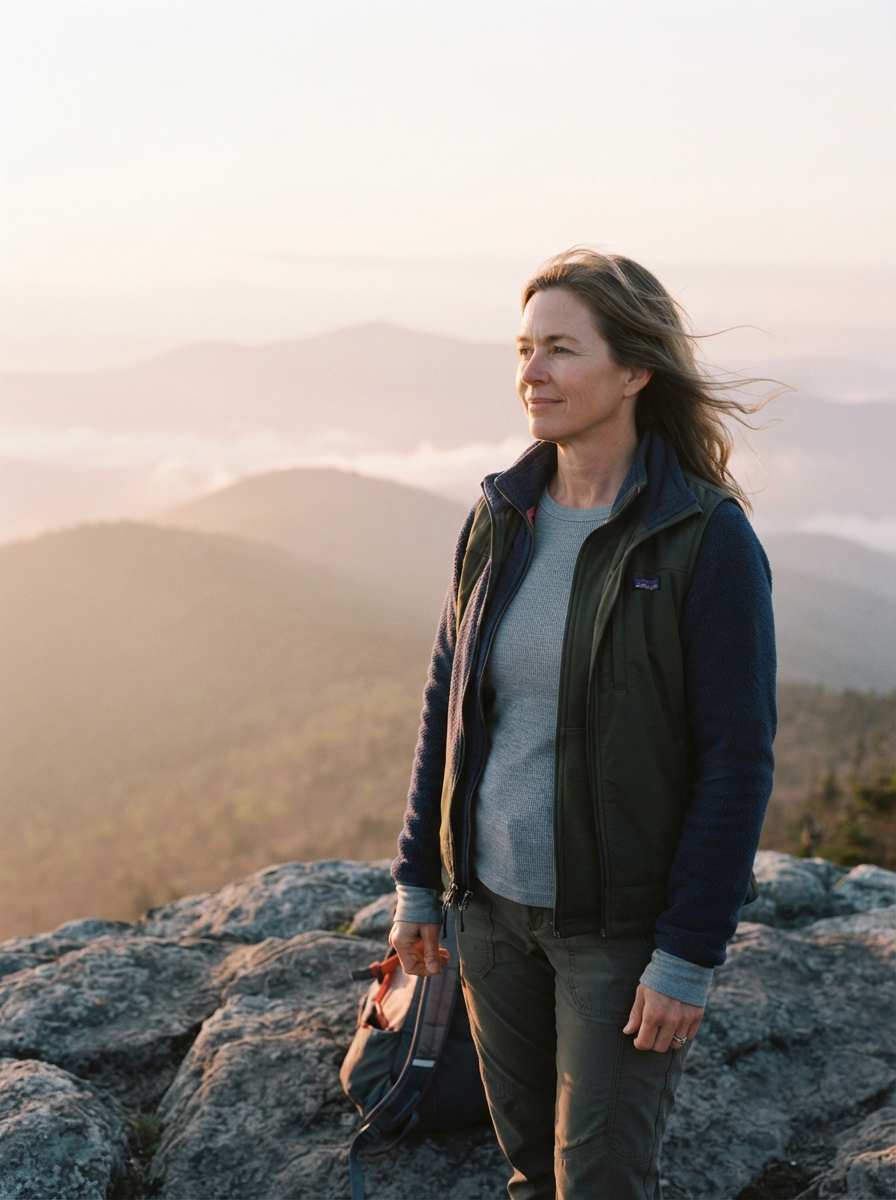
Travel Explorer Photo
Travel profile edits, adventure posts, creator photos
Best for: Travel profile edits, adventure posts, creator photos
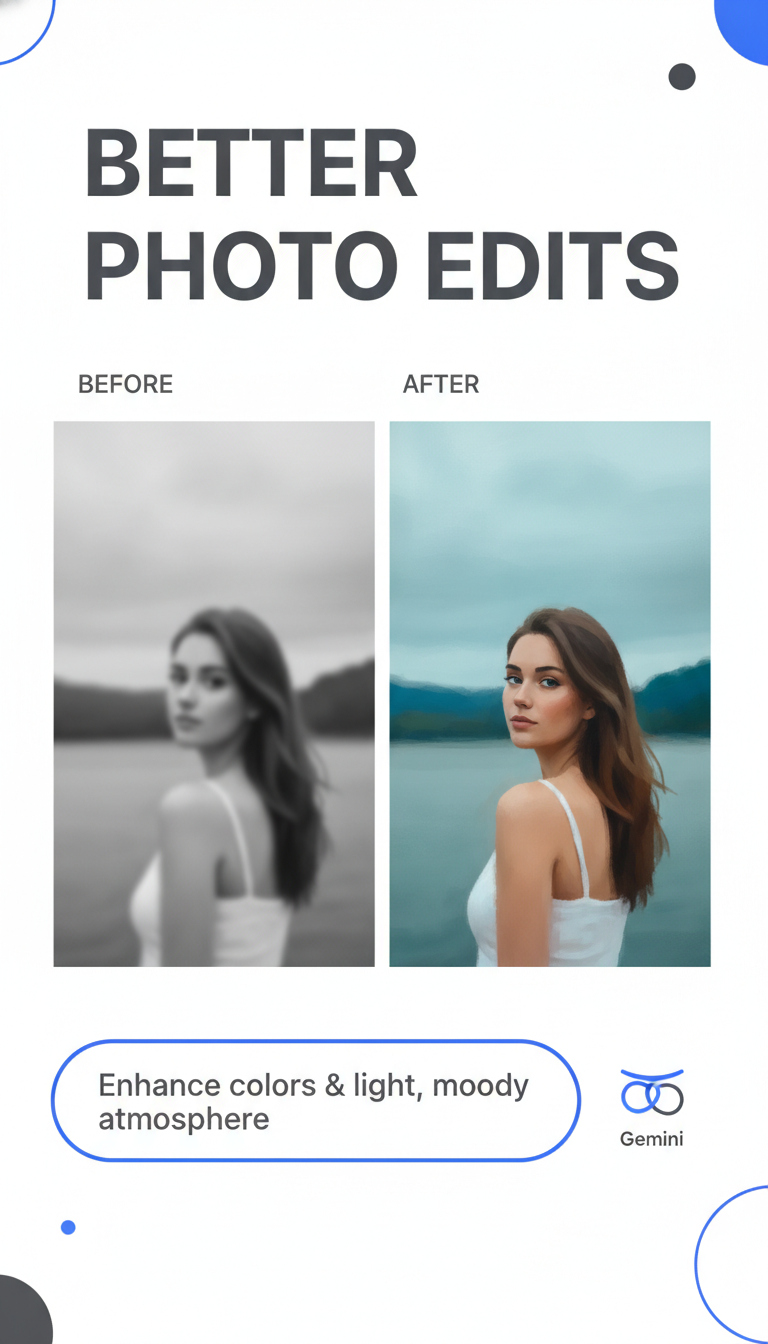
Instagram Tutorial Cover
Instagram Reels covers, tutorial graphics, social posts
Best for: Instagram Reels covers, tutorial graphics, social posts
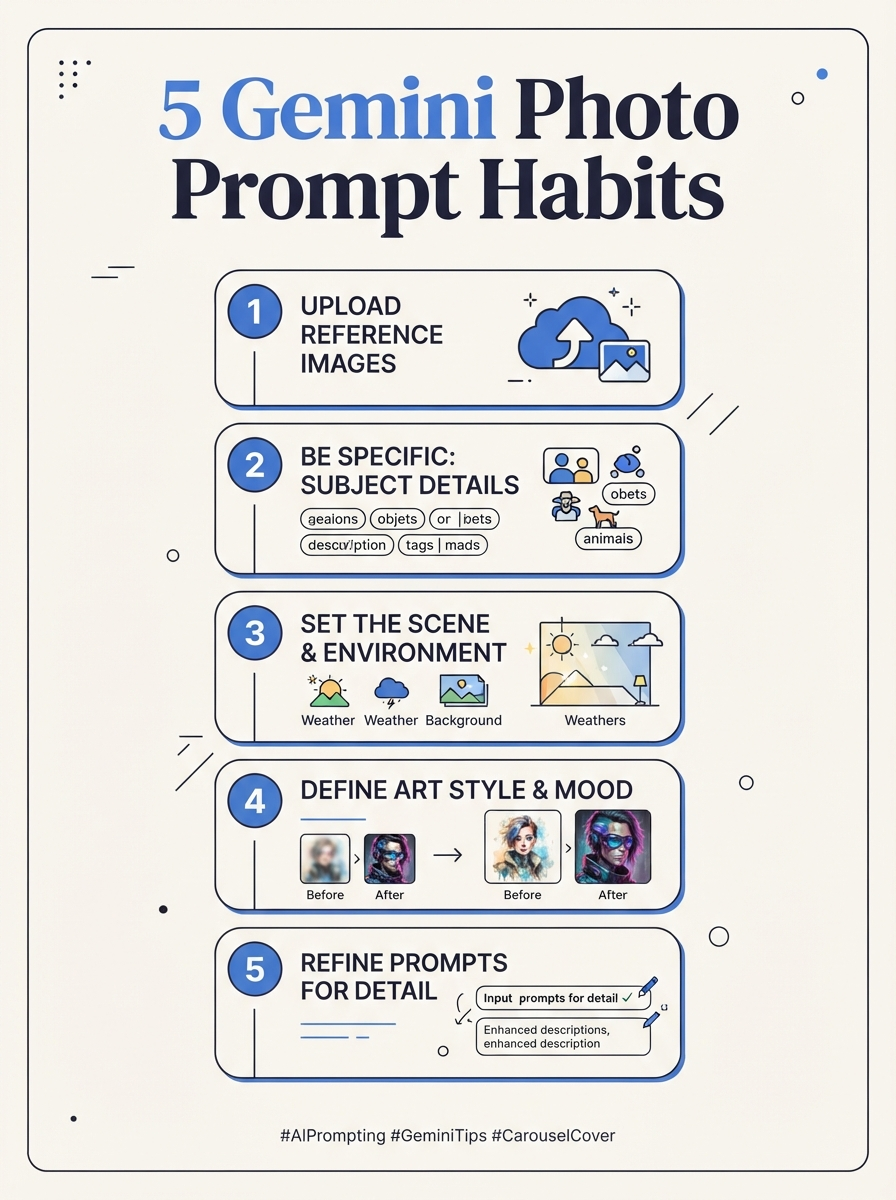
Photo Editing Carousel Cover
Educational carousels and prompt-writing posts
Best for: Educational carousels and prompt-writing posts

Remote Team Group Photo
Team pages, company posts, remote group-photo composites
Best for: Team pages, company posts, remote group-photo composites
A Gemini AI photo prompt is a written instruction for creating or editing a photo-style image in a Gemini-style workflow. Strong prompts describe the subject, reference photo, pose, outfit, background, lighting, camera style, realism cues, and the details that should stay unchanged.
People searching this topic usually want copy-paste wording they can adapt quickly: a professional portrait, a couple photo, a passport-style headshot, a photo quality enhancer, or an edit that keeps the same face while changing the scene. PhotoPrompt gives you a practical library of prompt structures and a multi-model generator for testing variations.
Simple Prompt Formula
Goal + Reference Notes + Subject + Pose + Outfit + Background + Lighting + Camera Style + Keep/Change Rules
The most useful photo editing prompts are specific about what changes and what must stay consistent.
Start with one clear task: portrait upgrade, background swap, outfit change, couple photo, quality enhancement, passport draft, or travel scene.
For uploaded images, say what to preserve: same face, hairstyle, age, expression, body proportions, pet markings, product shape, or original pose.
Use concrete photography language such as soft window light, golden hour, 85mm portrait lens, shallow depth of field, flash look, or studio lighting.
Ask the model to avoid plastic skin, warped facial features, extra fingers, changed identity, unreadable text, heavy retouching, and mismatched shadows.
The SimilarWeb keyword data points to practical edits, not abstract AI art. These sections match the highest-value search paths.
Professional Portraits
Create LinkedIn headshots, speaker bios, studio-style portraits, profile photos, and polished creator avatars.
Couple and Family Photos
Build romantic, wedding-style, travel, anniversary, family, or group scenes while keeping reference faces natural.
Passport and ID Drafts
Draft clean headshots with plain backgrounds, even lighting, centered framing, and document-photo style constraints.
Enhancement and Restoration
Improve sharpness, exposure, color, background cleanup, and photo quality while avoiding an over-edited AI look.
Use these compact templates when you want the structure, not a long fixed prompt.
Same-Face Portrait Edit
Use the uploaded portrait as reference. Preserve the same face, hairstyle, age, and natural expression. Create a realistic [professional/editorial/cinematic] portrait with [outfit], [background], [lighting], [camera style], natural skin texture, and no heavy retouching.
Couple Photo Edit
Create a realistic couple photo using the uploaded references. Preserve both identities and natural proportions. Place them in [location] with [pose], [outfits], [lighting], believable chemistry, natural hands, sharp faces, and cohesive shadows.
Photo Quality Enhancer
Enhance the uploaded photo without changing identity. Improve [sharpness/exposure/color/background clarity], preserve natural skin texture and original details, keep shadows realistic, and avoid plastic skin, warped features, or an over-processed AI look.
Use a different prompt structure for each outcome instead of asking one prompt to do everything.
Professional headshots for LinkedIn, resumes, speaker bios, and team pages
Couple portraits for anniversaries, engagement-style edits, travel memories, and wedding concepts
Passport-style drafts, school ID photos, employee badges, and clean document-photo previews
Photo restoration, quality enhancement, background cleanup, and lighting correction
Outfit swaps, location changes, studio portraits, and cinematic profile photos
Instagram posts, TikTok covers, YouTube thumbnails, Pinterest pins, and creator avatars
Use a clear structure: task, reference notes, subject, pose, outfit, background, lighting, camera style, and keep/change rules. That gives the model enough direction to make a realistic edit.
Yes. The examples are written in plain copy-paste language that can be adapted for Google Gemini-style photo workflows. You can also open them in PhotoPrompt to test similar multi-model image generation.
Upload a clear reference image and say exactly what to preserve: same face, hairstyle, age, expression, body proportions, and natural skin texture. Also tell the model not to change identity.
Yes, but the prompt should mention both reference identities, a believable pose, matching light, natural hands, and a clear scene. Review faces and proportions before sharing the result.
Use 4o Image for realistic portraits and reference-guided edits, Nano Banana for fast social drafts, Nano Banana Pro for polished assets, and GPT Image 2 when the prompt includes layout or text.
Copy a prompt, customize the subject, lighting, background, pose, and keep/change rules, then open it in PhotoPrompt to generate a test image.
Related Prompt Pages