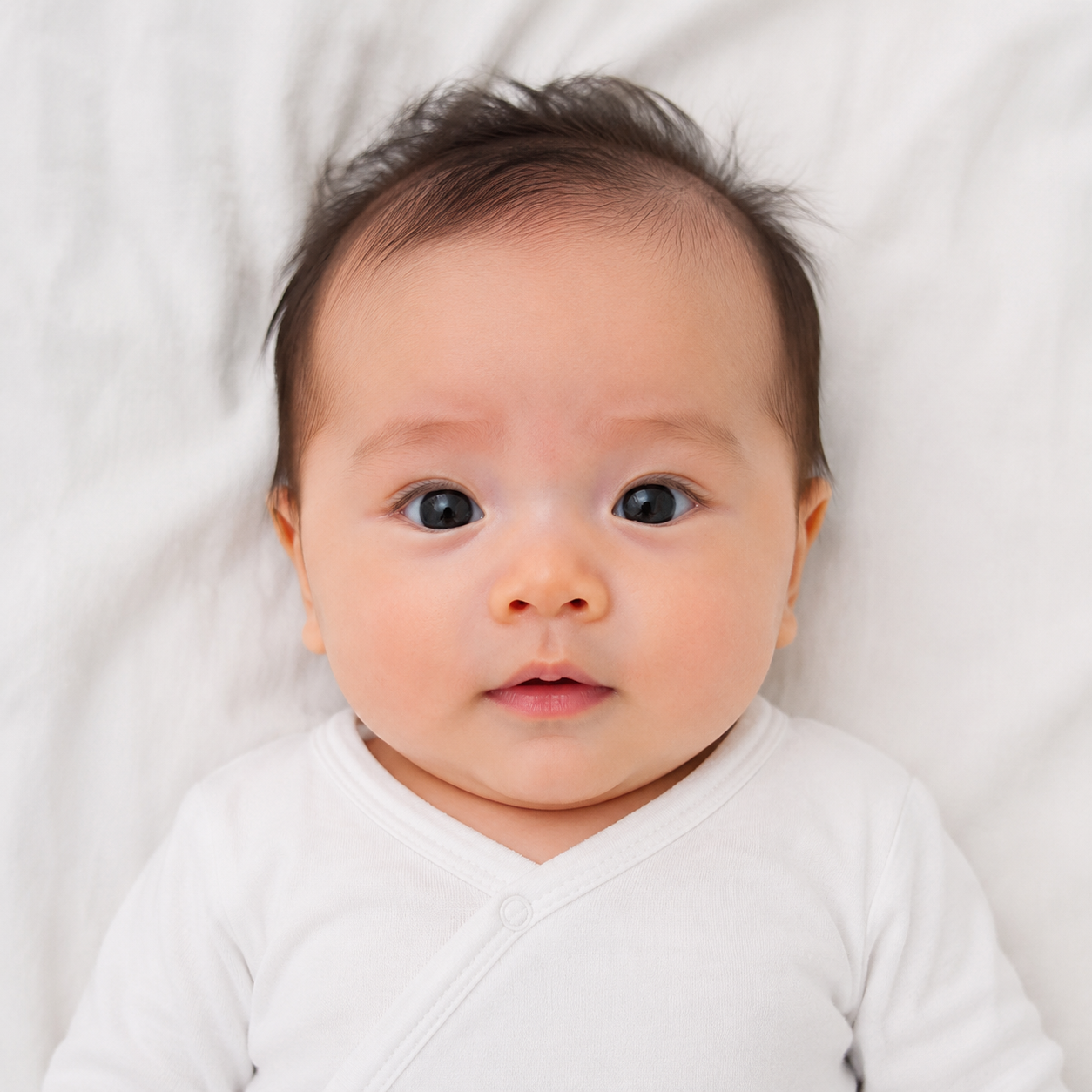
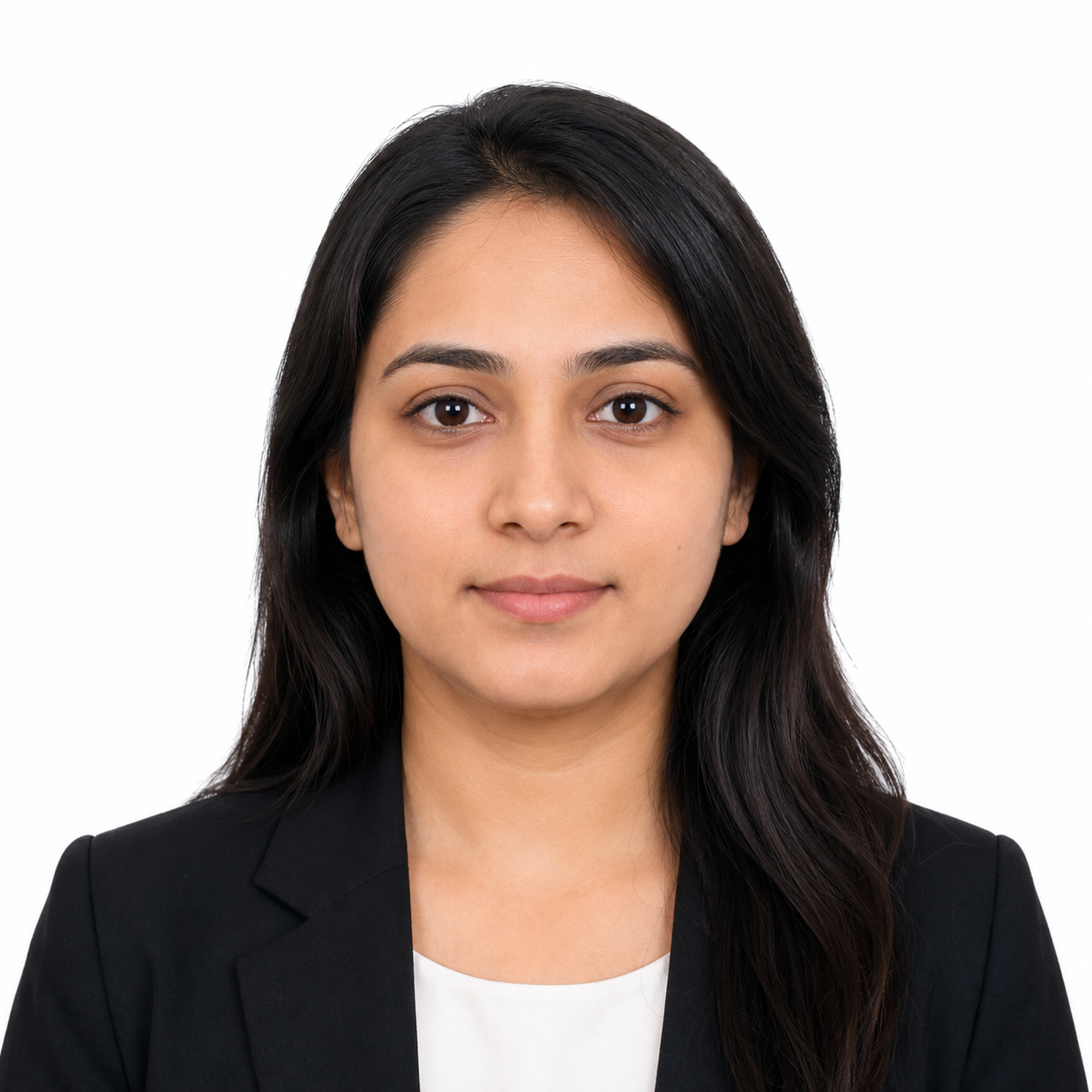
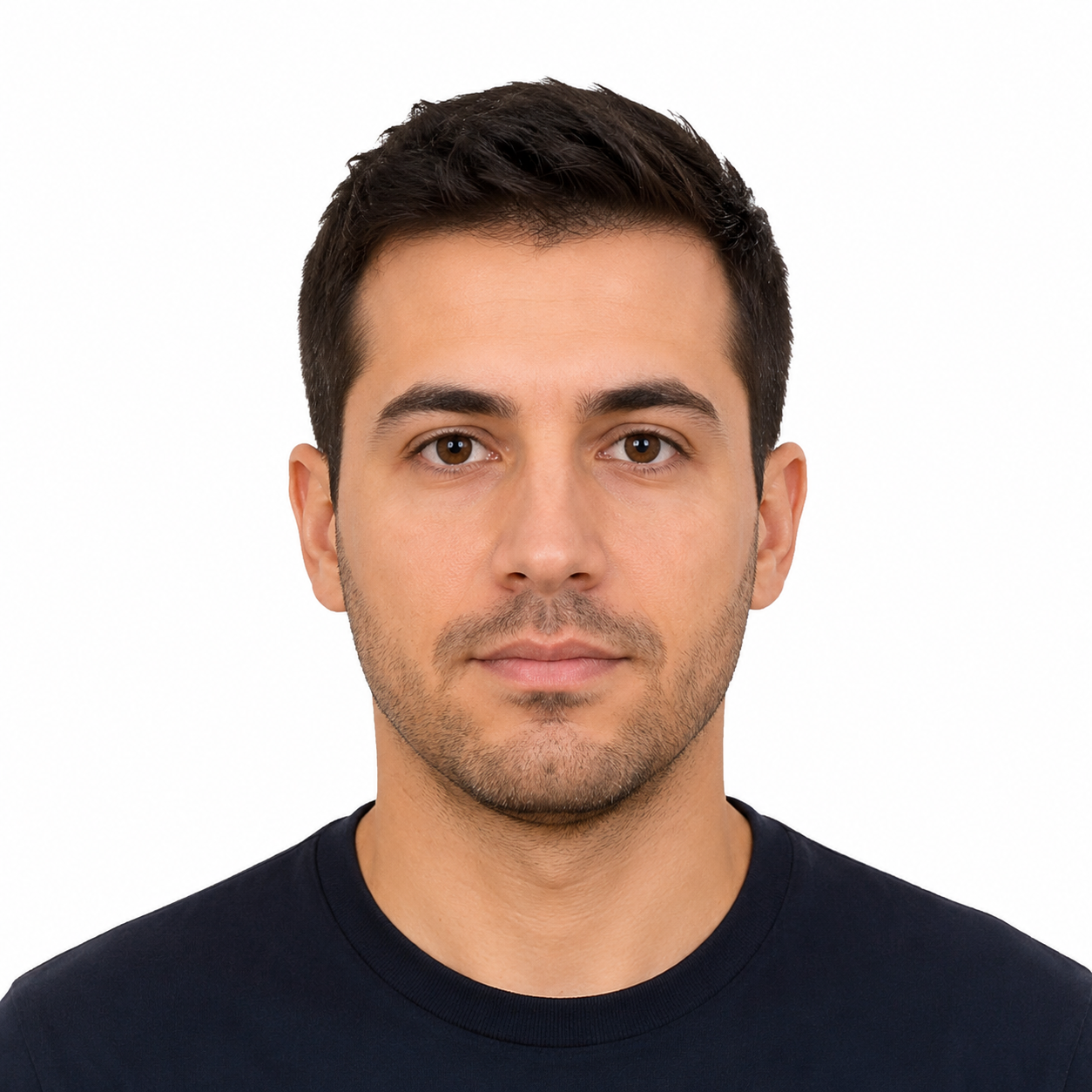
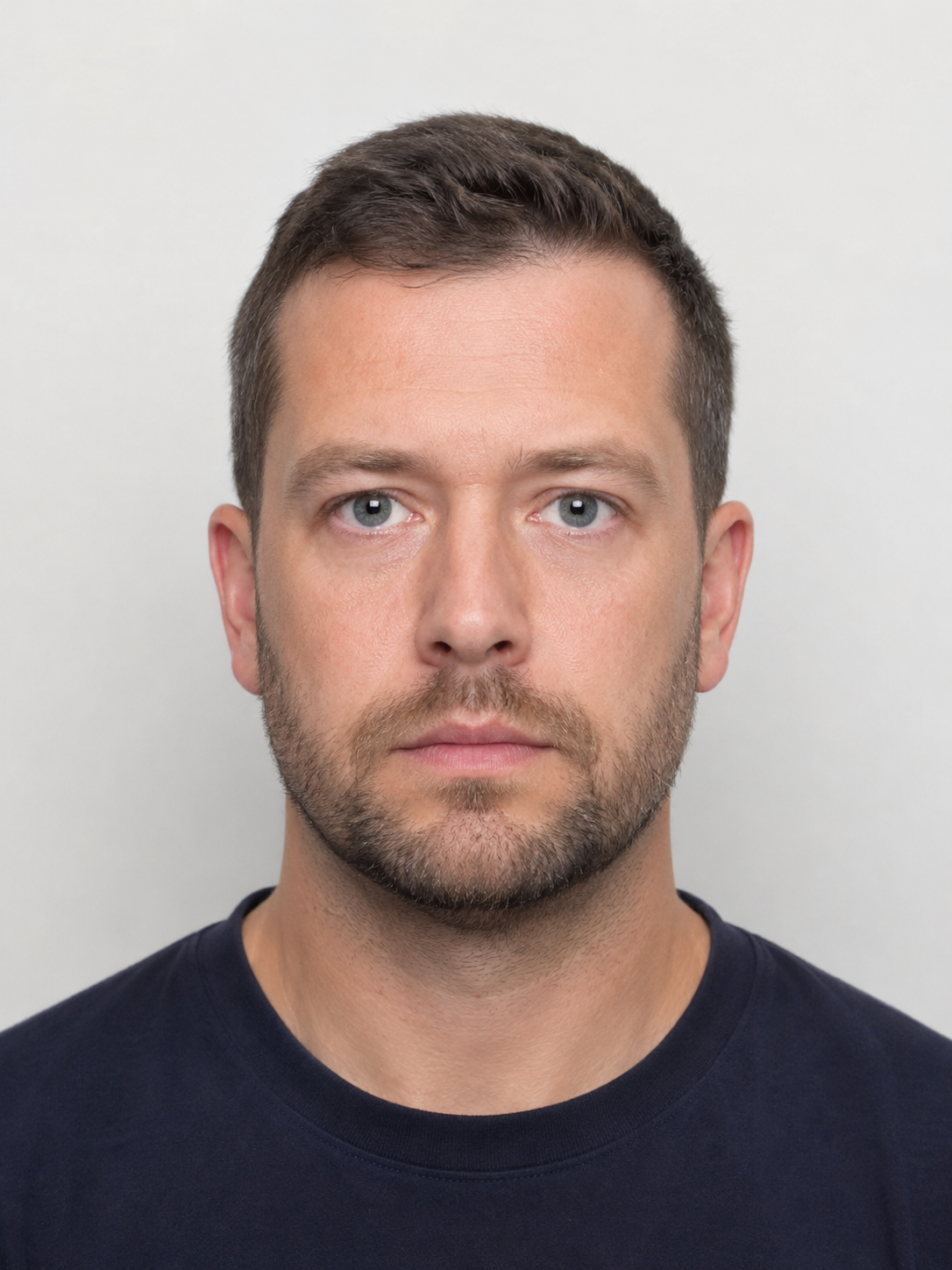
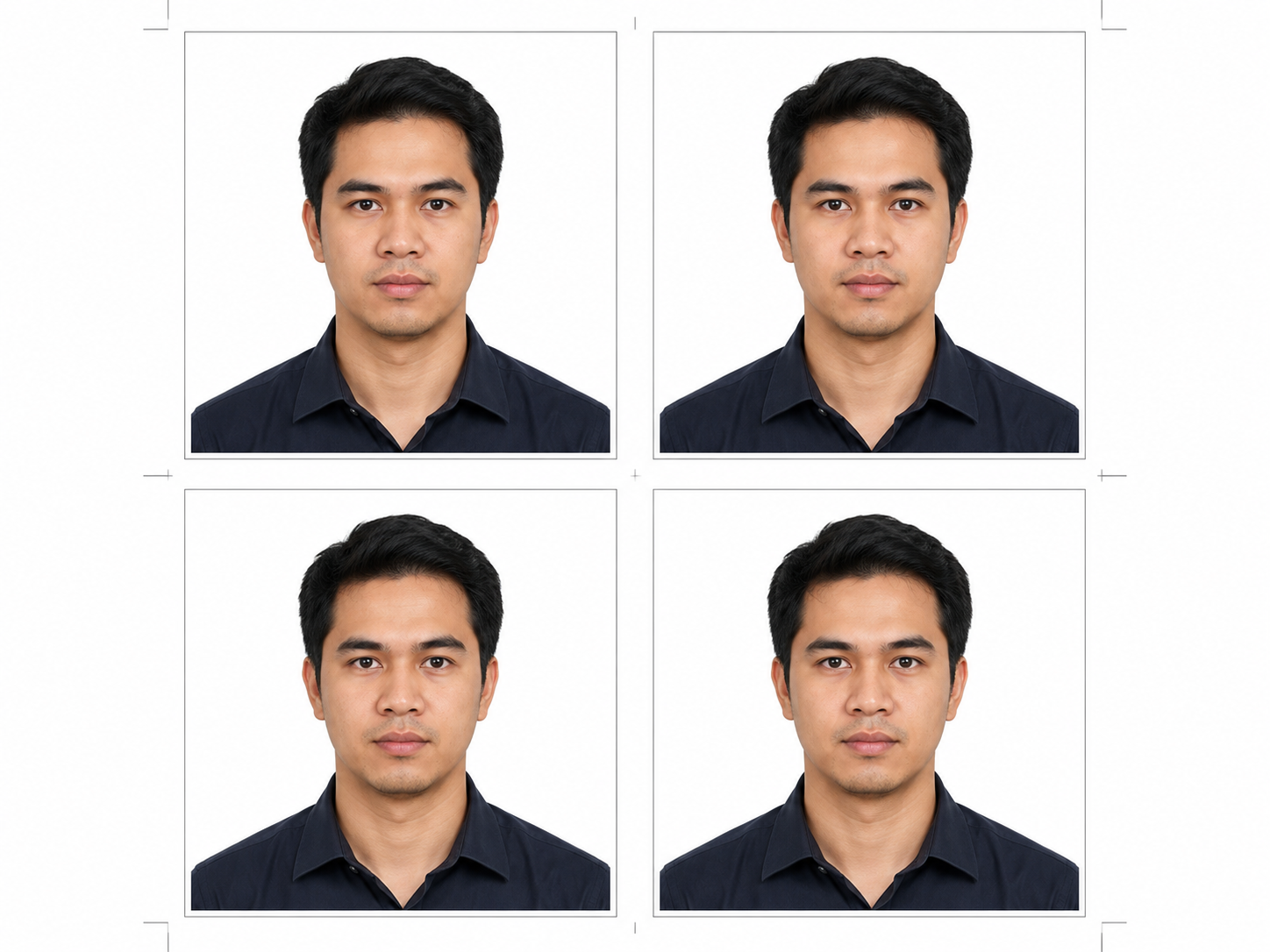
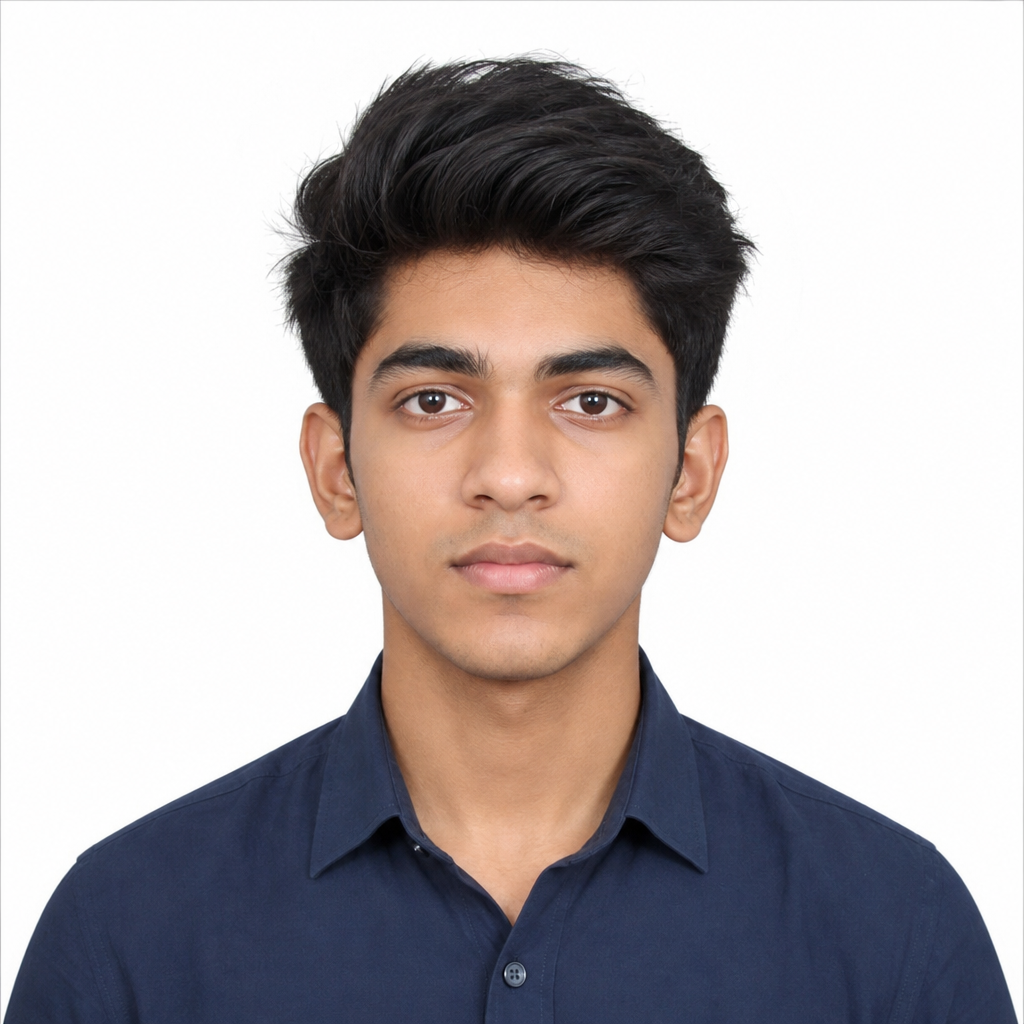
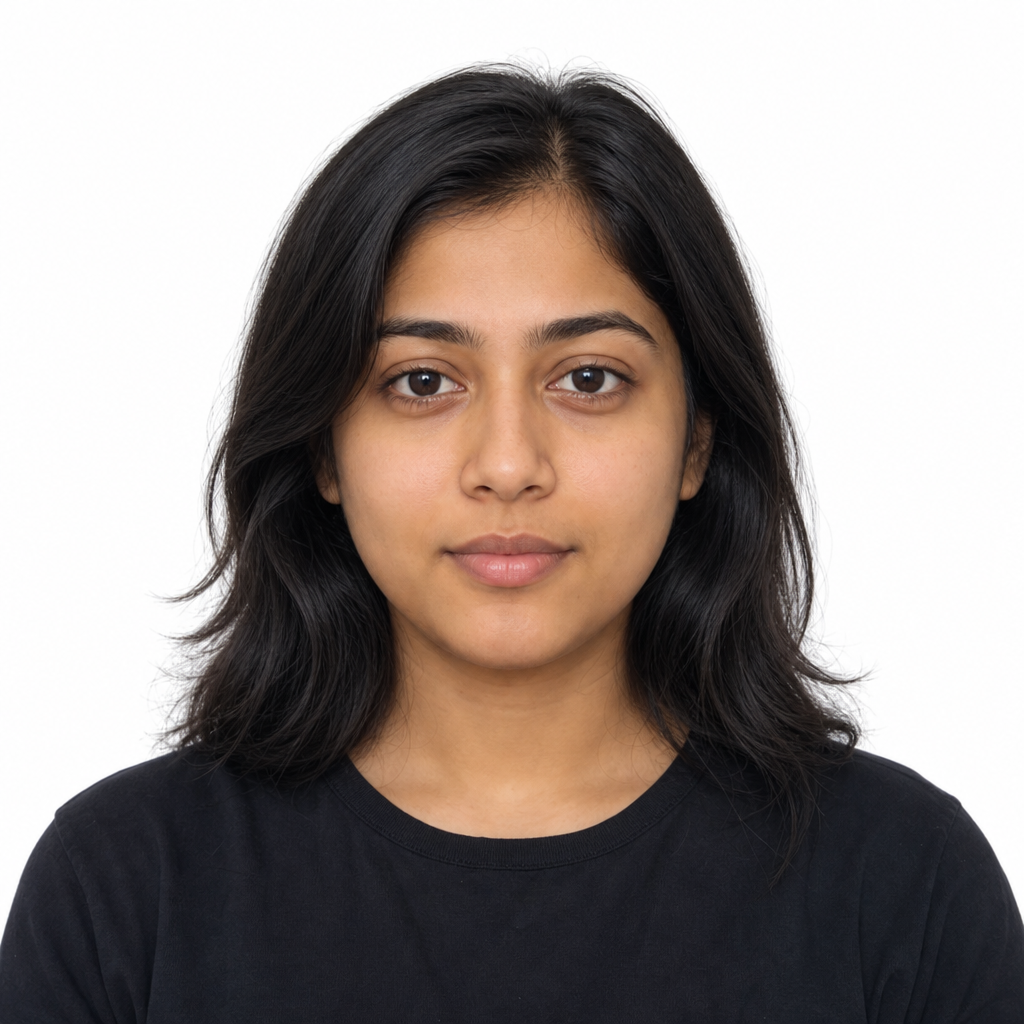
Passport and ID Photo Prompt Library

Passport Size Photo Prompt

Copy AI prompts for clean ID-style headshots, white backgrounds, centered framing, neutral expressions, and reference-photo edits.

8 Prompt Templates/Text-to-Image and Image-to-Image/Compliance-Aware Checklist

What Is a Passport Size Photo Prompt?

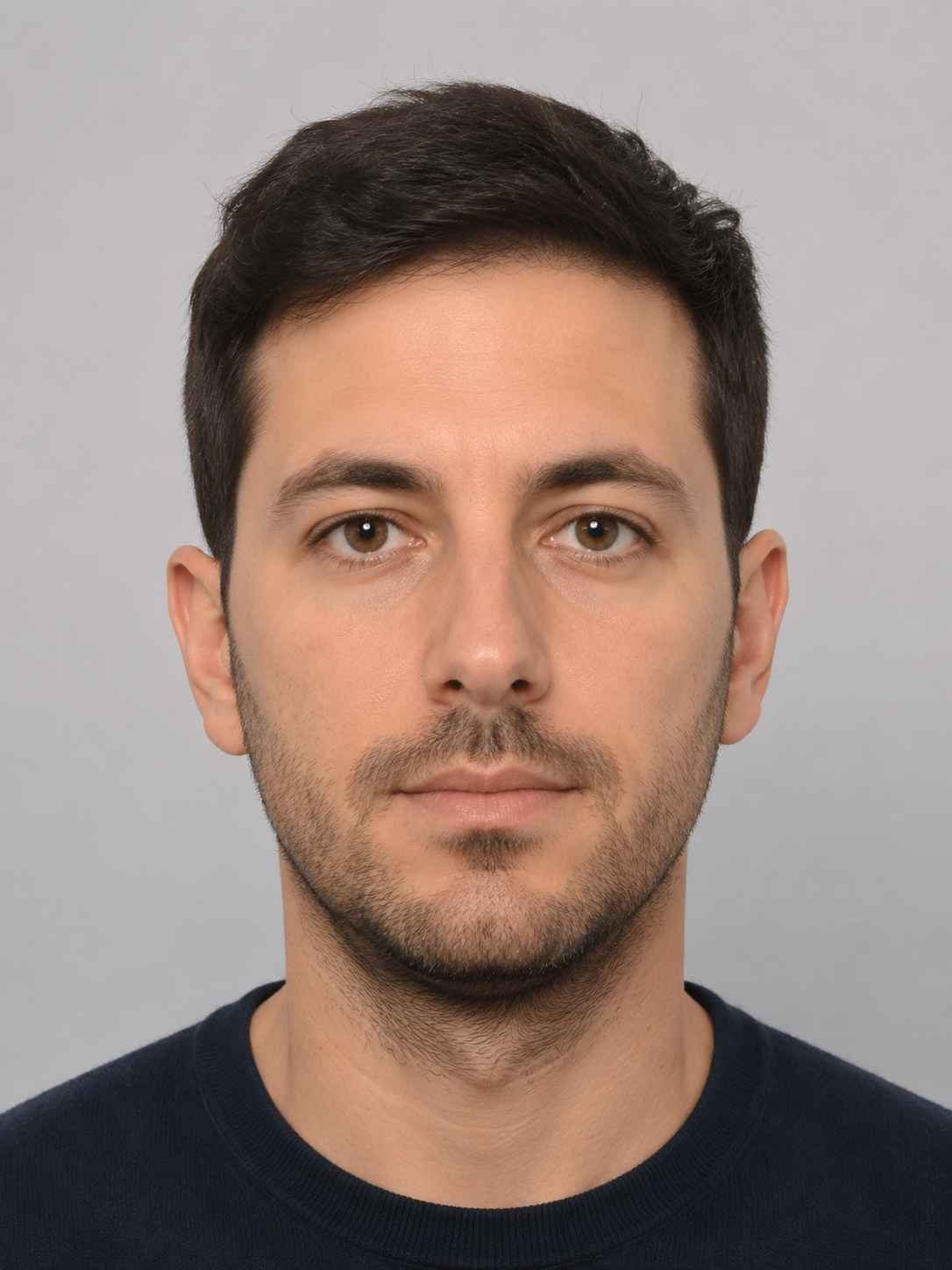
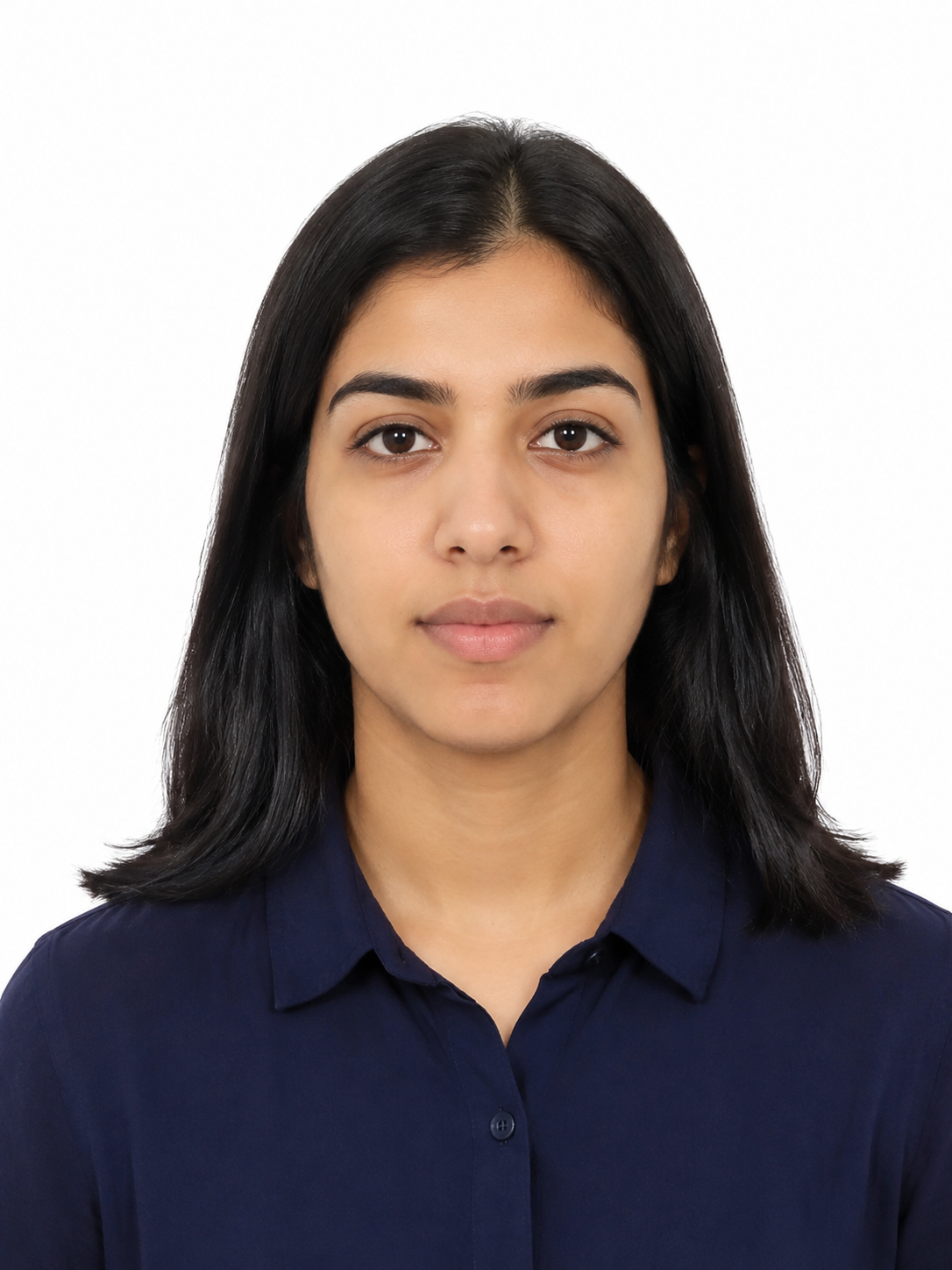
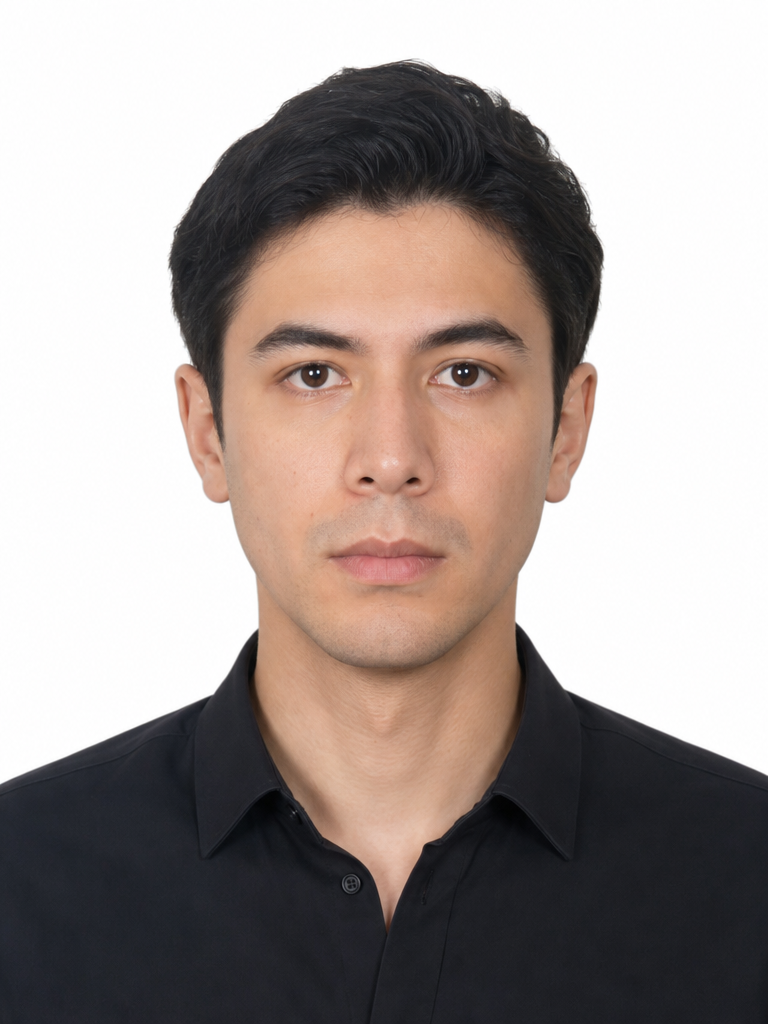
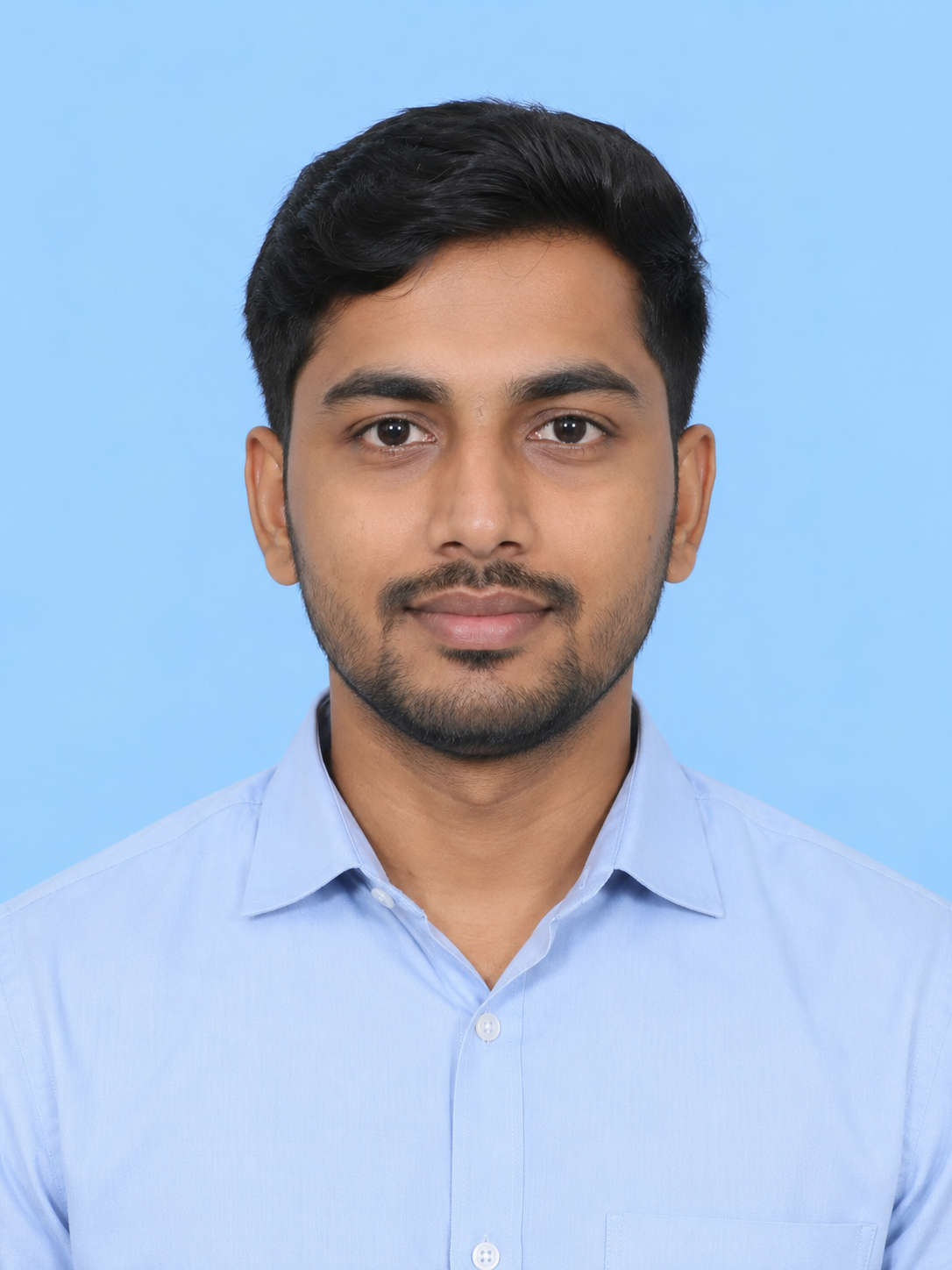
A passport size photo prompt is a written instruction that tells an AI image model how to create a clean, official-document-style headshot. A useful prompt describes the person, background, lighting, face direction, expression, clothing, crop, and final use.

For U.S. passport photos, official guidance calls for a recent color photo, a plain white or off-white background, a neutral expression, no glasses in most cases, and a 2 x 2 inch final photo. Other countries, visa offices, schools, and employers may use different rules, so always check the exact requirement before submitting an image.

Use AI prompts for drafts, planning, background cleanup, or reference-guided edits. Do not assume a generated or heavily retouched image will be accepted for an official document.

Simple Passport Photo Prompt Formula

One Person + Front-Facing Pose + Plain Background + Even Lighting + Neutral Expression + Clean Crop + Required Size
How to Write a Passport Photo Prompt That Looks Clean

Passport and ID photos need restraint. The goal is not a glamorous portrait; it is a clear, centered, evenly lit headshot that can be checked against the rules for the document you need.

1

Start with the document rules

Name the target format in your prompt, such as U.S. passport-style 2x2, visa photo, school ID, or employee badge. If a government agency provides exact dimensions, background, or expression rules, follow those rules first.

2

Keep the face unchanged

For reference-photo edits, ask the model to preserve the person's facial identity, hairstyle, skin tone, and natural proportions. Avoid beauty filters, face reshaping, heavy retouching, or stylized edits.

3

Control background and lighting

Use a plain white or off-white background, even soft lighting, no harsh shadows, and no distracting objects. These details matter more than cinematic style.

4

Use a simple crop

Ask for a centered head-and-shoulders crop, eyes open, neutral expression, shoulders visible, and enough space around the head for later sizing or cropping.

Passport Size Photo Prompt Examples

Copy these examples as a starting point, then edit the size, background, country, document type, and reference-photo instructions before generating.

Basic Passport-Style Headshot

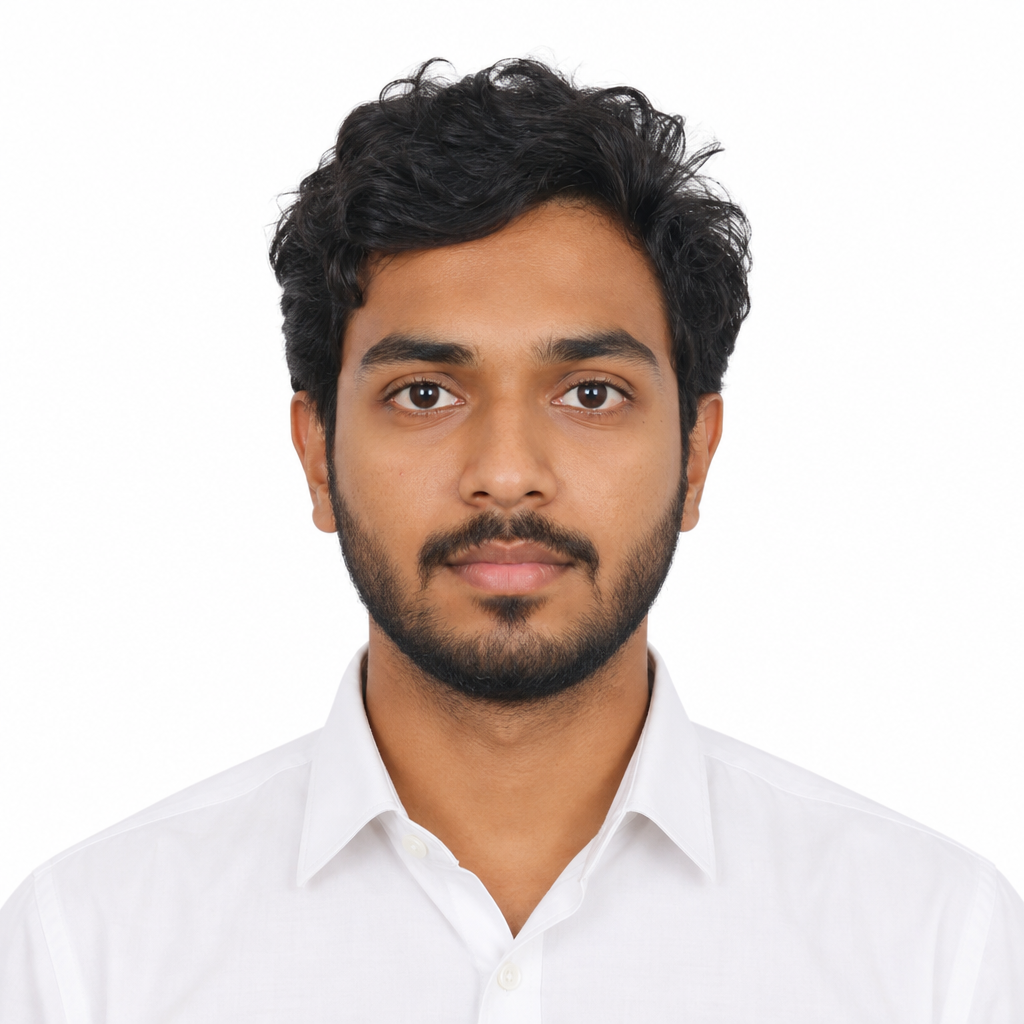
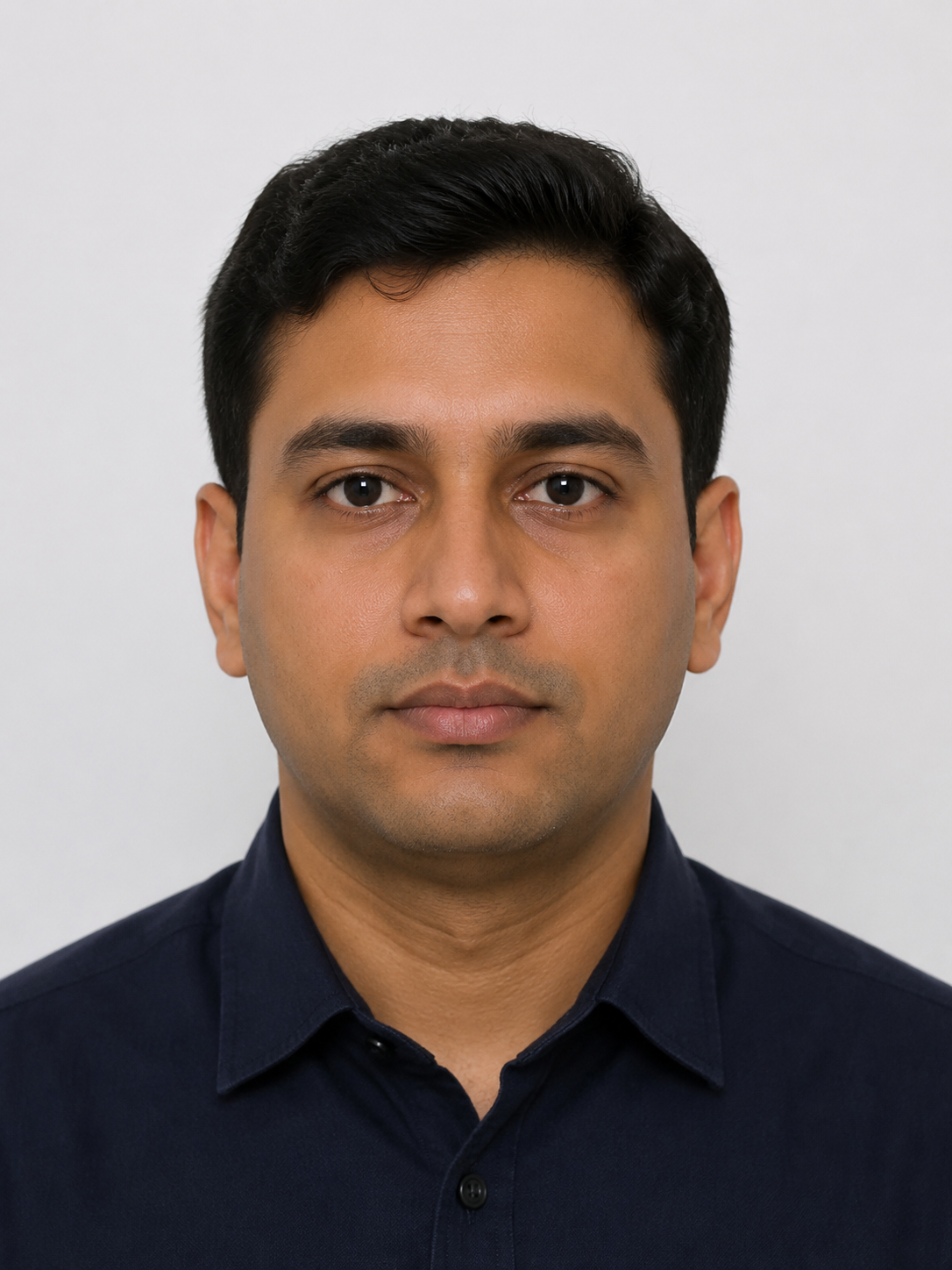
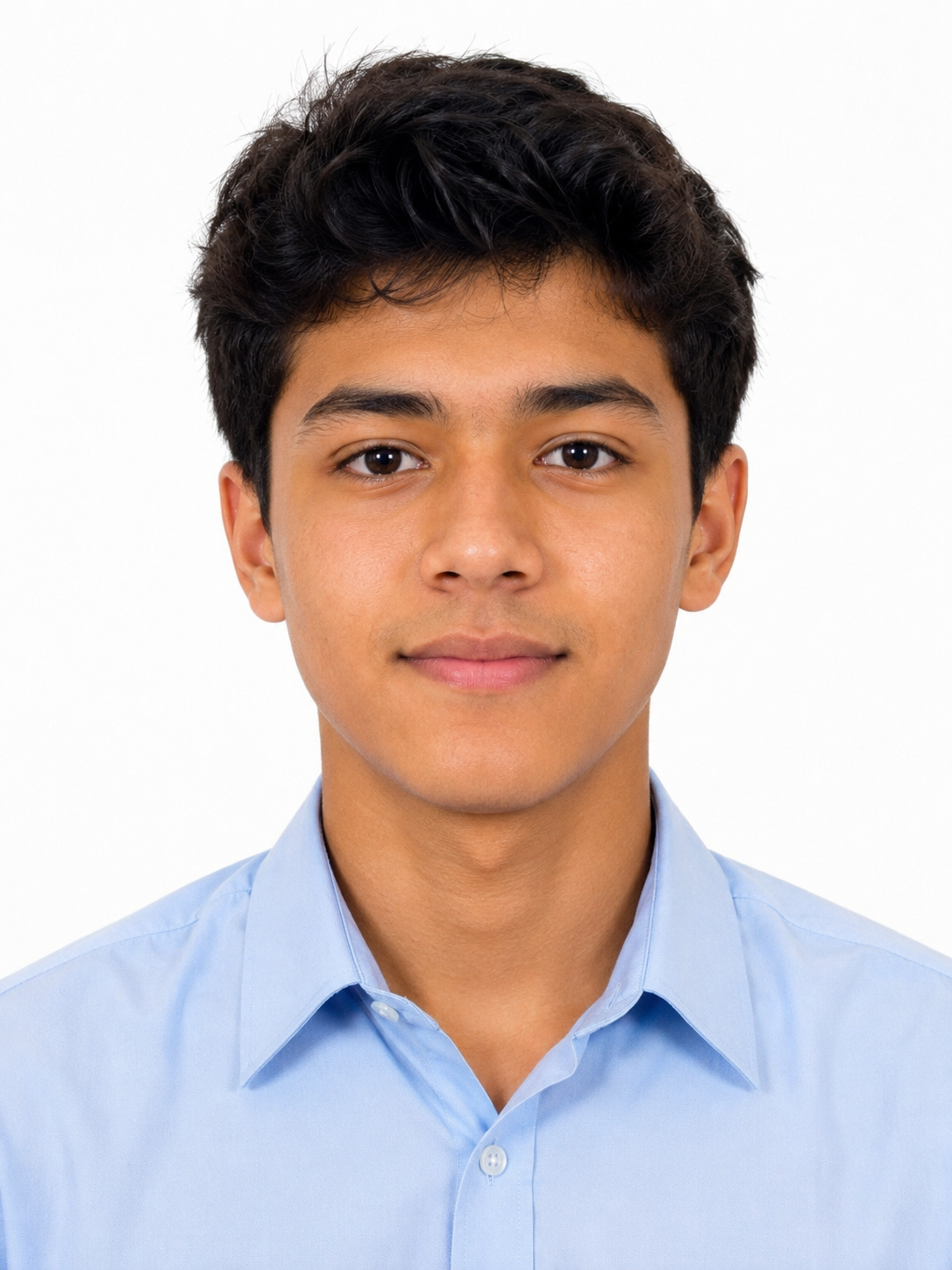
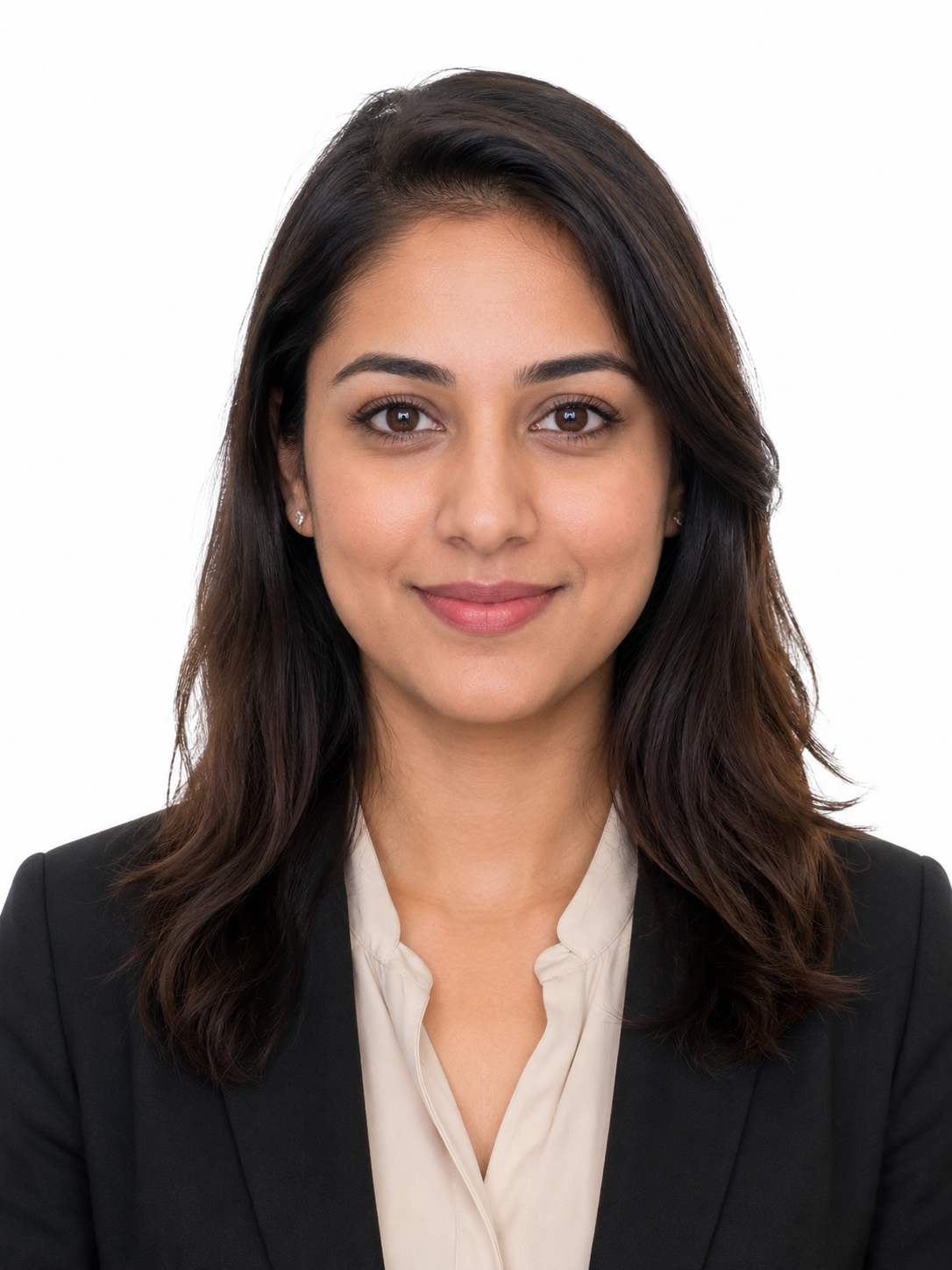
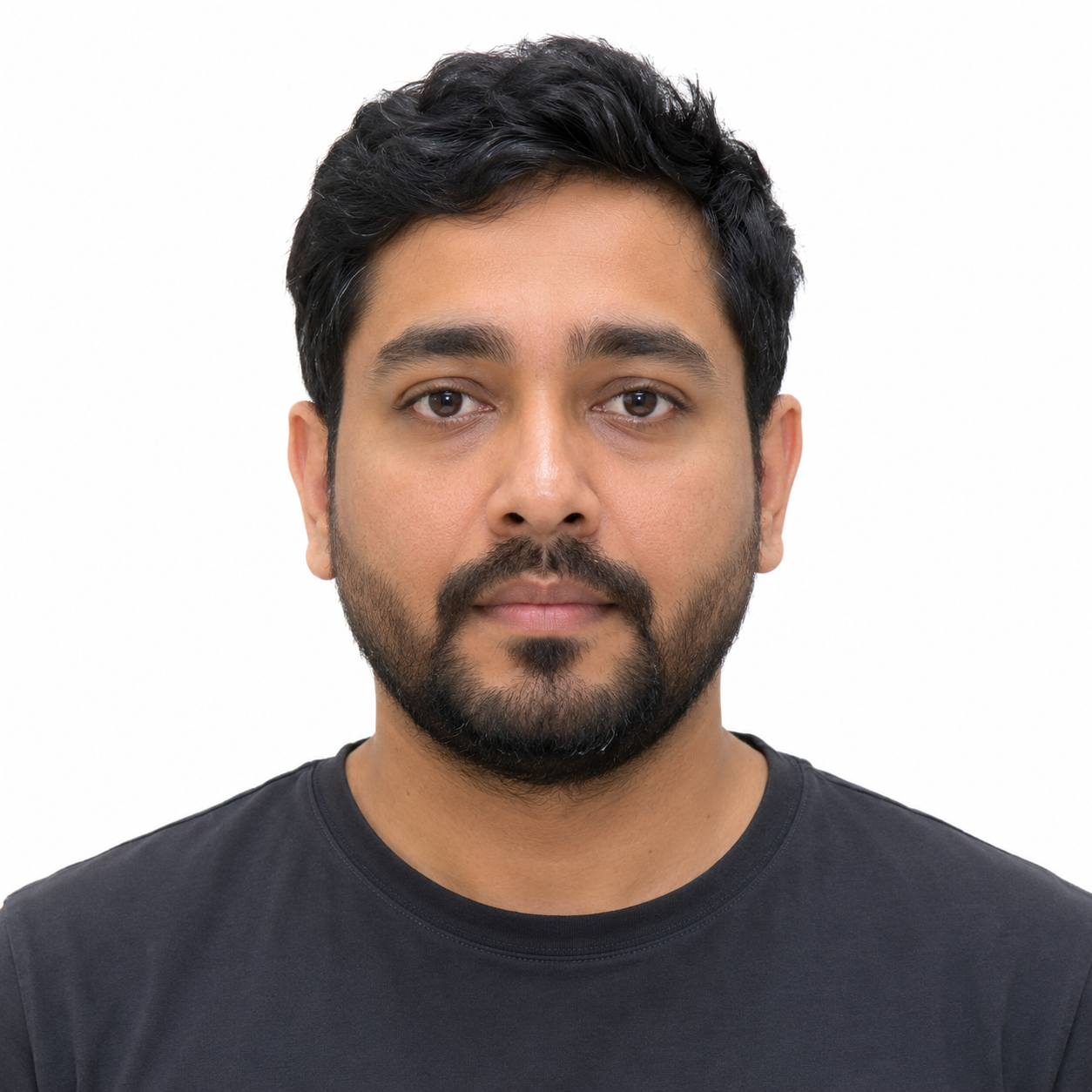
A realistic passport-style headshot of one adult facing forward, plain white background, neutral expression, eyes open, even studio lighting, shoulders visible, natural skin texture, simple shirt, no glasses, no hat, no shadows, centered 2x2-style composition, high-resolution official photo look.

Best for: Passport-style drafts, application photo planning, ID photo prompts

Reference Photo Cleanup

Use the uploaded reference photo and create a clean ID-style headshot. Preserve facial identity, hairstyle, skin tone, and natural proportions. Replace the background with plain white, keep the person front-facing, use even lighting, neutral expression, shoulders visible, no heavy retouching, no added accessories, no background shadows.

Best for: Image-to-image passport-style edits

Visa Photo Prompt

A realistic visa photo-style portrait of one adult facing the camera, plain off-white background, soft even lighting, mouth closed, neutral expression, eyes open, head centered, shoulders visible, simple dark shirt, no hat, no glasses glare, clean application photo style.

Best for: Visa-style photos and country-specific ID photo drafts

Best PhotoPrompt Model for Passport-Style Photos

Choose the model based on whether you need realistic face preservation, strict layout direction, or quick drafts.

4o Image

Use 4o Image for realistic portraits, reference-photo edits, natural skin texture, and identity preservation.

GPT Image 2

Use GPT Image 2 when your prompt includes detailed crop, background, lighting, and layout instructions.

Nano Banana

Use Nano Banana for quick drafts when you want to test prompt wording before refining the final version.

Nano Banana Pro

Use Nano Banana Pro for polished high-resolution ID-style headshots and business profile assets.

Passport Photo Prompt Checklist

Before you use a generated image for any official purpose, compare it with the requirements from the agency that will review it.

Did you compare the result with the official photo rules for the exact passport, visa, school, or employer system?

Is the background plain white or off-white with no texture or objects?

Is the face centered, front-facing, and evenly lit?

Are the eyes open and the expression neutral or natural?

Are glasses, hats, uniforms, heavy filters, and distracting accessories removed when required?

Does the final crop match the required dimensions, such as 2 x 2 inches for many U.S. passport photos?

Does the final image preserve the person's real appearance without heavy retouching or face reshaping?

Popular Passport and ID Photo Prompt Use Cases

These prompts are useful for planning and creating clean headshot-style images before you crop, resize, or verify the final file.

Passport-style headshots and 2x2 photo drafts

Visa photo concepts for country-specific applications

School ID photos, student profiles, and campus systems

Employee badge photos and internal staff directories

Simple white-background profile photos for forms, resumes, and onboarding portals

Common Passport Photo Prompt Mistakes

  • Making the photo too stylish. Passport and ID photos should look plain, centered, and evenly lit.
  • Forgetting the exact document rules. Size, background, head position, clothing, and expression requirements vary by country and agency.
  • Changing the person's appearance. Avoid prompts that reshape the face, smooth skin too much, change hair, or add beauty filters.
  • Leaving in glasses glare, hats, shadows, busy backgrounds, or angled poses when the rules do not allow them.
  • Assuming an AI-generated image is automatically acceptable. Always verify the final photo against official requirements before submitting it.

Passport Size Photo Prompt FAQ

Can I use an AI-generated image as a passport photo?+

Do not assume an AI-generated image will be accepted. Passport and visa offices set their own rules, and many require a recent, accurate photo of your real appearance. Use prompts for planning, cleanup, or draft generation, then verify the final image against the official requirements.

What should I include in a passport size photo prompt?+

Include one person, front-facing pose, plain white or off-white background, even lighting, neutral expression, eyes open, shoulders visible, no glasses or hat when required, and the target size or crop.

What is the U.S. passport photo size?+

The U.S. Department of State lists passport photos as 2 x 2 inches. It also gives rules for background, expression, recency, glasses, and face position. Check the official page before submitting.

Which model should I use for passport-style photo edits?+

Use 4o Image when you upload a reference photo and need realistic identity preservation. Use GPT Image 2 when your prompt needs strict layout, crop, lighting, and background instructions.

Can PhotoPrompt crop my image to passport dimensions?+

PhotoPrompt can generate and edit images with aspect ratio and size settings, but you should still use the agency's required sizing tool or photo checker before submitting the final file.

Create a Cleaner Passport-Style Photo Prompt

Copy a passport size photo prompt, customize the document type and background, then open it in PhotoPrompt to generate or edit your first version.