

画像から画像
Soft LinkedIn Headshot Retouch
Professional profile photos that need restraint instead of heavy retouching
おすすめ用途: Professional profile photos that need restraint instead of heavy retouching
#chatgpt-photo-editing#portrait#headshot
ChatGPT 画像編集プロンプトガイド
人物レタッチ、商品写真、背景変更、高画質化、トレンド系AI写真加工に使えるプロンプト例をコピーできます。
人物レタッチ、背景差し替え、商品写真、高画質化、文字で指示する画像編集、SNS向けトレンド加工など、検索意図の強い用途から始められます。
Soft LinkedIn Headshot Retouch
Professional profile photos that need restraint instead of heavy retouching
おすすめ用途: Professional profile photos that need restraint instead of heavy retouching
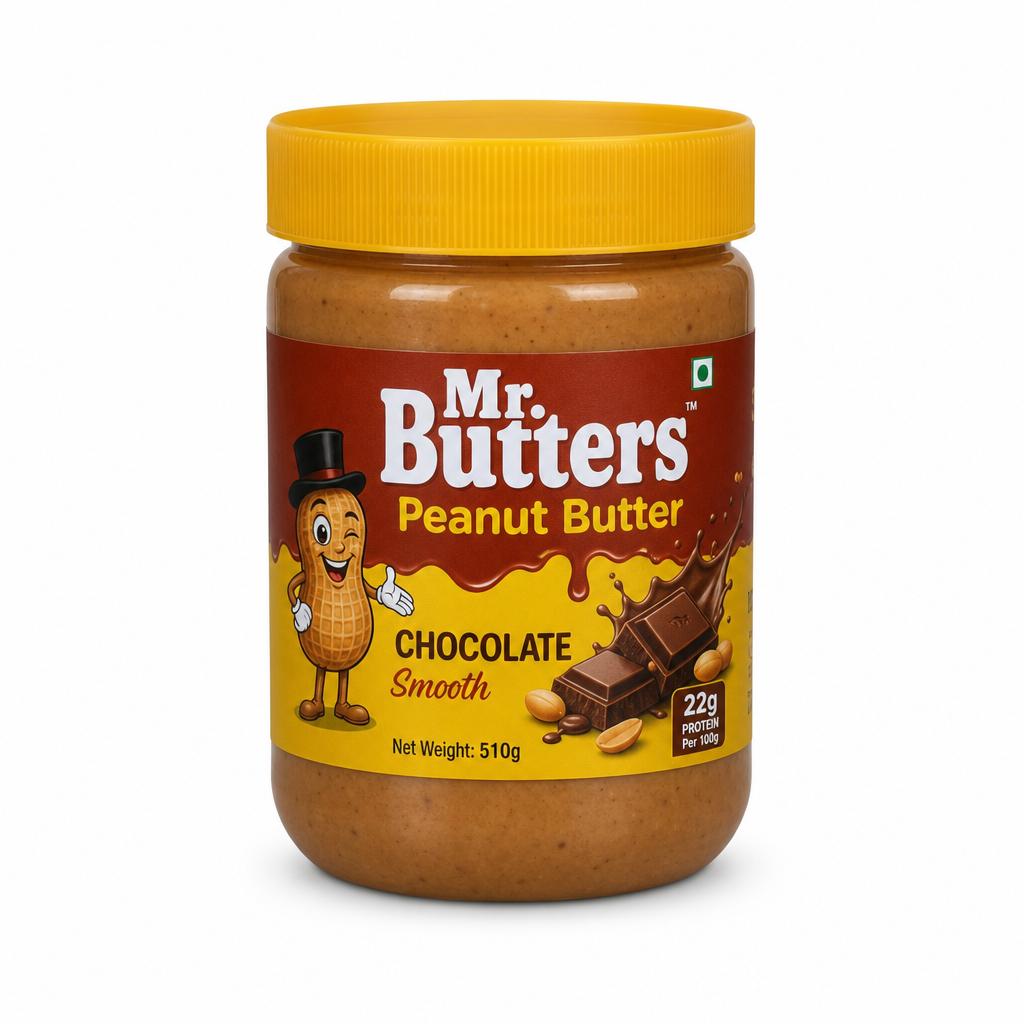
Ecommerce White Background Cleanup
Marketplace product images for Shopify, Etsy, and Amazon-style listings
おすすめ用途: Marketplace product images for Shopify, Etsy, and Amazon-style listings
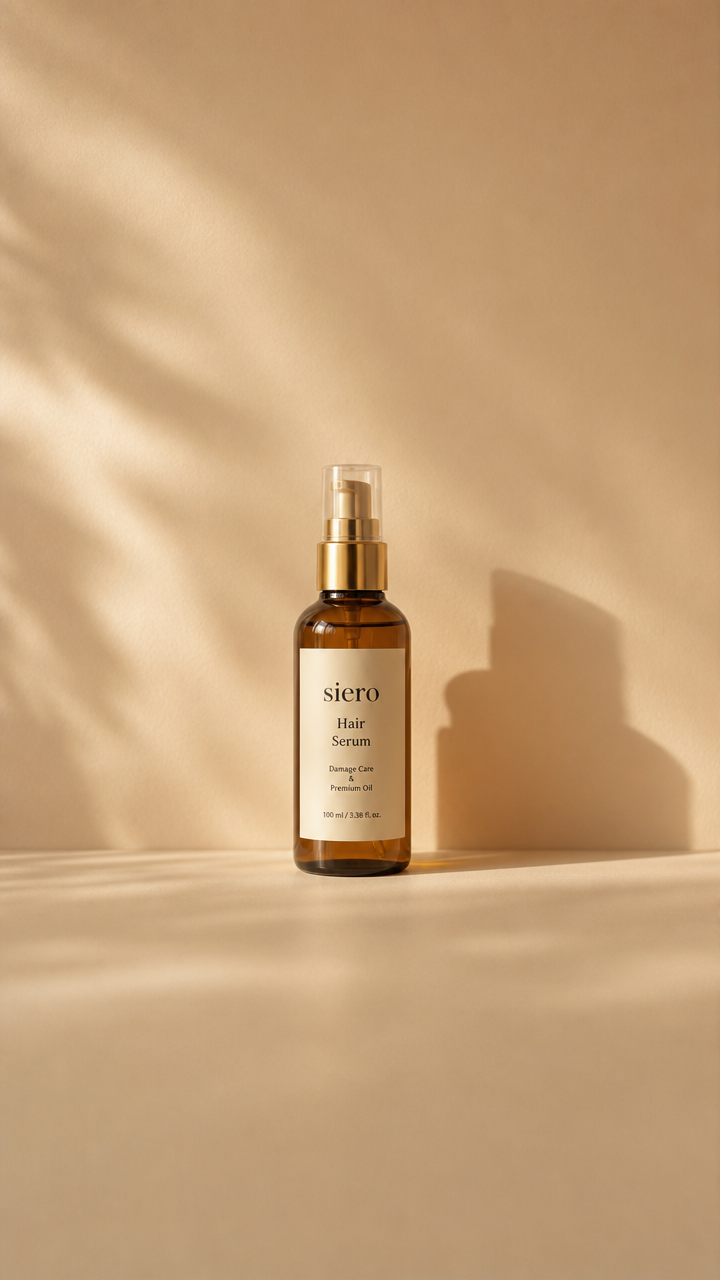
Vertical Story Canvas Extension
Turning square assets into Stories, Reels covers, and mobile ads
おすすめ用途: Turning square assets into Stories, Reels covers, and mobile ads
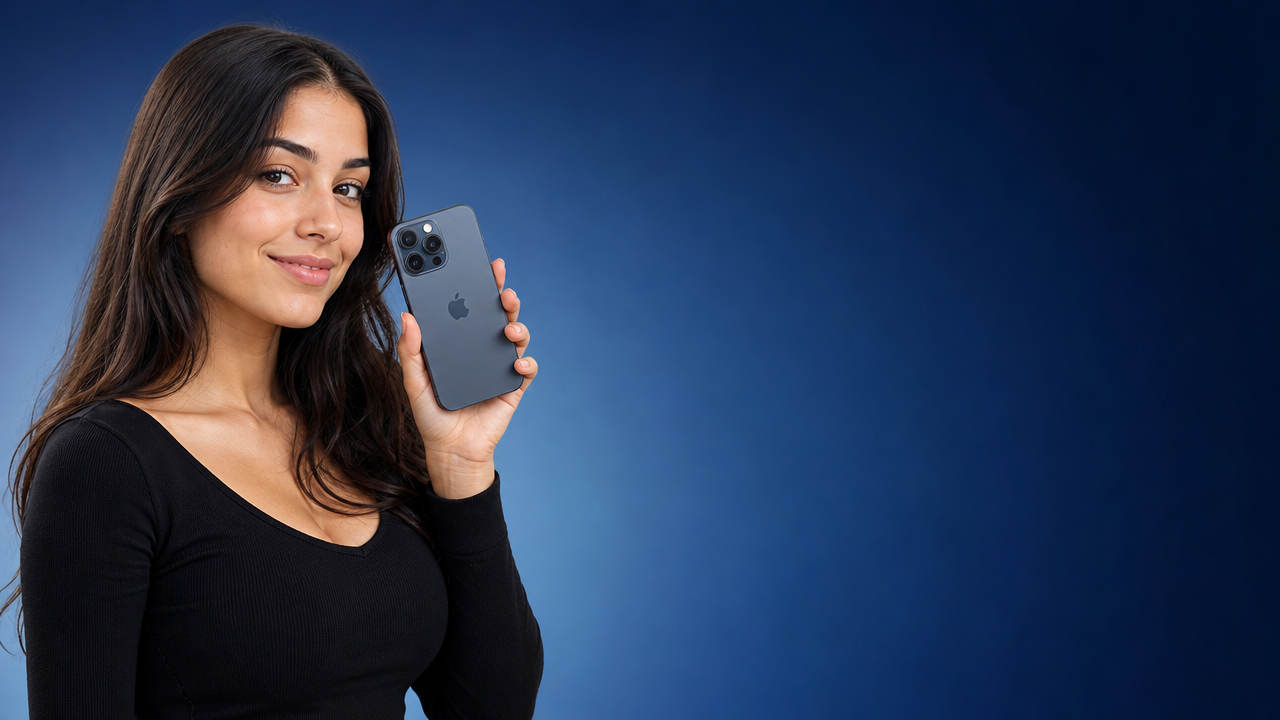
YouTube Thumbnail Reframe
Thumbnail layouts before adding final typography in a design tool
おすすめ用途: Thumbnail layouts before adding final typography in a design tool
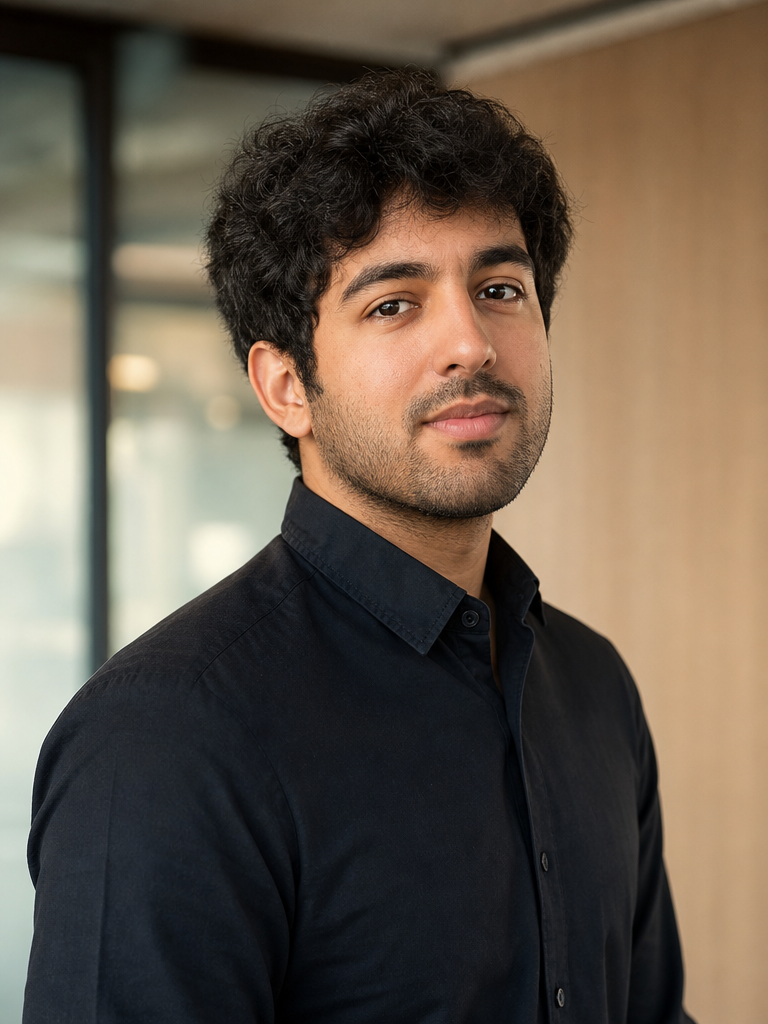
Founder Editorial Portrait Upgrade
About pages, speaker bios, team pages, and PR kits
おすすめ用途: About pages, speaker bios, team pages, and PR kits
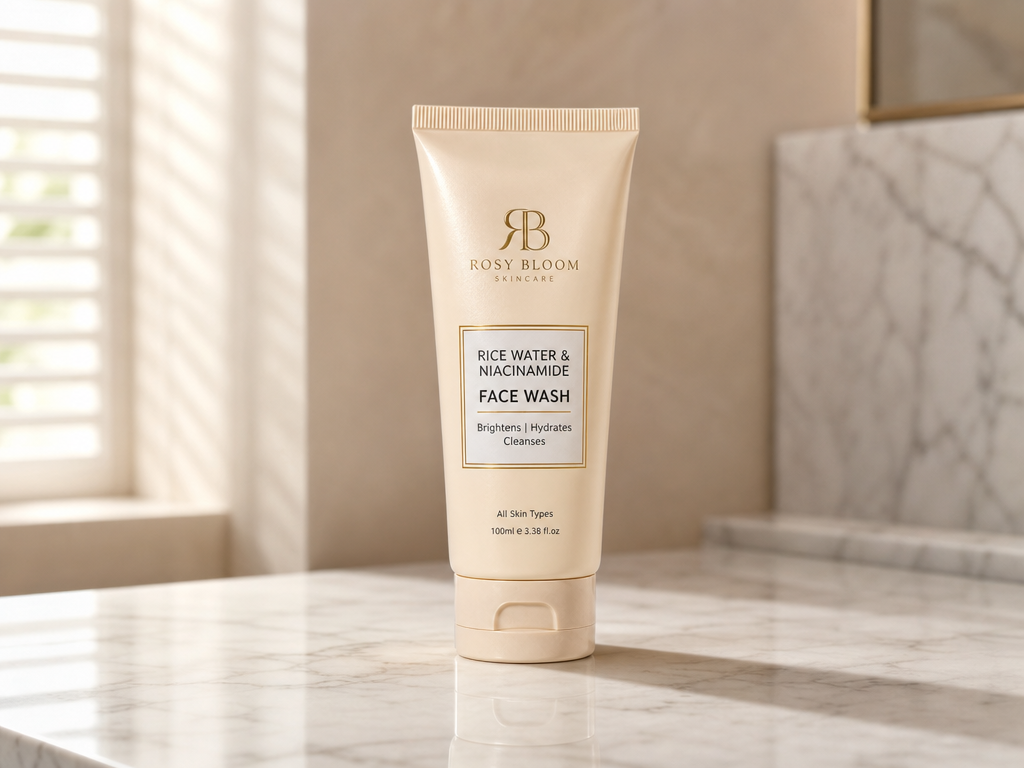
Marble Counter Product Scene
Turning plain SKU images into premium lifestyle product visuals
おすすめ用途: Turning plain SKU images into premium lifestyle product visuals
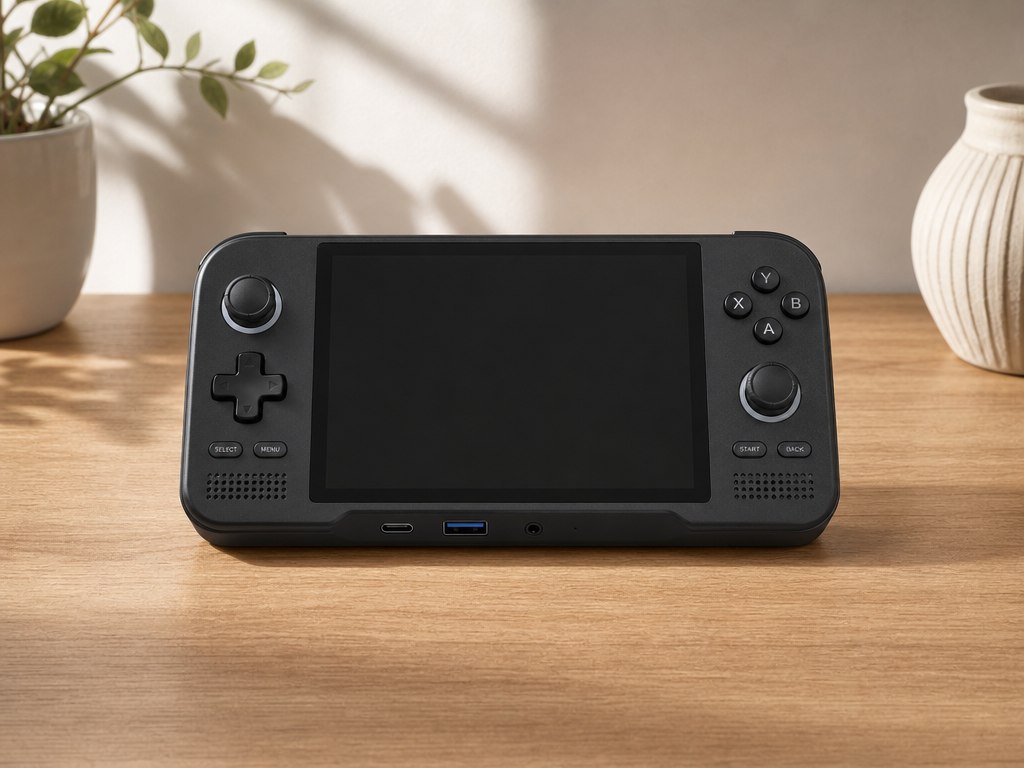
Wood Desk Tech Product Edit
Tech product pages, landing pages, and simple ad variants
おすすめ用途: Tech product pages, landing pages, and simple ad variants
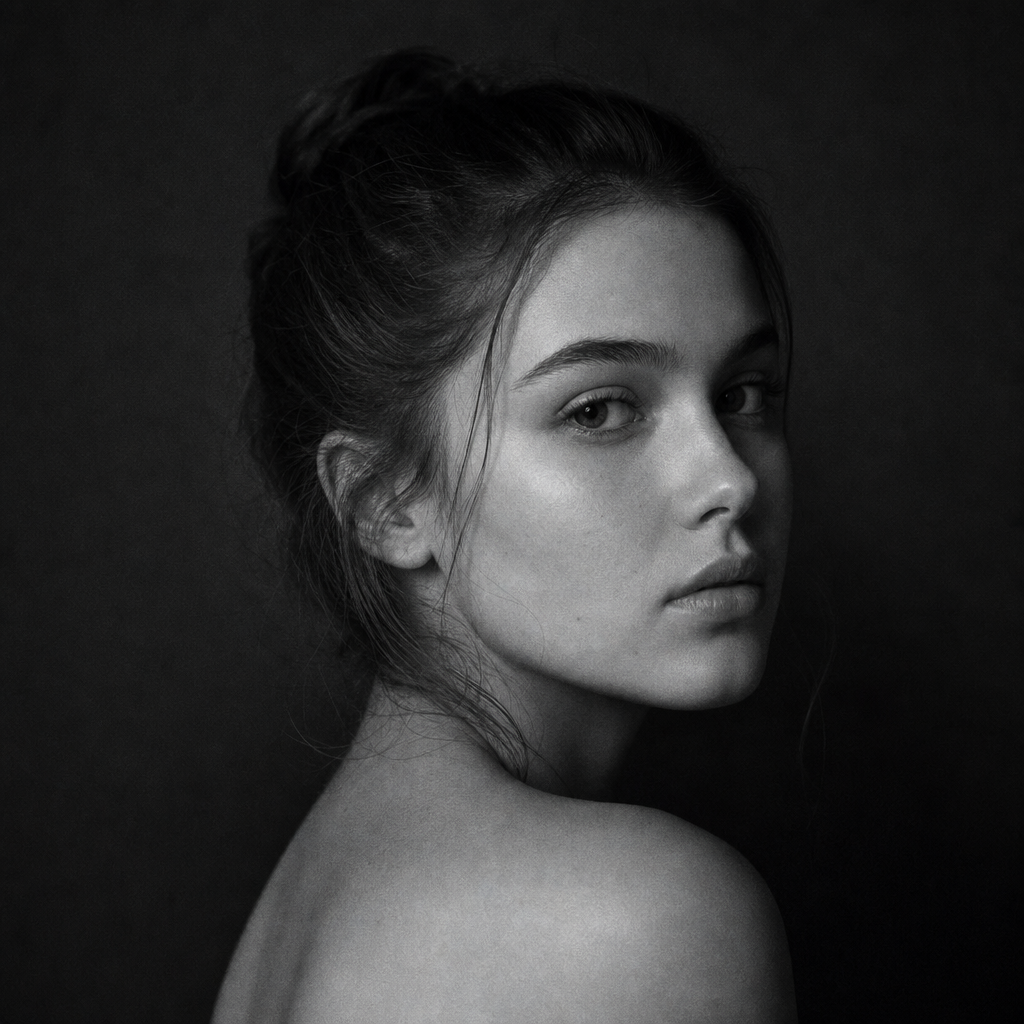
Low-Key Profile Portrait Edit
Moody profile photos and creator avatars
おすすめ用途: Moody profile photos and creator avatars
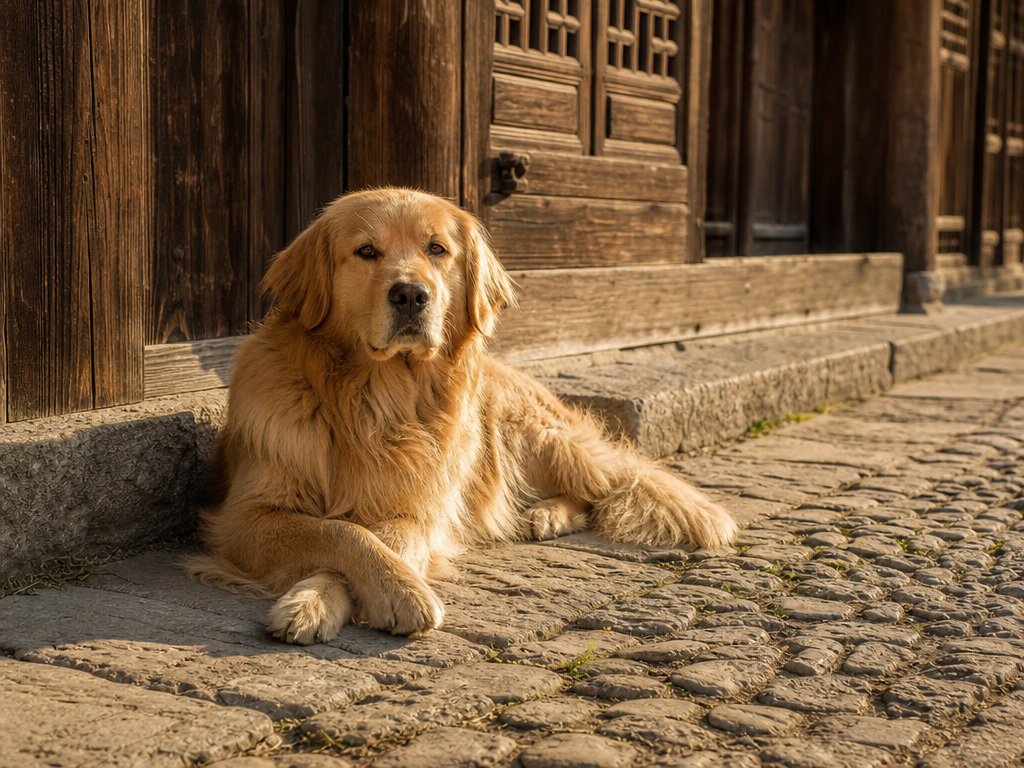
Object Removal Clean Scene
Removing clutter while keeping the photo believable
おすすめ用途: Removing clutter while keeping the photo believable
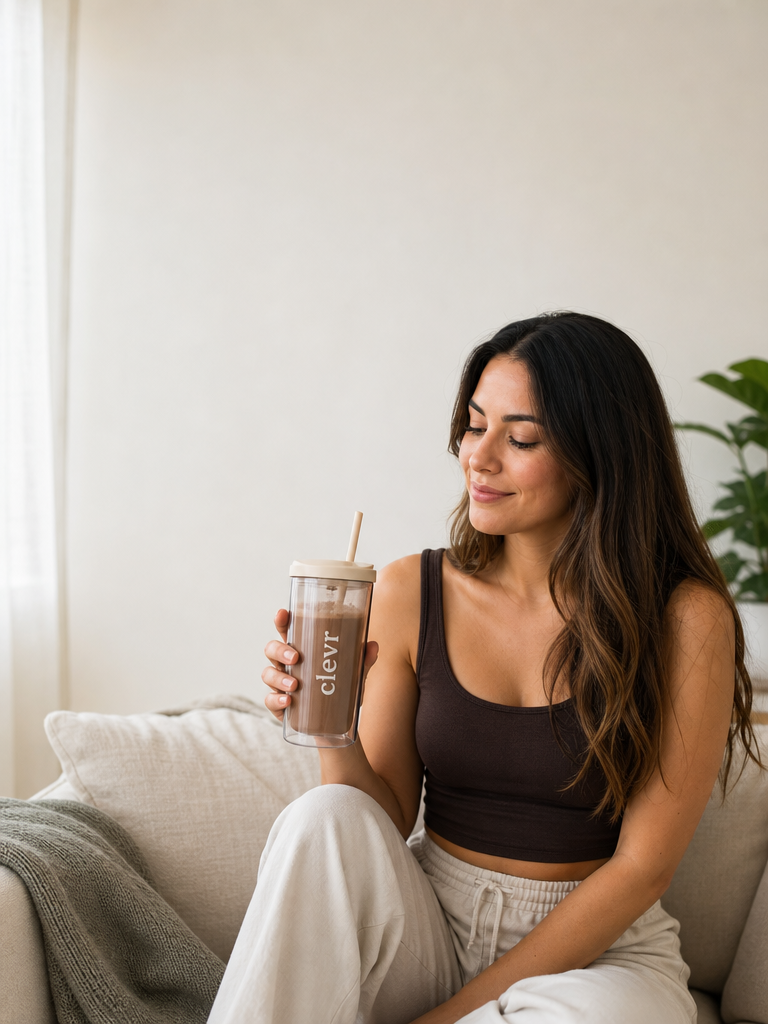
Instagram Carousel Cover Edit
Carousel covers where text will be added separately
おすすめ用途: Carousel covers where text will be added separately
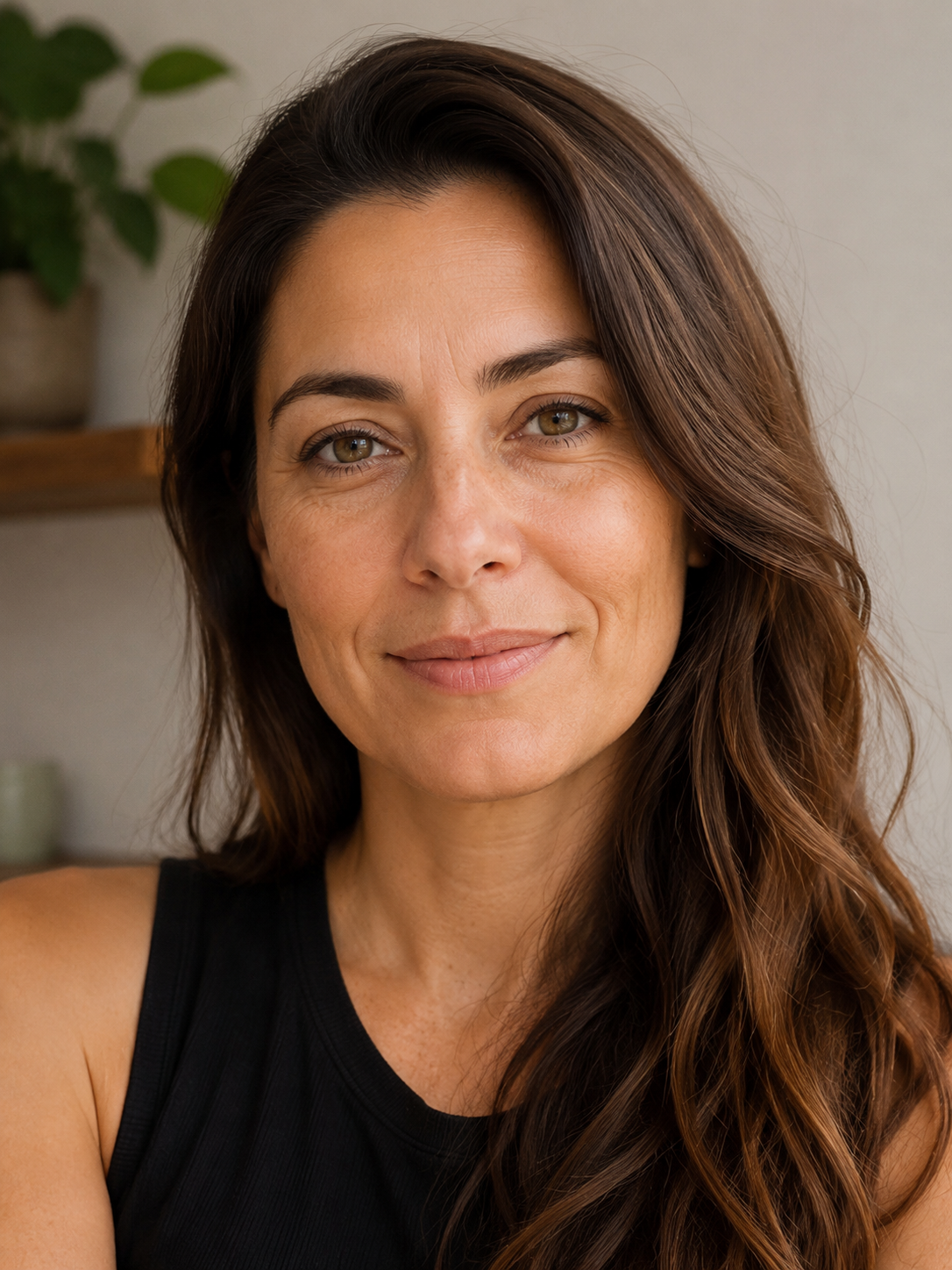
Natural Skin Tone Correction
Fixing phone portraits without losing natural texture
おすすめ用途: Fixing phone portraits without losing natural texture
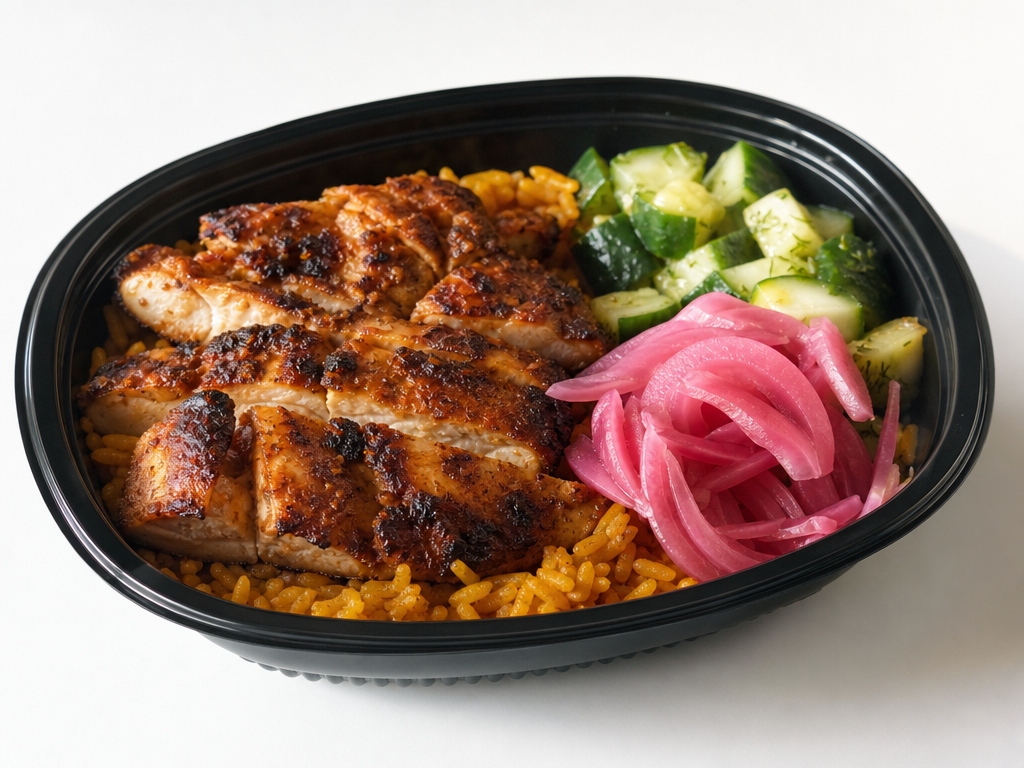
Food Delivery Photo Fix
Restaurant menu photos, delivery apps, and small food sellers
おすすめ用途: Restaurant menu photos, delivery apps, and small food sellers
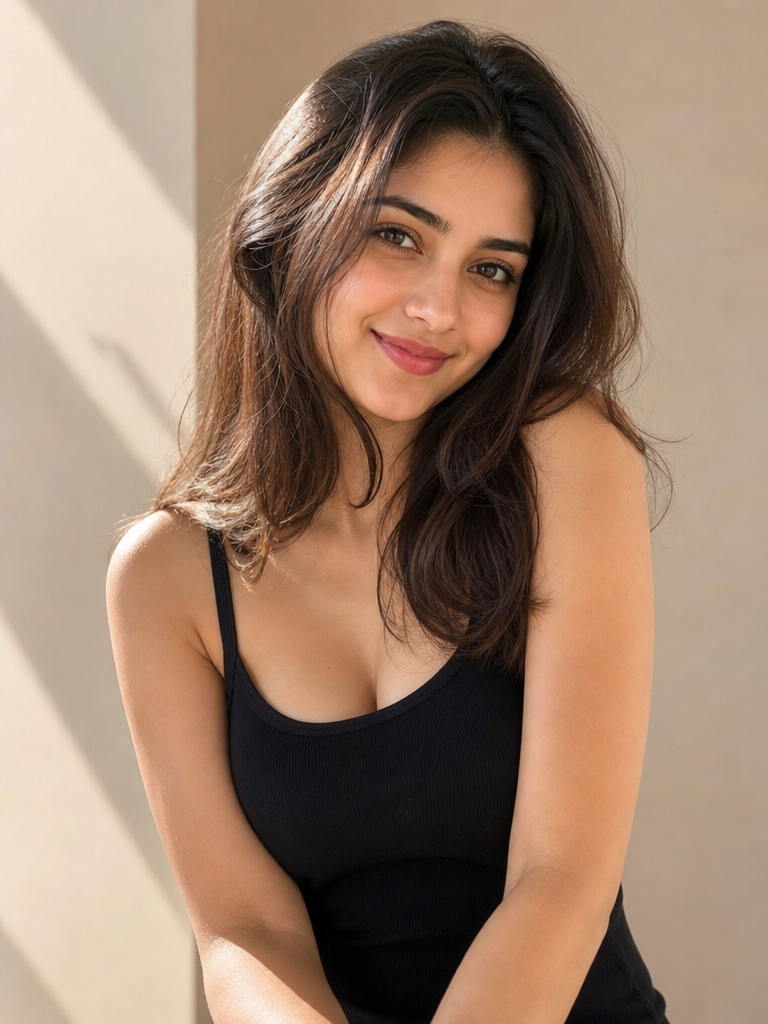
Background Declutter Edit
Cleaning portraits, product snapshots, and home office photos
おすすめ用途: Cleaning portraits, product snapshots, and home office photos
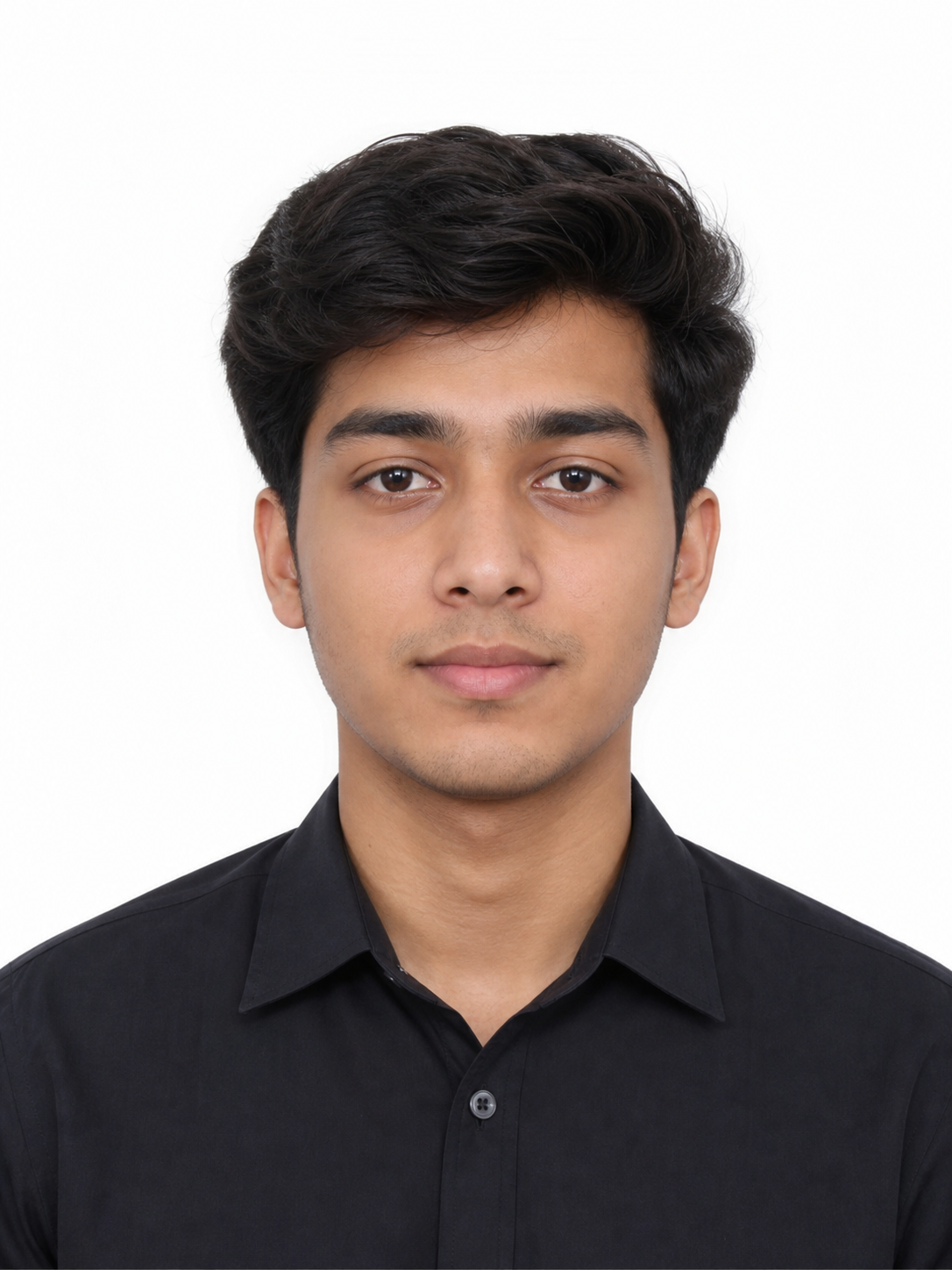
Clean ID Photo Conversion
Application photos, internal profiles, and simple document-style portraits
おすすめ用途: Application photos, internal profiles, and simple document-style portraits
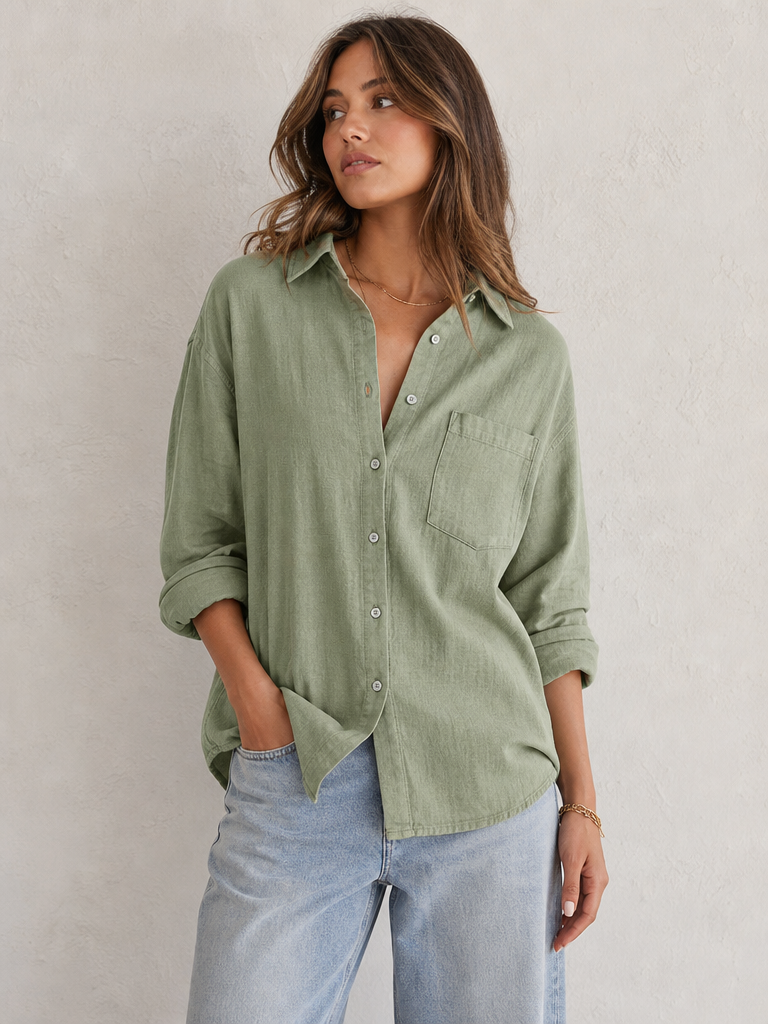
Fashion Item Colorway Edit
Apparel colorway tests without changing product structure
おすすめ用途: Apparel colorway tests without changing product structure
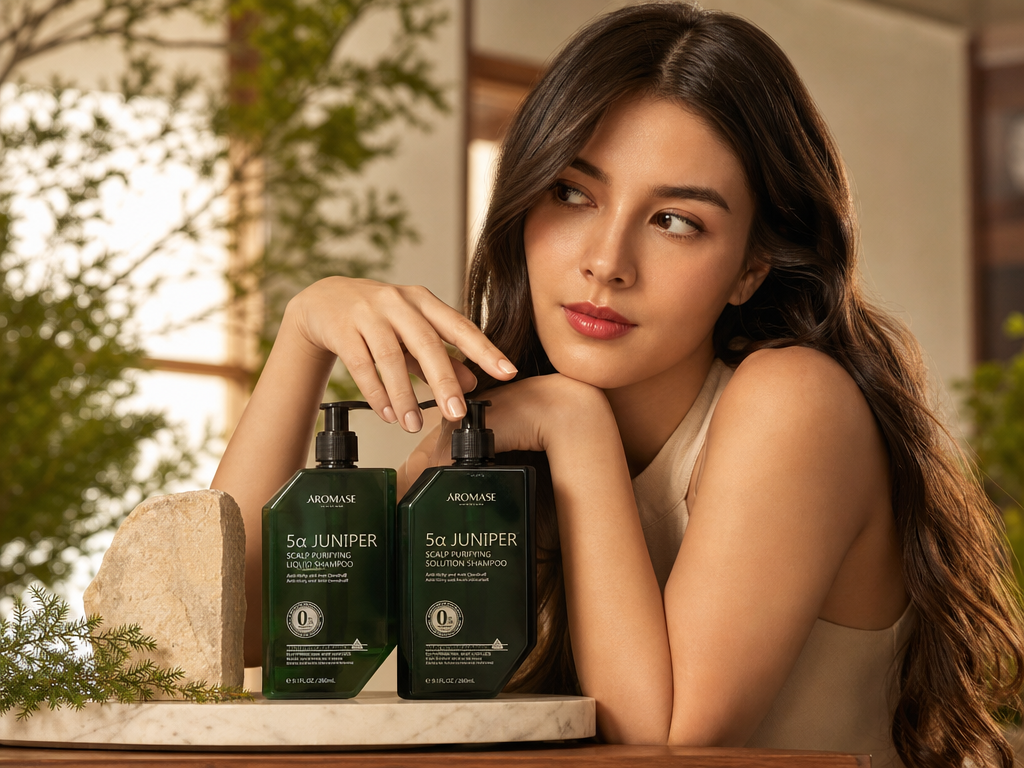
Consistent Color Grade Match
Making a mixed photo set feel consistent
おすすめ用途: Making a mixed photo set feel consistent
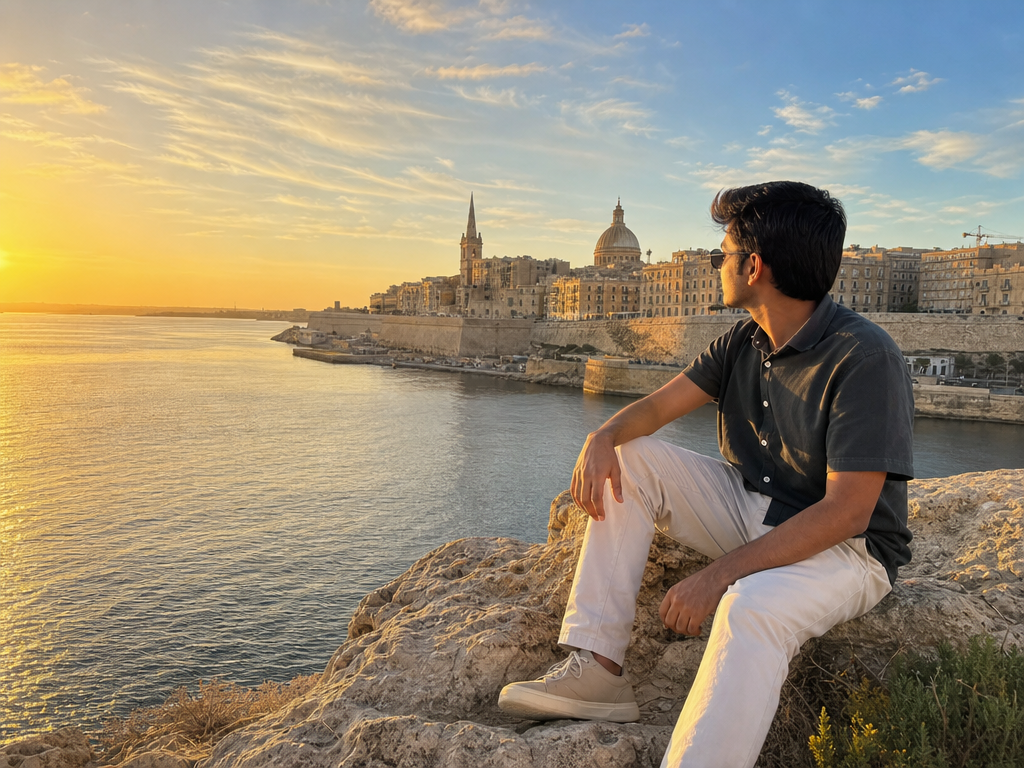
Travel Postcard Photo Edit
Travel posts that need polish without inventing the destination
おすすめ用途: Travel posts that need polish without inventing the destination
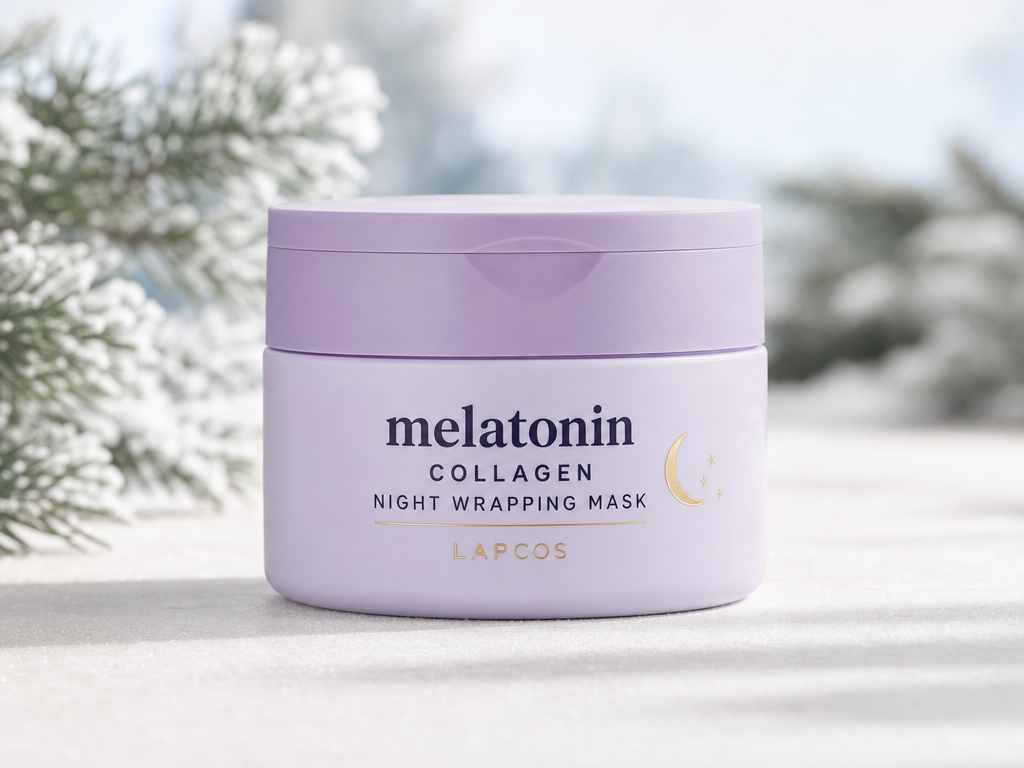
Seasonal Product Background Swap
Seasonal ecommerce assets while keeping the product truthful
おすすめ用途: Seasonal ecommerce assets while keeping the product truthful
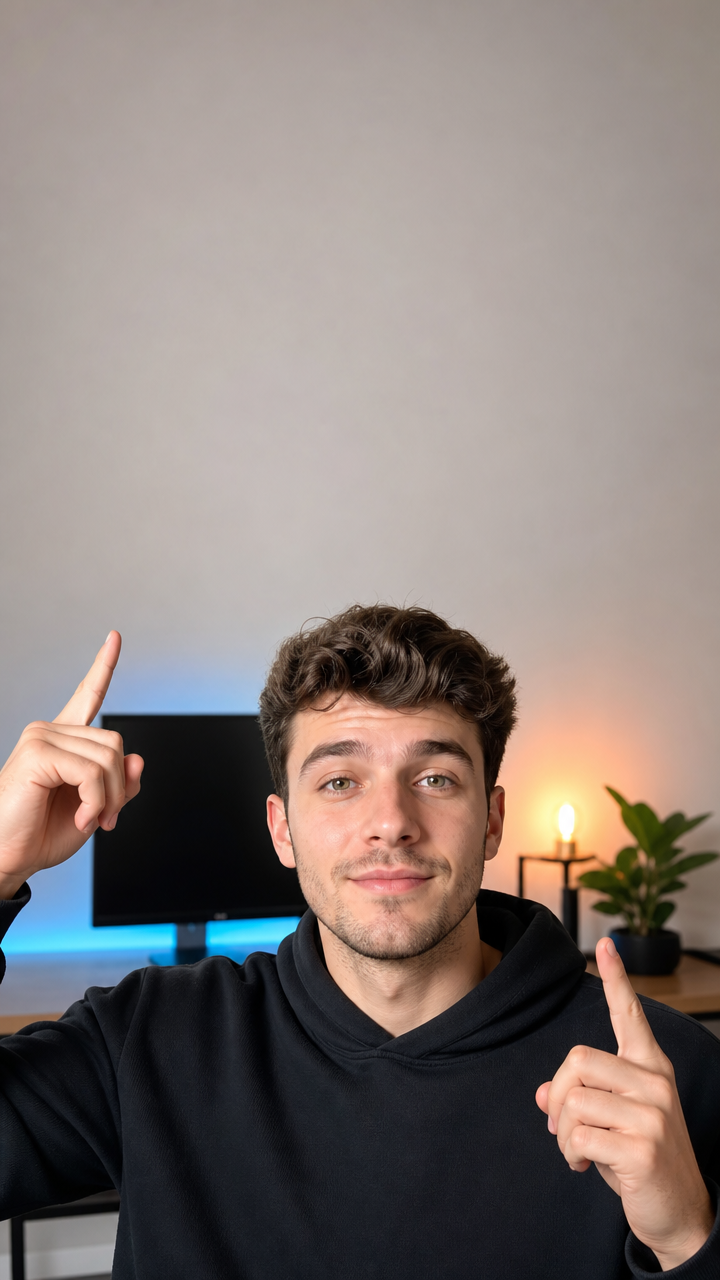
TikTok Cover Polish
Short-form video covers that still need manual typography
おすすめ用途: Short-form video covers that still need manual typography
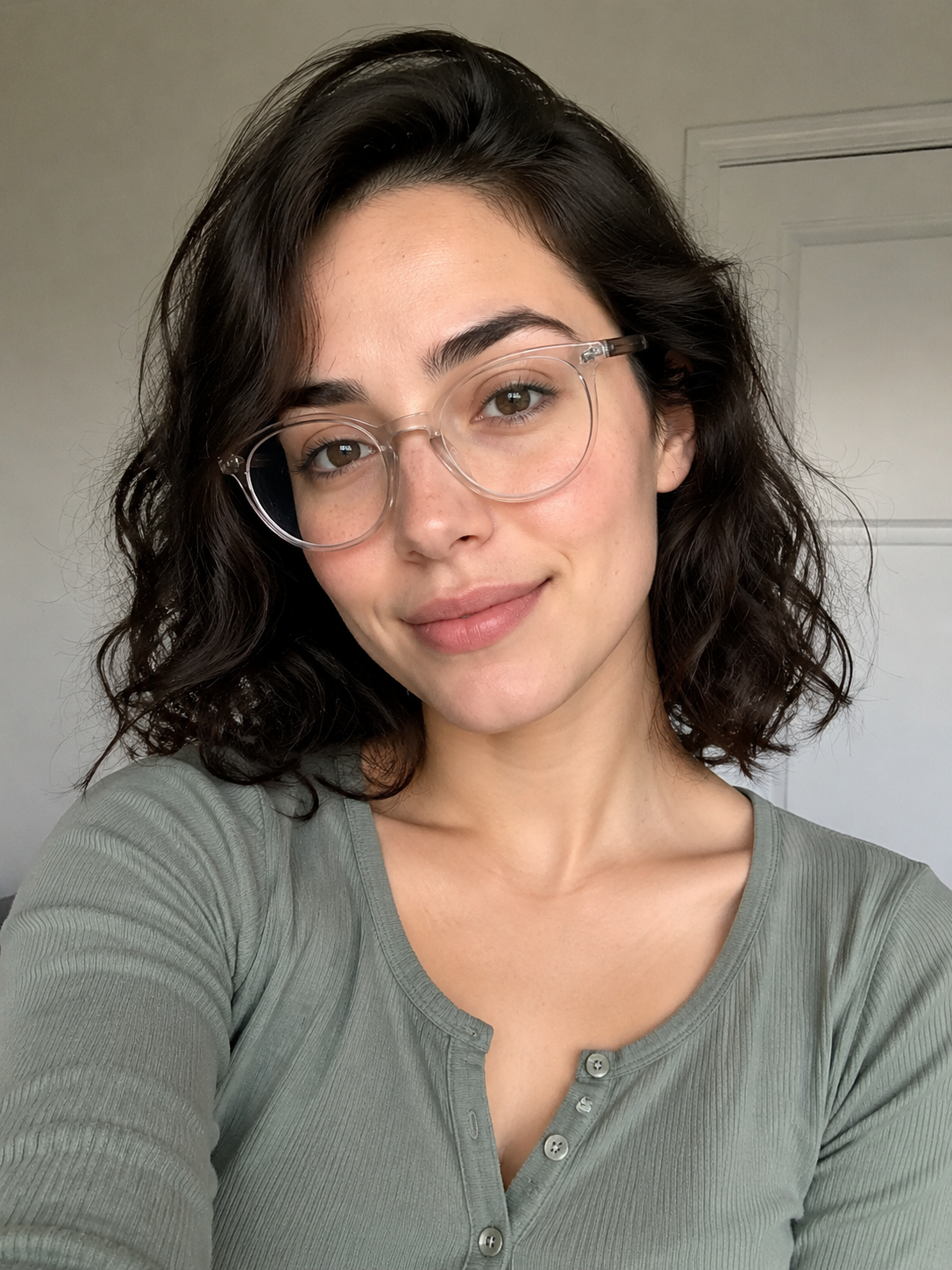
Glasses Glare Reduction
Polishing professional portraits while keeping glasses realistic
おすすめ用途: Polishing professional portraits while keeping glasses realistic
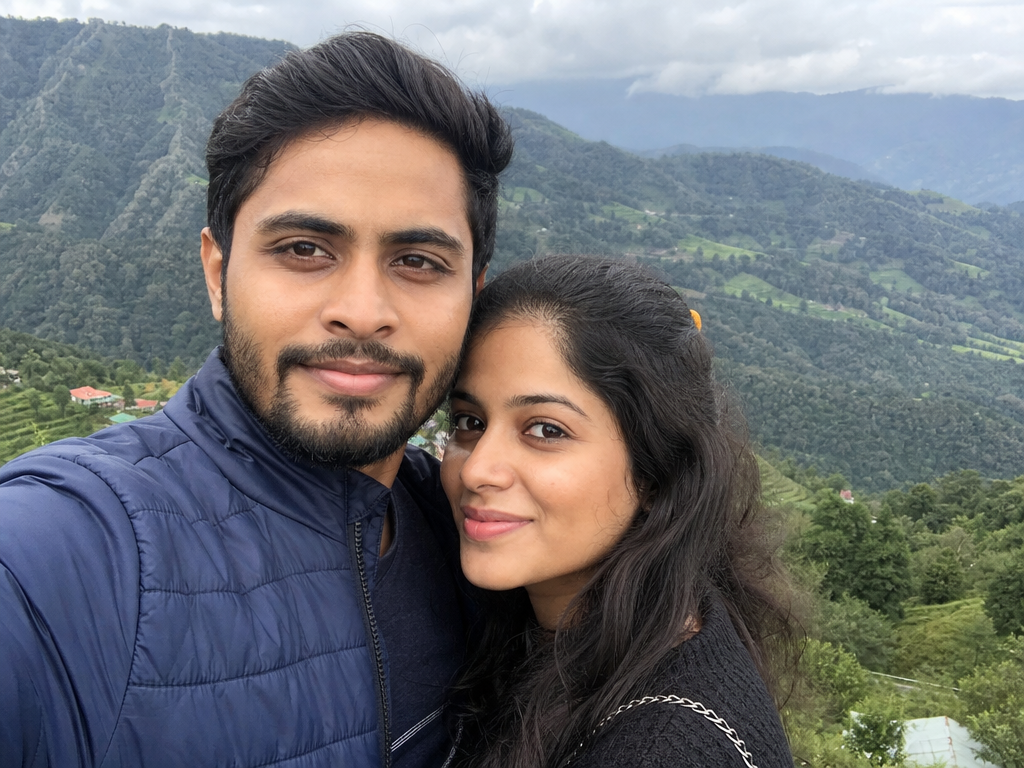
Phone Photo Quality Enhancer
General photo improvement without changing the original moment
おすすめ用途: General photo improvement without changing the original moment
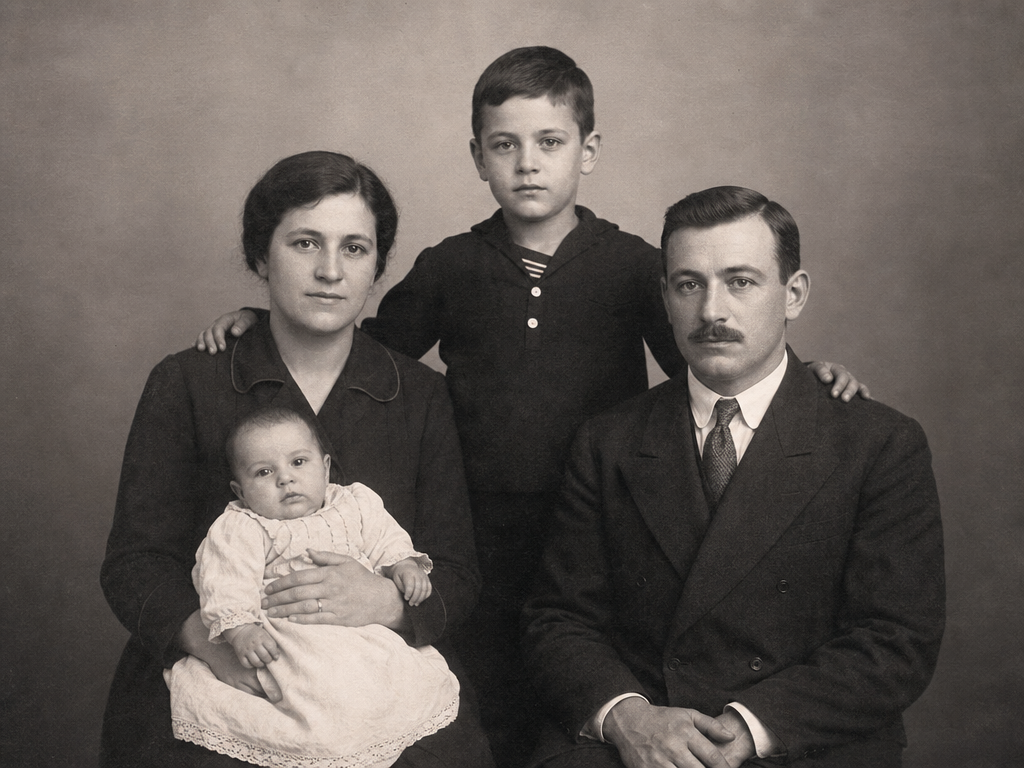
Old Photo Restoration
Restoring scanned family photos without losing authenticity
おすすめ用途: Restoring scanned family photos without losing authenticity
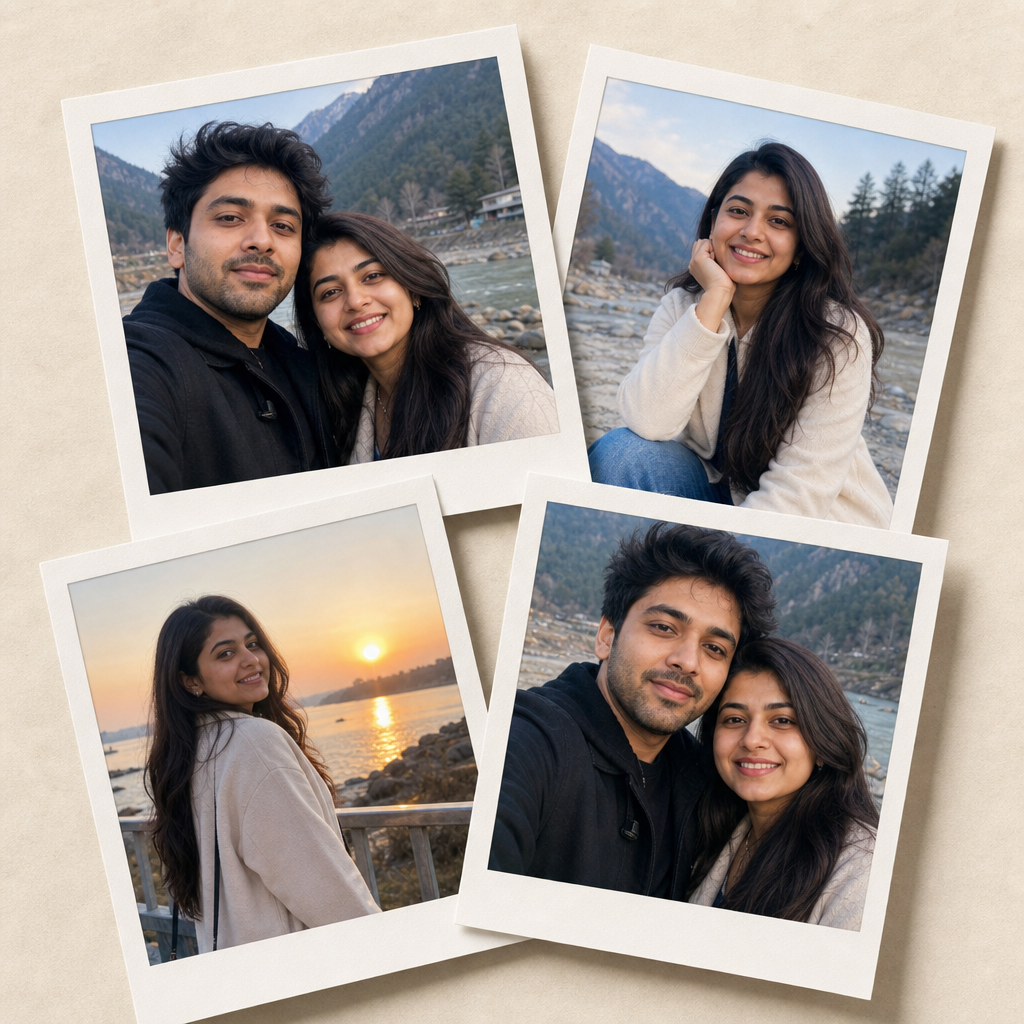
Polaroid Memory Collage
Social memory posts and simple photo scrapbook layouts
おすすめ用途: Social memory posts and simple photo scrapbook layouts
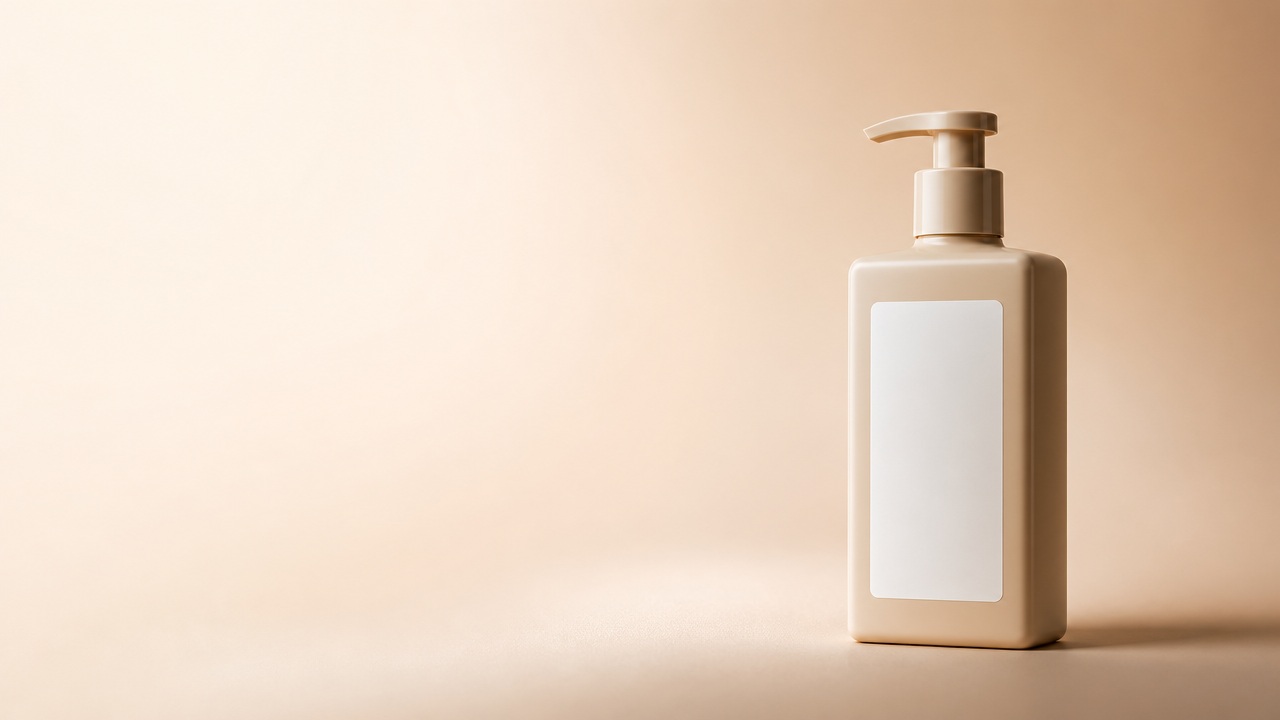
Ad Creative Product Hero
Ad layouts where copy and claims are added in a design tool
おすすめ用途: Ad layouts where copy and claims are added in a design tool
ChatGPT 画像編集プロンプトは、既存画像をどう変えるか、何を変えずに残すかを文章で指示するものです。ChatGPT Images では、画像をアップロードしたり一部を選択したりして、希望する編集内容を自然な言葉で伝えられます。
良いプロンプトは小さな編集ブリーフのように書きます。被写体を守り、変更点を一つに絞り、編集する範囲、スタイル、制約を加えます。PhotoPromptでは、この構造を人物、商品写真、背景、SNS投稿、高画質化に使えるコピー用例として整理しています。
基本の編集プロンプト式
目的 + 元画像 + 残す内容 + 変える内容 + 編集範囲 + スタイル + 出力 + 制約
弱い編集は、何を変えるかだけを書いて失敗しがちです。強いプロンプトは、変えてはいけない要素も指定します。
物体を消す、背景を替える、人物の光を整える、商品をきれいに見せる、画質を上げるなど、主な変更を一つずつ指定します。
本人らしさ、商品の形、ラベル位置、服装、ポーズ、カメラ角度、構図、元の遠近感など、重要な要素を保護します。
変更が画像全体、背景のみ、顔のみ、商品表面、左下の角、または別の特定領域にかかるのかを明記します。
自然な質感、リアルな影、きれいな輪郭、正確な色、歪んだ手なし、顔の変更なし、偽文字なし、過度なAI加工感なしを指定します。
日本語の検索では、クリエイター、マーケター、小規模事業者が繰り返し使う具体的な画像編集タスクが目立ちます。
人物レタッチ
自然な肌質、光の補正、LinkedIn写真、クリエイターアイコン、プロフィール写真に使えます。
商品写真の改善
EC画像を整え、ラベルを保ち、背景をきれいにし、影を改善して、ショップや広告に使いやすい画像にします。
背景変更
雑然とした背景を替え、不要物を消し、スタジオ風の台面を追加し、被写体を保ったまま自然な場所替えを作れます。
高画質化プロンプト
鮮明さ、露出、色バランス、ノイズ、解像感を改善しつつ、不自然で過度に加工された見た目を避けます。
長い固定文ではなく、再利用しやすい文字パターンが必要なときに使える短いテンプレートです。
人物レタッチテンプレート
アップロードした人物写真を編集してください。同じ顔、年齢、髪型、表情、服装、ポーズ、自然な肌質を保ってください。[光/背景/レタッチ詳細]のみを[具体的な結果]に変更します。リアルで高解像度、過度に加工されていない仕上がりにしてください。
商品写真テンプレート
アップロードした商品画像を元画像として使用してください。商品の形、ラベル位置、素材、色、カメラ角度を保ってください。[背景/光/表面/欠点]を[具体的な方向]に変更します。影は自然にし、余計な小物、偽文字、パッケージの歪みを避けてください。
高画質化テンプレート
本人らしさ、構図、元の細部を保ったまま、この写真を改善してください。鮮明さ、露出、色バランス、ノイズ低減を改善します。肌、布、商品エッジ、影はリアルに保ち、プラスチックのような肌、光の縁取り、AIレンダリング風の不自然さを避けてください。
このページを繰り返し作業用のプロンプト集として使い、最初の出力を見てから文面を調整できます。
LinkedIn写真、登壇者紹介、クリエイタープロフィール、チーム人物写真
Shopify、Etsy、Amazonの商品ページやSNS広告向けのEC商品画像
背景差し替え、物体削除、色補正、ライティング整理
より鮮明でクリーンな高品質画像ラフを作るための画質改善プロンプト
Instagram投稿、TikTokカバー、YouTubeサムネイル、Pinterestピン向けのトレンド加工
生活感のある商品シーン、スタジオ台面、パッケージ、広告クリエイティブ用の商品写真プロンプト
目的、元画像、残す内容、変える内容、編集範囲、スタイル、出力形式、制約を書く形式です。モデルに編集内容と守るべき境界の両方を渡せます。
OpenAIのヘルプでは、ChatGPT Imagesがアップロード済みの既存画像やChatGPTで生成した画像を編集できると説明されています。変更を直接説明することも、画像の一部を選択して指示することもできます。
残す内容のセクションを書きます。同じ顔、表情、髪型、体型、商品の形、ラベル位置、カメラ角度、変えてはいけない細部を明記してください。
いいえ。明確な編集言語で書いているため、PhotoPromptのマルチモデル画像ワークフローにも役立ちます。モデルごとに結果は変わるため、出力を確認しながら一度に一つの細部を調整してください。
リアルな参照画像編集には4o Image、商品レイアウトや文字入り素材にはGPT Image 2、素早いラフにはNano Banana、仕上げた商用ビジュアルにはNano Banana Proを使います。
テンプレートをコピーし、残す内容、変える内容、編集範囲、スタイル、制約を調整してから、PhotoPromptで開いて初回版を試せます。