
Sora Video
Explore Official AI-Generated Videos & Prompts
Copy, Download, and Create with Sora 2
Explore Video Examples
Hover to watch videos, click to copy prompts and create your own masterpiece
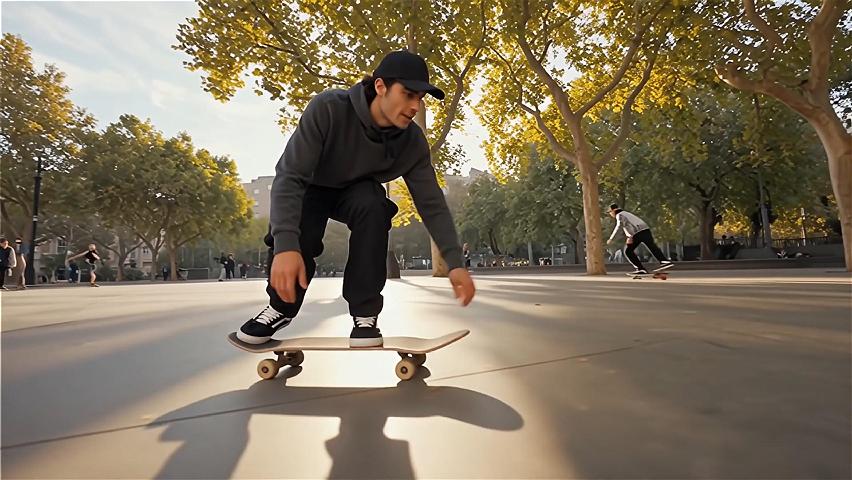
Urban Skateboard Performance
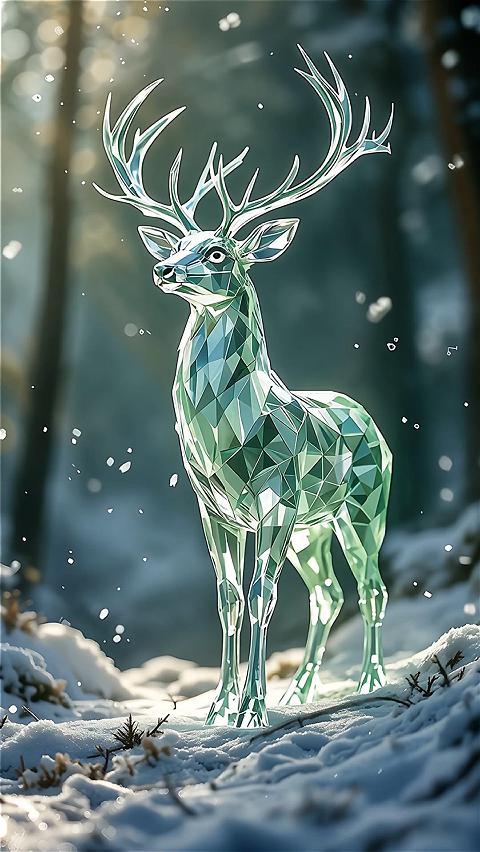
Crystal Deer at Dawn
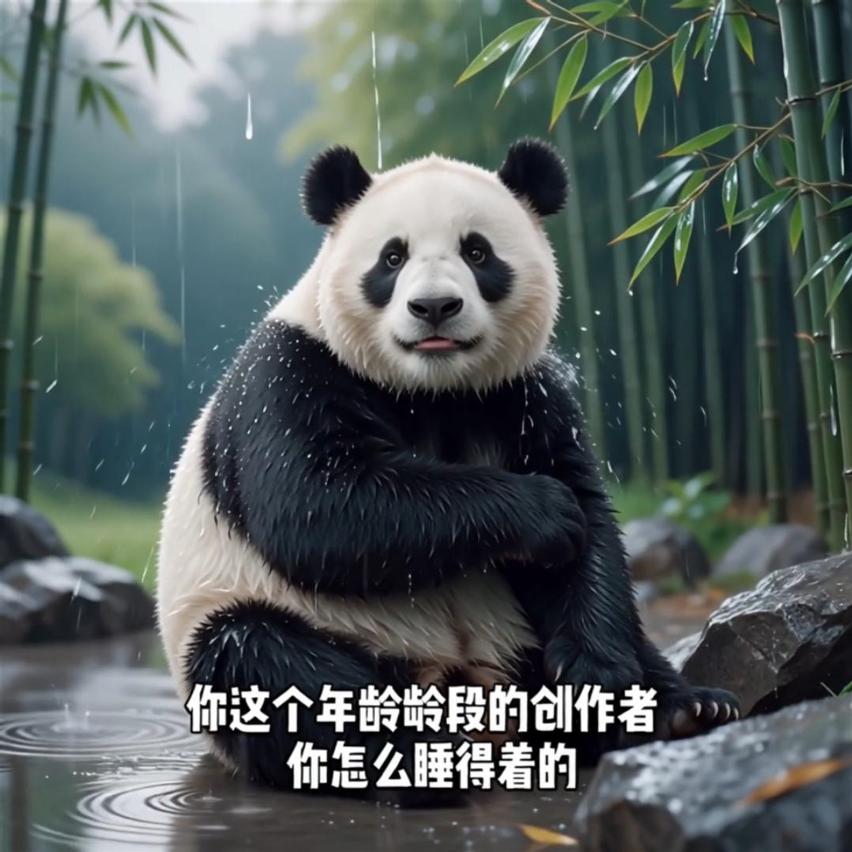
Talking Panda in Rain
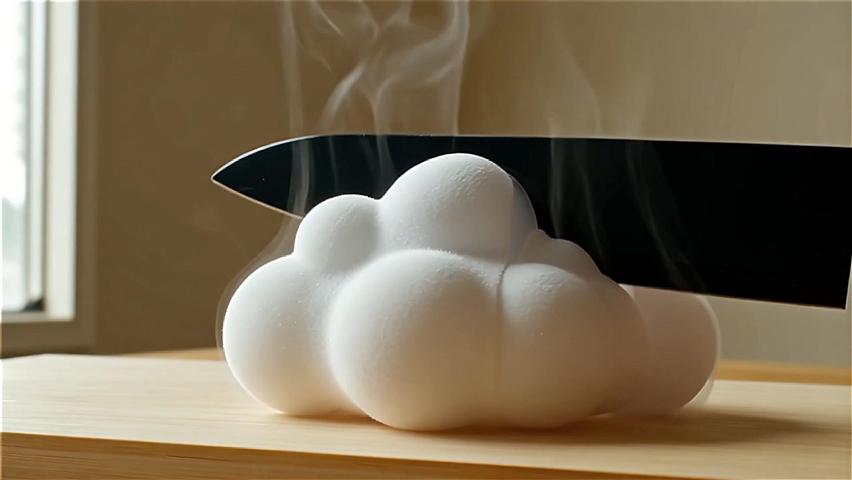
Surreal Cloud Slicing
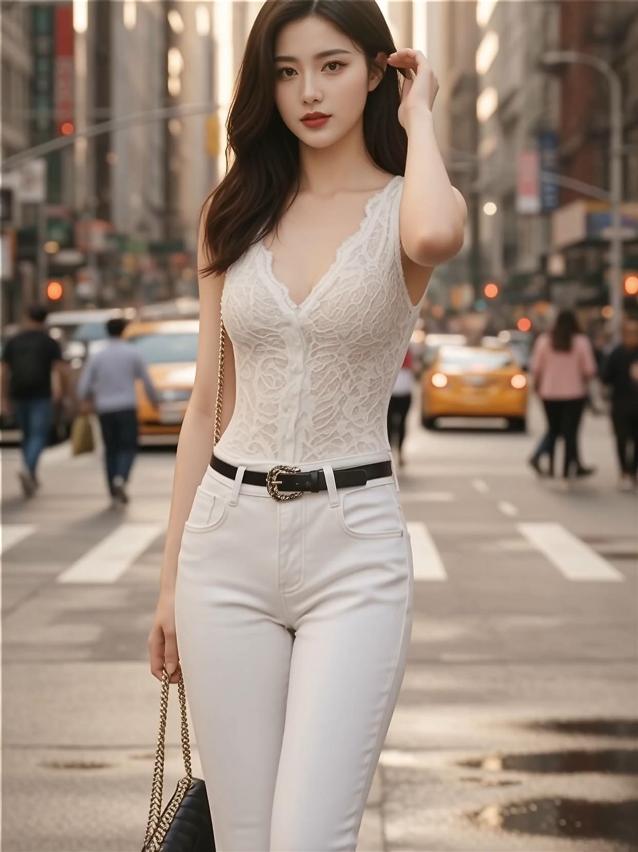
Neon Model Performance

Ice Melting Time-lapse
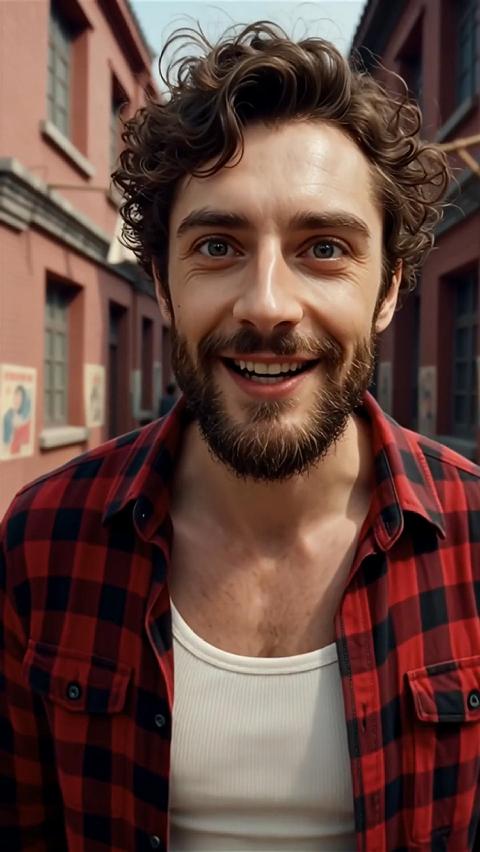
Street Portrait
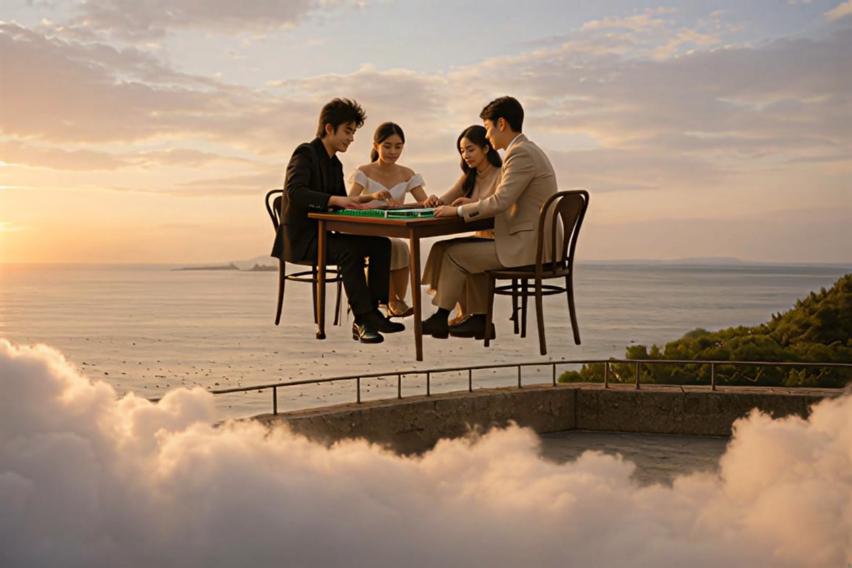
Flying Mahjong Table
Sora Video Prompt Gallery
Sora Video is a dedicated prompt gallery that showcases a waterfall of short videos generated by OpenAI's Sora 2 model. For anyone curious how to make Sora AI video content or struggling to craft the perfect sora prompt, this page provides a one-stop solution. Here you can explore dozens of Sora 2 videos organized by category – from cinematic action clips to animated shorts – each accompanied by the exact text prompt that created it. By seeing sora video prompt examples and their results side by side, AI enthusiasts and creators (short video makers, marketers, filmmakers, designers, students, etc.) can quickly learn what works and reuse these prompts in their own projects. Best of all, Sora Video is completely free to use and requires no login – you can instantly copy any prompt, download the video, or share it with a click. It's like having a living sora 2 prompt guide and inspiration library, empowering you to generate your own AI movies with confidence and ease.
Key Features & Benefits
Everything you need to jumpstart your AI video creation journey
Free & No Login
100% free, no sign-up needed. Sora Video is an open resource – you don't need an account to browse or use it. Immediately explore and copy sora prompts without any barriers. This makes it easy for anyone to jump in and start creating with Sora 2 right away.
One-Click Prompt Copy
Instant prompt reuse. Every video example has a "Get Prompt" button. With one click, the exact sora video prompt that generated the video is copied to your clipboard. No guessing or retyping – you get the full prompt text instantly, so you can paste it directly into the Sora 2 app (or any interface using Sora) to generate your own version. This saves time and ensures you're using a proven prompt as a starting point.
Easy Download & Share
Save or share in seconds. Sora Video includes built-in options to keep or spread the inspiration. The download button serves as a convenient sora 2 video downloader, allowing you to save any example video locally in its original quality. The share button copies the official Sora video link, so you can send it to colleagues or friends, or post it on social media. Whether you need to reference a video later or show off a mind-blowing AI clip to others, it's all just one tap away.
Curated Categories & Infinite Scroll
Find inspiration fast. All example videos are organized by category (genre, style, theme, etc.), from realistic nature footage to fantasy animation and sora movie-style action sequences. The page uses a responsive waterfall layout that loads more content as you scroll ("Load more" at the bottom for infinite browsing). This means you can seamlessly discover sora videos in your area of interest, be it sci-fi, travel, art, or education, without hitting a dead end. The curated categories and endless scroll make Sora Video a living gallery of what's possible with AI video.
Official Sora 2 Examples
Real outputs from Sora 2. The videos showcased aren't mock-ups – they're genuine clips generated by OpenAI's Sora 2 model, demonstrating its capabilities in action. Sora 2 produces more physically accurate, realistic, and controllable videos than prior systems, even featuring synchronized dialogue and sound effects. By seeing these high-quality examples (all created with actual Sora prompts and parameters), you're effectively getting a Sora 2 prompt guide for best practices. Each example highlights what a well-crafted prompt can achieve – from complex camera movements to consistent character behavior – giving you a huge head start in your own AI video projects.
Instant Inspiration
Each example highlights what a well-crafted prompt can achieve – from complex camera movements to consistent character behavior – giving you a huge head start in your own AI video projects. Start creating professional-quality videos in minutes.
How to Make a Sora Video
Follow these simple steps to create your own AI-generated video using Sora Video and the Sora app. Even if you're new to the process, it's quite straightforward:
Browse the Sora Video gallery
Scroll through the Sora Video page to view the AI-generated videos. You can filter by category or just explore the waterfall feed until you find a video that catches your eye. Pay attention to the thumbnail and short looping preview to choose a scenario or style you want to create – for example, an epic sunset sora movie prompt or a funny cartoon clip.
Copy the video's prompt
Once you've found a video you like, click the "Get Prompt" button on that video tile. This instantly copies the full text prompt that was used to generate the video. (You'll usually see a brief confirmation like "Prompt copied!") You now have the magic formula behind the video. Feel free to paste the prompt somewhere to view or tweak it, or proceed directly to generation.
Open the Sora app and set up generation
Launch the Sora 2 app on your device (download it from OpenAI if you haven't already – currently it's an iOS app). In the Sora app, start a new video creation (the interface is similar to a video editor where you enter a prompt). Paste the prompt you copied into the prompt input field. You can adjust any settings if needed (like clip length or resolution, if the app allows those choices) or use it as-is for the first try. (If you're new to Sora, you might need to sign in with your OpenAI account. The app will handle the AI processing once you submit the prompt.)
Generate and enjoy
Hit the "Generate" or equivalent button in the Sora app to create the video. Sora's servers will process your prompt and, after a short wait, you'll see your AI-generated video result. Now you've essentially recreated the example from Sora Video on your own account! You can save or share this new video from the app, or even go back and refine the prompt to better suit your needs. (For instance, you might change a character or setting in the prompt and run it again to see a different outcome.)
Pro Tip
If the output isn't exactly what you expected, don't worry – AI video generation can have some randomness. Try regenerating with the same prompt or making small edits. The Sora Video page gives you a proven starting point, and from there you can iterate to get the perfect result.
What Can Sora Video Be Used For?
Discover the endless possibilities of AI video generation across different industries
Content Creation & Marketing
In the hands of content creators, social media managers, and digital marketers, Sora Video becomes a wellspring of quick creative ideas. Need a viral video for TikTok or an eye-catching promo for a brand? Instead of brainstorming from scratch, you can browse trending sora videos (like a dancing robot or a cinematic product reveal) and instantly grab the prompt to recreate or adapt it. Marketing teams can use Sora Video to prototype campaign visuals, generate engaging short-form content for ads, or A/B test different concepts. Because it's so fast to copy a prompt and produce a clip, creators can explore multiple ideas in minutes. The result is more creative, high-impact videos for your audience with far less effort.
Filmmaking & Animation
For filmmakers, animators, game designers, and other visual storytellers, Sora Video serves as a powerful pre-visualization and concept development tool. Think of Sora 2 as an AI video maker that can render "storyboards" or test shots from a simple description. Directors and VFX artists can experiment with cinematic prompts (e.g. "a continuous drone shot over a medieval battlefield at dawn") to see how Sora interprets them, using the gallery's examples as a starting point. An indie game developer or CG artist might find a prompt for a lush fantasy landscape or futuristic city and use it to generate concept footage or background scenes. Essentially, Sora Video provides a library of production-ready prompt templates: whether you're visualizing a complex action sequence or an artistic animation style, you can likely find a relevant sora movie prompt example to accelerate your creative workflow. This not only saves time but can inspire new directions – perhaps a prompt for "retro 8-bit adventure scene" sparks an idea for your next project's aesthetic.
Education & Research
Sora Video is also a valuable resource for students, educators, AI enthusiasts, and researchers interested in the cutting edge of generative media. In an educational setting, instructors can use Sora Video examples to demonstrate what AI video generation is capable of – showing the class a prompt and the resulting video helps demystify the process. Students in new media or film programs can study these prompt-video pairs to learn how to use Sora 2 effectively, observing how phrasing a prompt in different ways yields different cinematic results. It's like an interactive textbook for prompt engineering: each example illustrates a principle (such as how a prompt sets lighting or camera angles). For AI researchers and tech bloggers, Sora Video offers a quick way to survey the state-of-the-art in AI video generation. By examining various prompts and outputs, one can analyze Sora 2's strengths (e.g. handling physics, lip-sync, scene continuity) and limitations. Overall, whether for a classroom, a workshop, or personal experimentation, Sora Video lowers the barrier to entry for understanding and leveraging AI-generated videos.
What Is Sora 2?
Sora 2 is OpenAI's latest text-to-video generation model, released in late 2025 as the successor to the original Sora (2024). It is essentially an AI system that can create short video clips (with both moving visuals and synchronized audio) from a written prompt. Compared to earlier video generators, Sora 2 is a major leap forward – it produces outputs that are more physically accurate, realistic, and controllable than prior models.
For example, Sora 2 better obeys the laws of physics and preserves consistency: if your prompt describes a person doing a backflip on a paddleboard, Sora 2 will maintain correct body motion and water splashes, whereas older models might morph or glitch out. It can handle complex sequences and camera shots, and it excels at various styles (from cinematic live-action looks to anime or cartoon aesthetics).
Uniquely, Sora 2 also generates sound: you can get background sound effects, music, or even synchronized dialogue based on the prompt's description. OpenAI launched Sora 2 alongside a new mobile app called Sora (currently on iOS), which provides a social, collaborative interface to create and share these AI-generated videos. Users can write prompts or upload reference images in the app, generate videos up to a certain length, remix each other's creations, and even insert themselves into AI videos via a "cameo" feature. In summary, Sora 2 represents the cutting edge of AIGC (AI-generated content) for video – often described as putting a "Hollywood visual effects studio in your pocket." It's the underlying engine that powers all the examples you see on the Sora Video page.
Frequently Asked Questions
Everything you need to know about using Sora Video
Answer
To create a video with Sora 2, you will need to use the official Sora app or platform, and a good prompt. Here's the basic process: First, find an example prompt from the Sora Video gallery (for instance, a scene or style you want to emulate) and click "Get Prompt" to copy it. Next, open the Sora app (download it from OpenAI's site or the App Store if you haven't already) – this is the tool provided by OpenAI to interact with their AI video maker model. In the app, start a new video creation and paste the copied prompt into the prompt field. Finally, initiate the generation. The Sora AI will then create a video based on that prompt. In a few seconds, you'll have your own Sora-generated video. You can repeat this process with different prompts or modify the prompt to experiment. Essentially, Sora Video gives you the prompt, and the Sora app turns that prompt into an actual video. (Note: The Sora app may require an OpenAI account or have regional availability – check OpenAI's instructions if you're new to it.)
Answer
Yes – Sora Video is completely free to use, and you do not need to log in or register an account on our site. All the features on this page (browsing videos, copying prompts, downloading videos, etc.) are available to any visitor instantly. You can think of it like a public library of sora prompts and videos. We built it to be a handy reference and inspiration tool for the community, so there are no paywalls or sign-in requirements. However, keep in mind that the Sora 2 app (where you generate new videos) is an OpenAI product – using the app itself is also free as of now, but it will require you to sign in with an OpenAI account, and access to Sora's generation service might be limited (for example, there could be an invite system or usage limits since it's a new technology). Sora Video simply provides the prompts and example outputs; when you go to actually create a video in the Sora app, you'll have to follow whatever sign-in or usage policies OpenAI has in place.
Answer
Absolutely. Each video displayed on Sora Video comes with built-in download and share options for your convenience. If you want to download a video, simply click the download icon (usually shown as a downward arrow ⬇️ or similar) on the video's card. The clip will be saved to your device in its original format and resolution. This essentially gives you a local copy of the AI-generated video which you can watch offline, include in presentations, or analyze frame-by-frame. The quality will be exactly as it appears on the site (since it's an official output from Sora). If you want to share a video, click the share icon (often shown as a share arrow or three dots). This will copy the video's public URL to your clipboard. The URL is usually a link to view that video on Sora's official platform. You can send this link to friends or colleagues, or post it on social media, and anyone who clicks it will be able to see the video on OpenAI's Sora site/app. In summary, Sora Video functions as a convenient sora 2 video downloader and sharing hub — making it easy to save the examples you love or show them to others. (Note: If you share a Sora link, the viewer might need to have the Sora app or access to Sora's web viewer. Downloading the video as a file can be more universally shareable in some cases.)
Answer
Not exactly – due to the generative nature of the AI, using the same prompt will yield a similar video but usually not a pixel-perfect copy. This is important to understand: Sora 2 (like other generative models) introduces some randomness in each run. Like with ChatGPT, using the same prompt multiple times will lead to different results – this is a feature, not a bug. Each generation is a fresh take on the prompt. So if you copy a prompt from Sora Video and use it in the Sora app, you might notice small differences from the example video on our page. The overall content and style will match (e.g. the setting, characters, general action will be as described in the prompt), but specific details can vary: perhaps the background clouds move differently, or the timing of an event changes slightly. In some cases the differences are minor, in others you might get a noticeably distinct variant of the scene. This variability is normal – it's actually part of the creative power of AI. If you need an almost identical result, you could try regenerating a few times; often one of the outputs will be close to what you saw here. Also, Sora's remix feature (if available in the app) might let you generate variations of a video. In practice, think of the Sora Video examples as a reference of what's possible. Your version will be unique, and sometimes the second or third attempt might even look better or more to your liking. Embrace the slight randomness as serendipity – you might end up with a pleasant surprise!
Answer
Writing a good Sora prompt is part art and part science, but thankfully you don't have to start from zero. There isn't an official sora prompt generator tool that automatically produces prompts for you (at least not yet). The best approach is to learn by example and practice. Here are some tips: • Study the examples: Our Sora Video gallery itself serves as a great sora 2 prompt guide. Spend some time looking at how the prompts are written for the videos you like. Notice the wording – for instance, a prompt might specify camera angles ("close-up of…") or art style ("in the style of a 90s anime") or physical details ("a red ball bounces on a wooden floor at sunset"). Good prompts often include specific descriptors for the scene, lighting, perspective, and any actions. • Be specific and clear: The more precise details you give, the more the AI has to work with. For example, instead of saying "a person in a room", you'd get a richer result with "a young woman in a dimly lit attic room, surrounded by old paintings, looking out a small window". Avoid ambiguity; describe the key elements you want to see. However, also be aware that overly long prompts can sometimes confuse the model – there's a balance. Each example prompt on Sora Video is like a mini lesson in clarity and detail. • Set the style/tone: If you want a certain look (cinematic, cartoon, black-and-white, etc.), mention it. For instance: "80s VHS home video style" or "Pixar-like 3D animation" or "documentary footage with handheld camera". Sora 2 responds well to style cues and will try to match the visual tone. • Include sound or dialogue if needed: Sora 2 can handle audio, so you can actually include things like "and says, '...'" if you want characters to speak, or "with dramatic orchestral music" for background music. The examples show some prompts with dialogue lines – those will make the AI generate lip-sync and voice (though the fidelity can vary). • Iterate and refine: Rarely will a complex scene be perfect on the first prompt. Use the first output as feedback. If something was missing, add it to the prompt; if something weird appeared, clarify or remove ambiguity. Think of prompting like communicating with a director – sometimes you need a few takes to get it right. In short, practice makes perfect. You can start by tweaking the prompts you find on Sora Video: change a character, change the time of day, combine aspects from two prompts, etc. There is no automated prompt generator, but by using resources like Sora Video and keeping these tips in mind, you'll become your own sora prompt generator, skillfully crafting prompts that yield amazing videos. And as the AI continues to improve, prompt-writing will likely become even more intuitive over time.
Answer
All the videos you see on Sora Video are generated by the actual Sora 2 AI model – we've either pulled them from OpenAI's official showcases or the Sora community's shared content. When OpenAI launched Sora 2, they demonstrated a number of example videos (for instance, in research presentations or on social media) to show what the model can do. We've curated many of those official Sora examples and organized them here with their prompts. Additionally, the Sora app features a public feed where users can share videos they've made (much like TikTok but for AI videos). Some of the clips on our page may come from popular or trending creations in that feed, which have been made publicly available by their creators via the share link. Our goal is to bring the best and most illustrative Sora outputs into one convenient gallery. We do not use any non-Sora or fake content – if it's on Sora Video, it means the clip was genuinely produced by Sora 2 given the prompt shown. We regularly update the page as new impressive examples emerge. If OpenAI releases new styles or improvements, or if the community starts sharing a cool new genre of Sora videos, you can expect to see those reflected on Sora Video. In summary, these videos come from OpenAI's Sora 2 itself (via official demos and user-shared content), curated by us to educate and inspire everyone.
Answer
At the moment, Sora Video does not support user submissions or uploads – it's a curated showcase maintained by the PhotoPrompt team. Currently, only the videos and prompts we have hand-picked (from official sources and the community, as explained above) are listed on the page. You won't find an "Upload" button or form to add your own content just yet. The main reason is to ensure the quality and reliability of the examples; we want to avoid spam or incorrect prompts that could mislead users. That said, we recognize that the Sora user community is growing and there are many amazing creations out there. In the near future, we are considering features to allow user contributions. This might involve a review process where you can submit your Sora video link and prompt to us, and if it's a good fit, we'll include it on the site (crediting you, of course). We may also implement filters or sections for "Community Picks". But as of now, think of Sora Video as a read-only gallery. You can definitely use the page as a prompt library to fuel your own Sora projects, but you can't post content onto it. If you have something you're dying to share, you could reach out to us through PhotoPrompt's contact page – we're always on the lookout for great Sora prompts and results to feature!
Ready to Create Your Own AI Images?
While Sora 2 specializes in videos, try our AI Photo Generator powered by Google's Nano Banana to turn any prompt into stunning images in seconds.
Try Photo Prompt Now