
AI image generation has advanced dramatically with the arrival of OpenAI’s GPT-4o. Now, you can easily transform ordinary photos into a wide variety of artistic styles – from cartoons and anime to sketches and oil paintings. Tools like PhotoPrompt leverage GPT-4o’s powerful image understanding to let anyone create stunning visuals from simple text prompts. Whether you want to make a fun cartoon avatar, an anime version of your pet, or a watercolor-style landscape, these AI tools make it possible in minutes. GPT-4o can even accurately follow your prompts and apply complex styles or text effects, turning your visions into reality. In short, modern AI can turn your photos into works of art.
GPT-4o Image Generation: A New Breakthrough
GPT-4o represents a leap beyond prior image models like DALL·E or Midjourney. It’s an “omnimodal” version of GPT-4 that understands both text and images. This means you can feed it a detailed description (or even an existing photo) and it will generate a matching image. GPT-4o excels at photorealism and style mimicry, so it can faithfully replicate artistic techniques from oil painting to pixel art. Importantly, it follows instructions with great precision – even adding legible text into images or modifying uploaded photos. For example, you could upload a family photo and ask GPT-4o to “paint it like Vincent van Gogh,” and the AI would apply the swirling brushstrokes and color palette characteristic of his style. In essence, GPT-4o merges language understanding with image synthesis: it “sees and draws what you describe,” using its vast visual knowledge to make results accurate and stunning.
Introducing PhotoPrompt – Free AI Art for Everyone
PhotoPrompt is a free, web-based tool built on GPT-4o that makes this power available to everyone. You don’t need any design or coding skills – just type what you want and click Generate. Its interface is intuitive and beginner-friendly. The site offers a generous free tier, so you can create many images at no cost. If you do decide to upgrade, premium plans are affordable and run entirely in the cloud (no software installation needed). PhotoPrompt supports dozens of styles – from realistic photos to sketches, anime, watercolor, and beyond. You can even upload reference images to guide the AI’s style or composition. In short, PhotoPrompt acts like an “AI art department” at your fingertips.
- Lightning-Fast Generation: Get images in minutes.
- High-Quality Results: Produce sharp, high-resolution art (often 1024×1024 or more).
- Versatile Styles: Everything from realistic photos to anime, oil paintings, sci-fi concept art and more.
- Easy for Everyone: No training needed – just describe what you want.
- Powered by GPT-4o: The state-of-the-art model ensures precision and creativity.
- Free to Try: A free credits are available on sign-up, with optional paid plans.
Using PhotoPrompt is simple: type a clear prompt, optionally upload up to 5 reference images (to hint at style or content), choose an aspect ratio, and generate. Below, we explore how to turn your photos into popular art styles with example prompts for each.
Artistic Styles and Example Prompts
Cartoon
Cartoon style turns photos into playful, exaggerated caricatures or comic-book drawings. This style often features bold lines, bright colors, and simplified features – think Disney-like or traditional cartoon characters. People use the cartoon style for fun avatars, children’s illustrations, personalized comics, or social media graphics. It gives photos a whimsical, humorous feel.
Example: Imagine a plain headshot transformed into a smiling cartoon face with big eyes and a wide grin. The result looks hand-drawn and colorful.
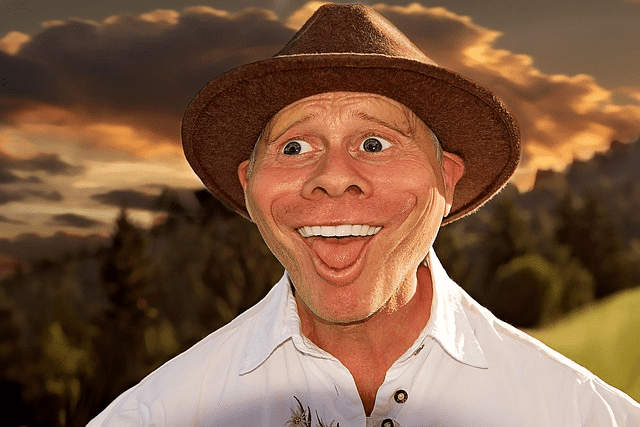
Example: A photo of a man turned into a humorous cartoon caricature, with exaggerated smile and bright colors.
Prompt examples for PhotoPrompt:
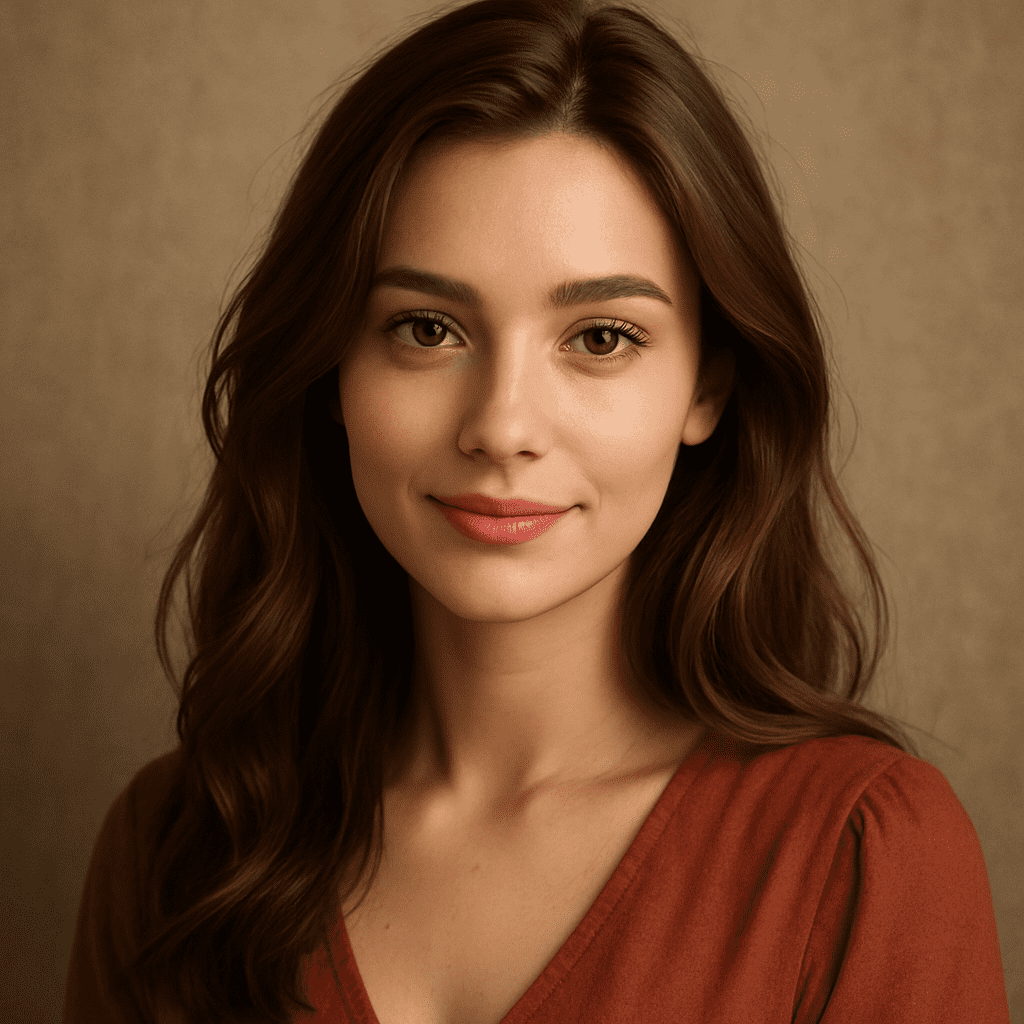
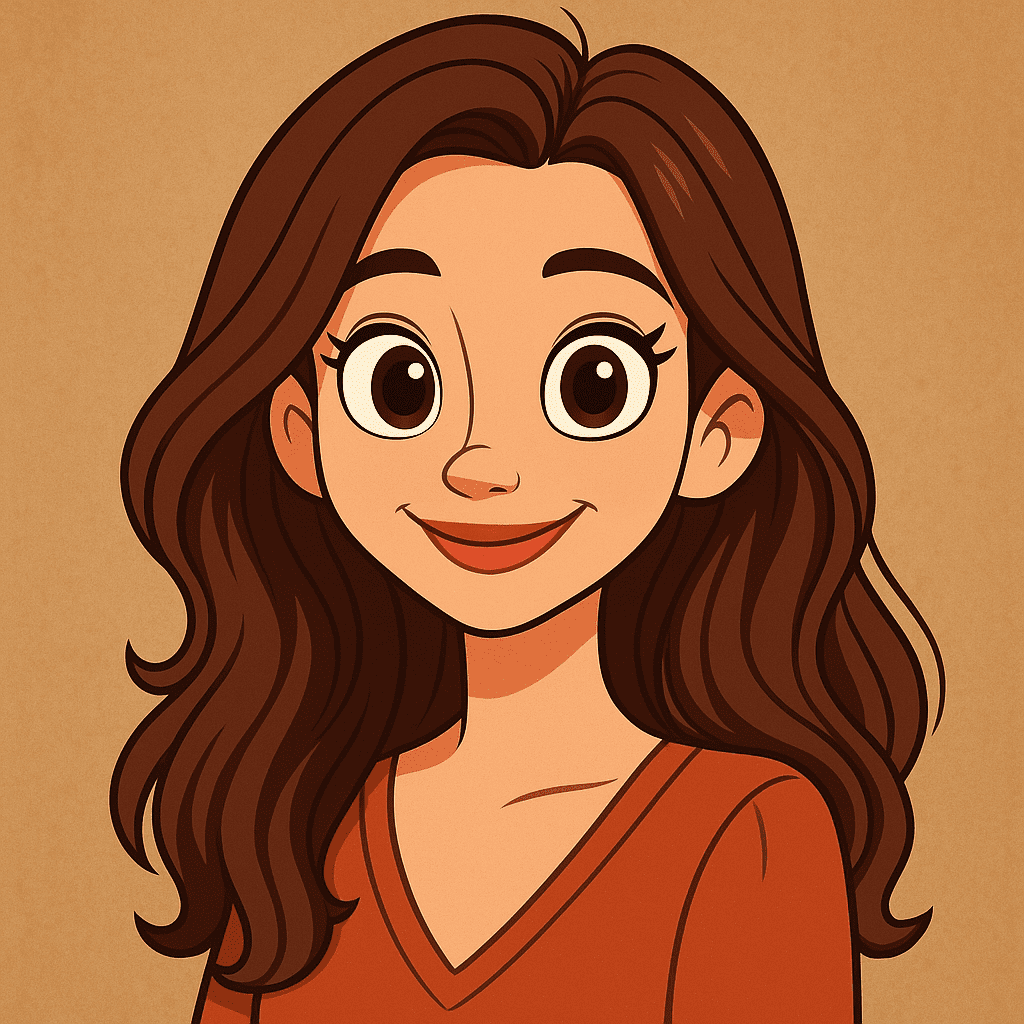
“Turn this portrait into a colorful cartoon character with big eyes and a friendly smile.”
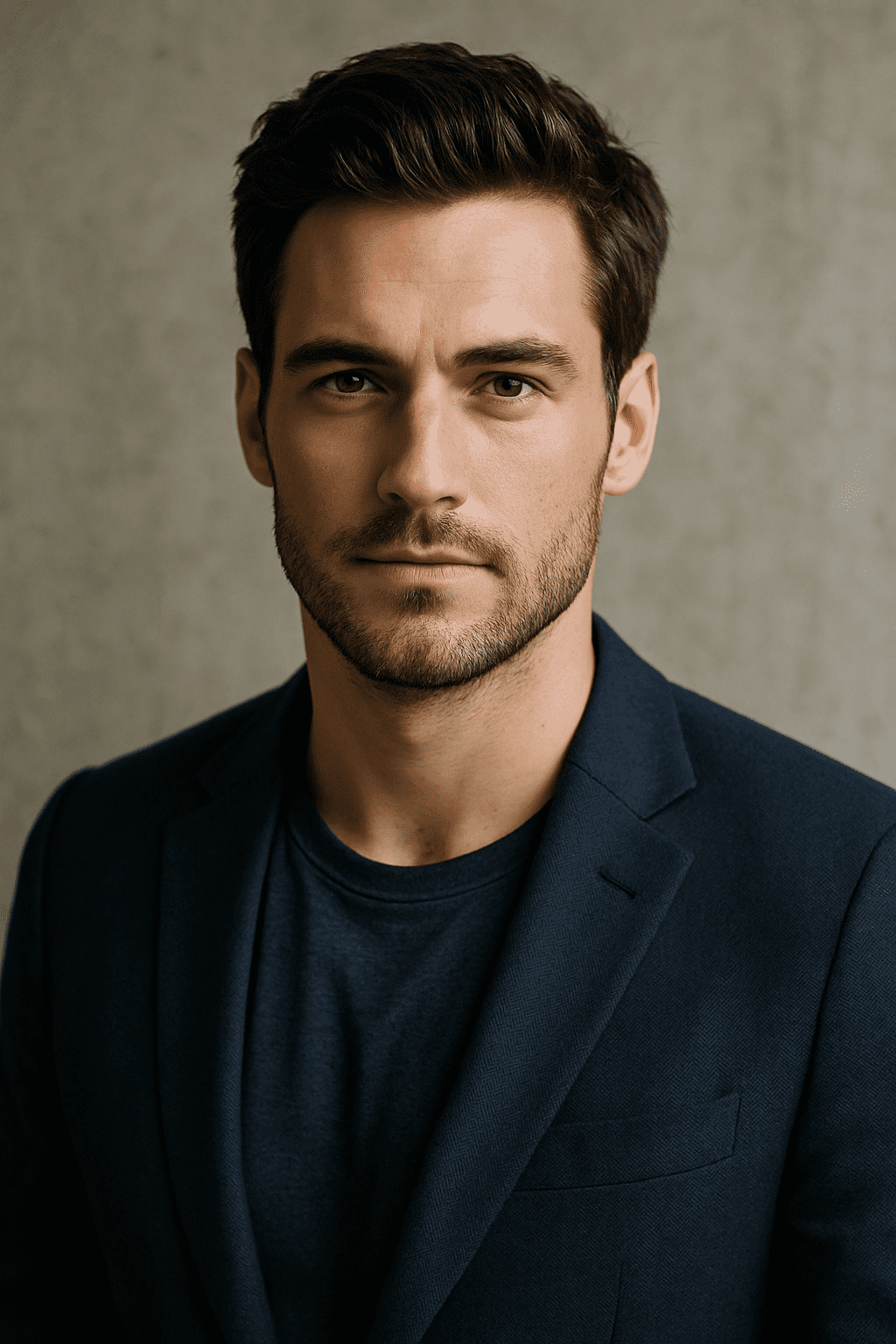

“Create a cartoon-style drawing of a smiling person with a hat, bright colors and bold outlines.”
Anime
Anime style applies Japanese animation aesthetics. It typically features sharp, clean lines, large expressive eyes, and stylized coloring, often with dramatic shading. You might use it to make a photo look like a character from Studio Ghibli or a modern anime. This is great for personal avatars, fan art, or giving a photo a whimsical, fantasy vibe.
Example: Picture a regular photo of a girl transformed into an anime princess holding a parasol in front of a temple. The AI renders her with glossy eyes, delicate features, and vibrant colors.
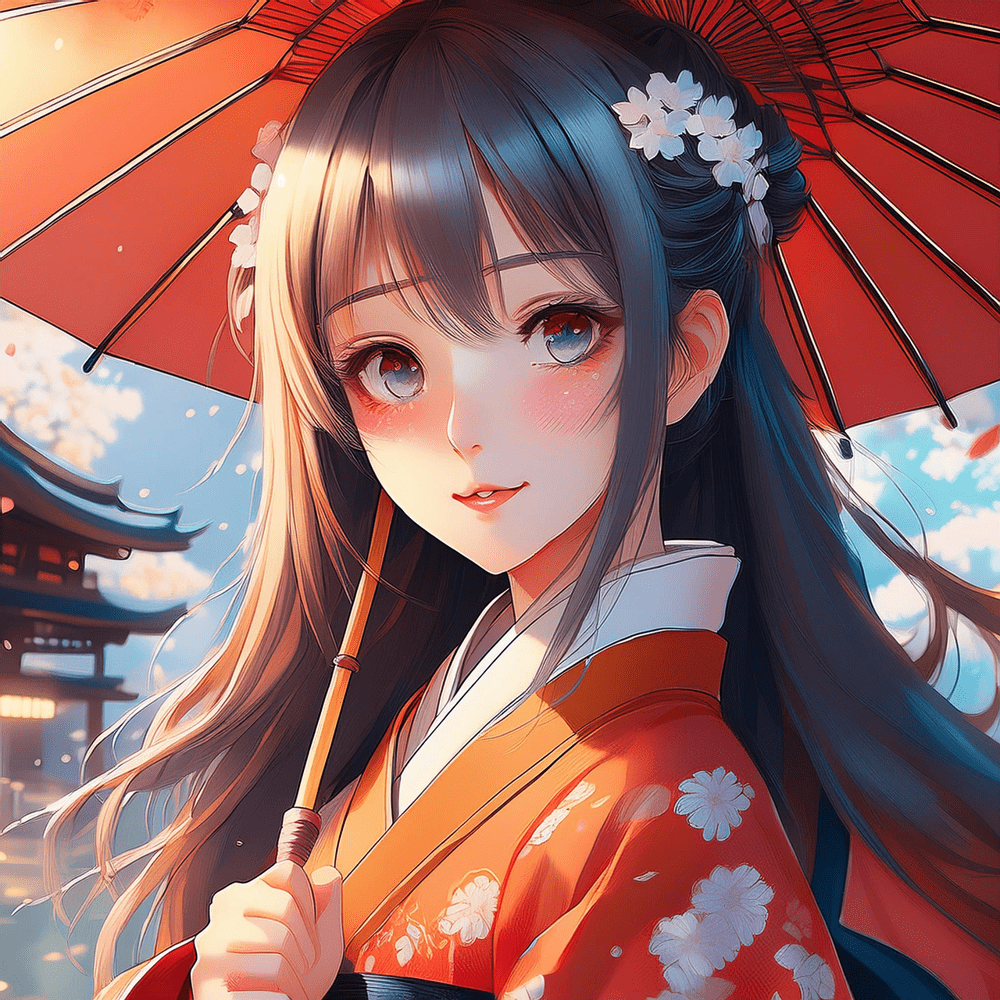
Example: A portrait of a young woman reimagined in an anime style with glowing eyes, a parasol, and cherry blossoms.
Example prompt:
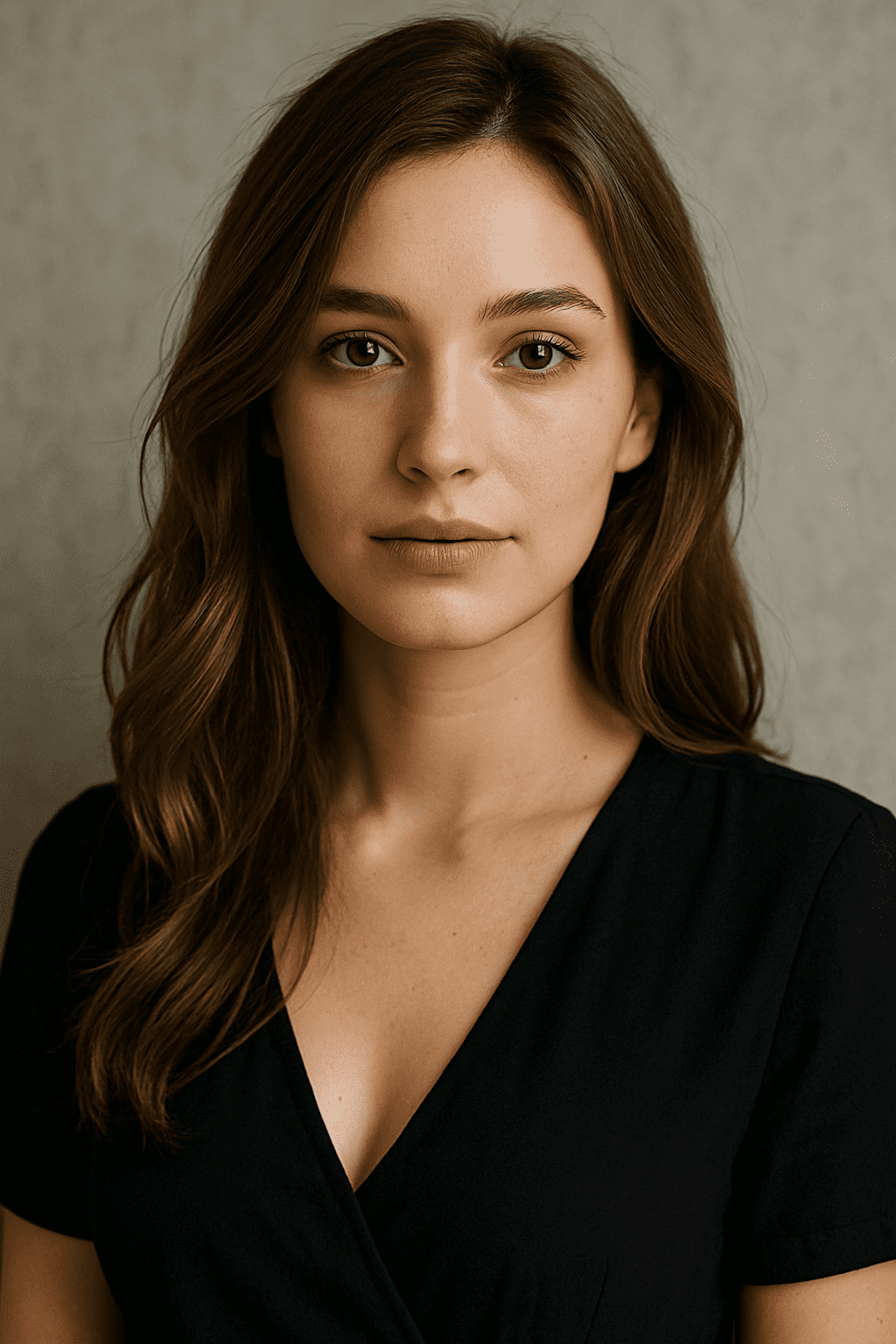
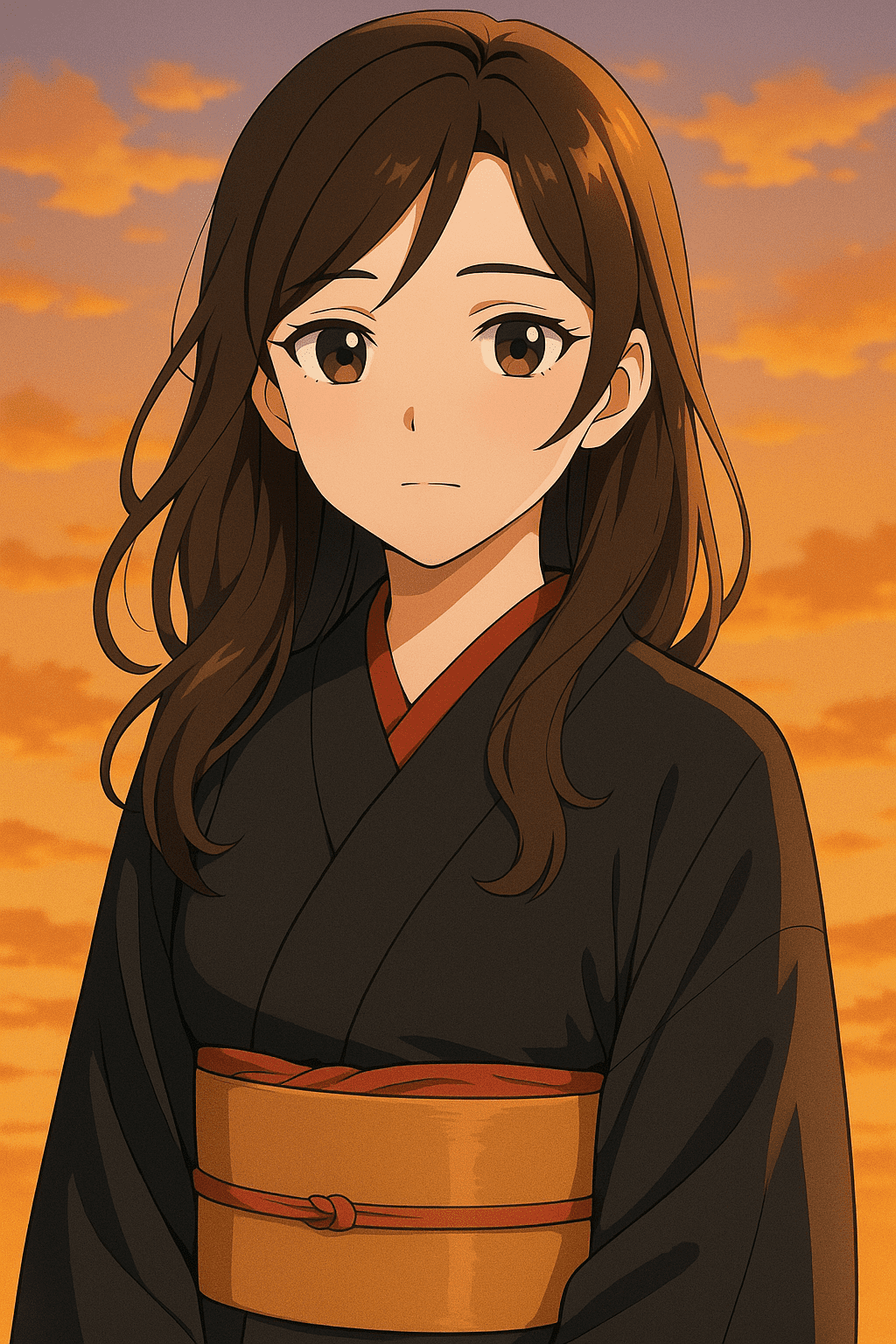
“Convert this photo into an anime illustration of a Japanese girl in a kimono at sunset, with soft shading.”
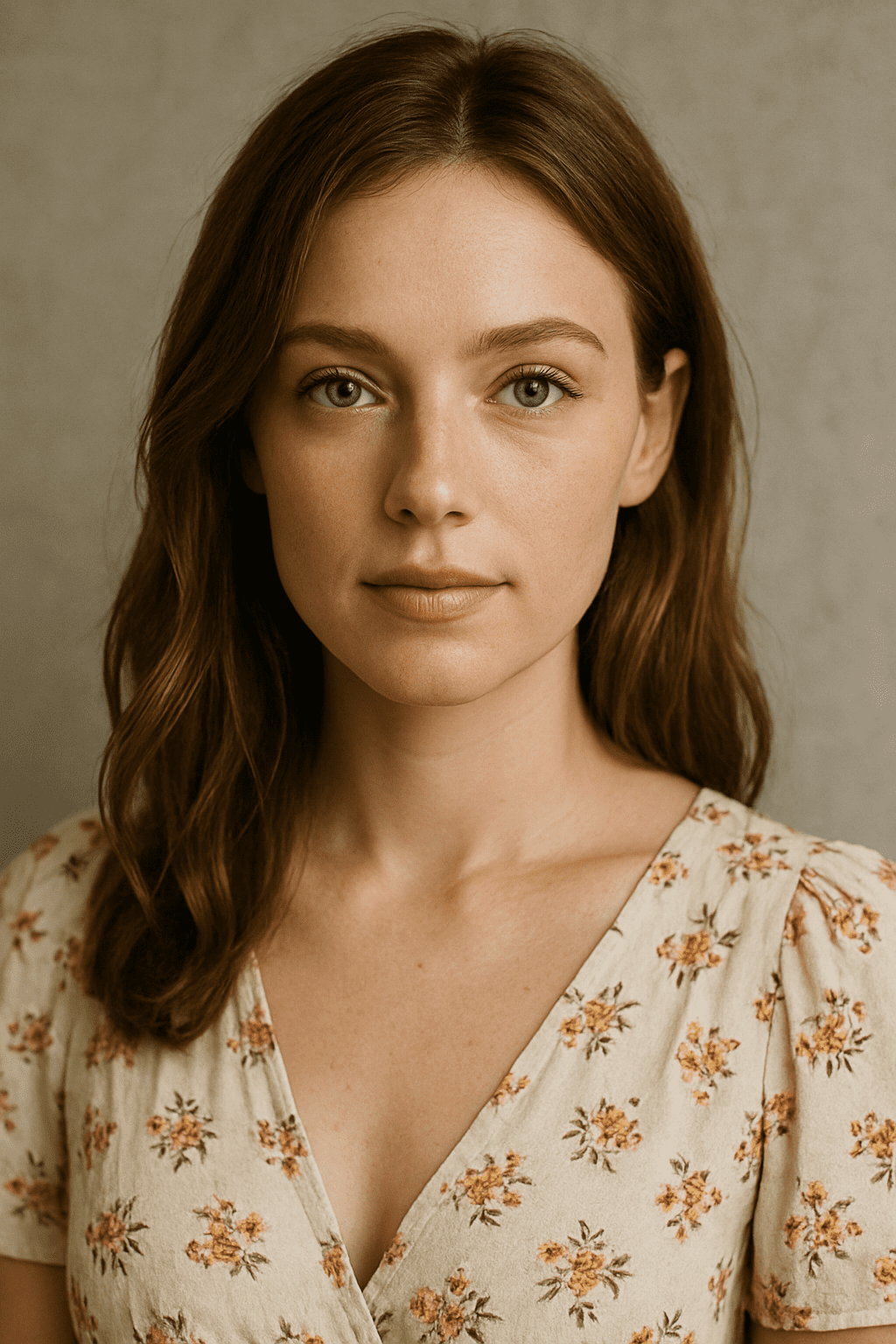
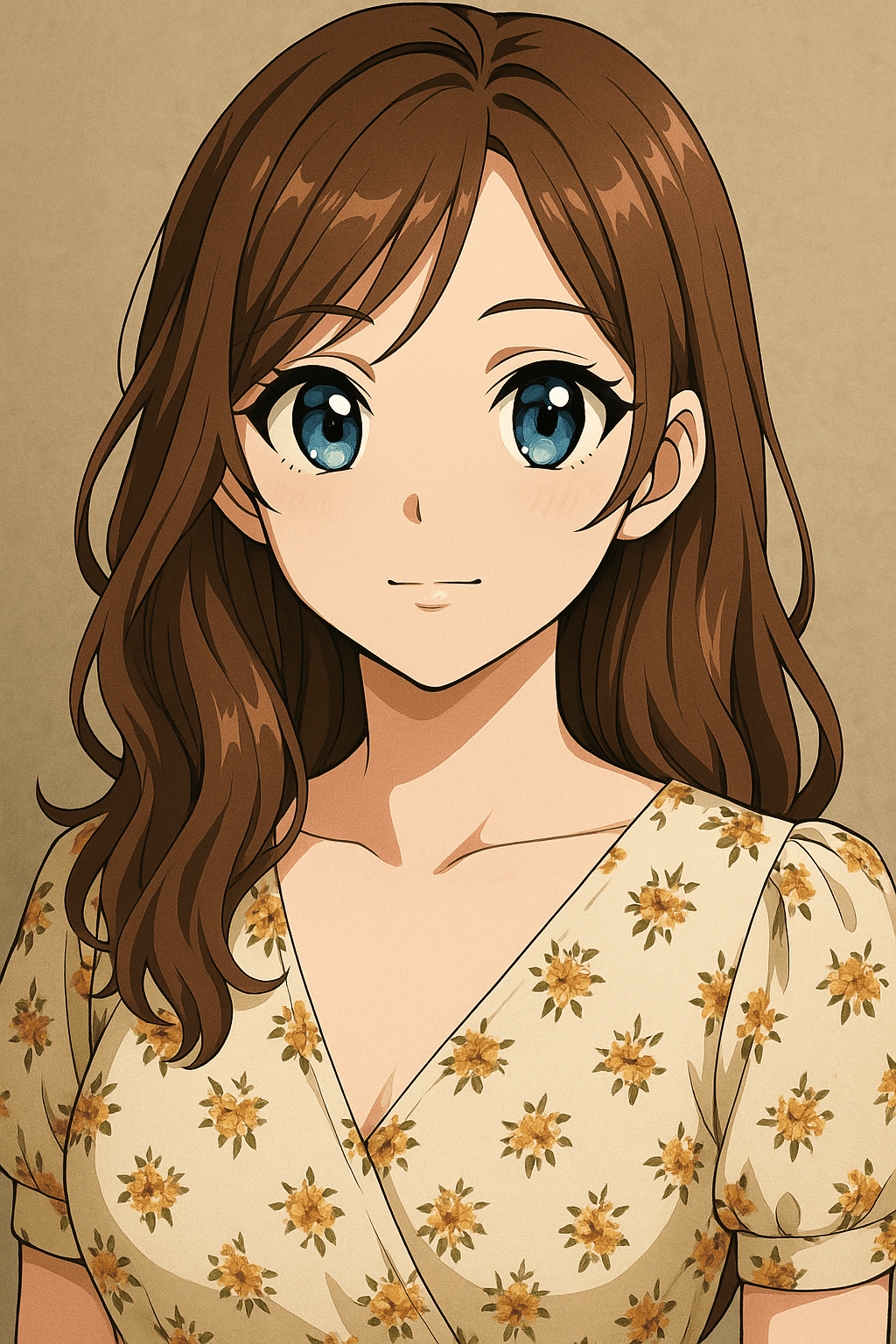
“Create a vibrant anime-style drawing of the subject, big shiny eyes and detailed hair.”
Sketch / Pencil Drawing
The sketch style makes an image look like a pencil or charcoal drawing. Lines are often loose and hand-drawn, with monochrome shading. People use this style to give photos an artistic, handcrafted feel – like turning a photograph into a quick sketch or concept art.
Example: Imagine a photo of a panda turned into a realistic pencil sketch. The final image shows delicate pencil strokes and shading, capturing the subject in black-and-white lines.
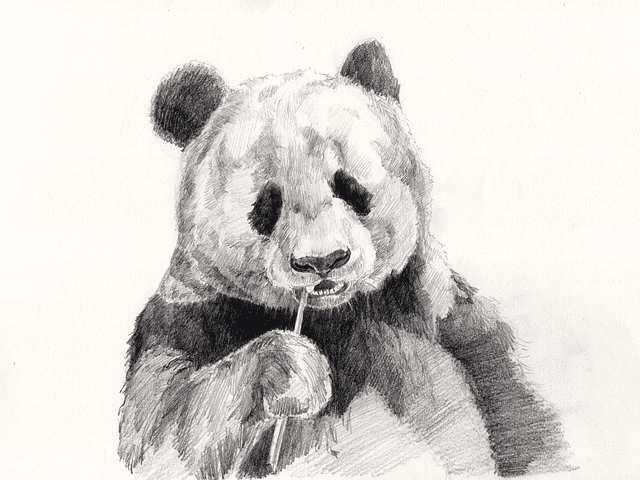
Example: A grayscale pencil-drawing of a panda, as if sketched by hand.
Prompt examples:
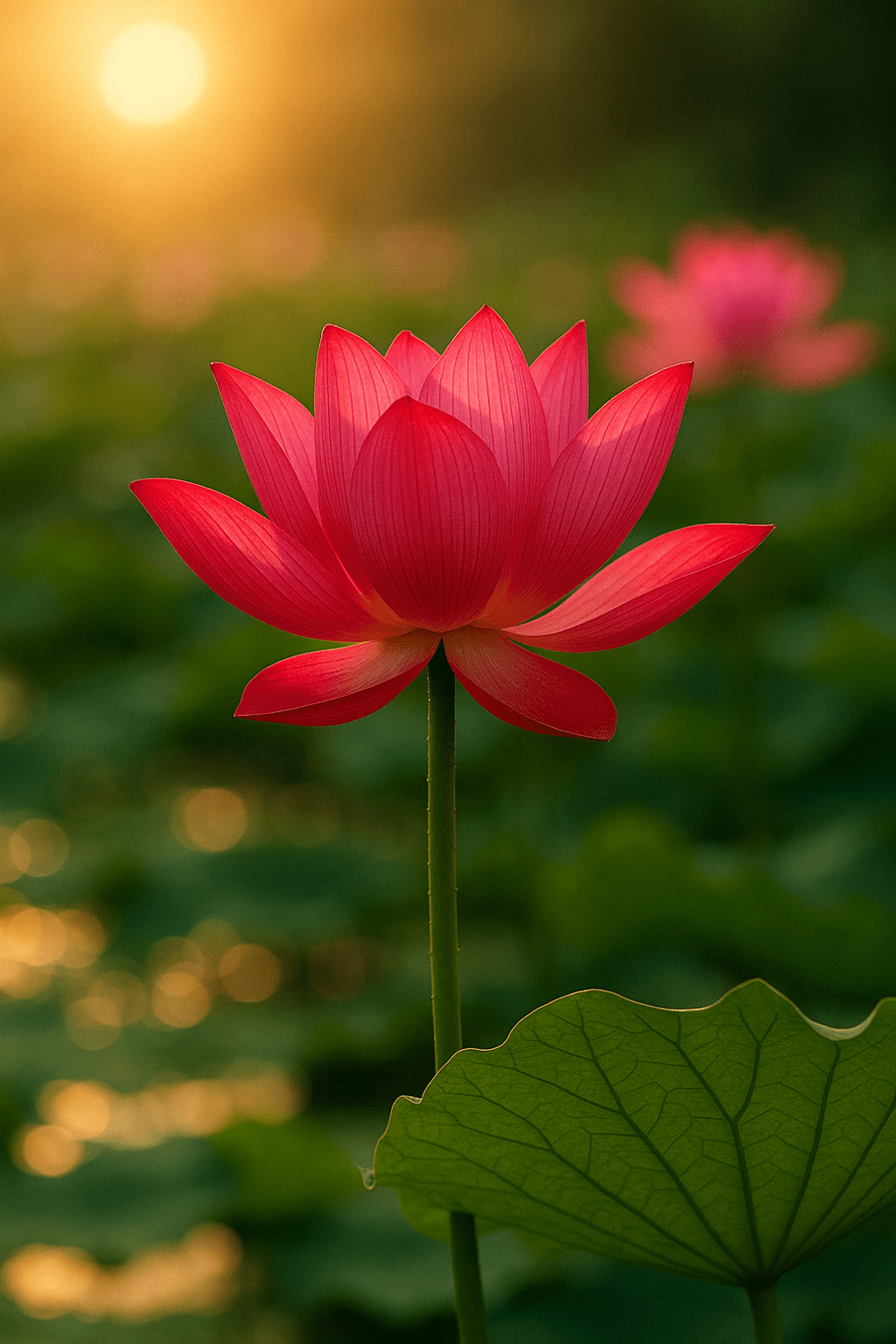
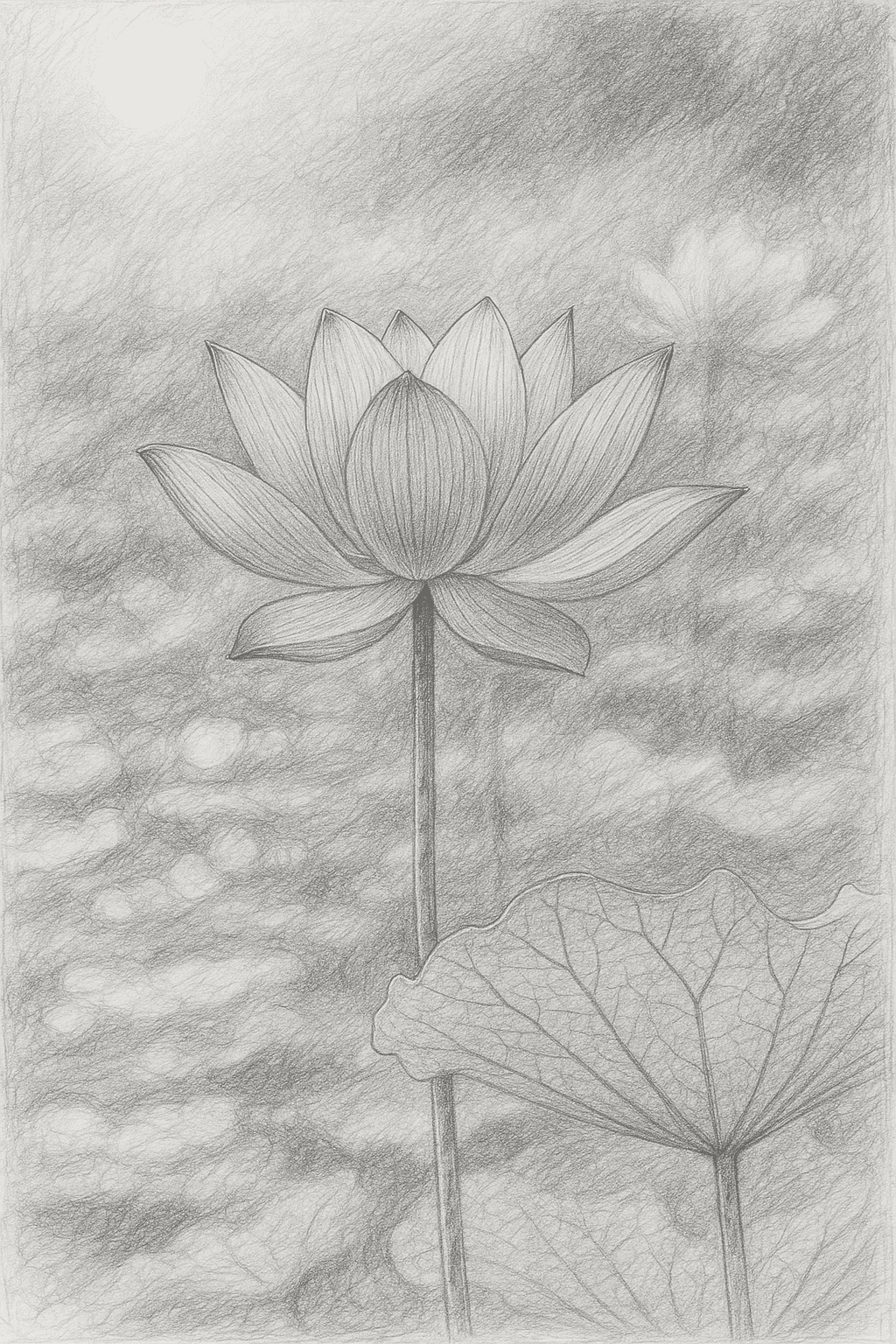
“Render this image as a realistic pencil sketch on white paper, with detailed shading.”
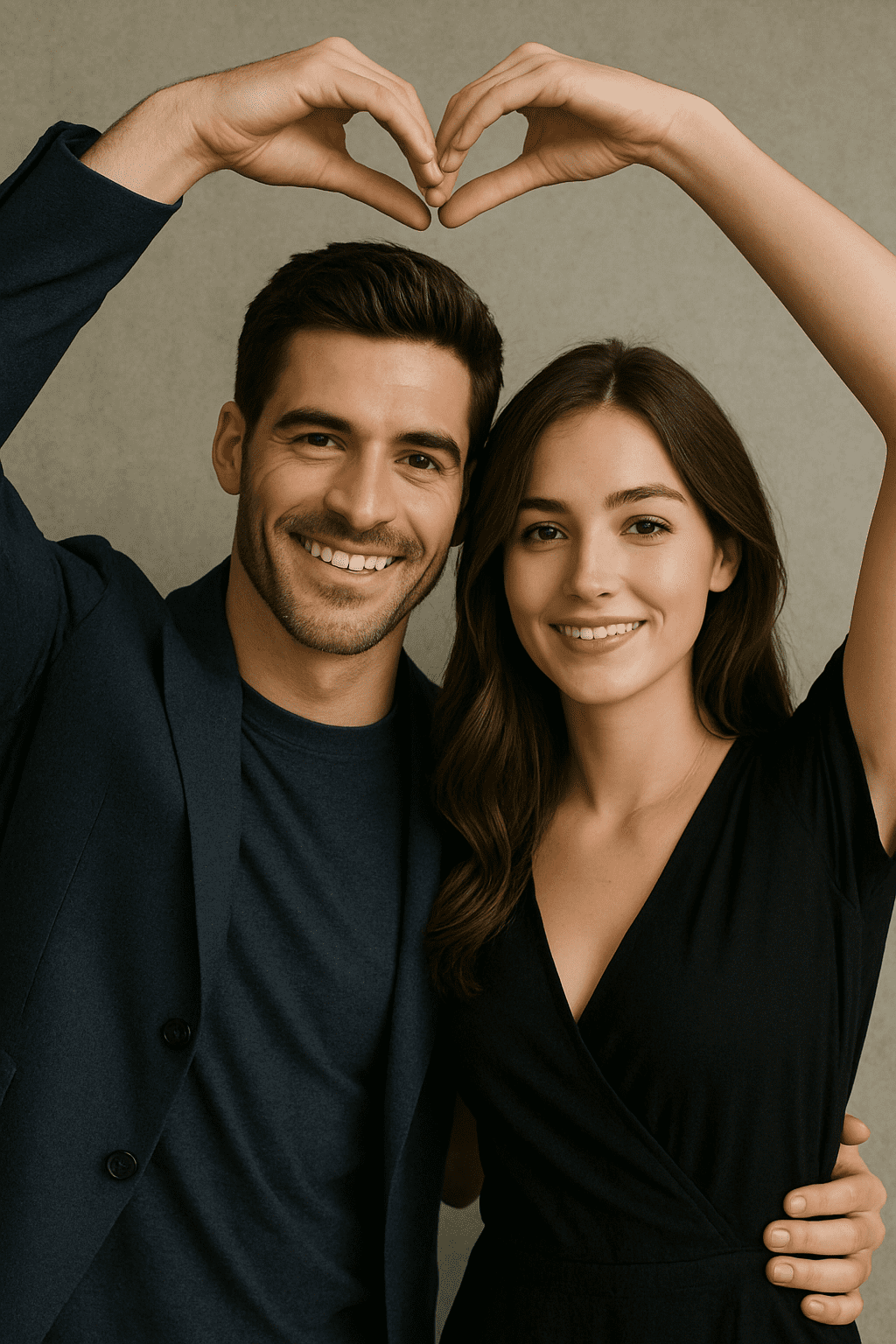
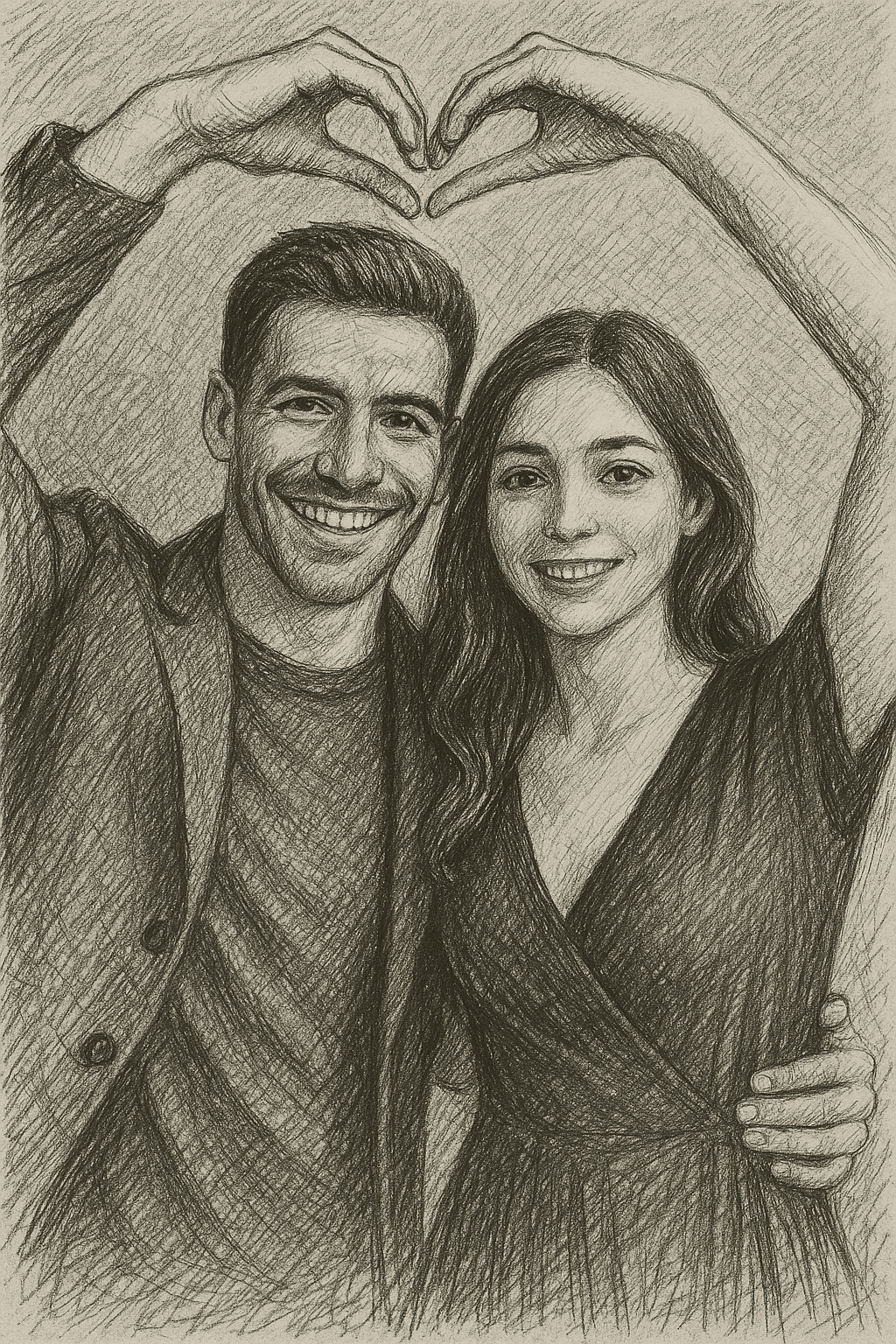
“Create a hand-drawn style sketch of the scene, using charcoal and cross-hatching.”
Line Art
Line art emphasizes clear, clean outlines with minimal shading or color. The result is like a black-and-white line drawing or vector graphic. This style is useful for simple illustrations, coloring-book style images, or iconography.
Example: Think of the subject’s outlines and key details drawn in black ink on a white background, without color fill. The focus is on shape and form.
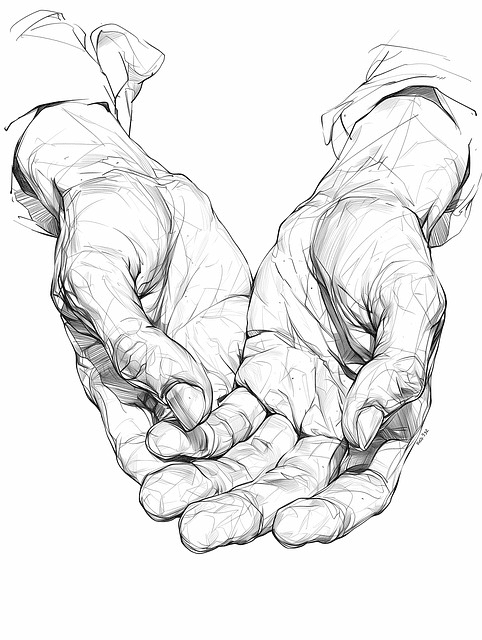
Example: A stylized line-art illustration of two open hands, with precise black outlines on a white background.
Prompt examples:
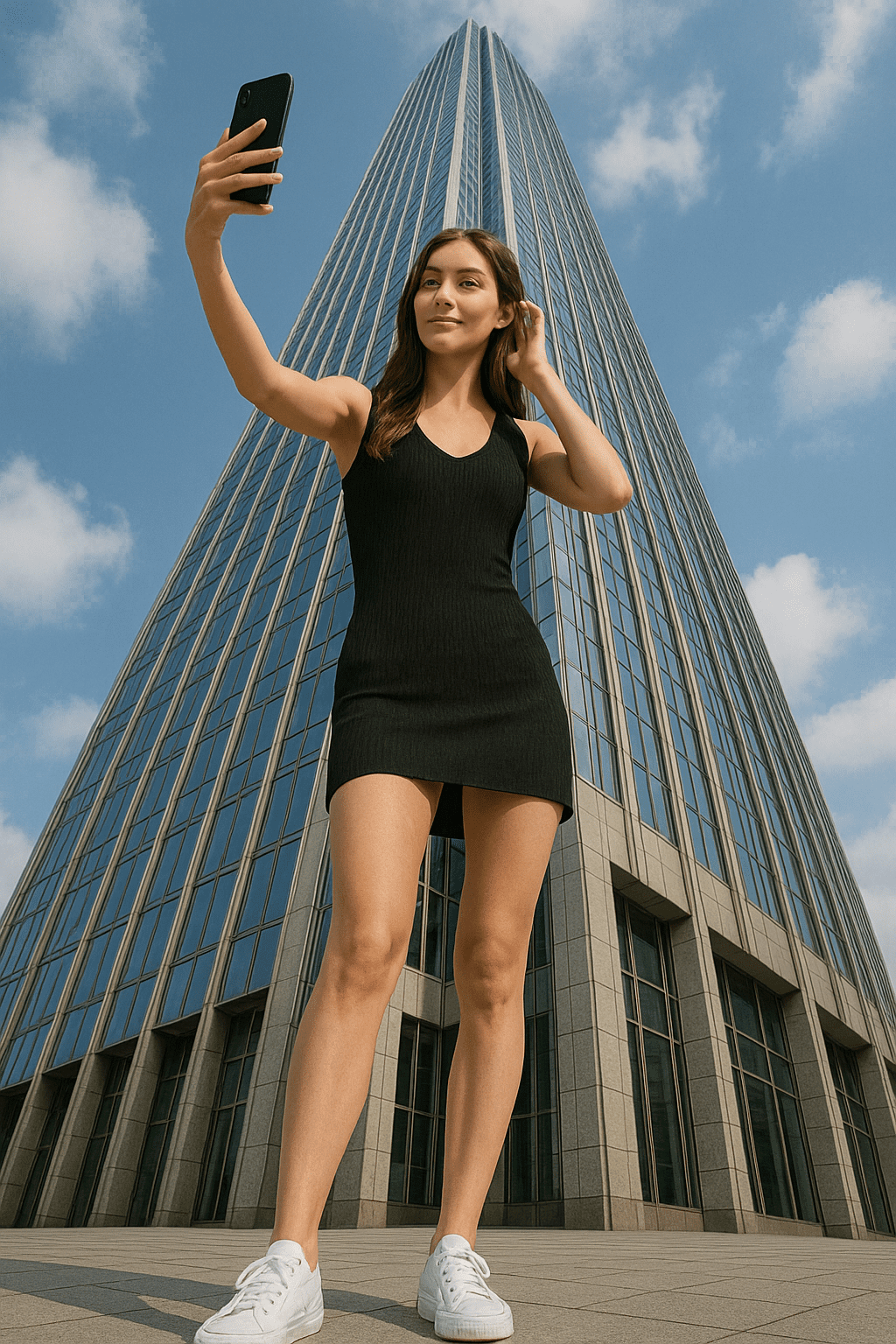
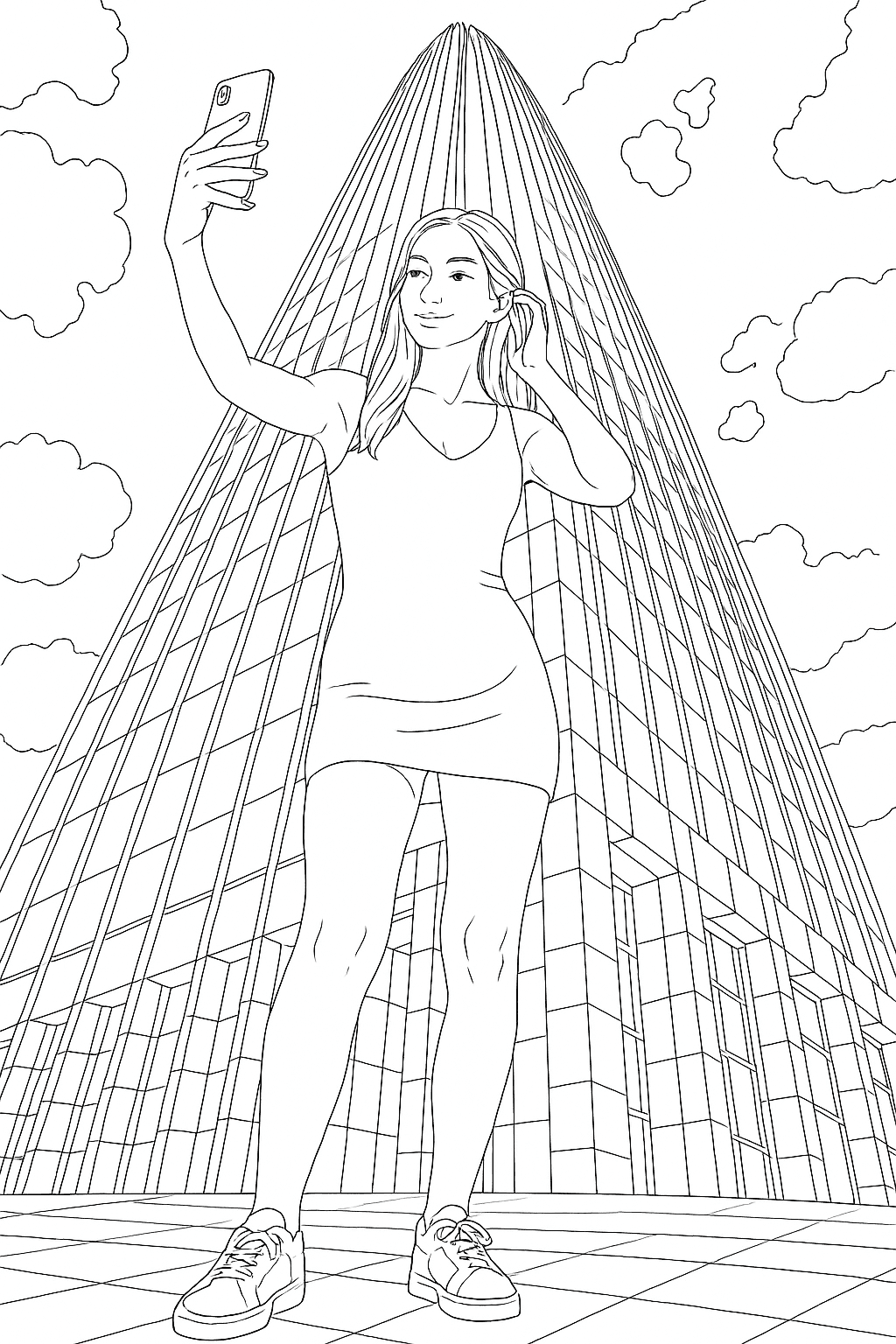
“Convert the photo into black-and-white line art, with bold clean outlines and no color.”
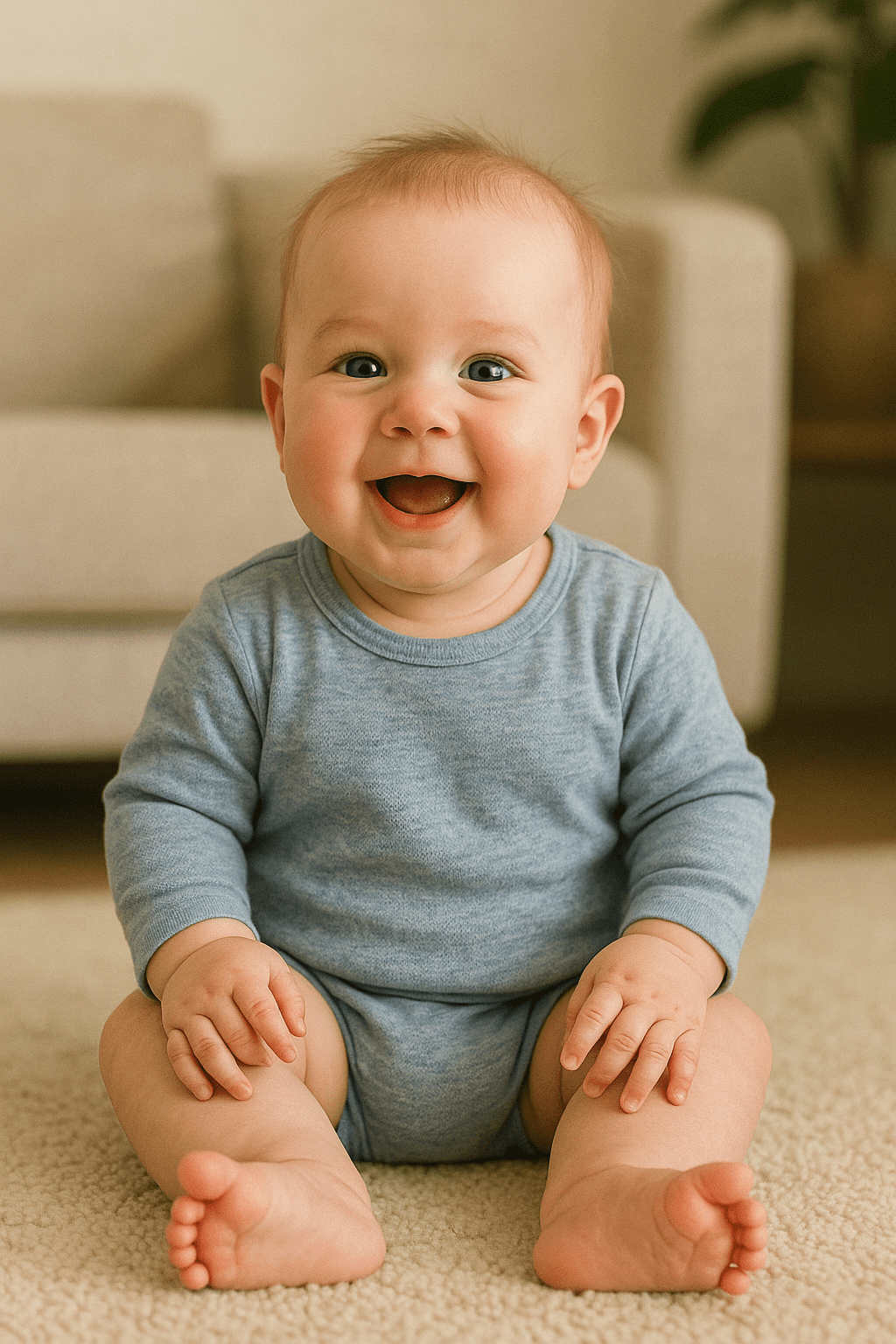
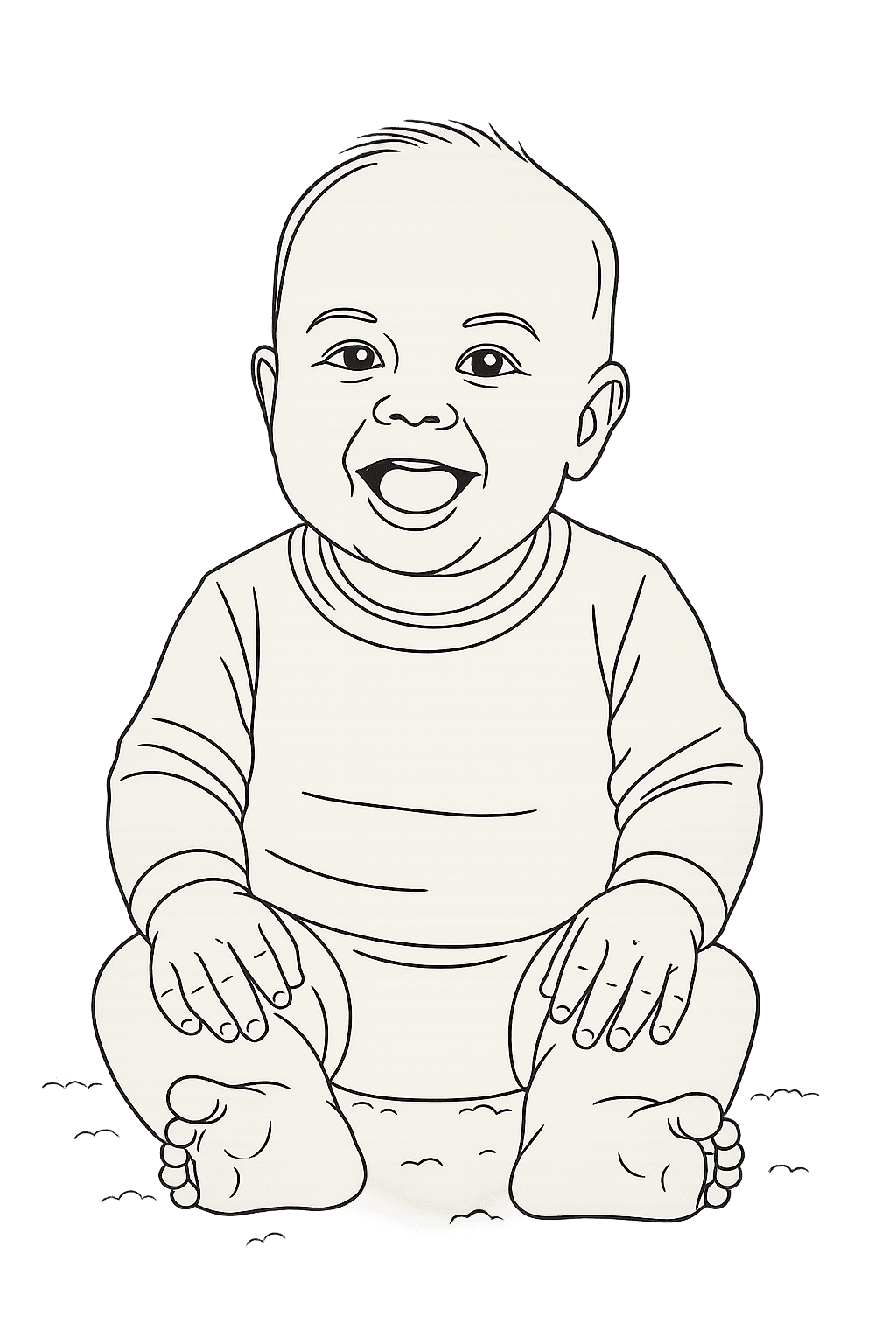
“Create a minimalist line drawing of the person, focusing on contour lines only.”
Watercolor
Watercolor style makes a photo look like a soft, painted watercolor image. Colors blend and bleed as they would with real watercolors. This is popular for giving a gentle, artistic feel – like a hand-painted canvas of a photo.
Example: A portrait might become a pastel-hued painting, with brush strokes visible and edges softened. Paintbrushes and pigments often appear in composition.
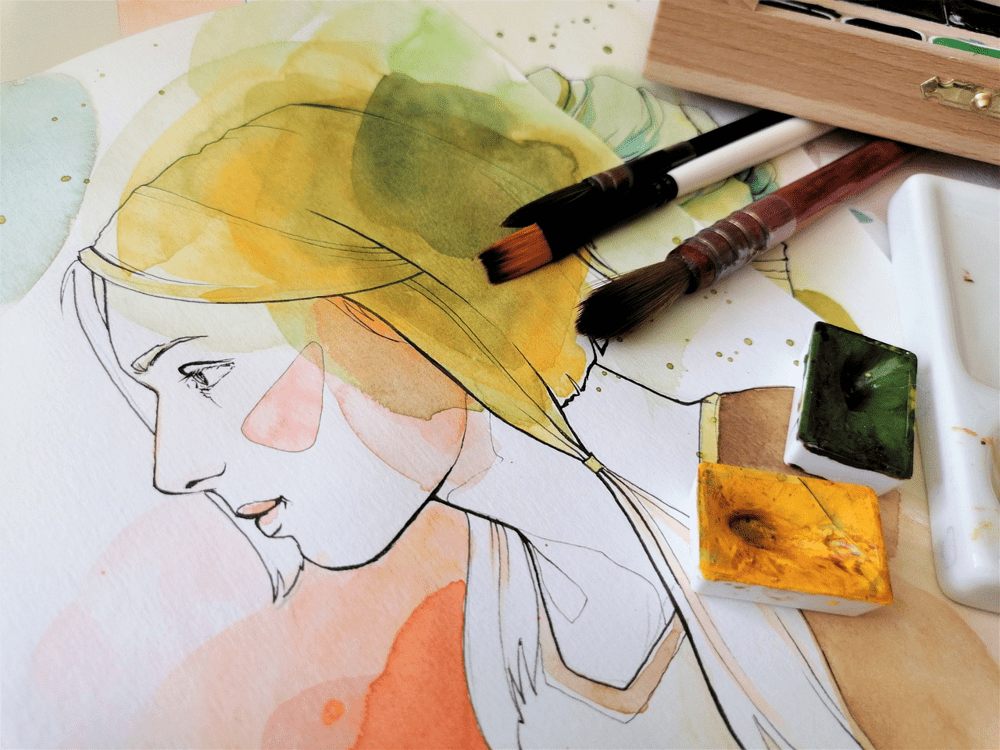
Example: A watercolor painting style portrait of a woman, with soft washes of color and visible brush strokes.
Prompt examples:
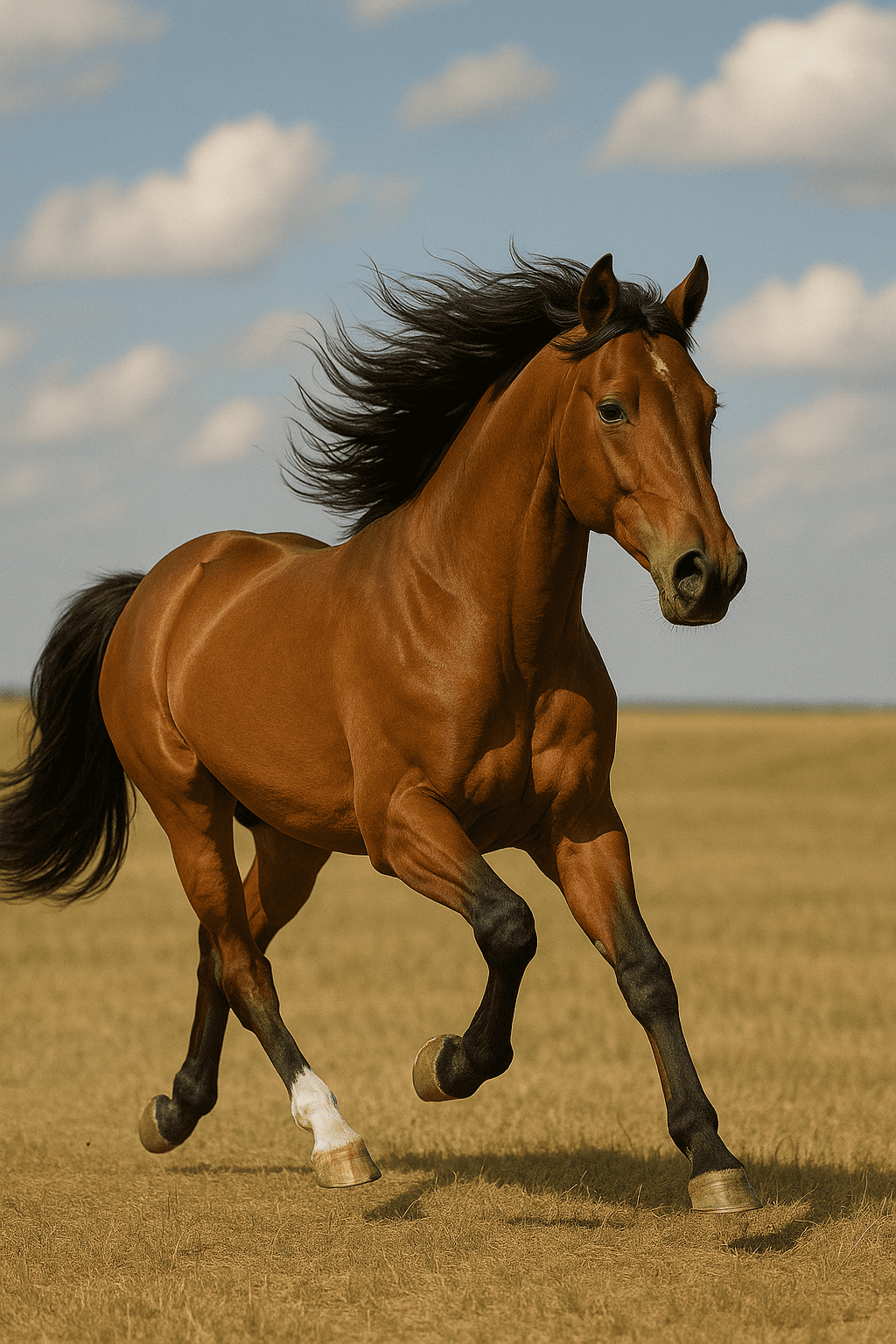
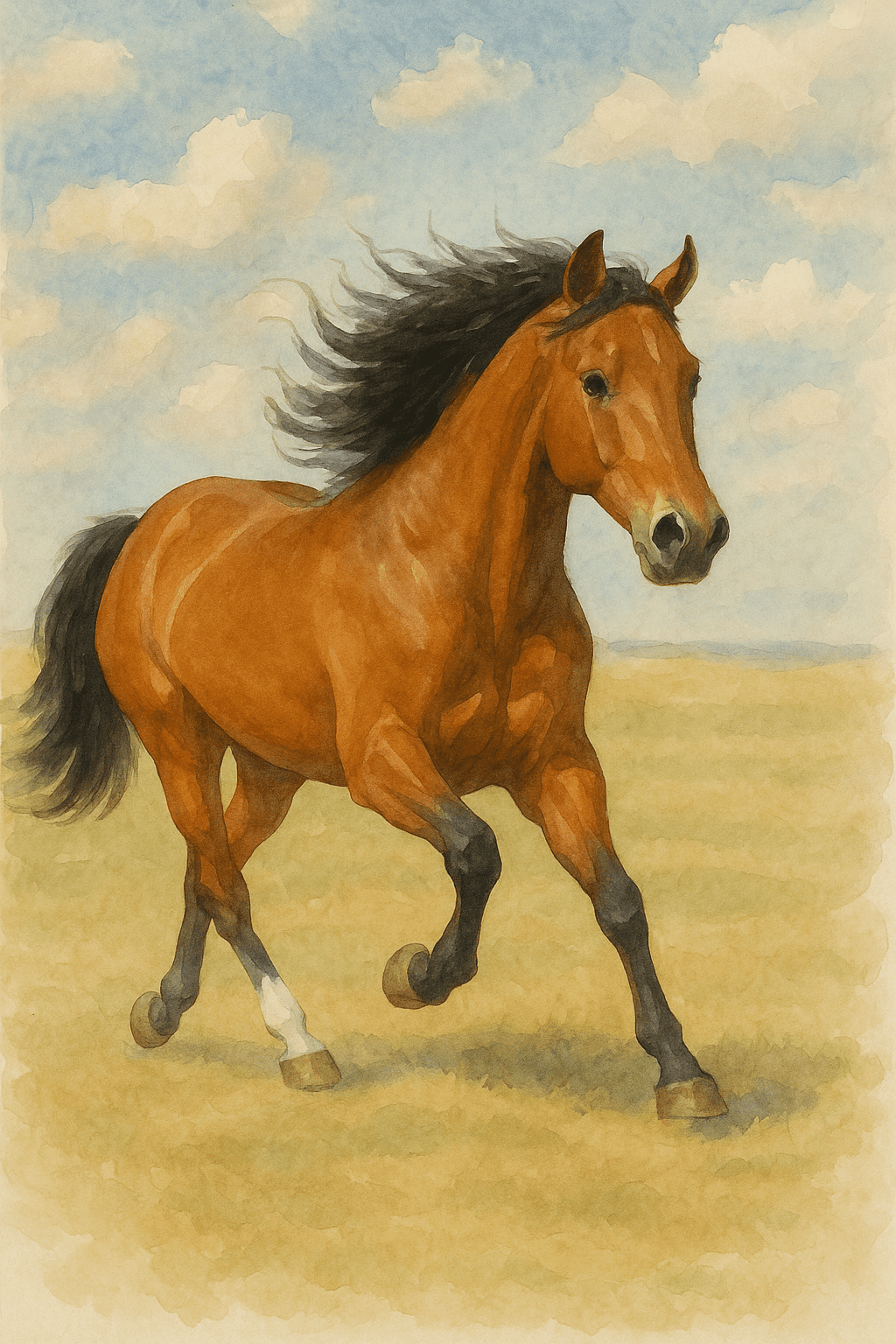
“Transform the photo into a watercolor painting with gentle brush strokes and light color blending.”
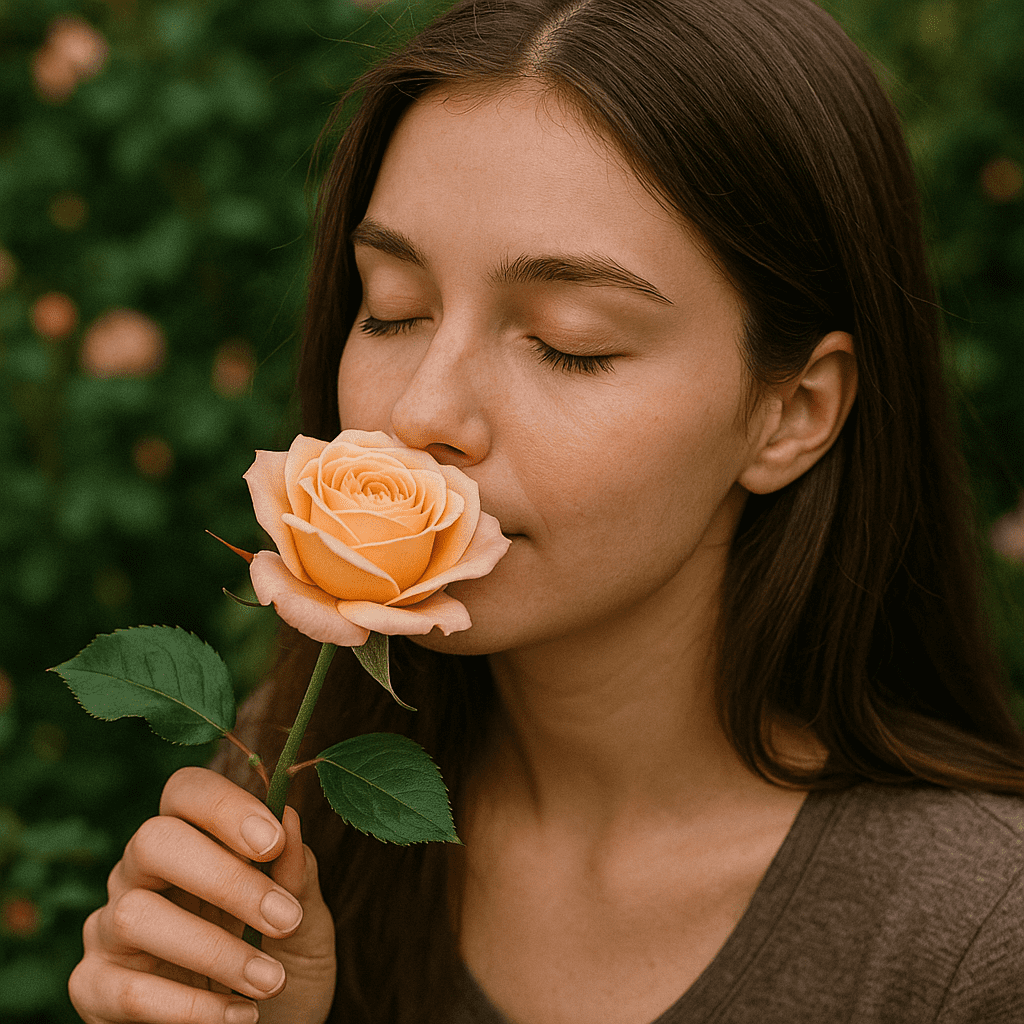
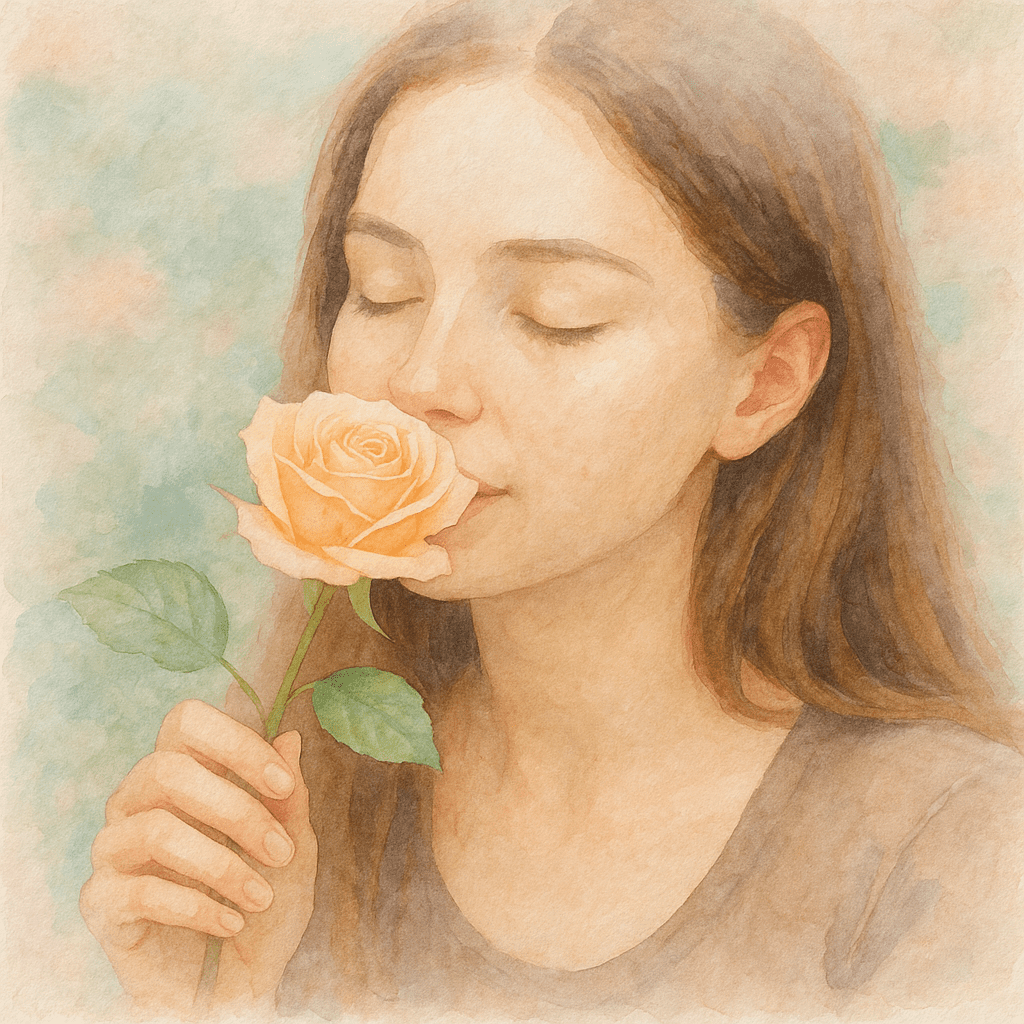
“Create a soft watercolor portrait of the subject, using pastel colors on textured paper.”
Oil Painting
Oil painting style gives images the look of classic oil canvas art, with rich colors and thick brushwork. Think portraits or landscapes by painters like Monet or Van Gogh. The effect is textured and dramatic, often with visible brush strokes and vivid contrast.
Example: A lakeside scene becomes an oil painting of a woman by a riverbank, with vibrant, layered paint texture and an impressionist feel.
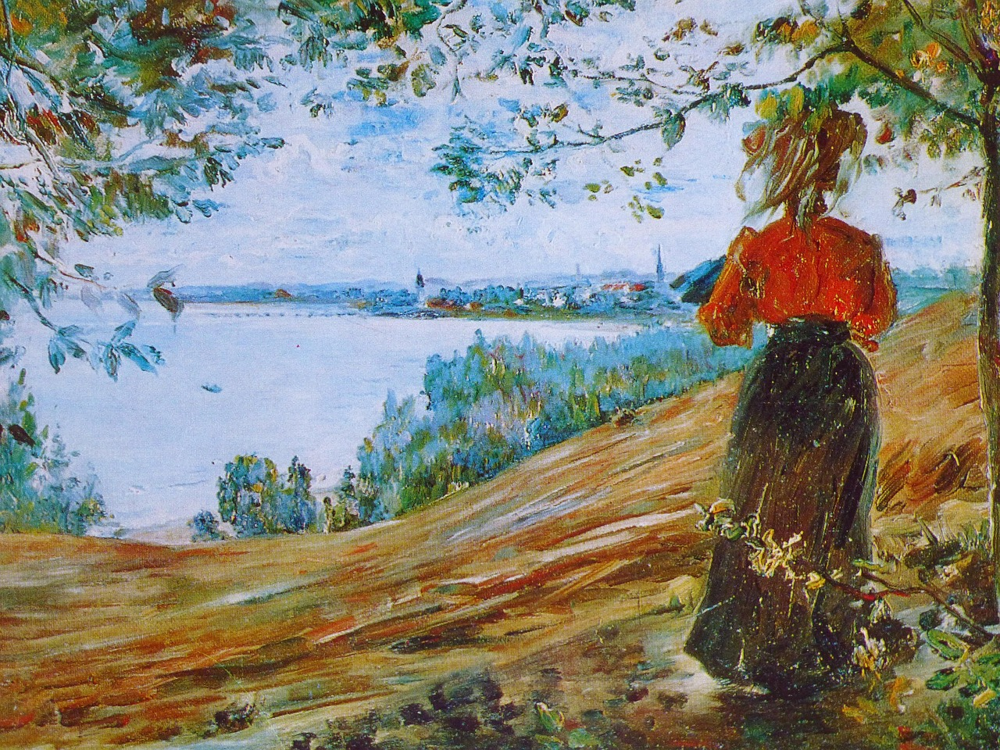
Example: An image stylized as an oil painting, featuring rich colors and heavy brushstrokes (like Monet’s style).
Prompt examples:
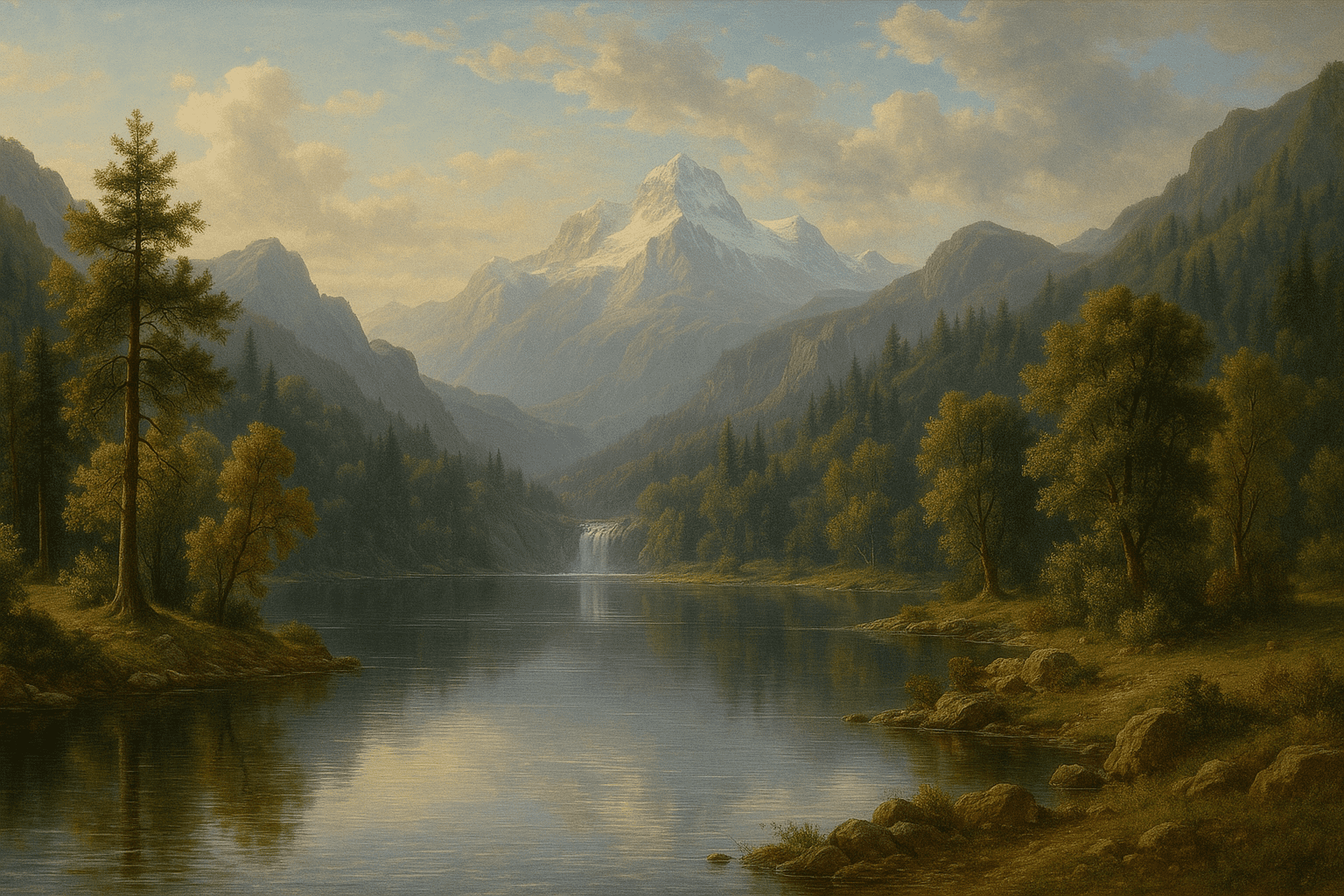
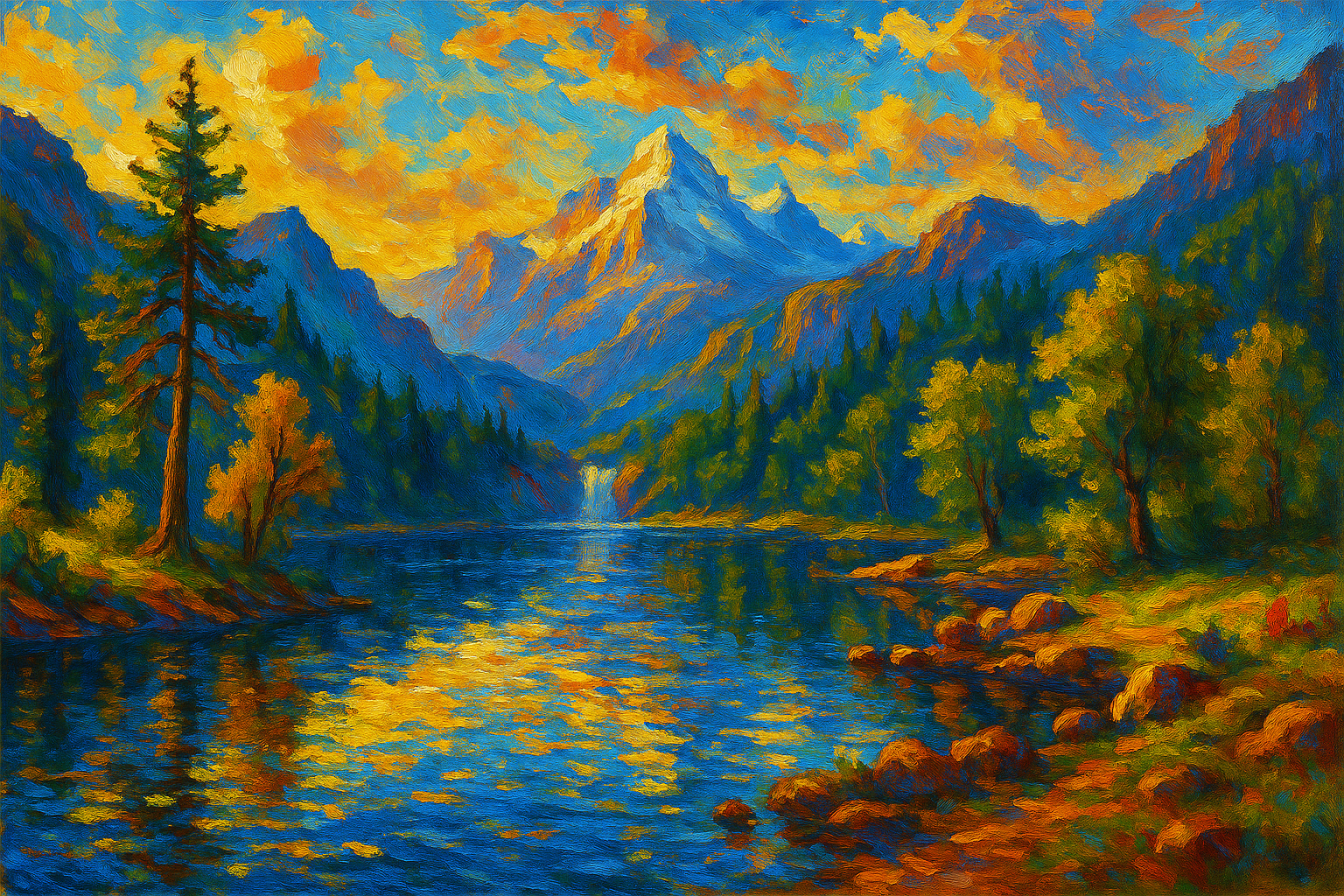
“Convert the photo into an oil painting, with bold strokes and high saturation.”
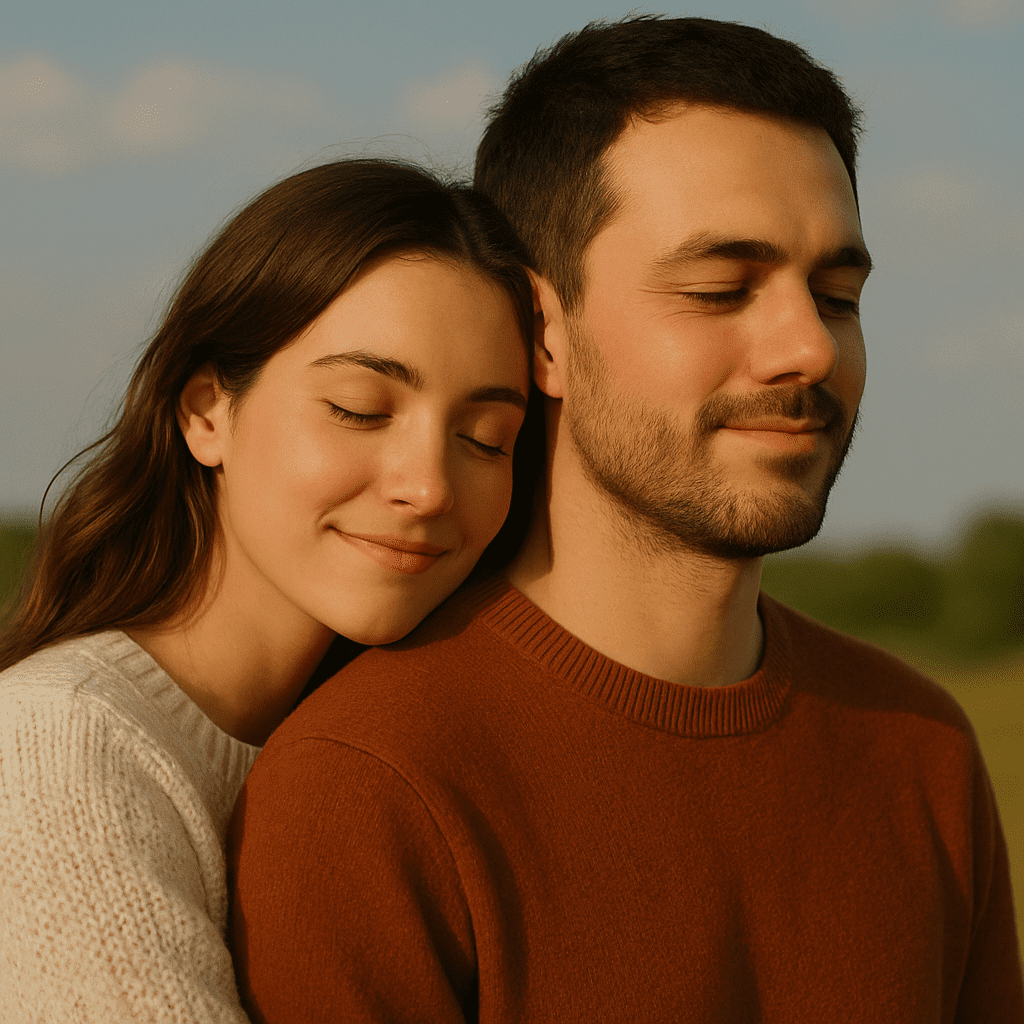
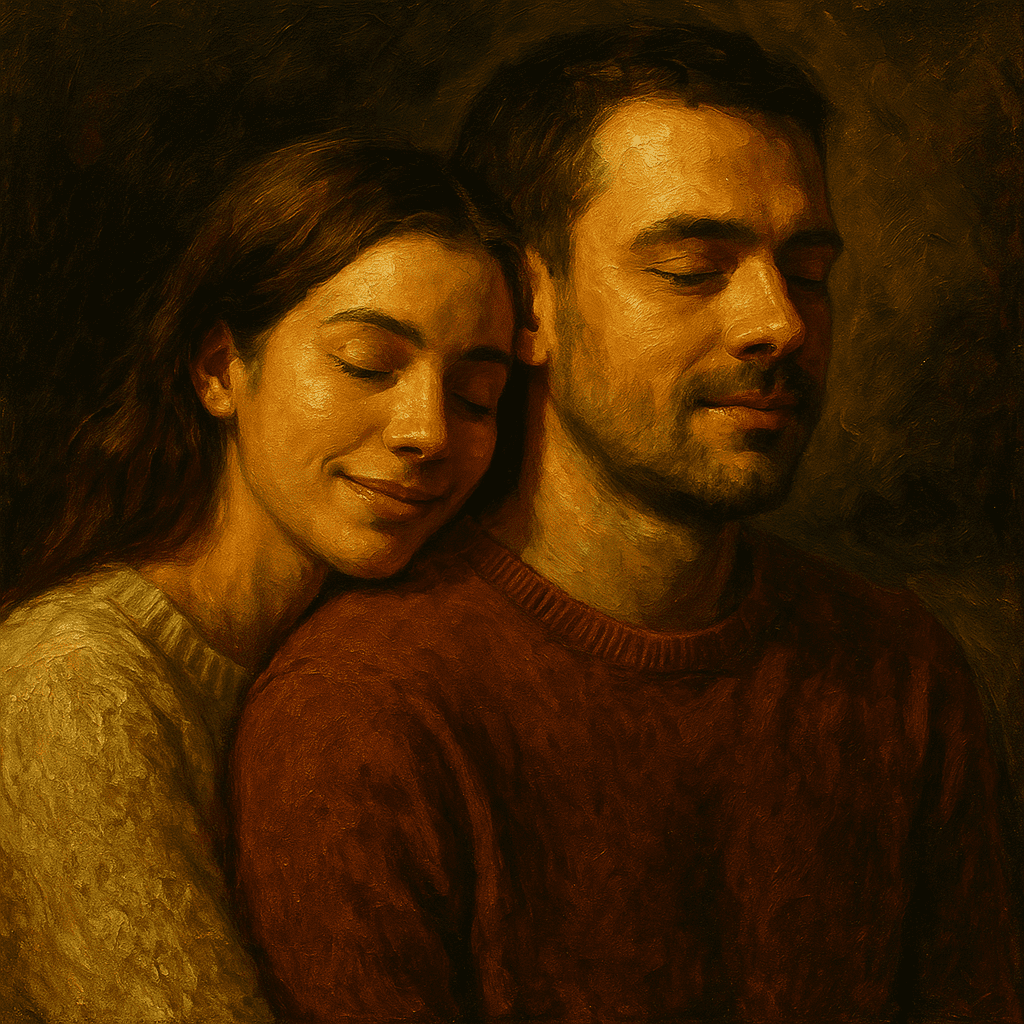
“Create an oil-canvas portrait of the person, textured brushwork and dramatic lighting.”
Chinese Ink Painting (国画 / 山水)
Chinese ink (guóhuà) style mimics traditional brush-and-ink paintings, often featuring nature scenes with bamboo, mountains, or koi fish. It usually uses grayscale with occasional splashes of color, and strong calligraphic brush strokes. This style adds an elegant, classic Eastern-art feel.
Example: A photo of bamboo might become a delicate ink painting of bamboo stalks on rice paper, in black and grey ink with flowing strokes.
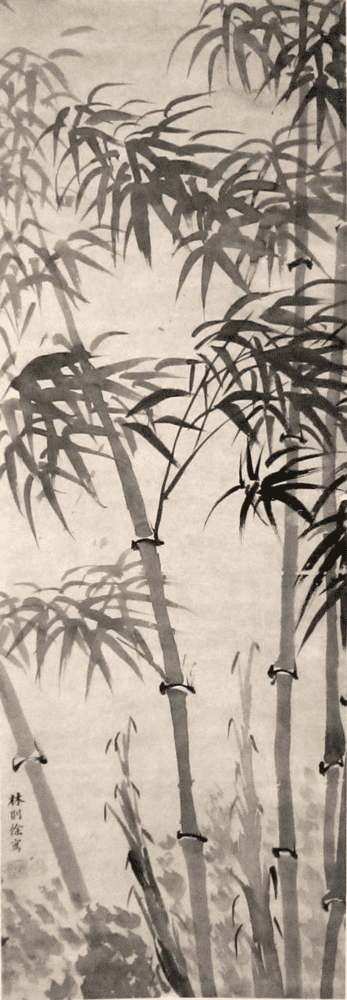
Example: Traditional Chinese ink painting of bamboo, with black ink and brush strokes on rice paper.
Prompt examples:
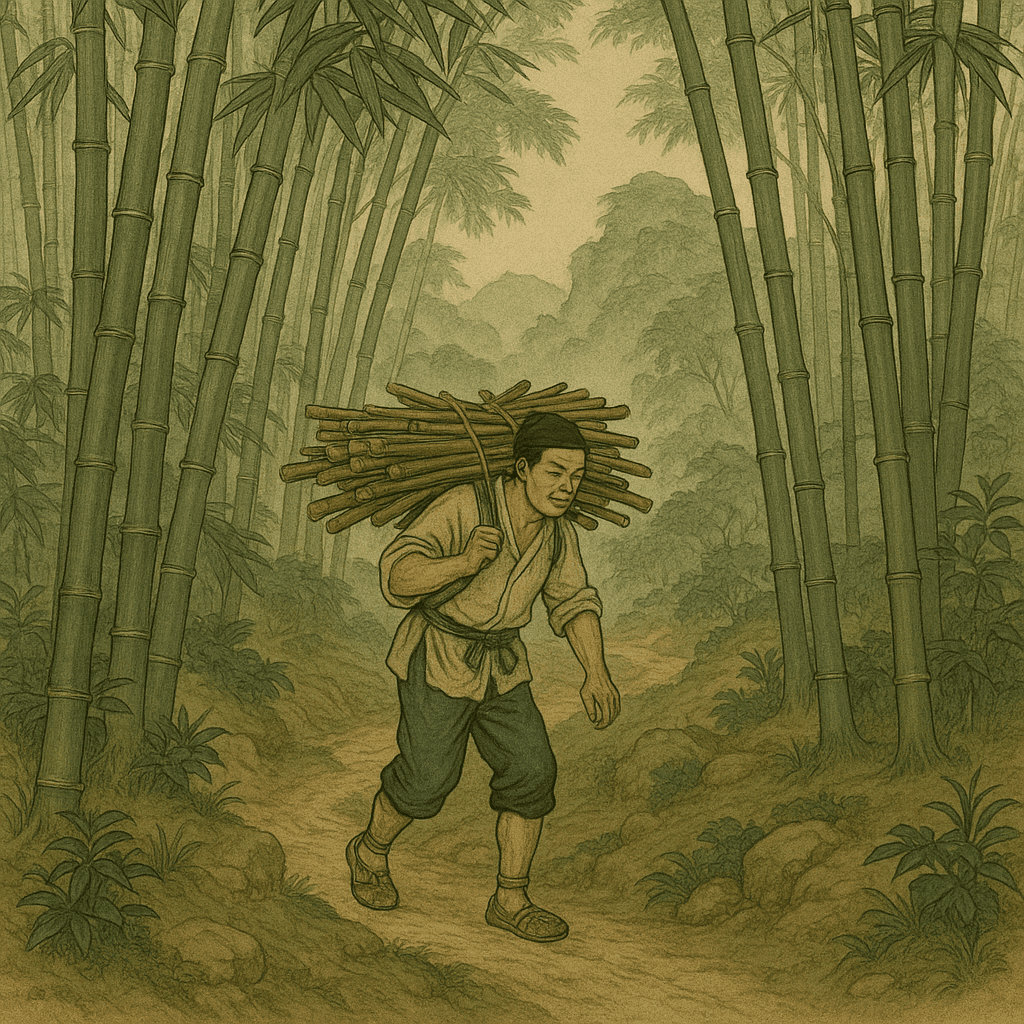
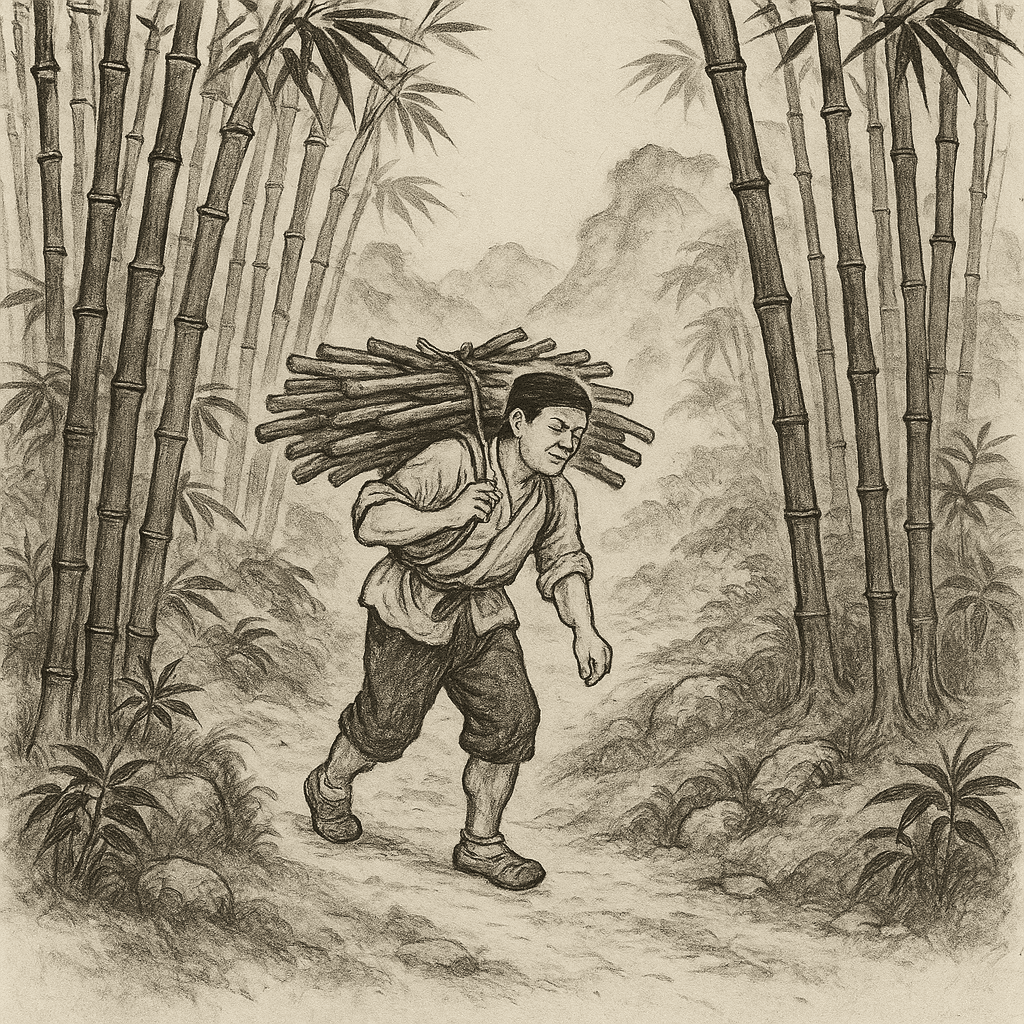
“Turn the image into a Chinese ink painting with bamboo and mountains, using black ink on rice paper style.”
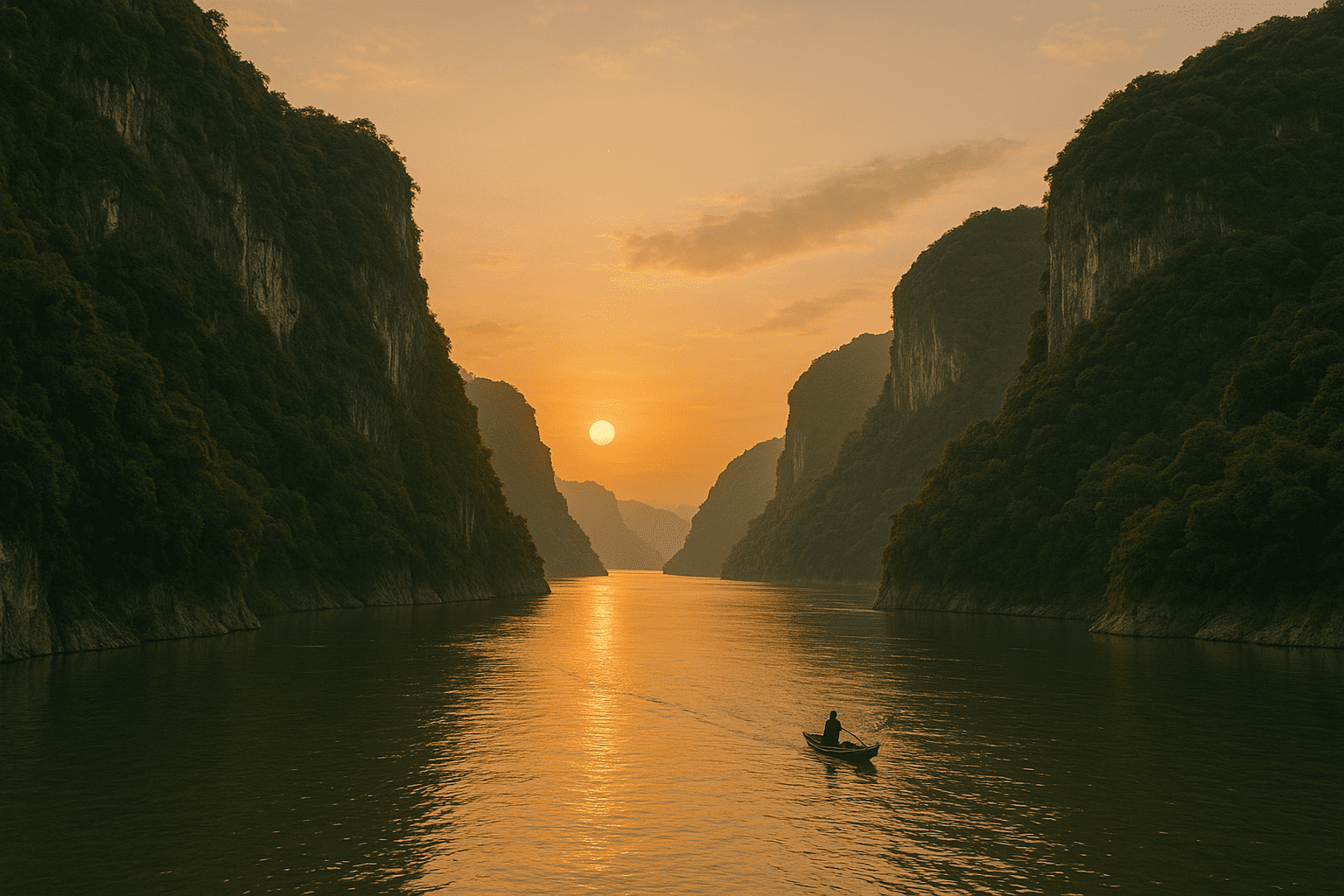
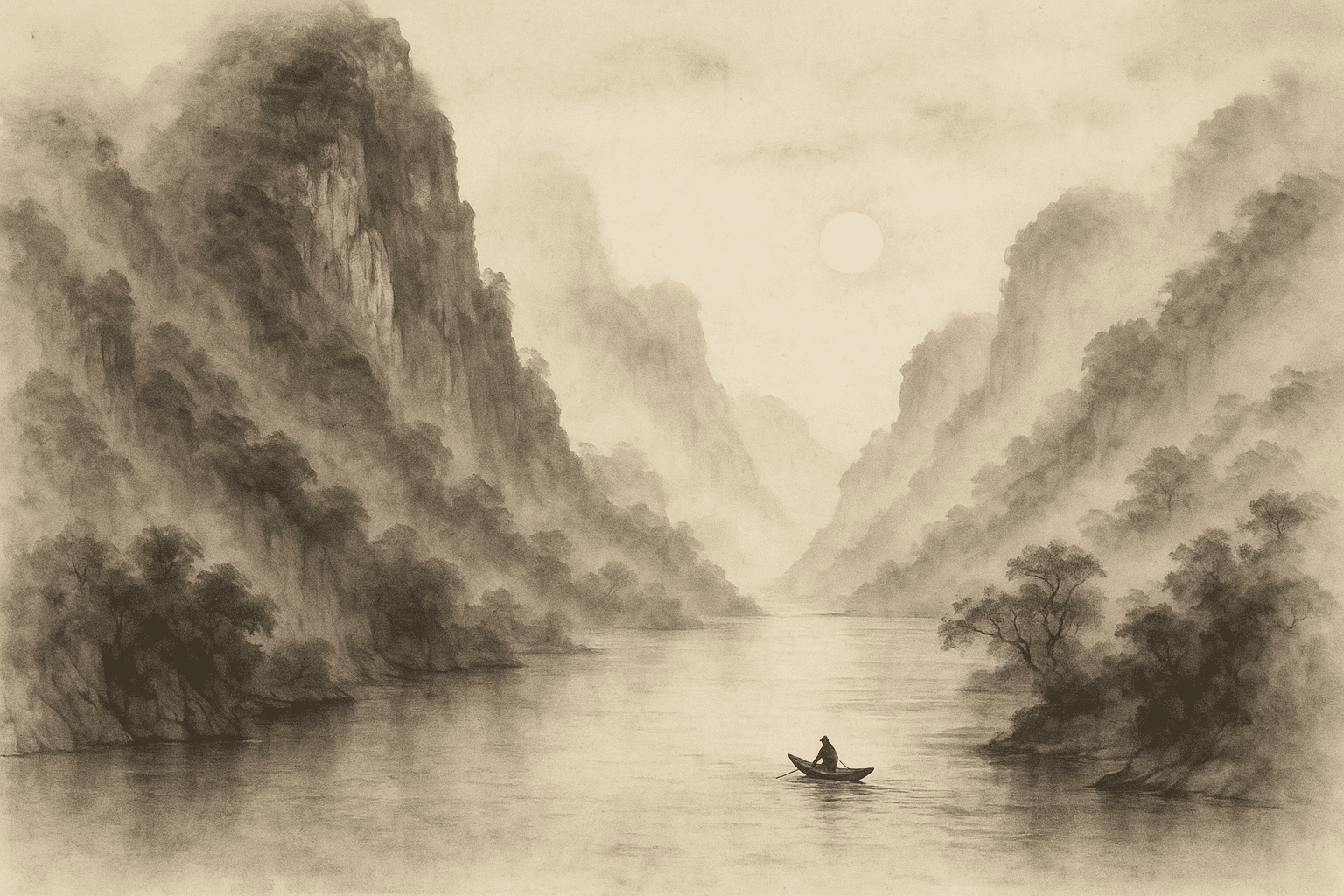
“Create a classical guohua landscape of a mountain and river, with misty ink wash.”
Pixel Art
Pixel art style renders an image as a retro 8-bit or 16-bit video game graphic. It breaks the image into large colored blocks (pixels). This is great for a nostalgic or game-like look.
Example: A modern photo might be transformed into a blocky retro scene – for example, a pink television set against a radiating starburst background, each element made of square pixels.
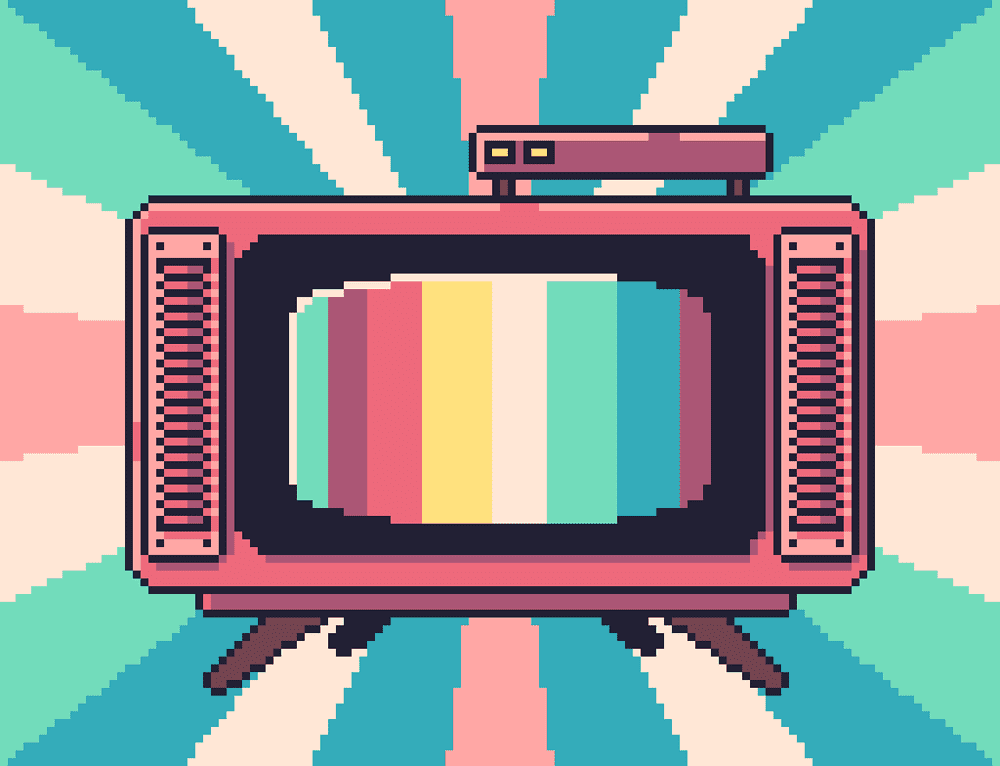
Example: A vibrant pixel-art image of a vintage TV with multicolor bars on screen, set against a radiating pastel background.
Prompt examples:
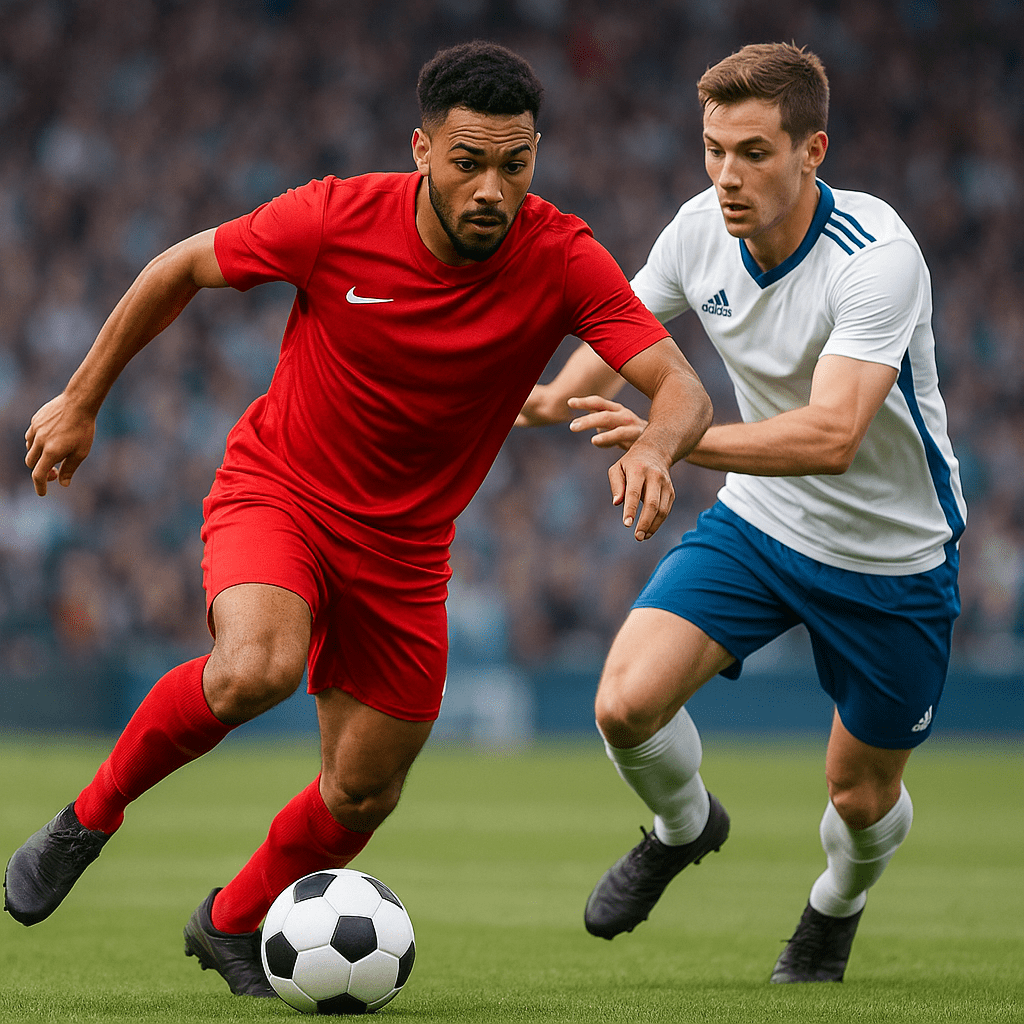
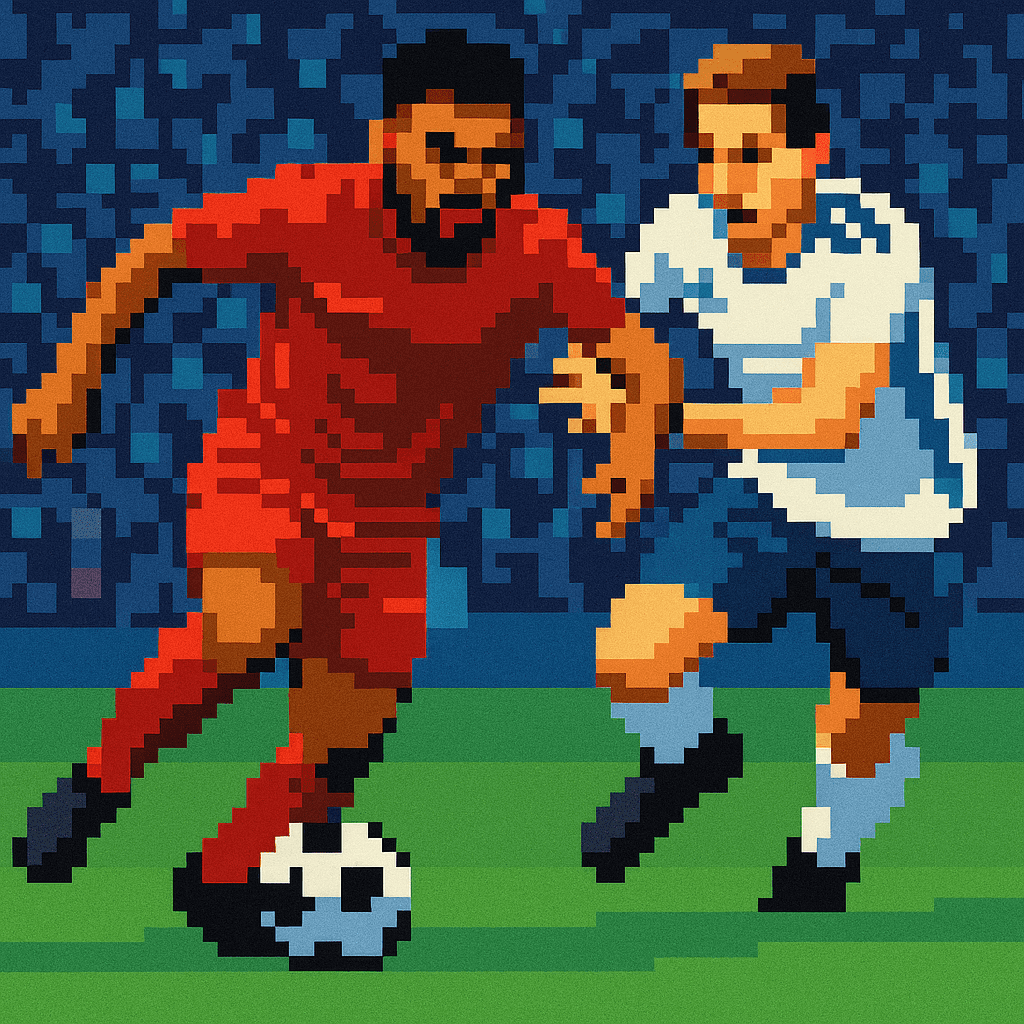
“Convert this photo into 8-bit pixel art, using a limited color palette.”
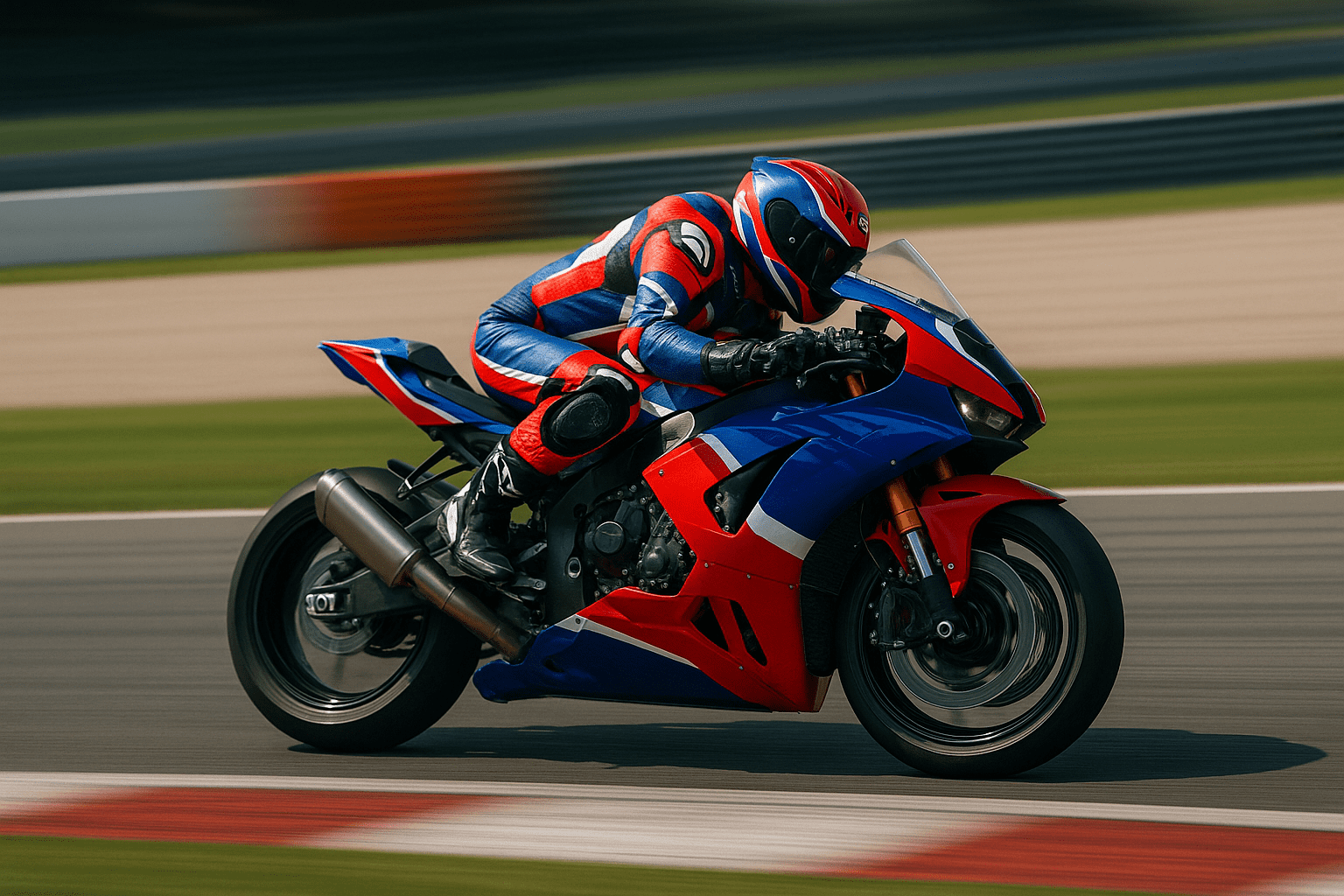
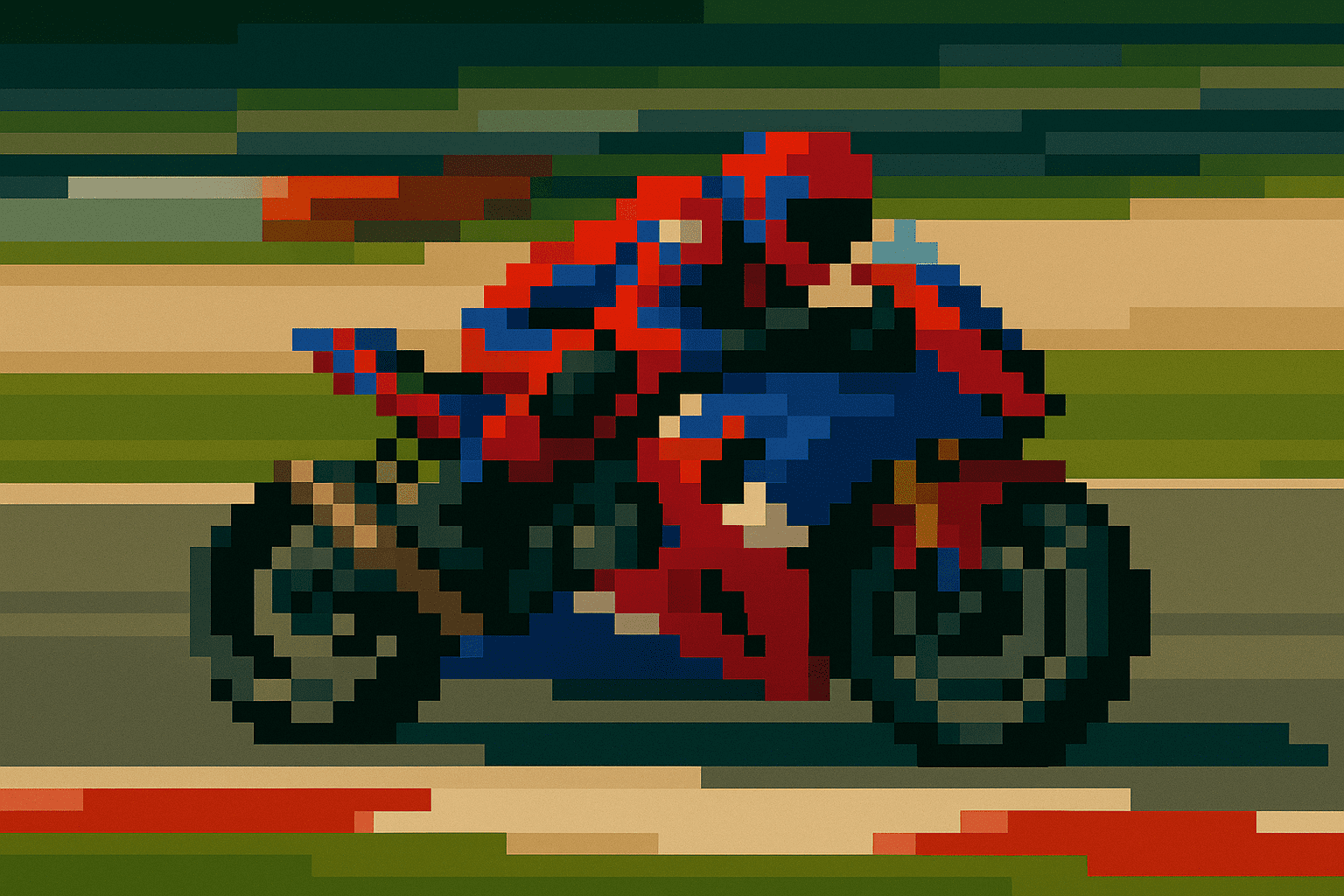
“Create a pixelated game graphic of the subject, with chunky blocks of color.”
Abstract Art
Abstract art style takes the colors or shapes of a photo and creates a non-representational composition. The result might be colorful shapes, gradients, or a geometric design that hints at the original but is open to interpretation. People use this for modern art or creative wallpapers.
Example: A photo might become a radial burst of rainbow colors on a textured background, with no clear subject – just an artistic pattern of color and light.
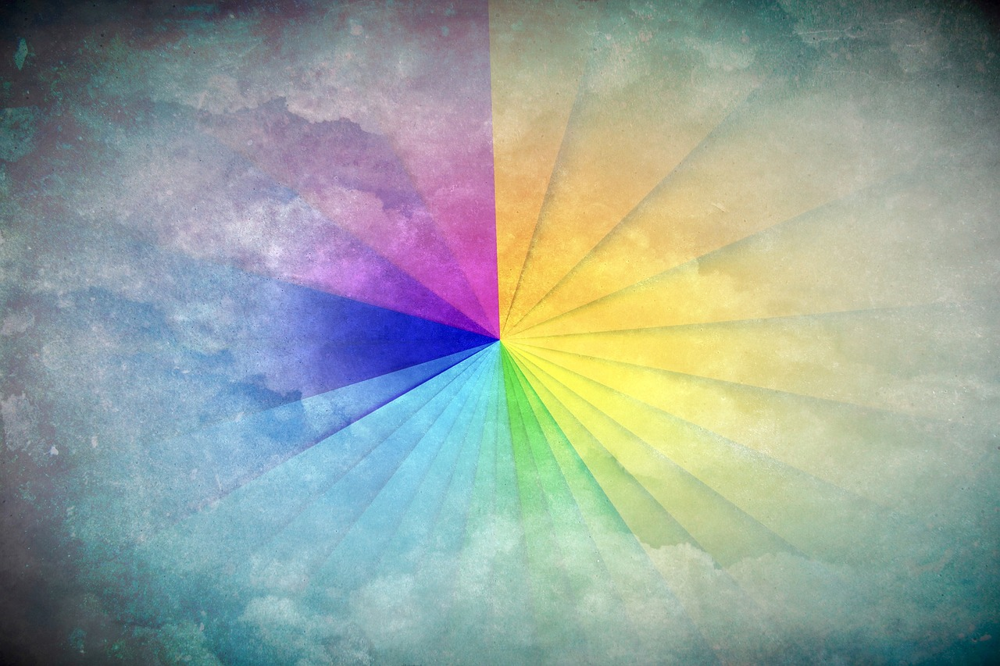
Example: An abstract art background featuring a rainbow-colored radial gradient on a grainy textured canvas.
Prompt examples:
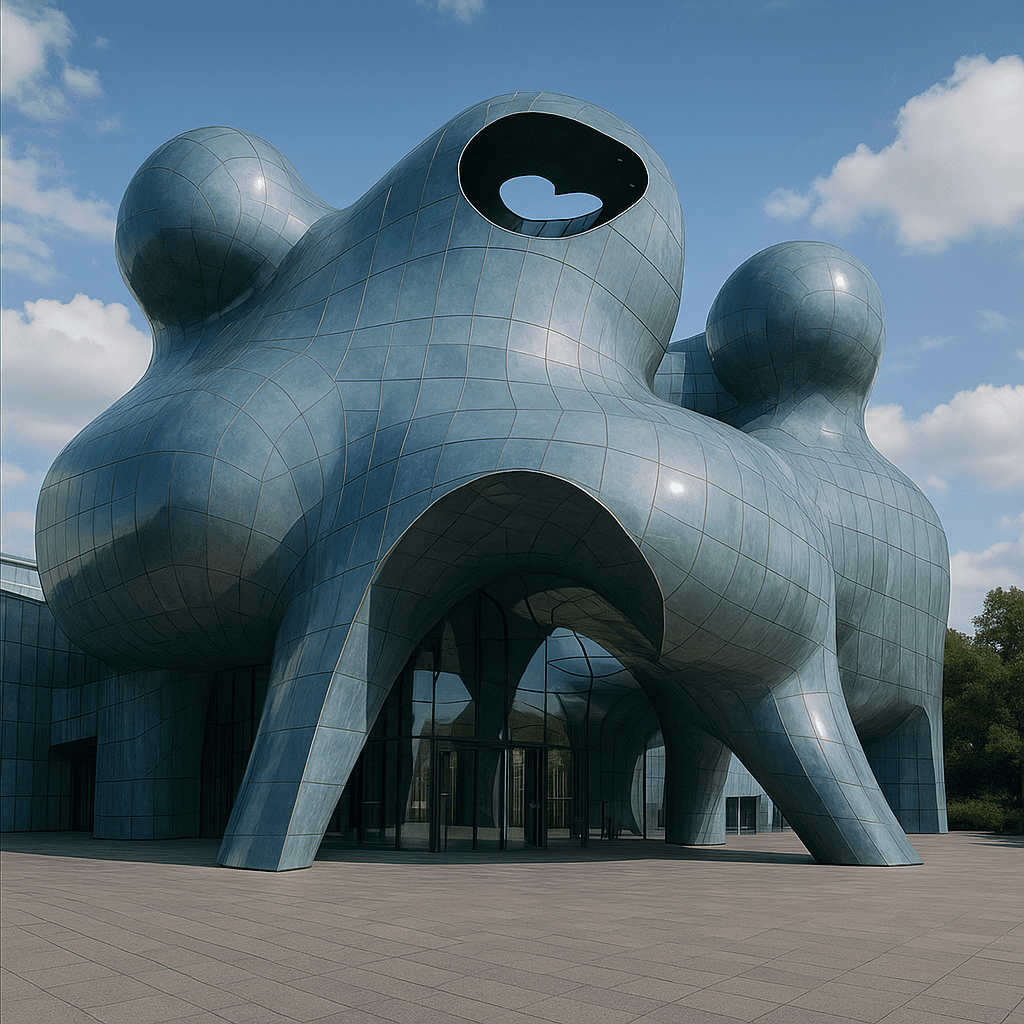
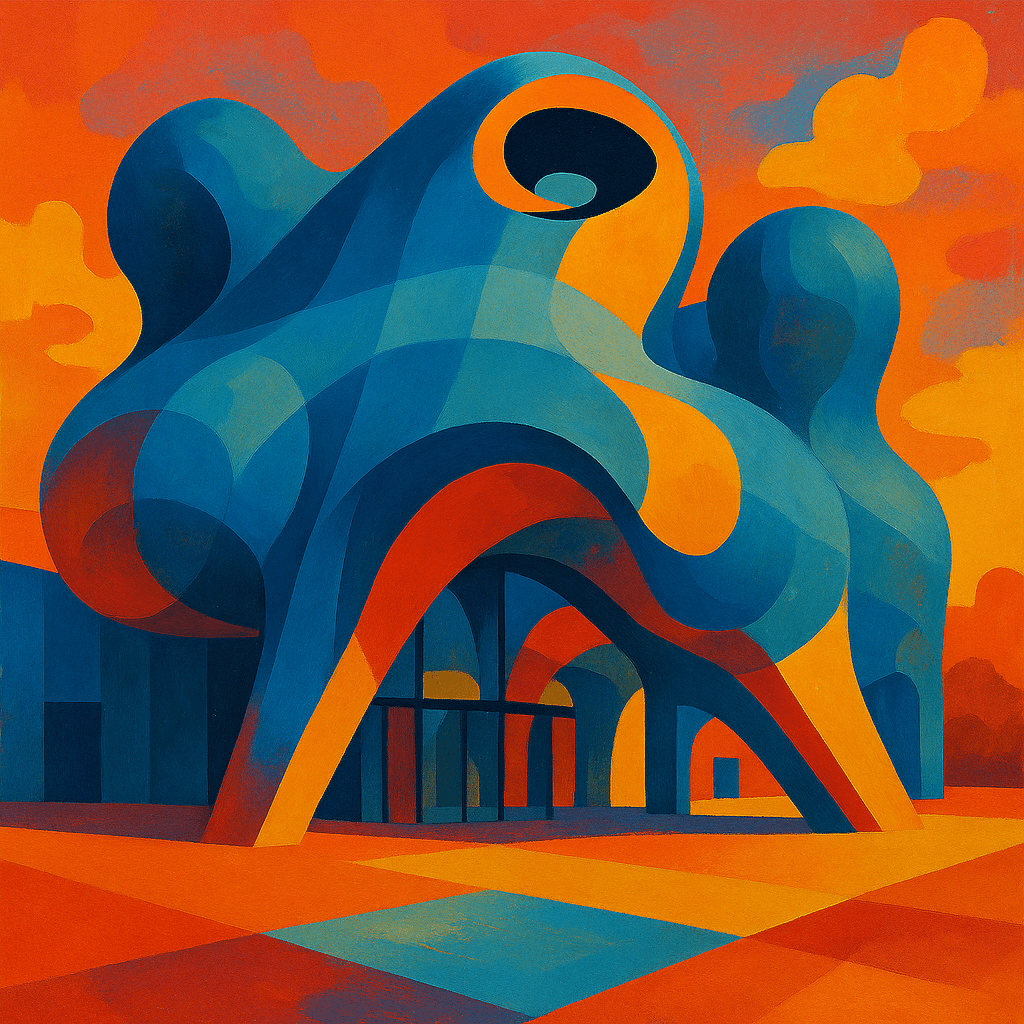
“Generate an abstract art version of this scene, focusing on shapes and colors rather than realistic form.”
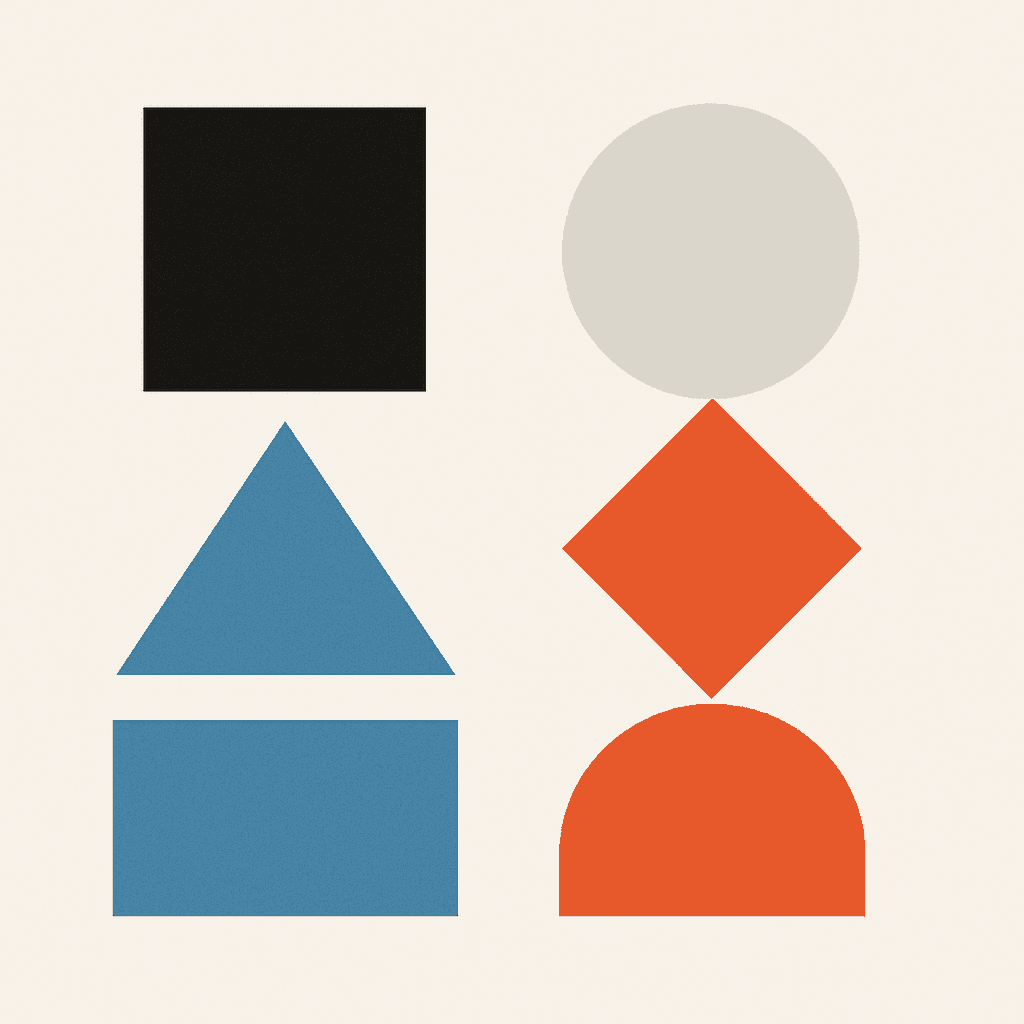
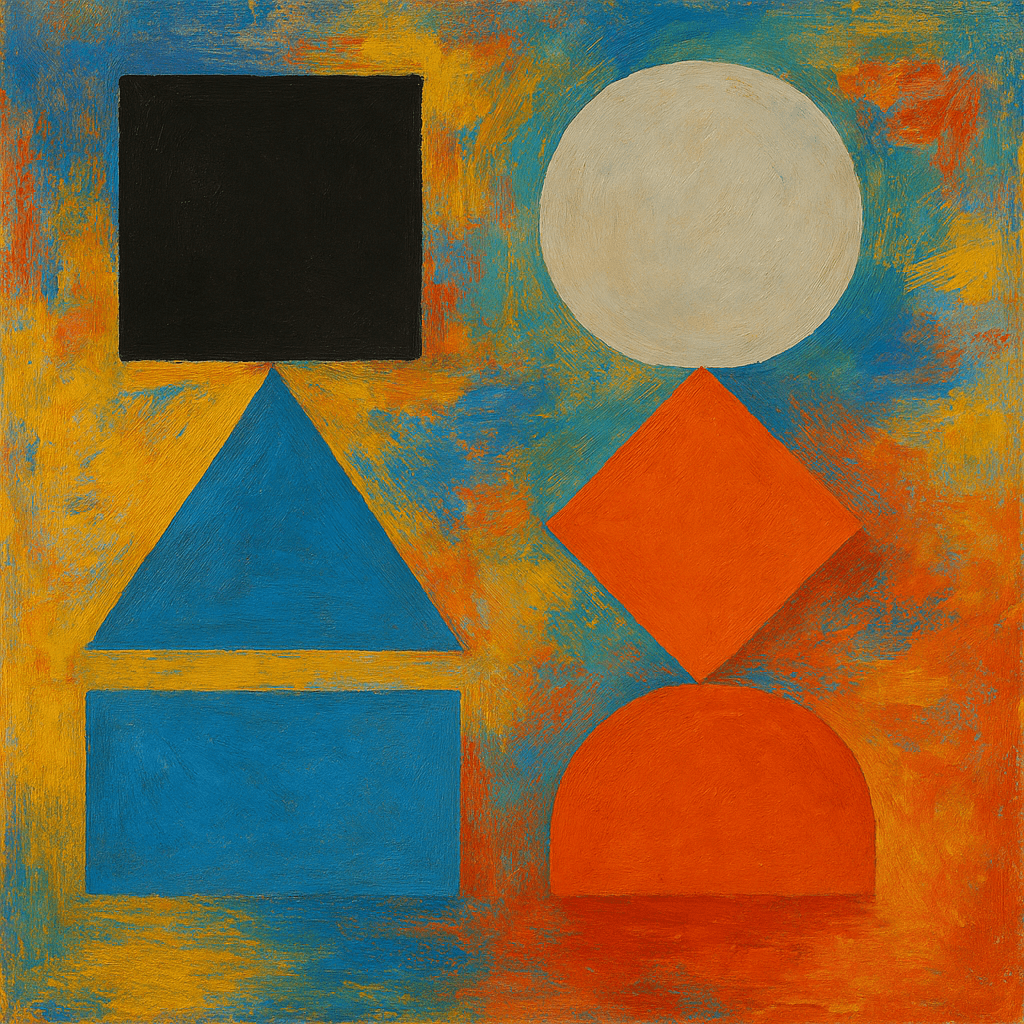
“Create a colorful abstract painting with geometric shapes inspired by the photo.”
Pop Art
Pop art style is inspired by artists like Andy Warhol and Roy Lichtenstein. It uses bright, contrasting colors and bold outlines, often repeating the subject. It feels fun and eye-catching. This style is used for vibrant posters, album covers, or trendy artwork.
Example: An ordinary photo of sunflowers becomes a collage of the same flower in psychedelic neon colors (pink, green, blue) on each petal, with each bloom standing out vividly.
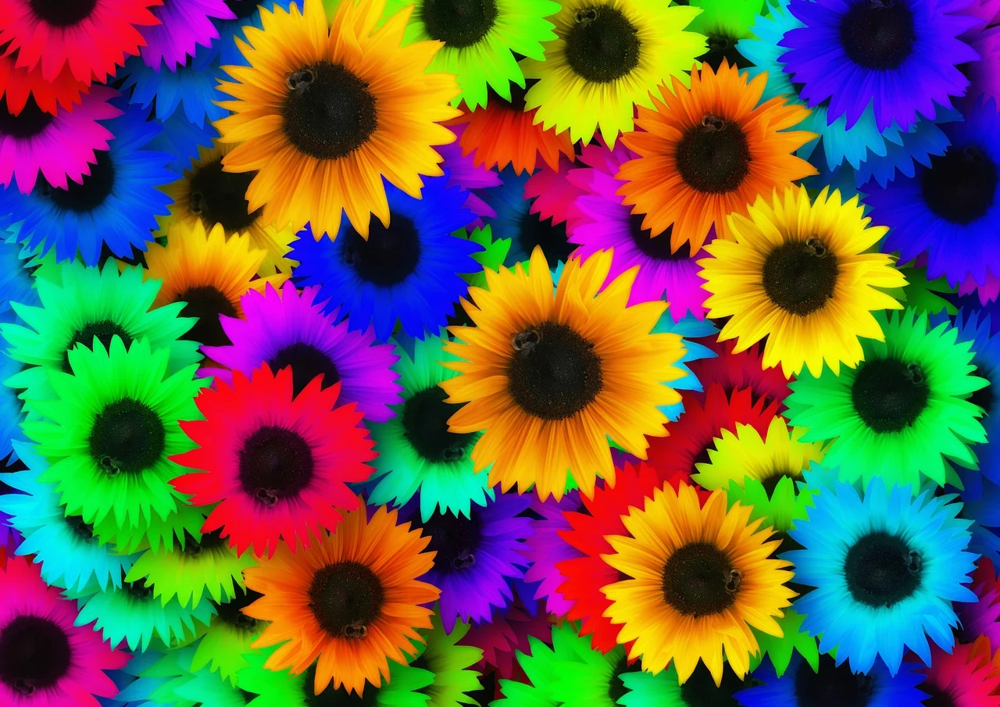
Example: Pop art style collage of brightly colored sunflowers, each flower petal colored in a vivid rainbow hue.
Prompt examples:
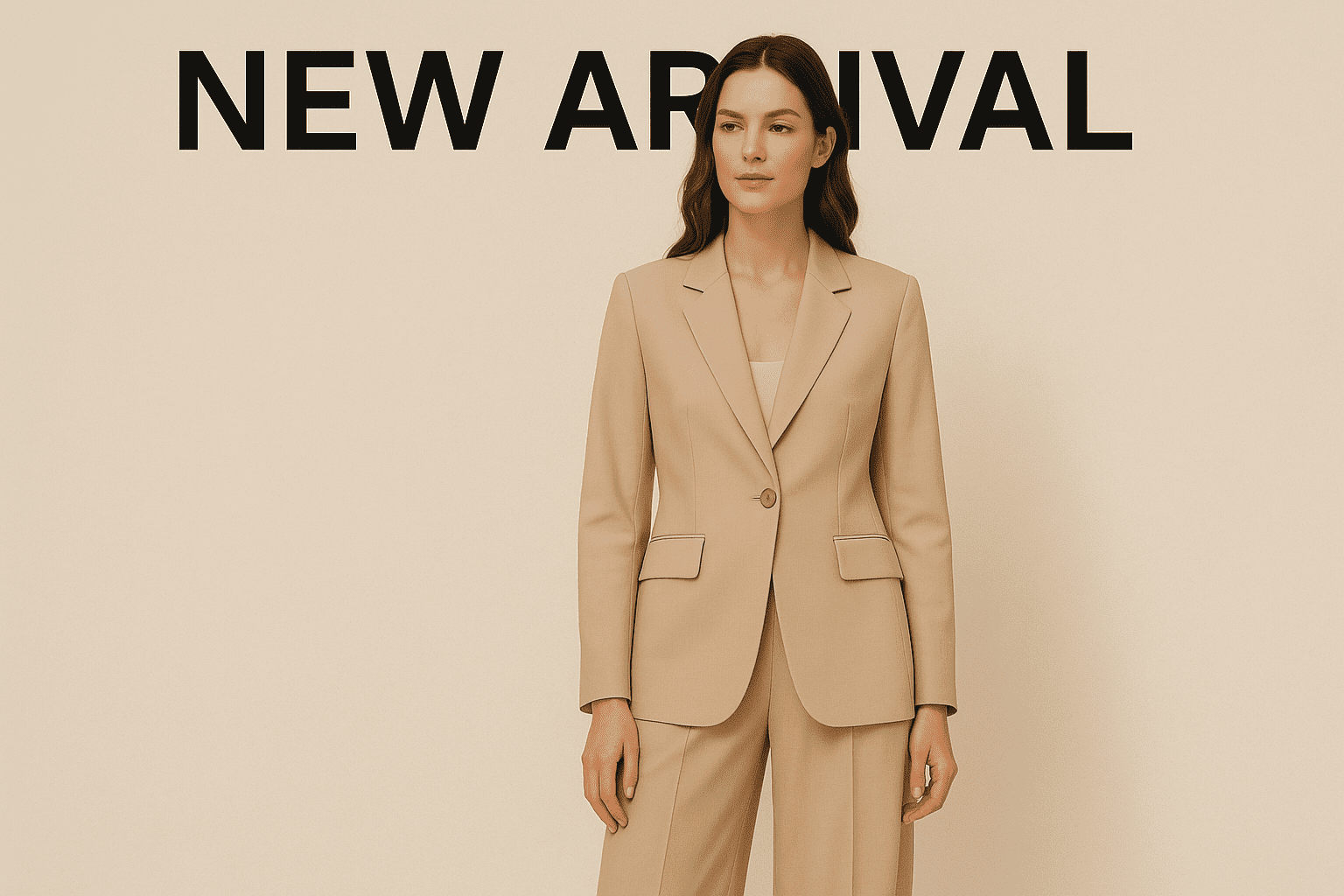
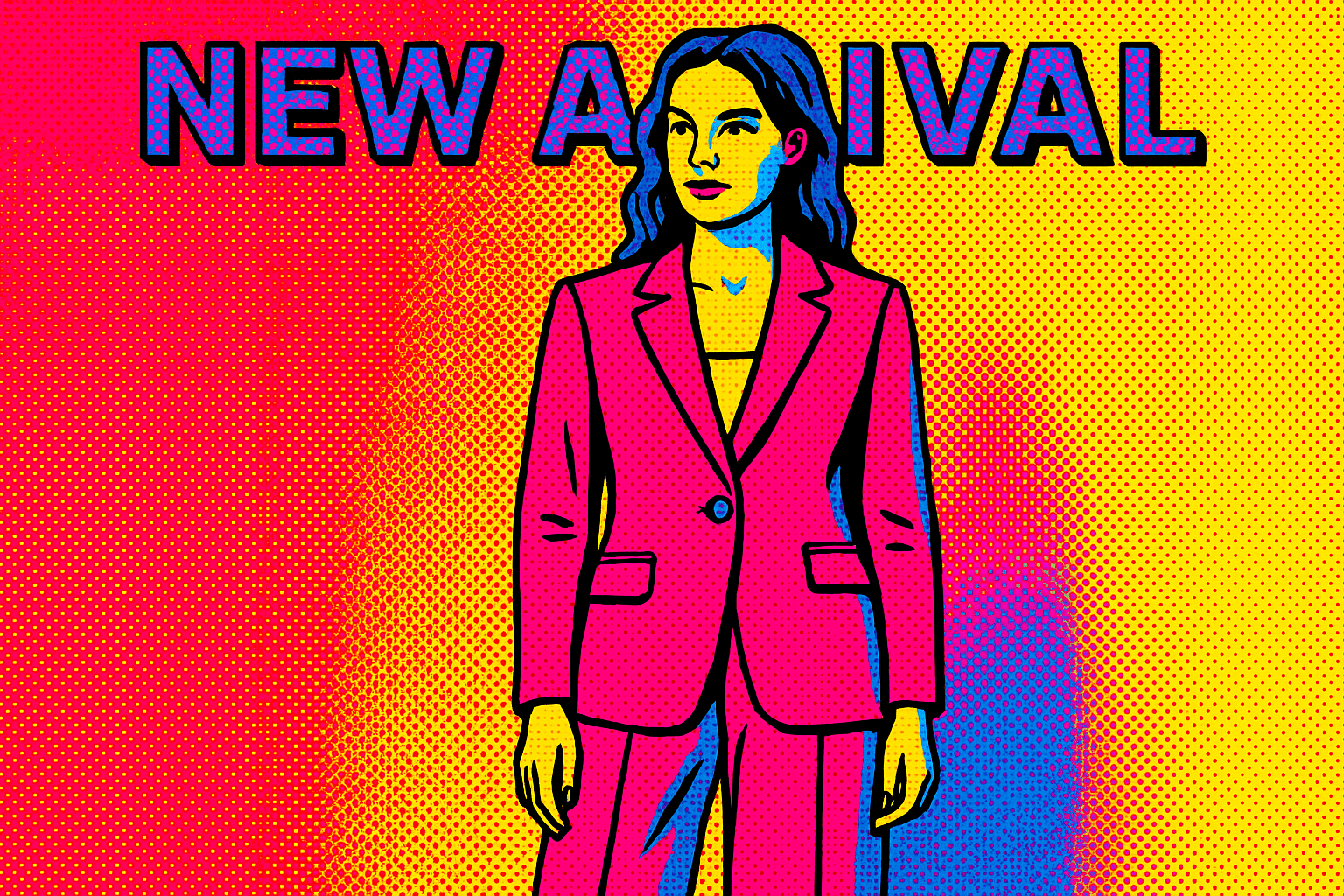
“Turn the image into a pop art poster, with high-contrast neon colors and bold black outlines.”
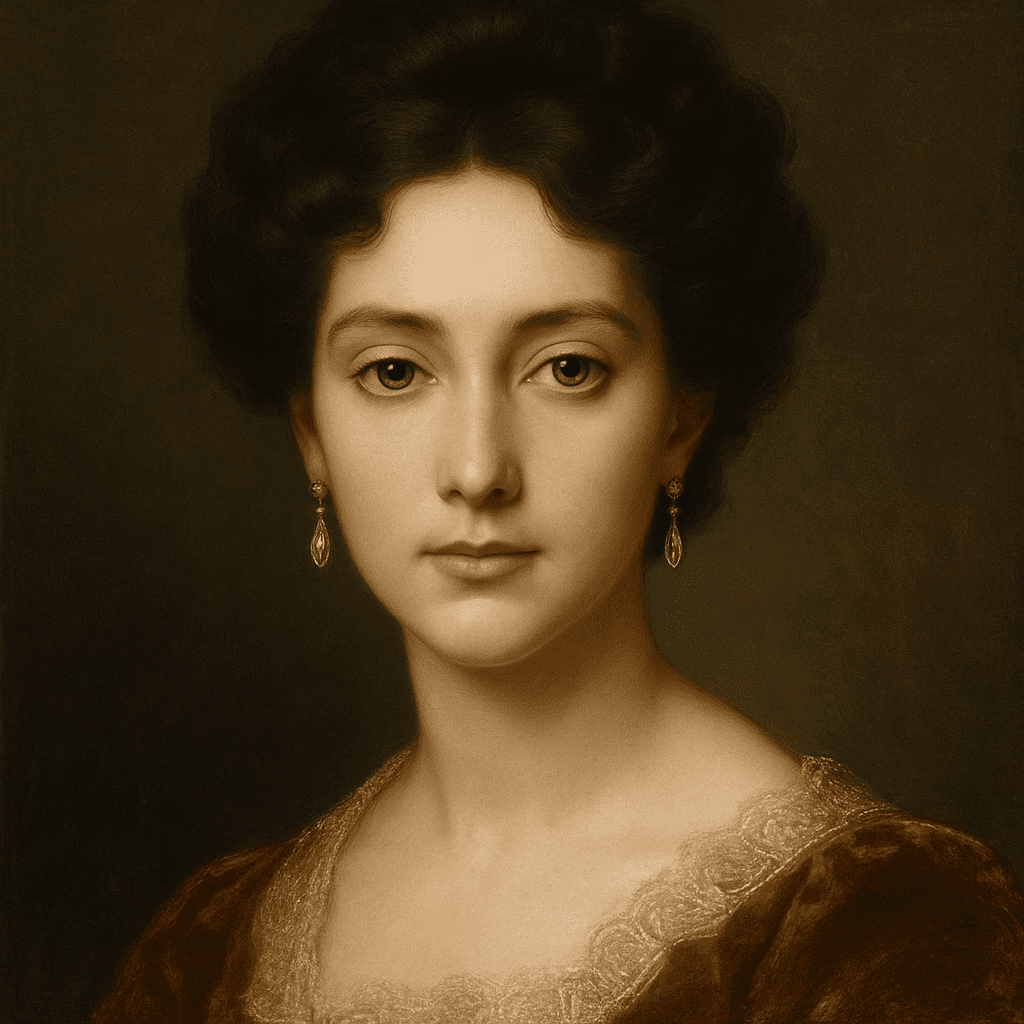
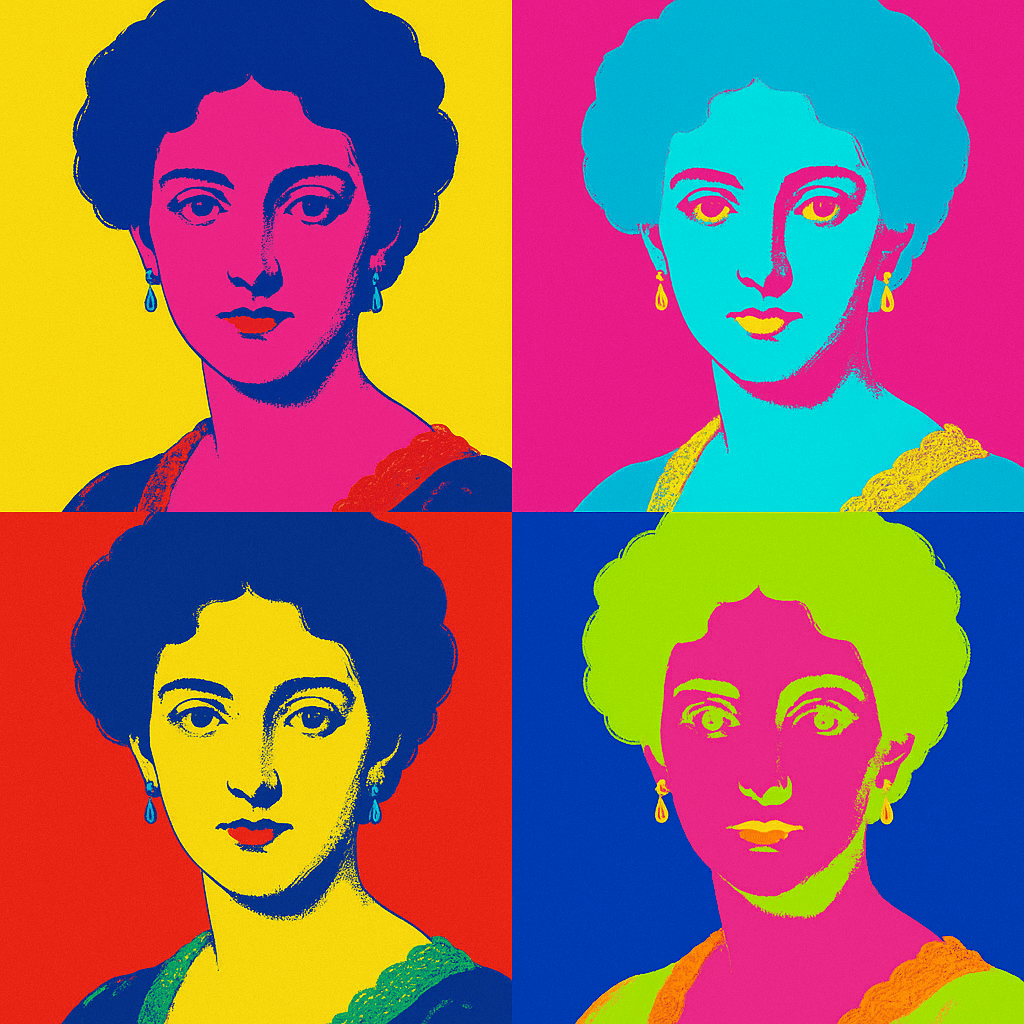
“Create a Warhol-inspired pop art collage of the person’s face in multiple color variations.”
3D Render Style
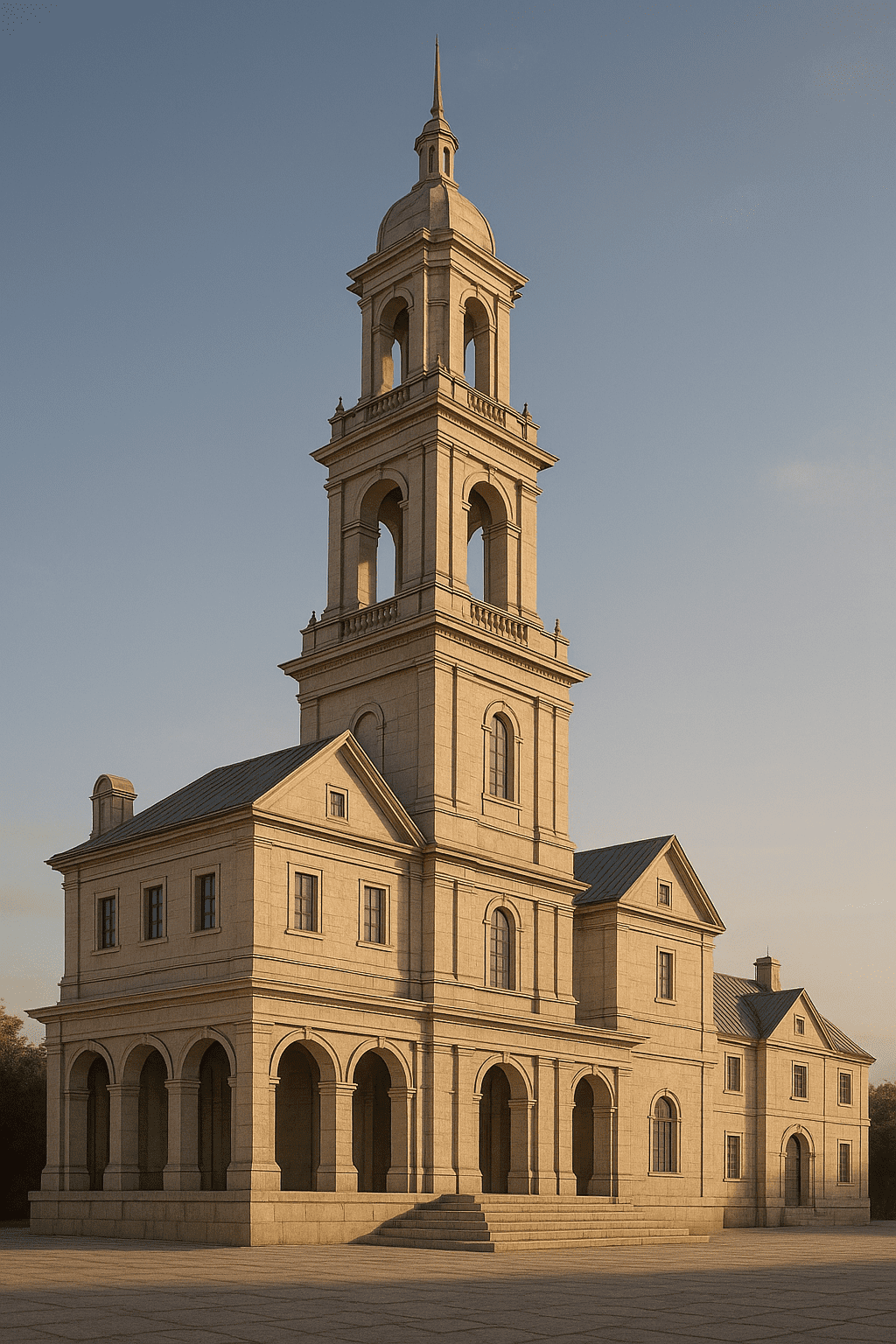
3D render style makes an image look like a computer-generated 3D scene or model. It often has realistic lighting, depth, and textures like a CGI. Use this to turn a photo subject into a 3D illustration or game asset.
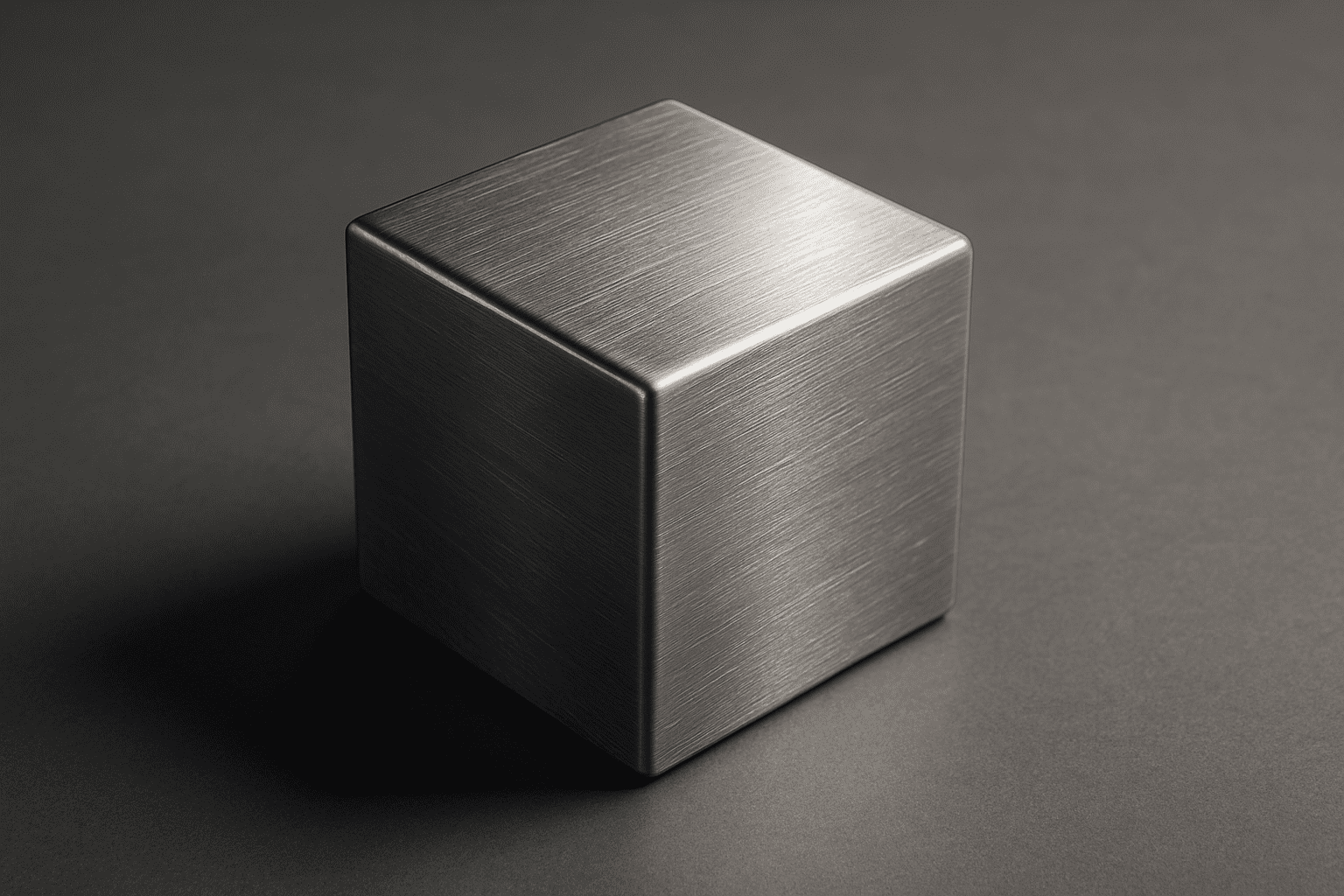
Example: A simple object might become a 3D model with metallic surfaces and shadows. The effect is sharp, polished, and looks like it was created in professional 3D software.
Prompt examples:
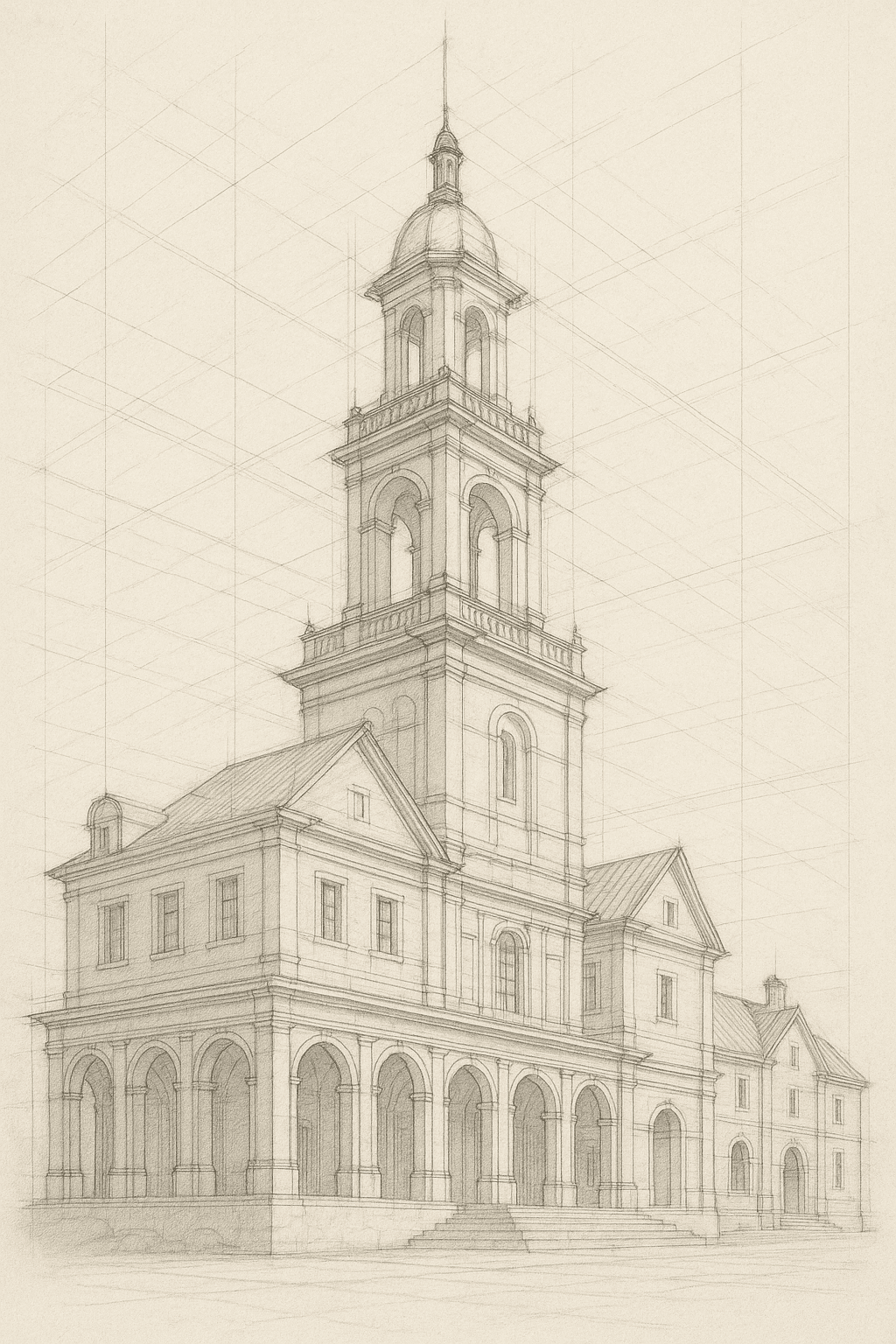
“Render this as a 3D model scene with realistic lighting and shadows.”
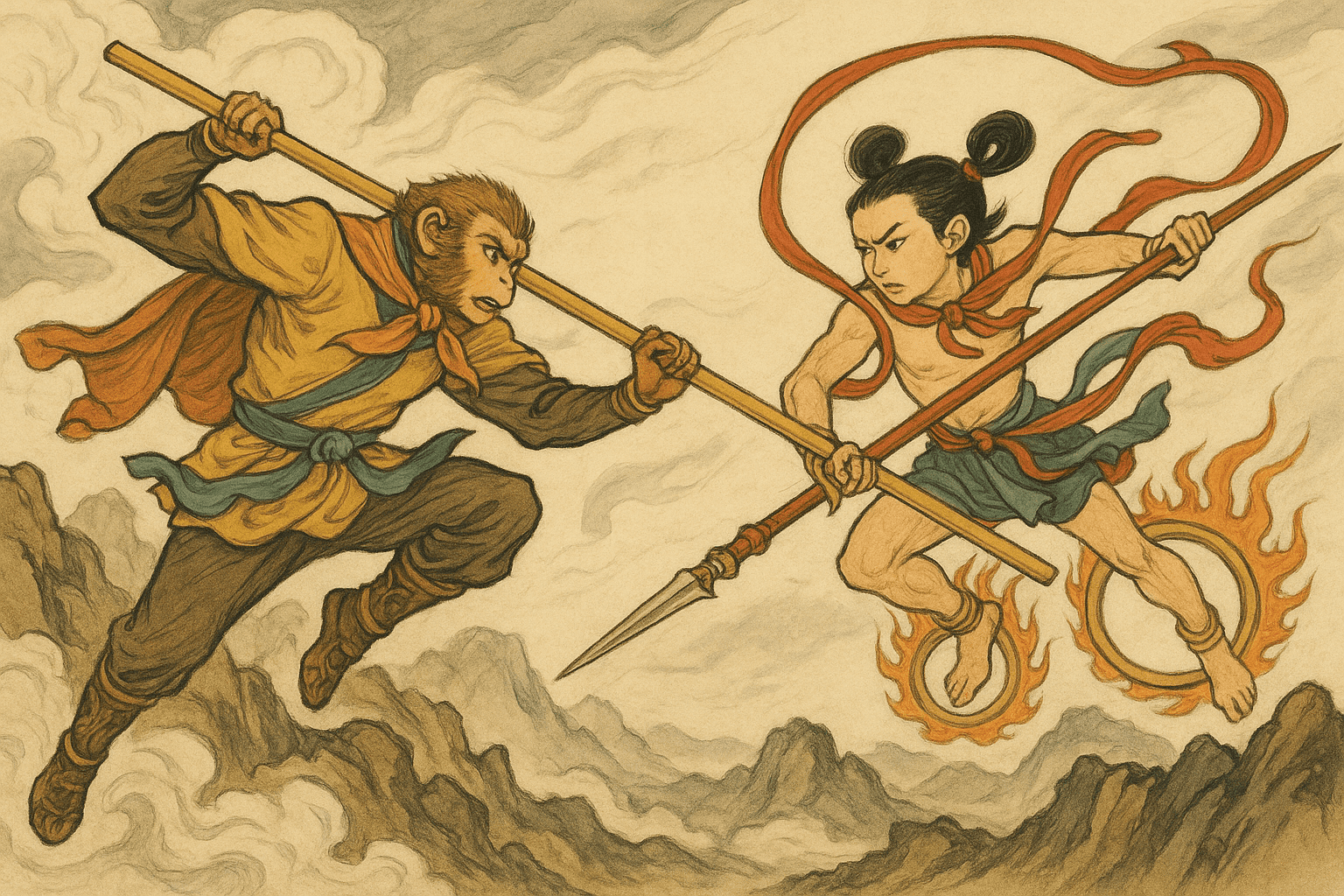
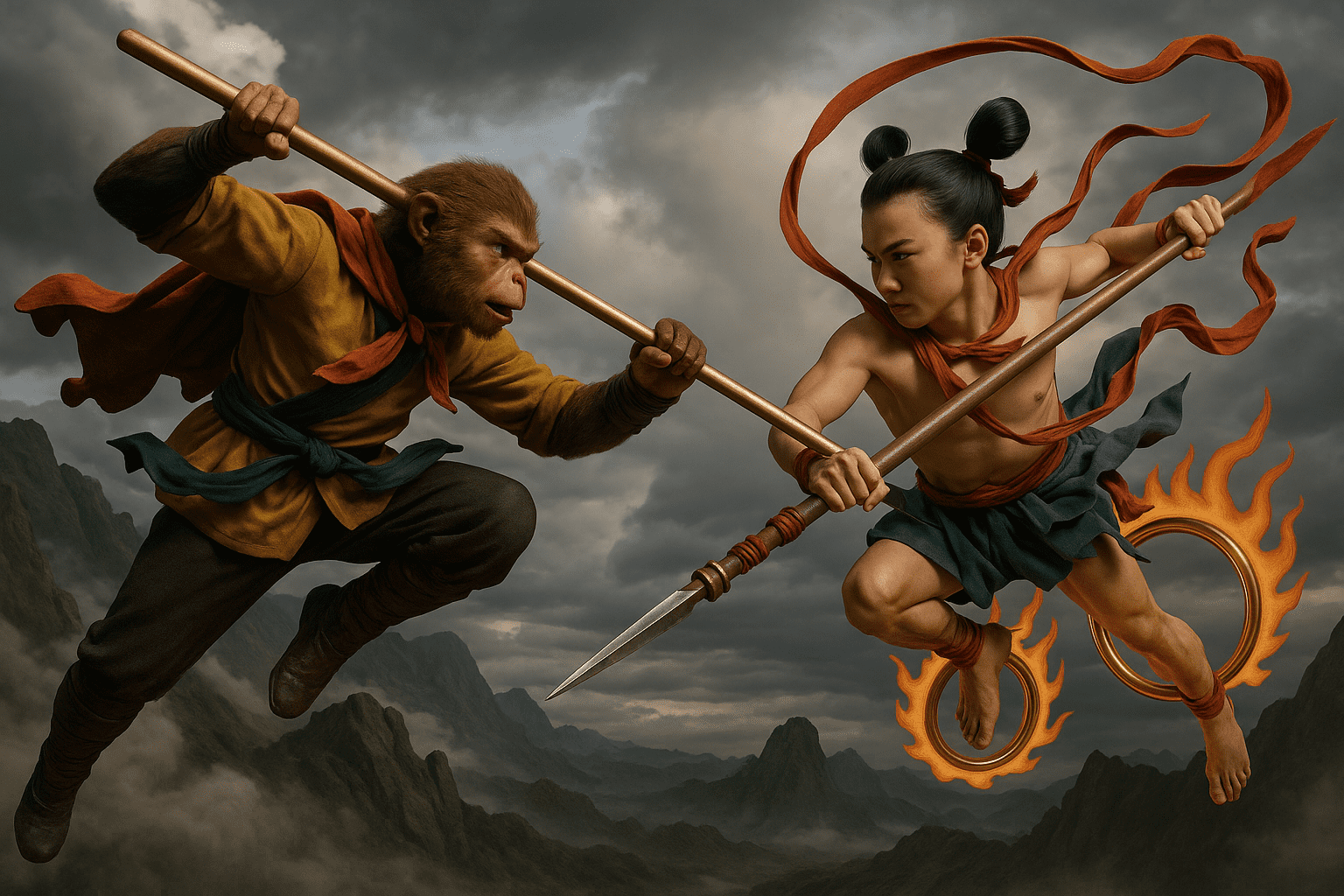
“Create a CGI-style 3D illustration of the subject, with photorealistic textures.”
Cyberpunk
Cyberpunk style infuses neon and futuristic elements. It often shows neon-lit cityscapes, holograms, and sci-fi aesthetics. Use this for edgy, high-tech imagery.
Example: A city street photo becomes a dark, rainy cyberpunk city filled with neon signs and futuristic androids walking by. Shadows and glowing colors dominate.
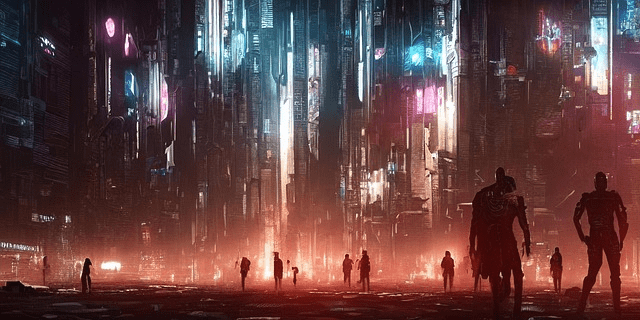
Example: A futuristic cyberpunk city scene at night, with tall neon-lit buildings and silhouetted figures.
Prompt examples:
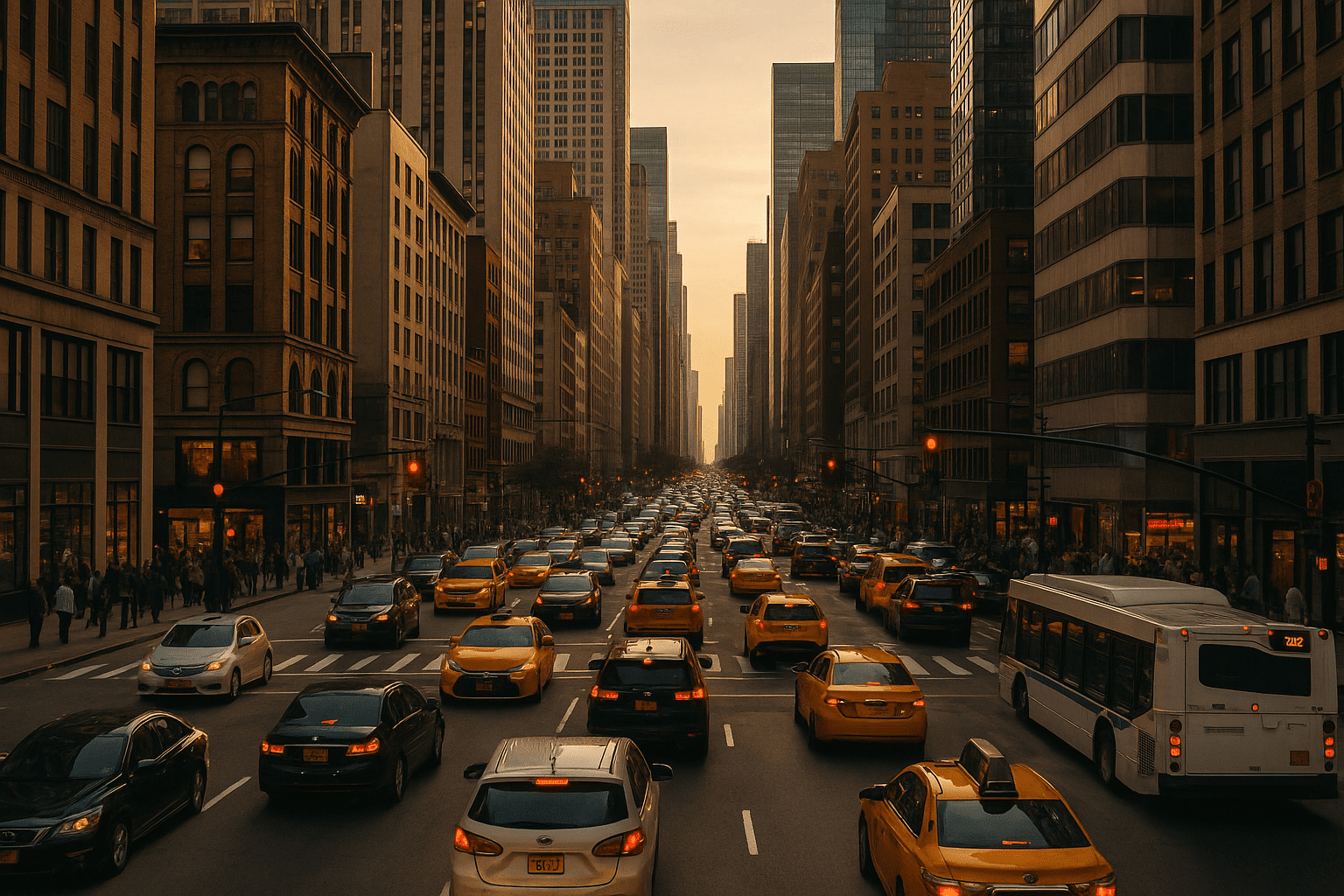
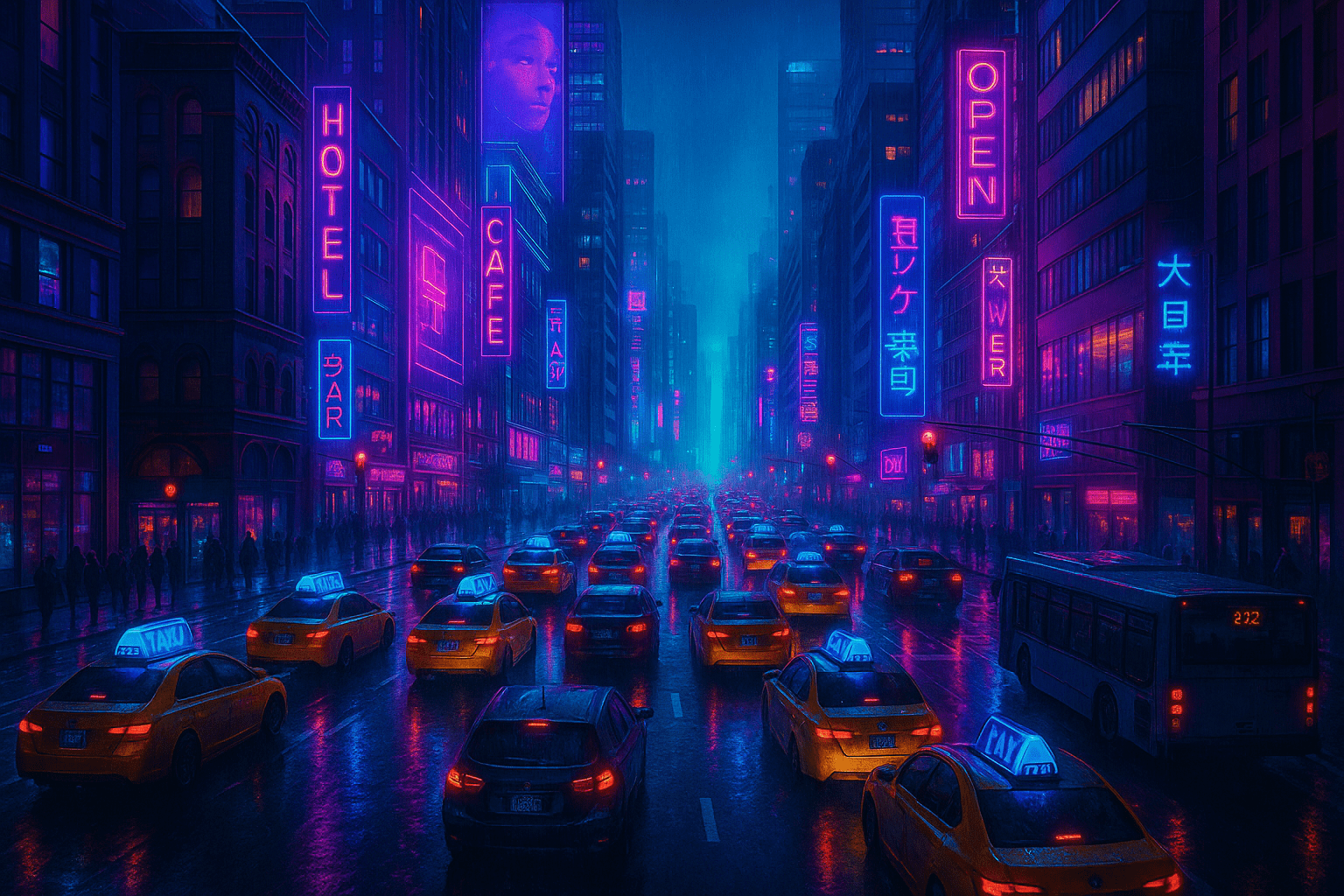
“Transform the photo into a cyberpunk scene: neon signs, rain-soaked streets, futuristic atmosphere.”
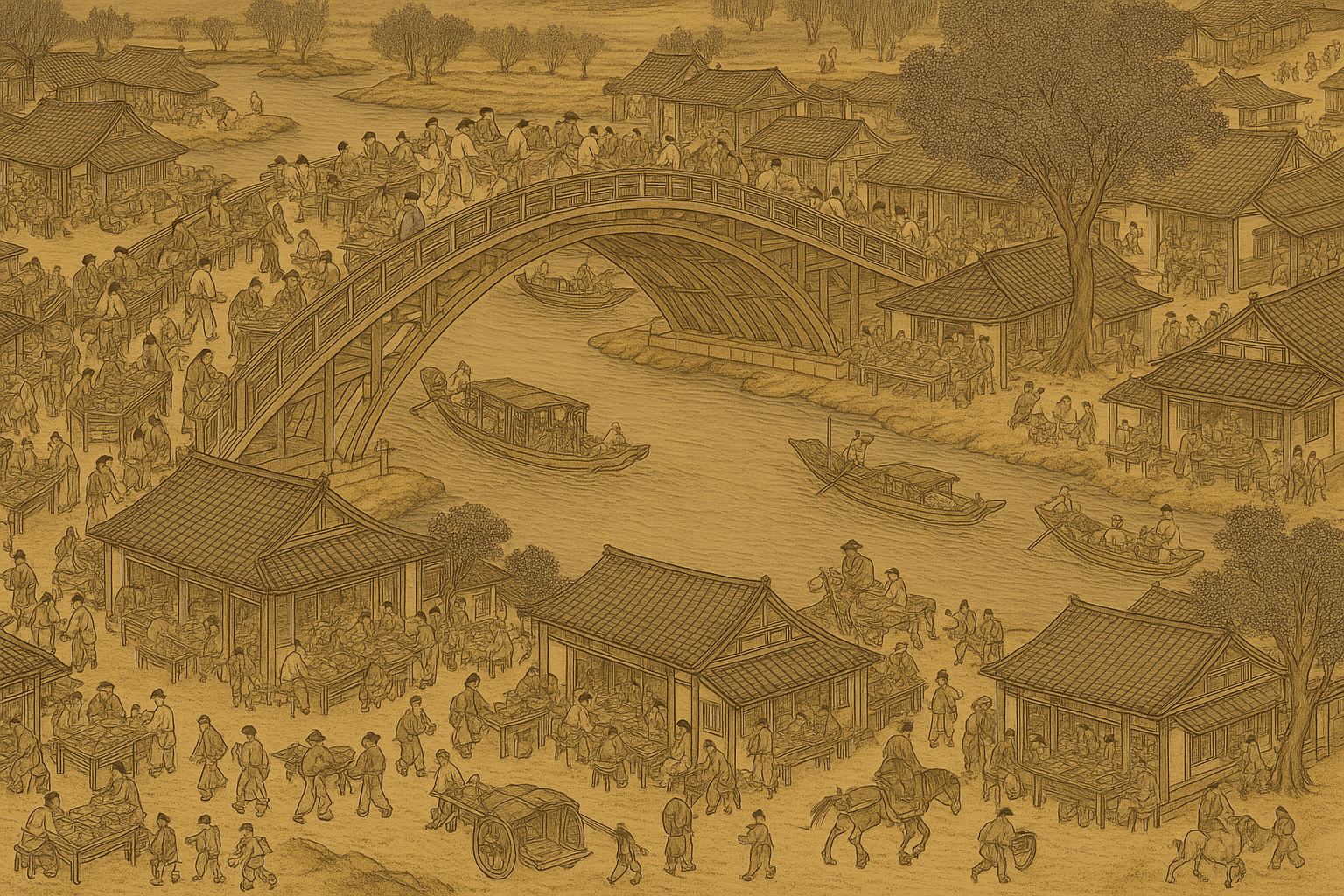
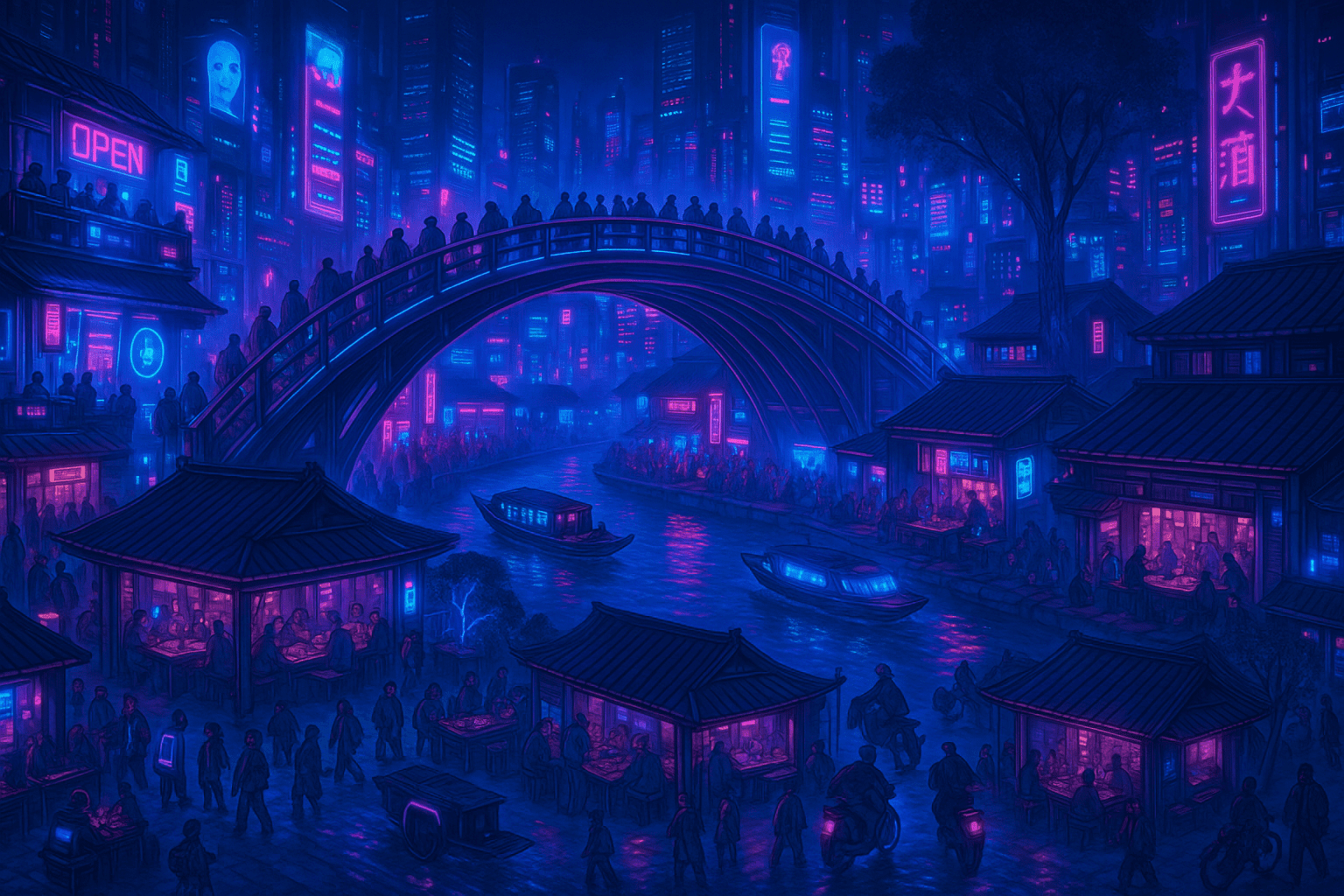
“Create a night cityscape with a cyberpunk aesthetic (blue and pink neon, high-tech elements).”
Vaporwave
Vaporwave style is a retro-futuristic 80s/90s aesthetic. It features pink and purple sunsets, palm trees, grid lines, and glitch art. This style is trendy for music visuals and nostalgia art.
Example: A tropical sunset scene might become a stylized digital art with a bright pink sun setting behind silhouetted palm trees, in vibrant neon colors and a grainy texture.
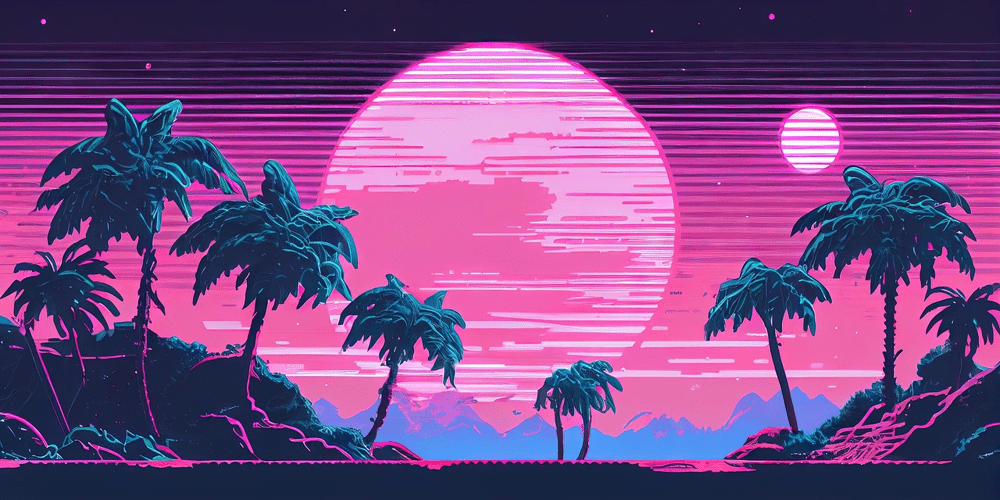
Example: A vaporwave-style tropical scene with neon pink sun, silhouetted palm trees, and glowing pastel sky.
Prompt examples:
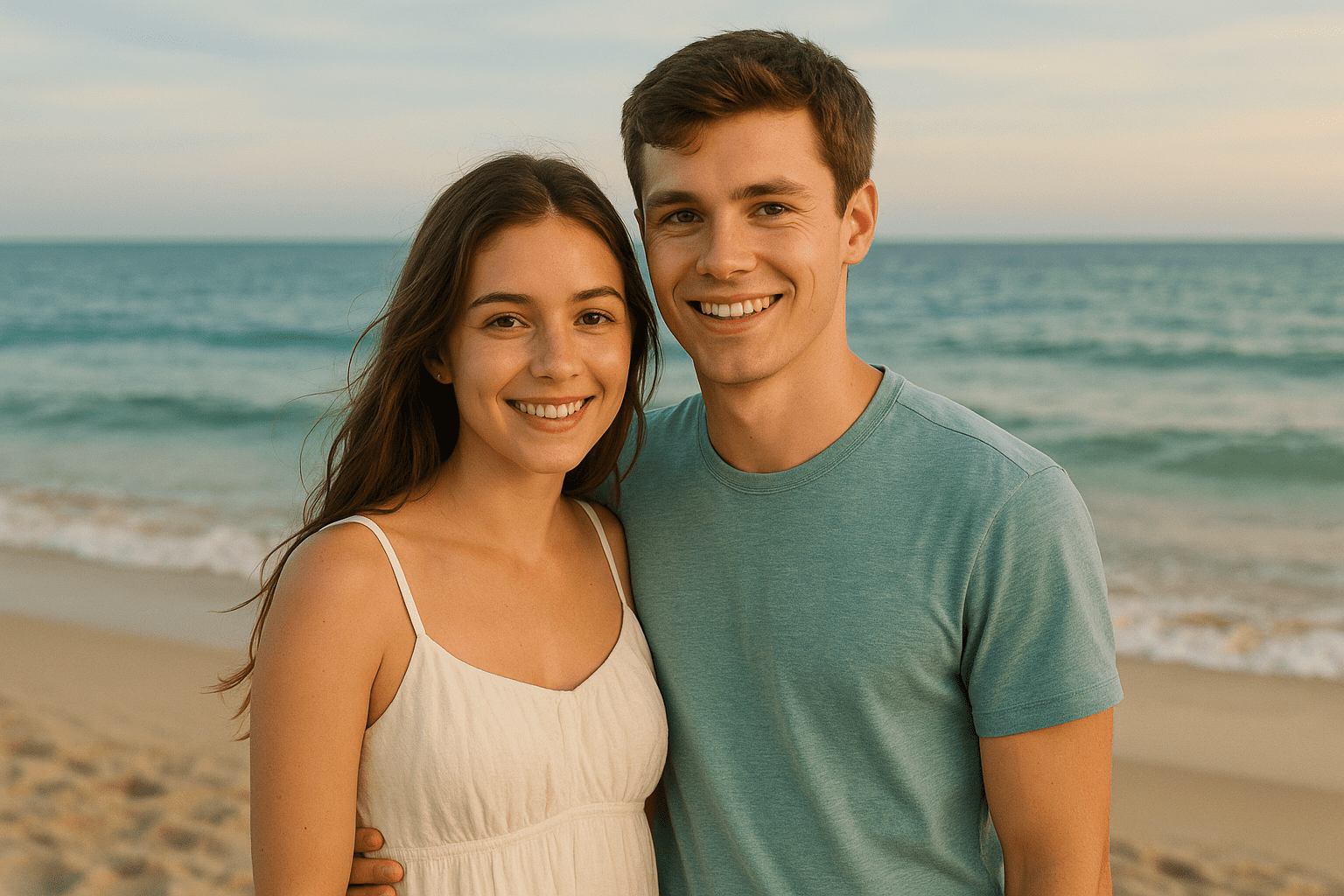
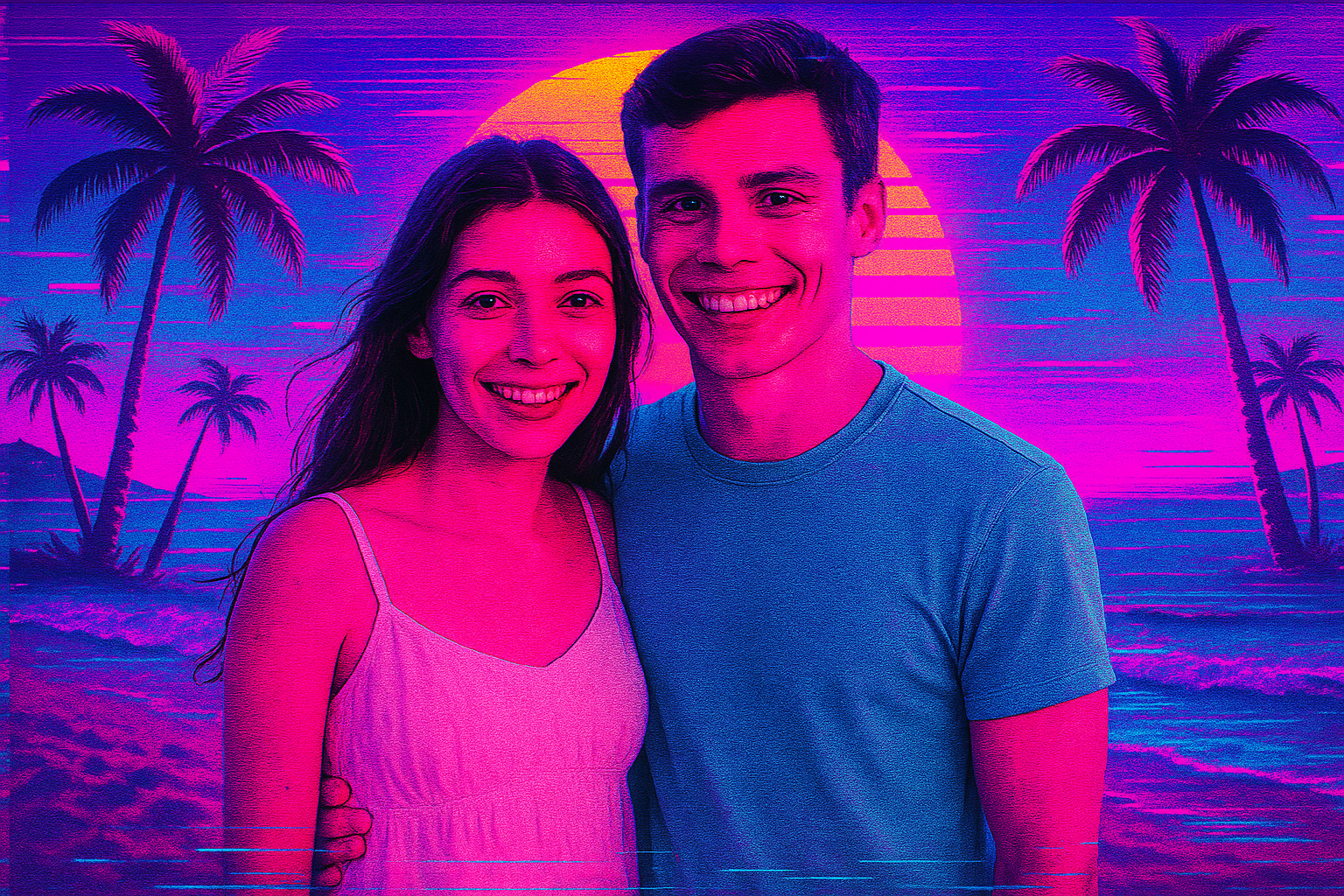
“Apply a vaporwave aesthetic: retro sunset, neon pink and teal palette, palm trees and glitch effects.”
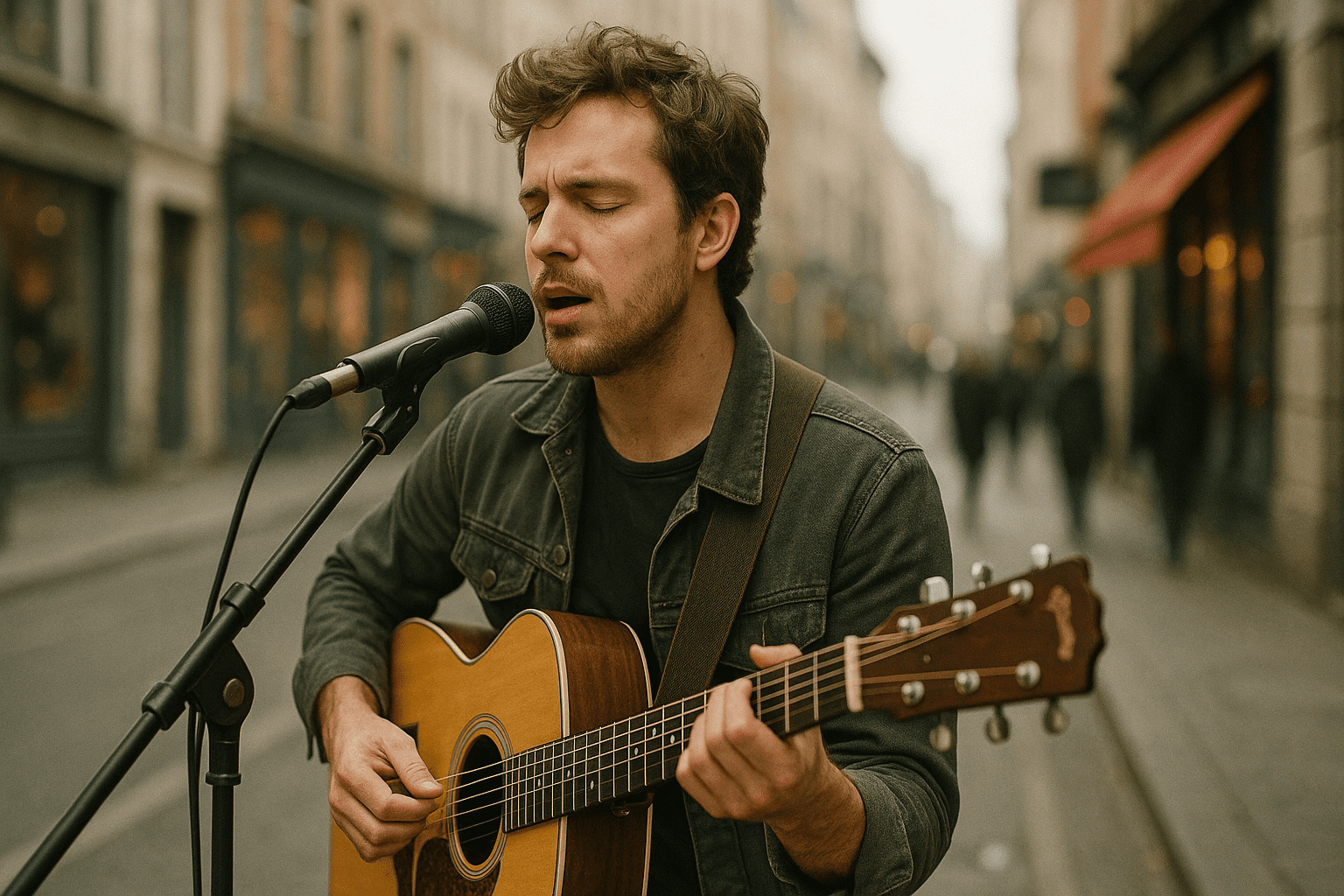
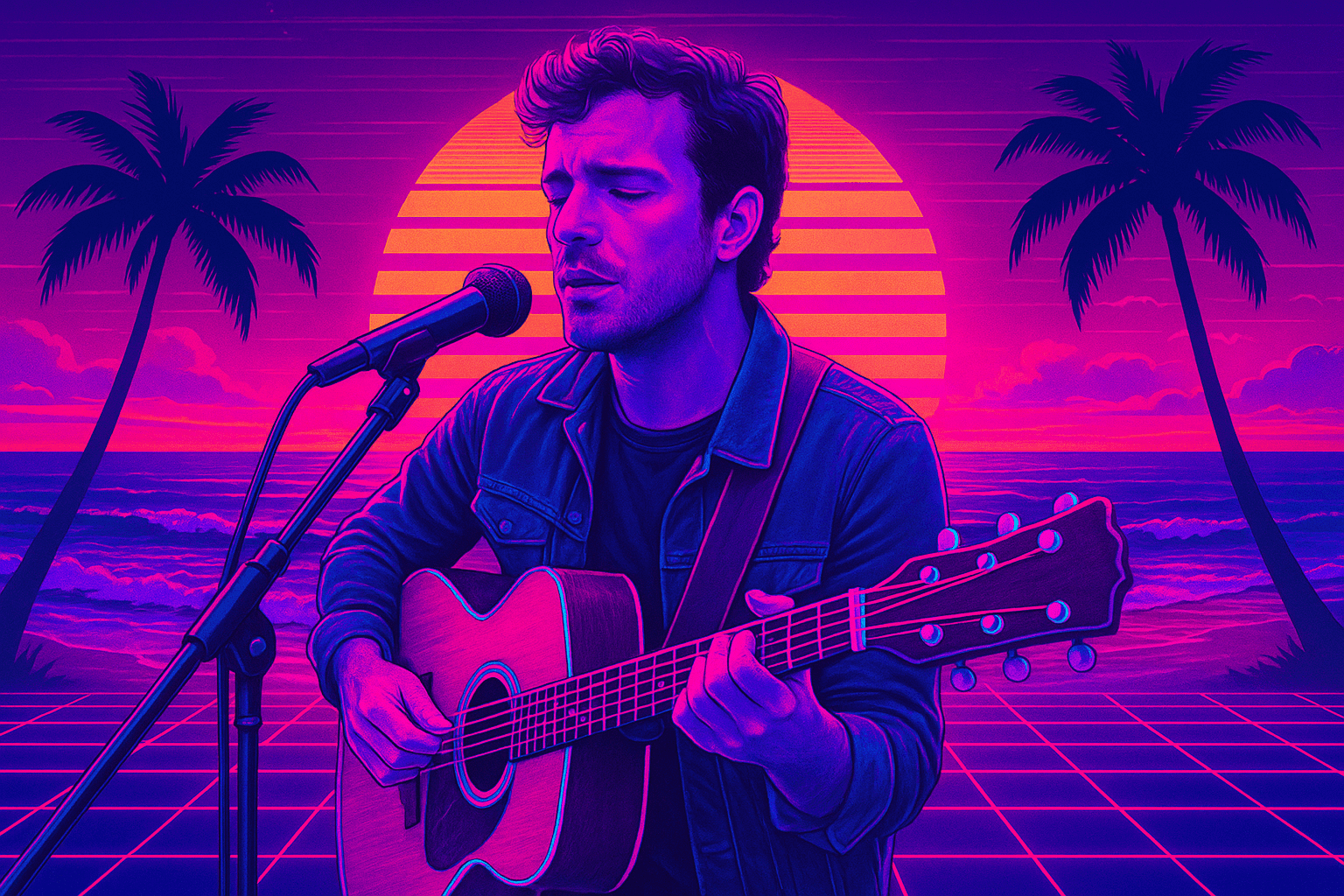
“Create an 80s-inspired vaporwave poster of the beach at sunset, with grid lines and neon colors.”
Start Your Artistic Journey
Ready to transform your photos? upload your favorite picture, pick an artistic style, and let GPT Image bring your creative vision to life in seconds!
Try PhotoPrompt Now