Using AI to Generate Buzz Cut Hairstyle Images
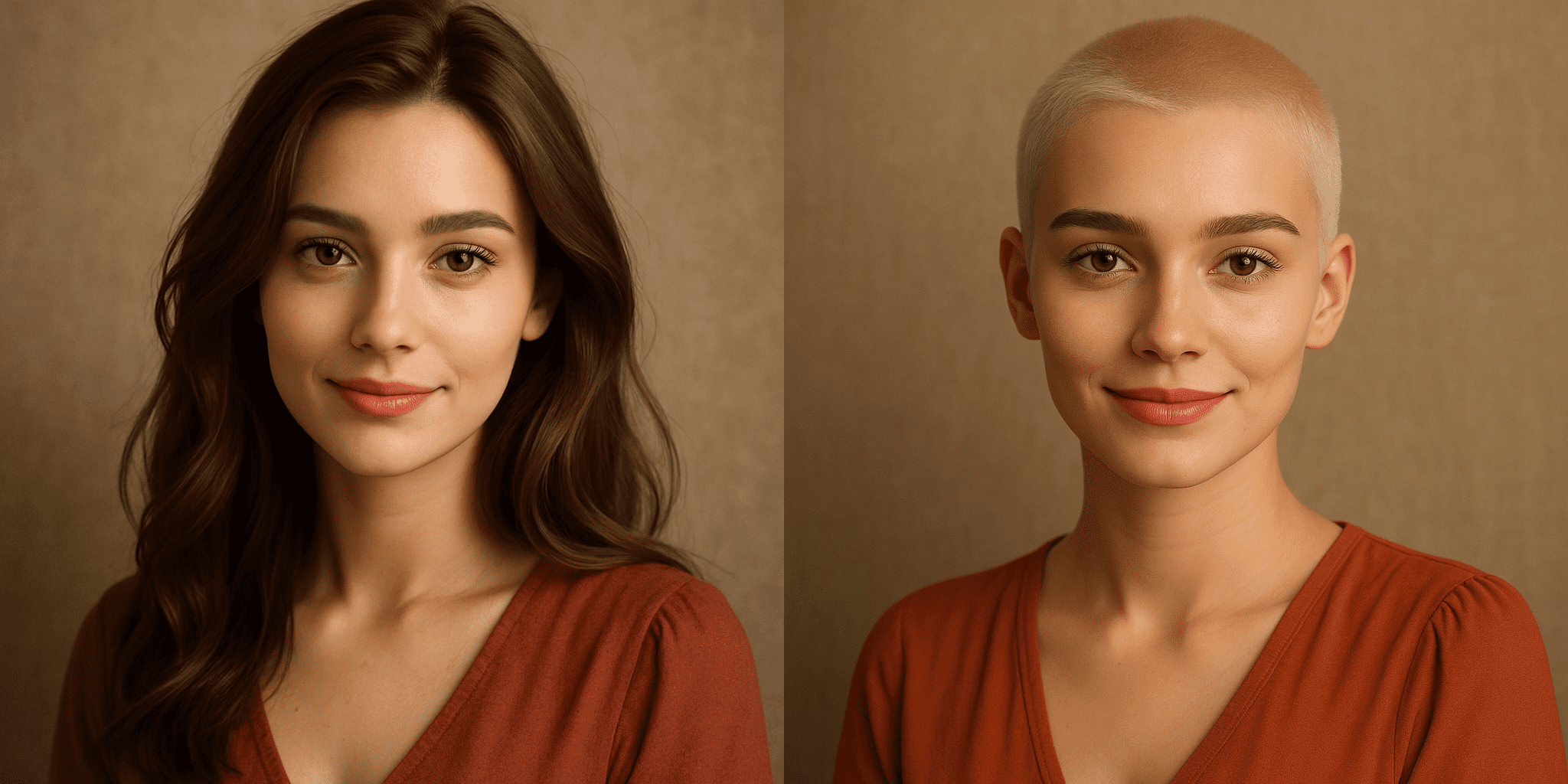
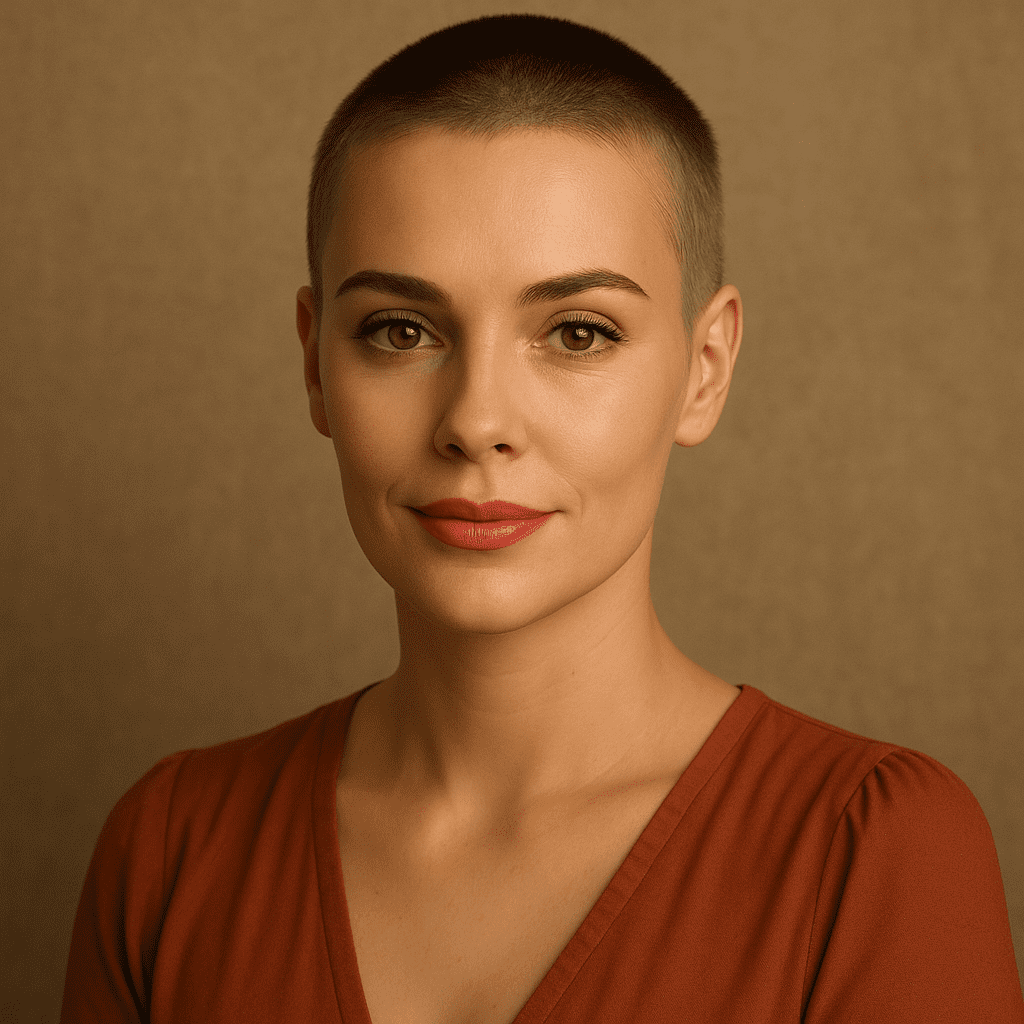
Ever wondered how you’d look with a buzz cut but not ready to commit your hair to the clippers? You’re not alone. In this humorous yet informative guide, we’ll show you how to use artificial intelligence (AI) to generate buzz cut hairstyle images so you can try a virtual buzz before you cut buzz for real. From classic buzz cut styles (like fades and tapers) to funky trends (yes, even a buzz cut mullet), AI image generators like PhotoPrompt make it easy to see yourself with a fresh buzzcut – all without a single snip. Let’s dive into this tech-powered hair adventure and have some fun along the way!
What Exactly Is a Buzz Cut (and Why the Buzz About It)?
A buzz cut is one of the most iconic, low-maintenance haircuts around. Characterized by short, uniform length hair (usually achieved with electric clippers), the buzz cut is often associated with military recruits, athletes, and anyone seeking a bold, fuss-free style. Essentially, the barber runs a clipper all over your head – bzzzz! – and you end up with hair that’s the same length everywhere (typically just a few millimeters long, depending on the guard used). It’s a simple haircut, yet it packs a punch in the style department.
Why is everyone talking about buzz cuts lately? Well, trends come and go, but the buzz cut is having a real moment again. Fashion experts have noted that this classic, minimalist hairstyle is rising in popularity as a fresh, modern look. In other words, the buzz cut is buzzing again (pun totally intended). It’s no longer just the default cut for new army recruits or the solution to a balding crown – it’s a style statement of its own. From runway models to movie stars, many are opting to shear it all off for that clean, bold buzzcut vibe.
Of course, a buzz cut isn’t just one look. There are variations galore (we’ll get into those fun details soon – ever heard of a buzz cut fade or a buzz cut with beard combo?). But at its core, the appeal of a buzz cut is universal: it’s cool (literally, your head can finally feel the breeze), it’s low maintenance (no bedhead, no hair gel, no morning styling routine – wake up and go!), and it radiates confidence. However, taking the plunge to shave your head can be intimidating. Will it suit your face shape? Will you love it or immediately start Googling “how to quickly grow out hair”? This is where our AI friend comes to the rescue.
Why Use AI for Buzz Cut Images? (Try Before You Buy Buzz!)
- Risk-Free Makeover: Ever have that itch to do something drastic with your hair? A buzz cut filter powered by AI lets you scratch that itch digitally. You can see your lovely locks go poof in an image while your real hair stays intact. No regret, no crying in the bathroom because you didn’t actually chop anything off. It’s like a safety net for dramatic hair decisions.
- Instant Results: Instead of deliberating for weeks or playing “what-if” in front of the mirror, an AI buzzcut preview gives you results in minutes. Upload a photo or describe what you want, and voilà – the AI will show you a shaved-head version of yourself faster than you can say “pass the razor.” Lightning-fast virtual transformations mean you can try out multiple looks in one sitting.
- Cost Effective (and Entertaining): A real-life visit to the barber for a specialty cut or a consultation can cost serious money. By contrast, many AI image generators and apps offer free trials or cheap filters. Using AI to test a buzz cut saves you the cost of a potentially unwanted haircut. Plus, let’s be honest, it’s fun to see yourself (and your friends) in wildly different hairstyles. You might generate a buzz cut image for practical reasons… or just to have a laugh by putting Grandpa’s photo through a buzz cut filter (family WhatsApp group, here we come!).
- Explore Endless Styles: AI isn’t limited to just one type of buzz cut. Maybe you’re curious how you’d look with a buzz cut fade, a buzz cut low fade, or a buzz cut taper. Perhaps you’ve wondered about pairing a buzz cut with beard, channeling that rugged Jason Statham vibe. Or you might want to test out a bleached buzz cut without frying your real follicles in peroxide. AI can do it all. You can generate different buzz cut hairstyle images in various styles, lengths, and colors – a level of experimentation that would be impossible (or at least very costly and time-consuming) to do on your actual head.
- Confidence Boost (or Reality Check): Seeing an image of yourself with a buzz cut might just convince you that you can totally rock it – giving you the confidence to head to the barbershop for real. On the flip side, maybe the AI will reveal that a shaved dome isn’t your best look (hey, not everyone can pull off the tennis-ball head). Either way, you’ll know before making any drastic moves. It’s like having a crystal ball for hairstyles – one that might save you from a hairy situation.
Meet PhotoPrompt – Your Personal AI Barber
So, how exactly do we get these magical AI hair transformations? Meet PhotoPrompt – a platform that functions like a creative AI art studio (or in our case, an AI barbershop). PhotoPrompt is a free, web-based AI image generation tool powered by advanced OpenAI technology. In non-geek speak: it’s a super-smart AI that can create images from text prompts and even alter images you upload. Think of it as an AI stylist that’s read every fashion magazine, watched every hair tutorial, and seen every celebrity buzz cut, and is now at your service.
Powerful AI Engine
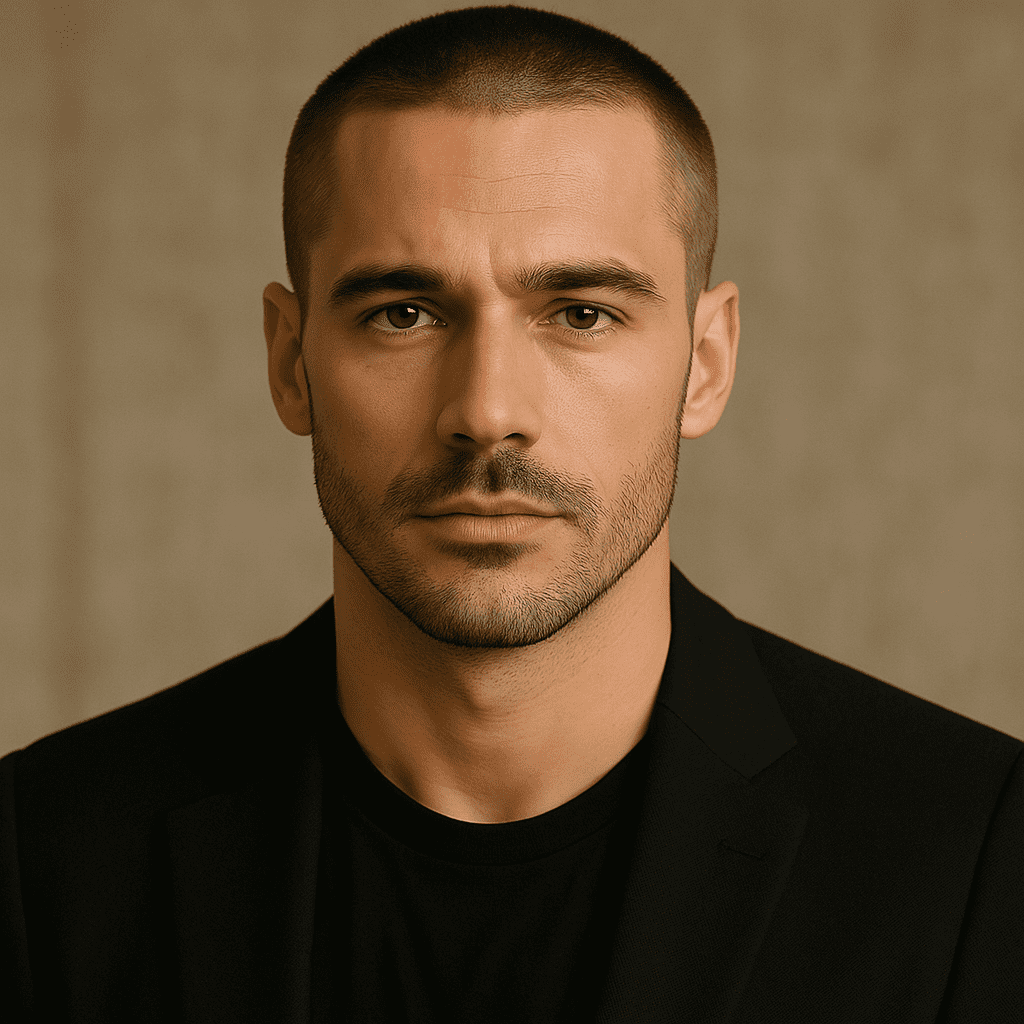
Under the hood, PhotoPrompt uses a cutting-edge multimodal model (based on the GPT-4o architecture) that excels at following your instructions to generate accurate, photorealistic images. This means when you ask it for a “buzz cut hairstyle on a 30-year-old man with a beard,” it understands and produces a pretty darn good image of exactly that. It’s like it has an encyclopedic knowledge of what a buzz cut men style looks like, what a well-groomed beard is, and how to blend them seamlessly.

Versatile Styles & Quality Results
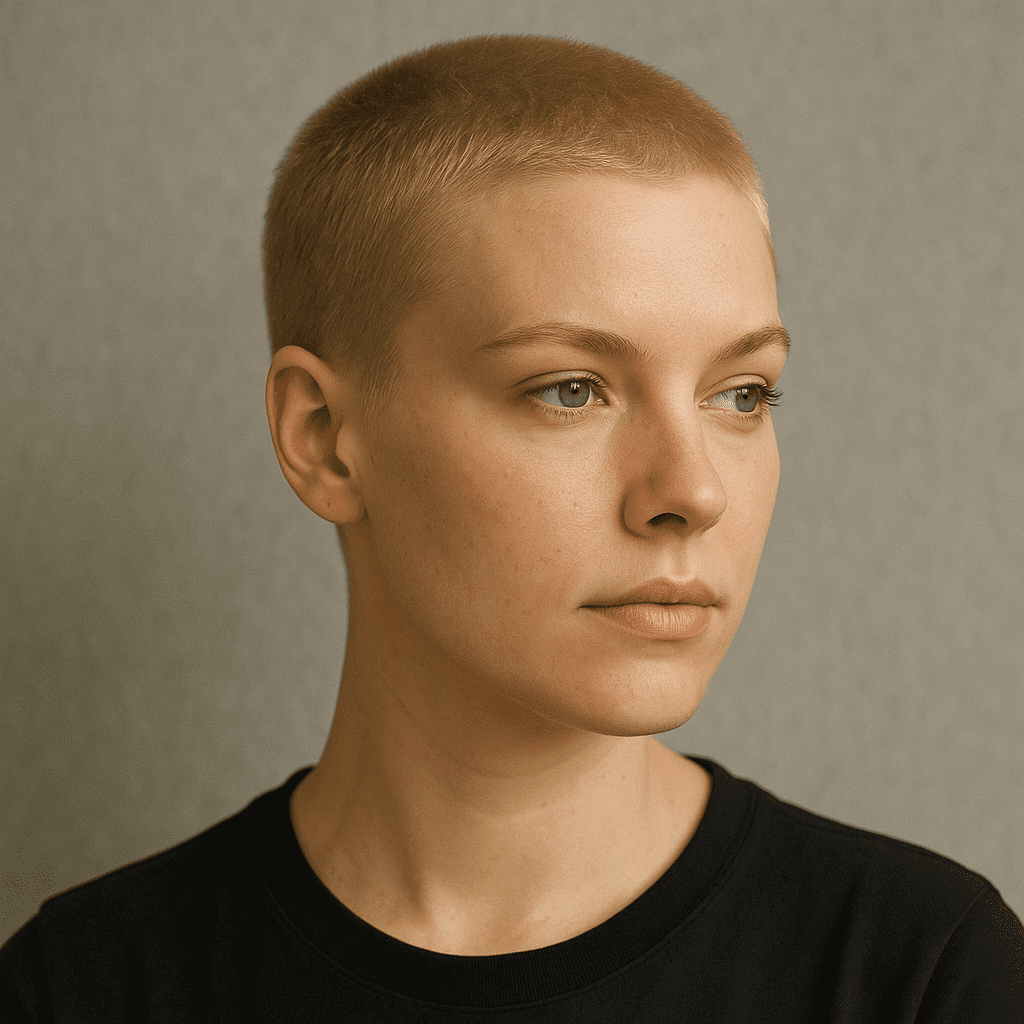
PhotoPrompt isn’t a one-trick pony. It can generate everything from realistic photos to cartoon sketches, and it handles different art styles or lighting like a pro. For our purposes, we’re mostly interested in realistic buzz cut hairstyle images (you want to actually see you with that buzzed head). GPTImage has you covered with high-resolution outputs and sharp details – you might be surprised at how real the AI-generated hair (or lack thereof) looks.
Optional Image Upload (Become the Model)
What sets PhotoPrompt apart from some simple buzz cut filter apps is the ability to use reference images. You can upload a photo of yourself and guide the AI to apply a buzz cut to that specific image. Essentially, you can ask PhotoPrompt to give you (in the photo) a buzz cut. This reference image feature is gold for getting personalized results.
How to Generate Buzz Cut Images with PhotoPrompt (Step-by-Step)
- Visit the PhotoPrompt Website: Head over to the PhotoPrompt platform.
- Enter Your Text Prompt: Describe the image you want to create. For example: “Portrait of a man with a buzz cut fade, looking confident.”
- [Optional] Upload a Reference Image: Upload a photo of yourself to see the buzz cut on your own face.
- Choose Image Settings: Select aspect ratio and style options.
- Hit Generate: Wait for the AI to work its magic.
- Behold Your AI Buzz Cut Image: Check out the results and variations.
- Refine or Try Again: Tweak your prompt if necessary.
- Save Your Masterpiece: Download the final image.
Buzz Cut Styles & Ideas to Try with AI
Classic Induction Buzz Cut
The super-short, no-nonsense buzz given to military recruits. Done with no guard, it's the ultimate "tough guy" look.
Buzz Cut Fade (Low, Mid, High)
Adds a stylish gradient on the sides. Very popular for a modern, clean look.
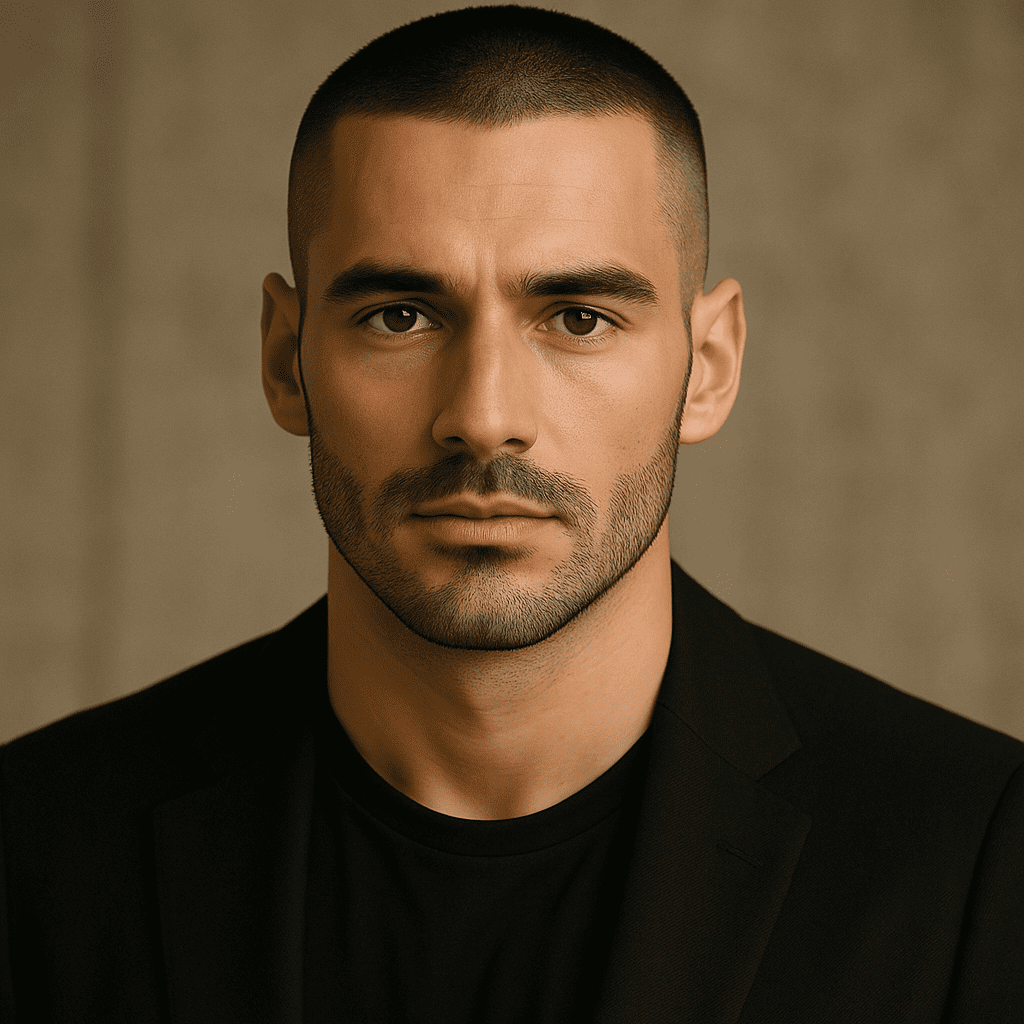
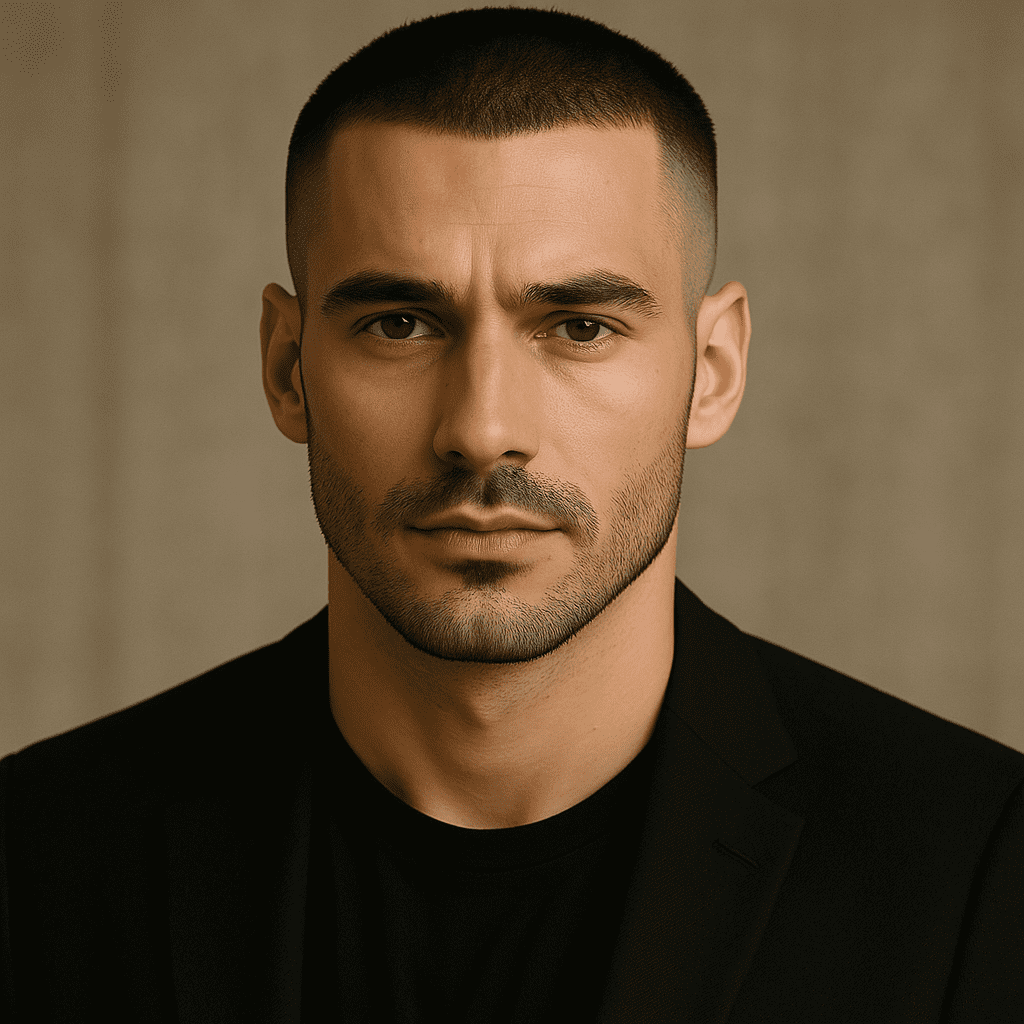
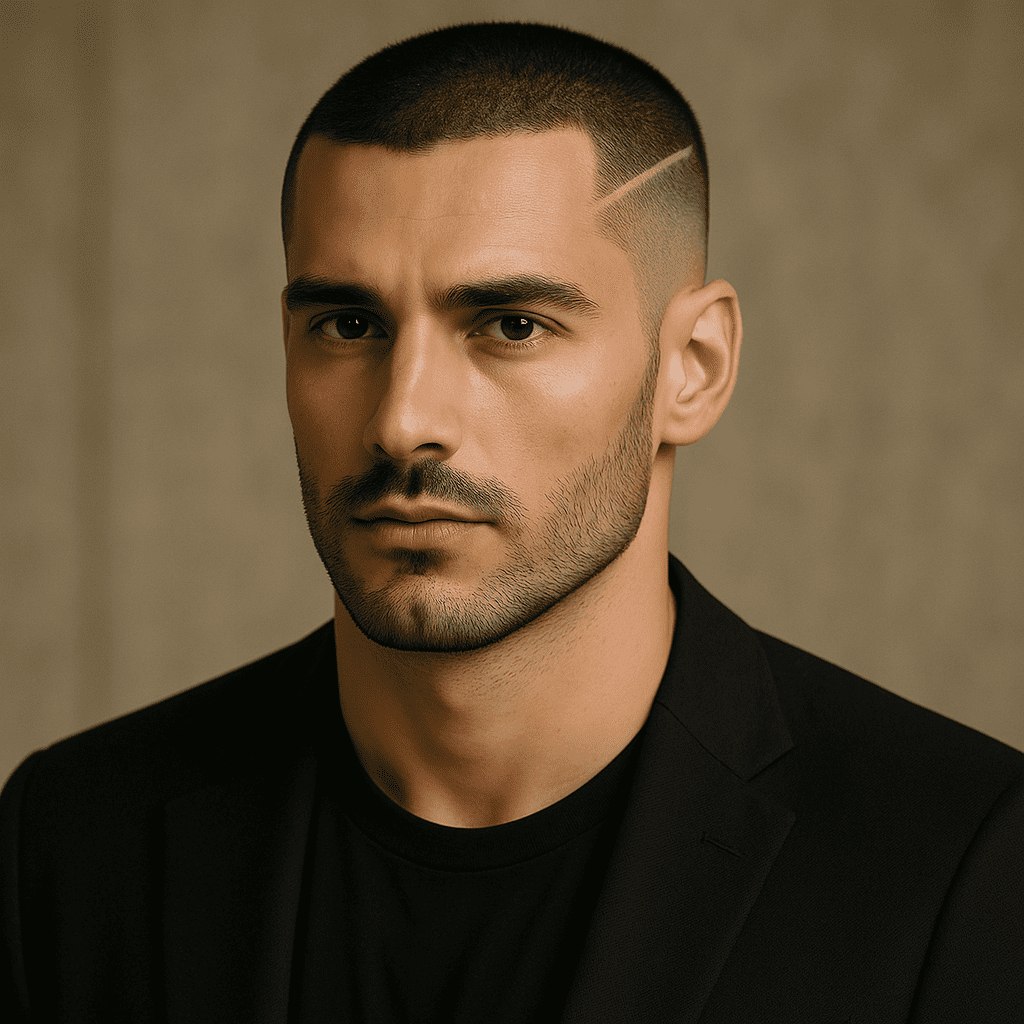
Buzz Cut with Design or Line
Add razor designs like lines or geometric patterns for an edgy, artistic vibe.
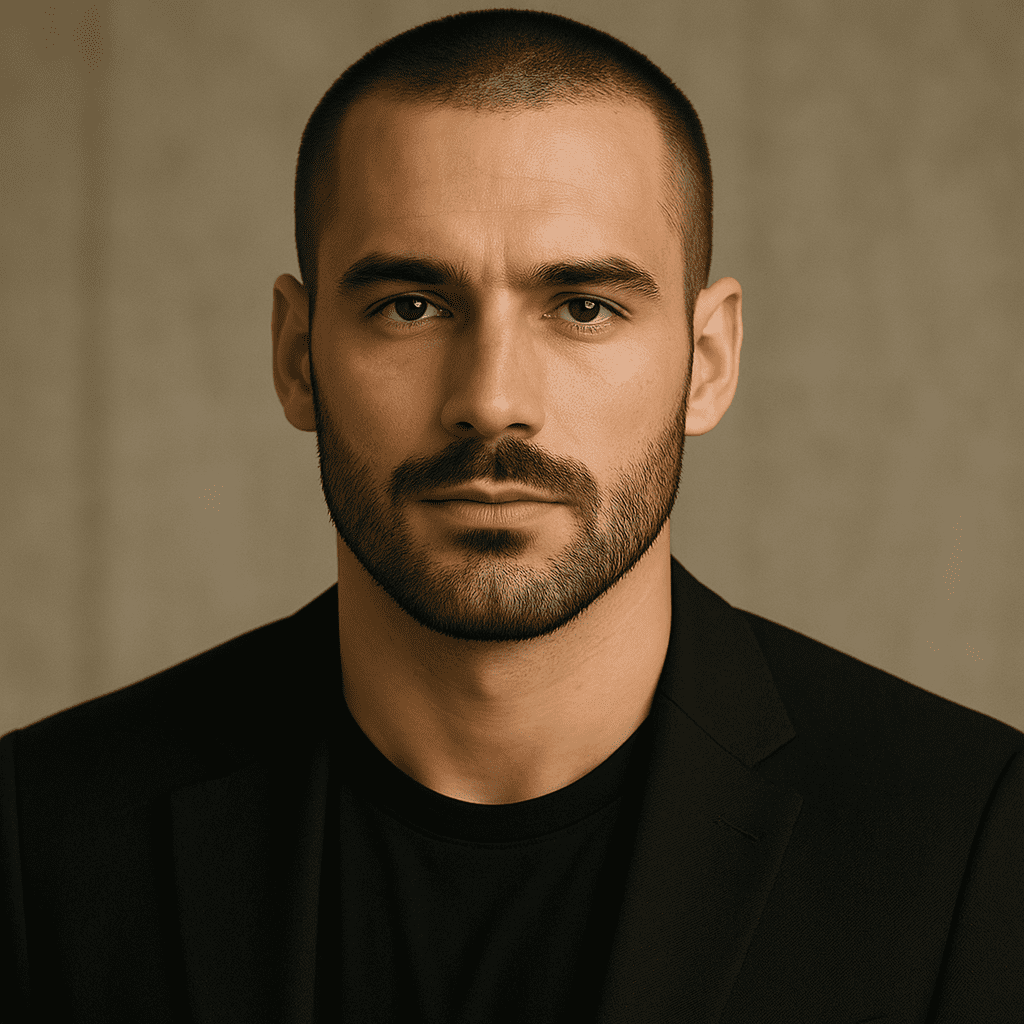
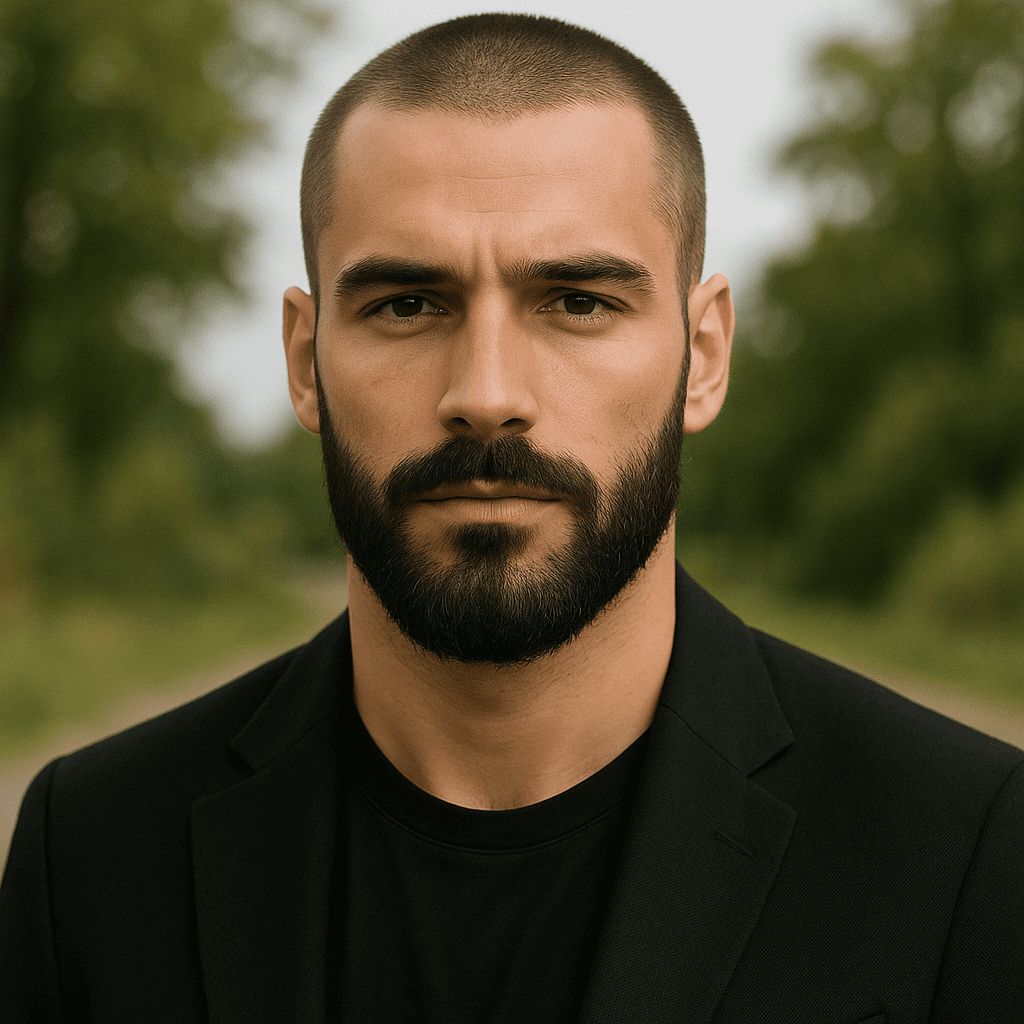
Buzz Cut with Beard Combo
The contrast of a buzzed head and a robust beard is a striking, iconic style statement.
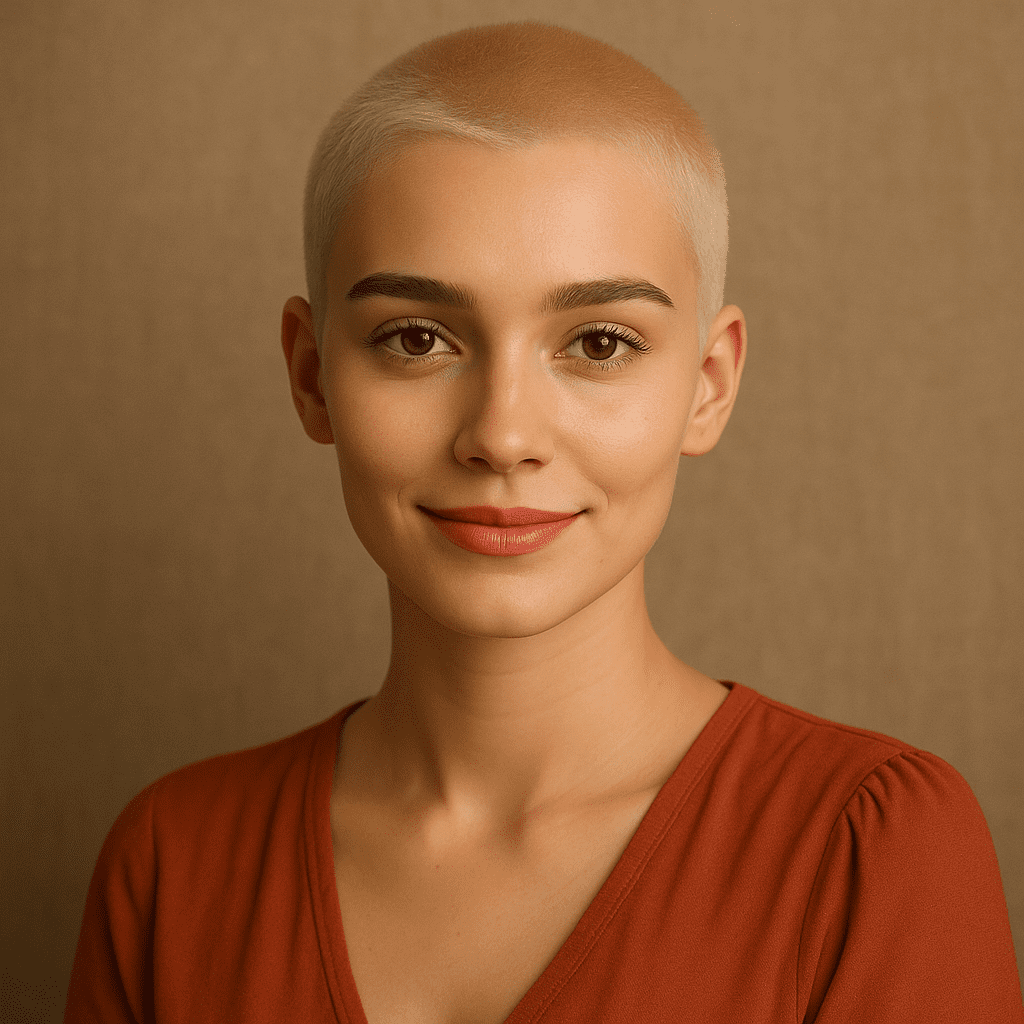
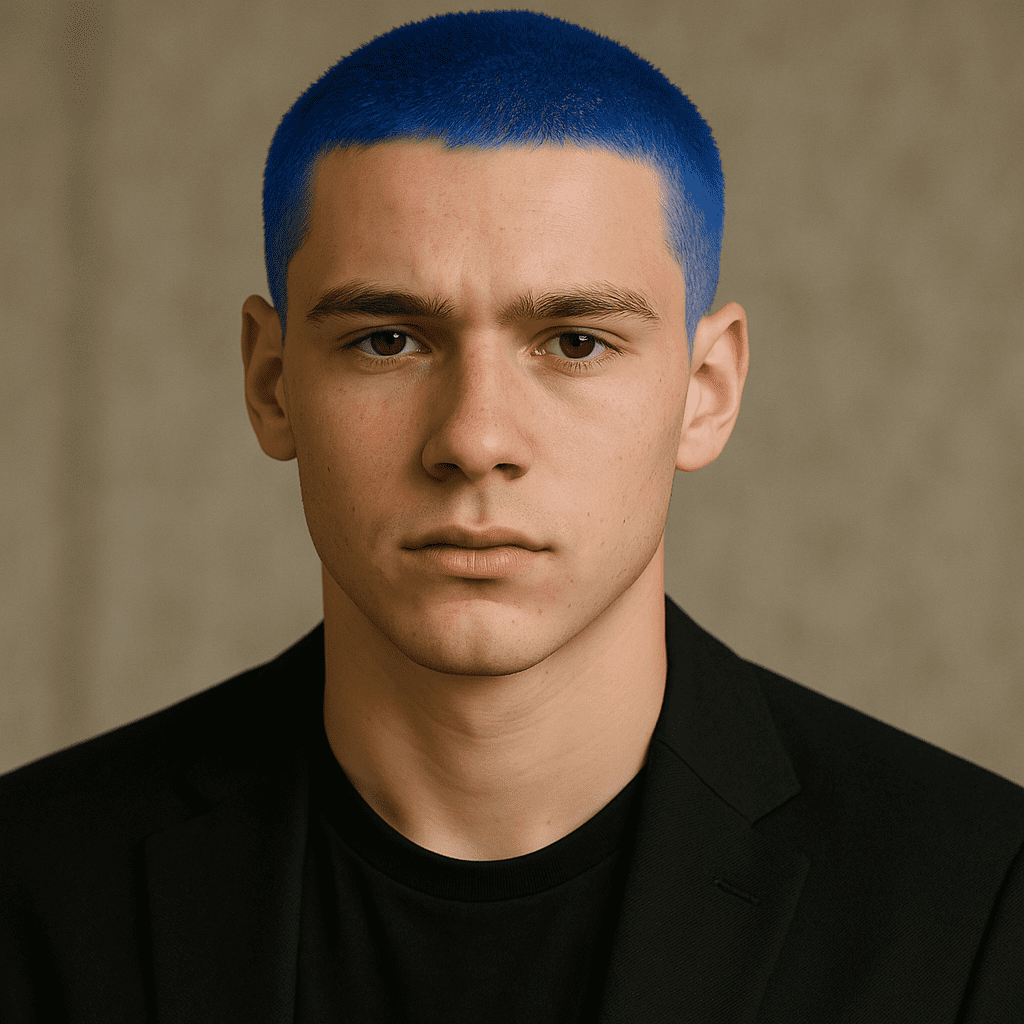
Bleached or Colored Buzz Cut
The short cut is a perfect canvas for bold bleached blonde or vibrant colors.
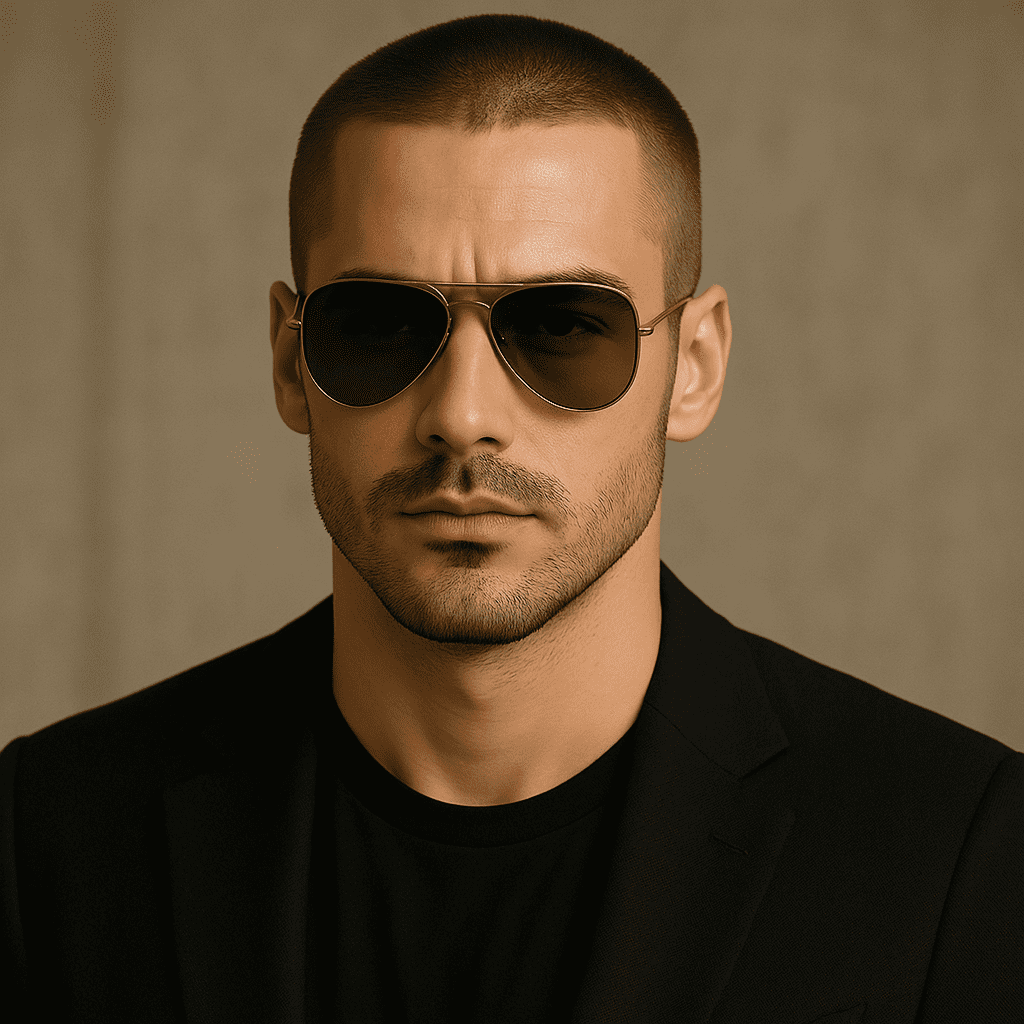
Celebrity Buzz Cut Inspirations
Channel the styles of icons like Brad Pitt or Charlize Theron with AI references.
Tips for the Best AI-Generated Buzz Cut Results
- Use a High-Quality Photo: Clear, well-lit photos work best for reference.
- Mind Your Face and Expression: AI changes the hair, but keeps your face as-is.
- Be Descriptive: Use specific terms like “low fade,” “platinum,” or “guard length.”
- Experiment: Try different styles, colors, and settings to find your perfect look.